By using this website, you agree to our use of cookies (needed to provide our website’s features) and our Terms of Use.
By: Andrew Forrest - May 2026
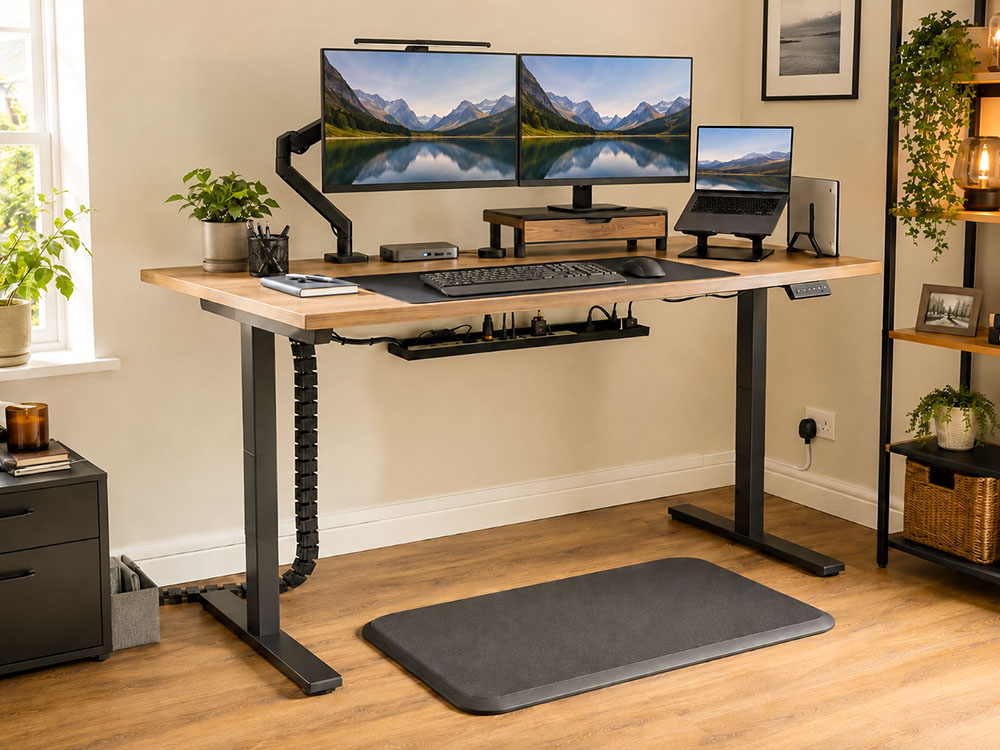
The best standing desk accessories in the UK for 2026: monitor arms, anti-fatigue mats, cable trays/spines, lighting, docks and more.
Upgrade your standing desk with practical accessories that make sitting, standing and home working more comfortable. From monitor arms and anti-fatigue mats to cable management, laptop stands, and USB-C hubs, this guide focuses on the simple additions that make a sit-stand desk easier to use every day.
This page contains affiliate links. As an Amazon Associate, we earn from qualifying Amazon purchases at no additional cost to you. We may also earn commissions from other retailers, again at no additional cost to you.
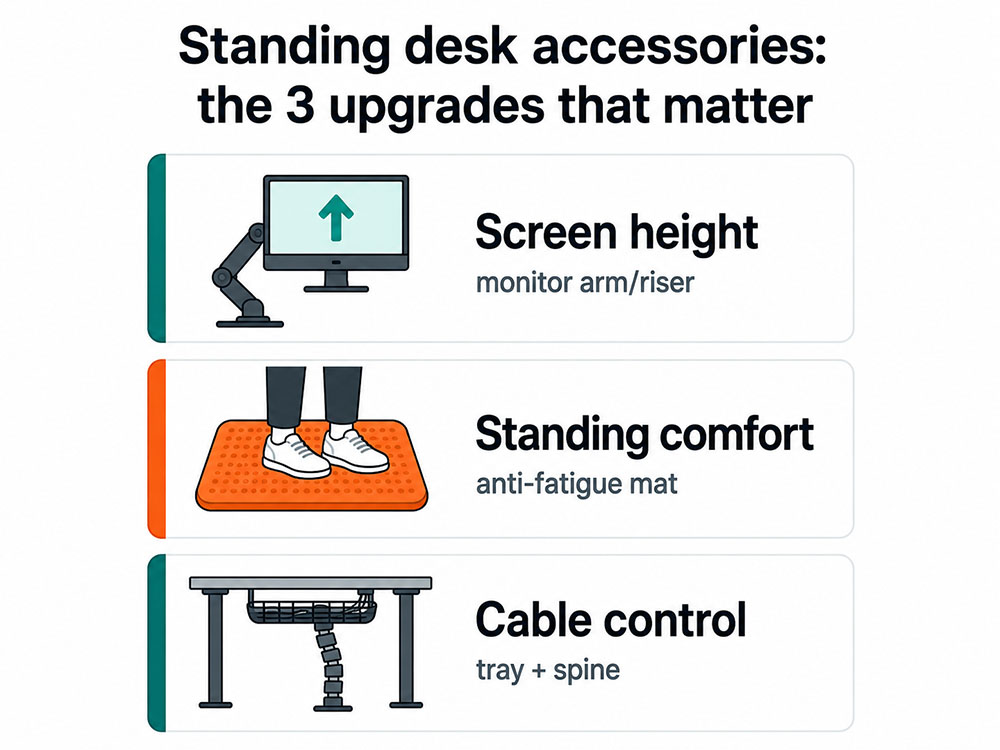
A standing desk is only half the upgrade. The real 'all-day comfort' comes from accessories that solve the three most common problems: screen height, standing fatigue, and cable chaos. If you get that right, your desk will become easier to use. You switch between sitting and standing more smoothly, your workspace stays tidy as the desk rises, and you're far less likely to give up standing because it just feels awkward.
Research on workplace sit-stand interventions shows they can reduce sitting time, particularly when people are supported in using them properly rather than simply being handed a desk. Cochrane's review found that sit-stand desks reduced workplace sitting on average, while the SMArT Work trial found reductions in sitting time and positive changes in some work-related and psychological outcomes.[2] [3] [4]
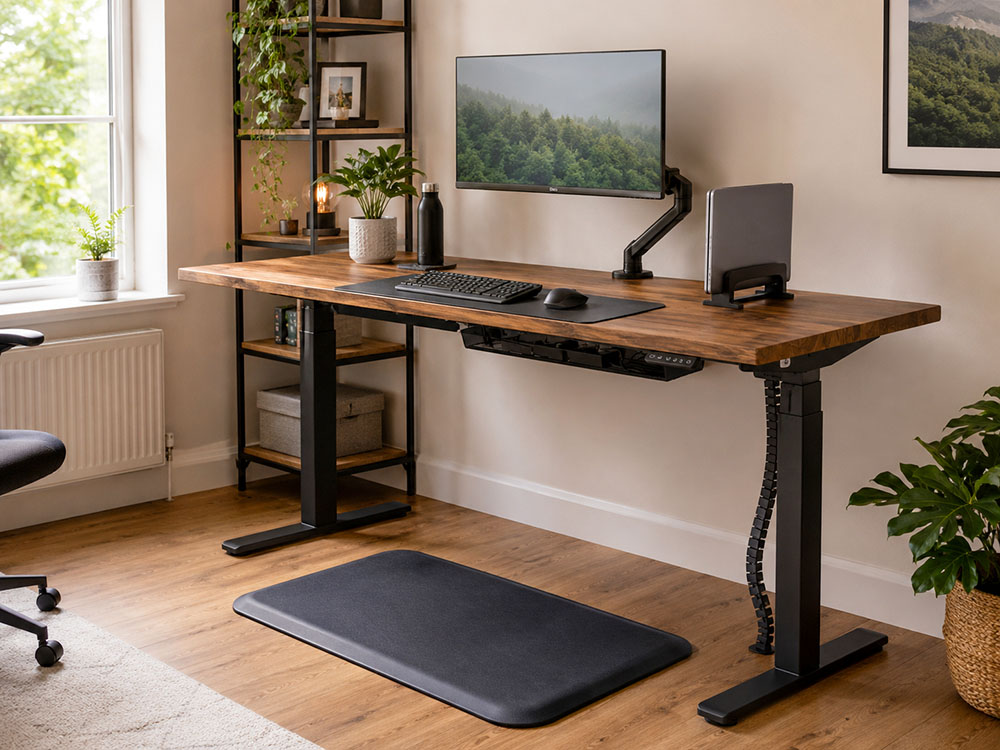
This guide is for home or office workers in the UK who use a sit-stand desk, for anyone building a walking-desk setup with a standing desk and a walking pad, and for anyone dealing with neck strain, foot fatigue, desk wobble or messy cables.
| Category | Product | Best for | Why it made our list |
| Best overall monitor arm | Ergotron LX monitor arm | Premium single-arm setup | Smooth, stable, durable, and a strong pick if you adjust your screen between sitting and standing |
| Best value monitor arm | Invision MX200 single monitor arm | Most home office monitors | Excellent value for typical 19-32-inch monitors with good adjustments |
| Best budget monitor arm | BONTEC single monitor arm | Low-cost screen lift | A simple, affordable monitor arm for standard screens |
| Best monitor riser | BoYata Monitor Stand, Adjustable Metal Monitor Riser | A sturdy, adjustable riser | Lifts the screen and adds a tidy drawer without using a clamp arm |
| Best budget monitor riser | Amazon Basics Rectangular Adjustable desk riser | A simple budget screen lift | A simple, height-adjustable riser with a huge number of reviews, ideal for raising a monitor without adding wobble |
| Best dual monitor riser | FITUEYES dual monitor stand | Two-screen riser setups | Useful if you prefer stable risers over monitor arms for a dual-screen desk |
| Best adjustable laptop stand | Nulaxy adjustable laptop stand | Laptop-as-screen setups | Adjustable and practical for sit-stand height changes |
| Best premium laptop stand | Twelve South Curve laptop stand | Design-led fixed setup | Stable, smart-looking stand for a laptop used with separate keyboard and mouse |
| Best vertical laptop stand | UGREEN vertical laptop stand | Closed-laptop mode | Frees desk space and keeps the laptop upright when used with an external monitor |
| Best cable spine | Ultimate Setup Flexible cable snake | Sit-stand cable control | A flexible cable snake for sit-stand desks that keeps the desk-to-floor cable run tidy as the desk moves |
| Best no-drill cable tray | Tivddikun no-drill cable tray | Power blocks under the desk | A clamp-on tray for holding extension leads and power bricks without drilling |
| Best cable ties | VELCRO Brand cable ties 100 pack | Bundling loose cables | Cheap, reusable and ideal for tidying the last bits of cable mess |
| Best cable sleeve | Amazon Basics cable tidy sleeve | Grouping cable runs | A budget sleeve for turning several visible leads into one cleaner run |
| Best cable trunking | D-Line Mini Cable Trunking | Best for wall/skirting cable runs | Keeps fixed cable routes tidy where cables need to travel from the socket to the desk |
| Best premium anti-fatigue mat | Ergodriven Topo anti-fatigue mat | Active standing | Terrain-style design encourages small foot movements while standing |
| Best value anti-fatigue mat | Duronic DM-MAT2 anti-fatigue mat | Flat standing comfort | A more affordable flat mat with strong reviews and practical dimensions |
| Best budget anti-fatigue mat | Art3d anti-fatigue mat | Low-cost comfort | A cheaper cushioned option for making hard floors easier to stand on |
| Best keyboard tray | VIVO height-adjustable keyboard tray | Height correction | A larger adjustable tray that gives space for keyboard and mouse |
| Best budget keyboard tray | ETHU under-desk keyboard tray | Lower-cost tray option | A clamp-on tray with a good review score and a simpler fit |
| Best footrest | StrongTek rocking footrest | Active foot support | A sturdy rocking footrest that encourages small movements |
| Best value footrest | HUANUO ergonomic footrest | Adjustable seated support | Adjustable, comfortable and much cheaper than premium office footrests |
| Best premium monitor light bar | BenQ ScreenBar Halo 2 | Evening work + polished setup | Premium glare-conscious desk lighting with a strong current review score |
| Best value monitor light bar | Quntis Wireless monitor light bar | Budget lighting upgrade | A much cheaper monitor light bar with a huge review base |
| Best USB-C hub | Anker PowerExpand+ 7-in-1 USB-C hub | Laptop connectivity | A compact hub with charging pass-through, HDMI and Ethernet |
| Best budget USB hub | Anker 4-port USB 3.0 hub | Extra USB ports | A simple, cheap way to add USB-A ports for accessories |
| Best large desk mat | K KNODEL large desk mat | Full desk surface protection | Large and wipes clean |
| Best extended mouse mat | Amazon Basics Rectangular Large Extended Gaming Computer Mouse Pad | A low-cost keyboard and mouse mat | A low-cost, full keyboard-and-mouse mat with a smooth cloth surface and non-slip rubber base |
| Best mounted under-desk drawer | VIVO 13-inch under-desk drawer | Screw-mounted storage | A more secure pull-out drawer for small office items |
| Best clamp-on under-desk drawer | ROLIZOE clamp-on under-desk drawers | No-drill storage | A clamp-on drawer option that replaces the unavailable drawer from the earlier draft |
| Best adhesive under-desk drawer | ENONCI self-adhesive under-desk drawer | Lightweight budget storage | Easy to install and better suited to small, light items. |
Why they matter: Your screen position determines your head and neck posture throughout the day. HSE's DSE posture guidance recommends that the top of the screen be at eye level, roughly an arm's length away, with shoulders relaxed.[1]
 |
 |
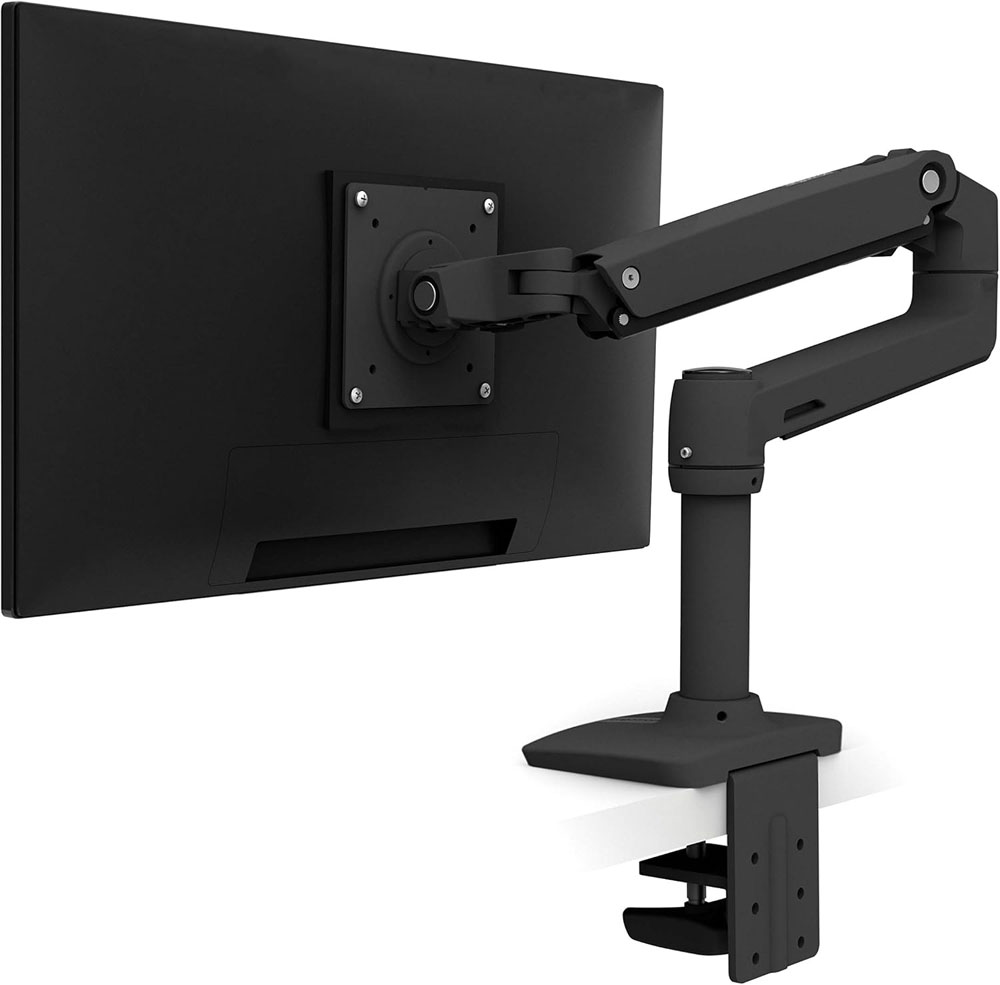
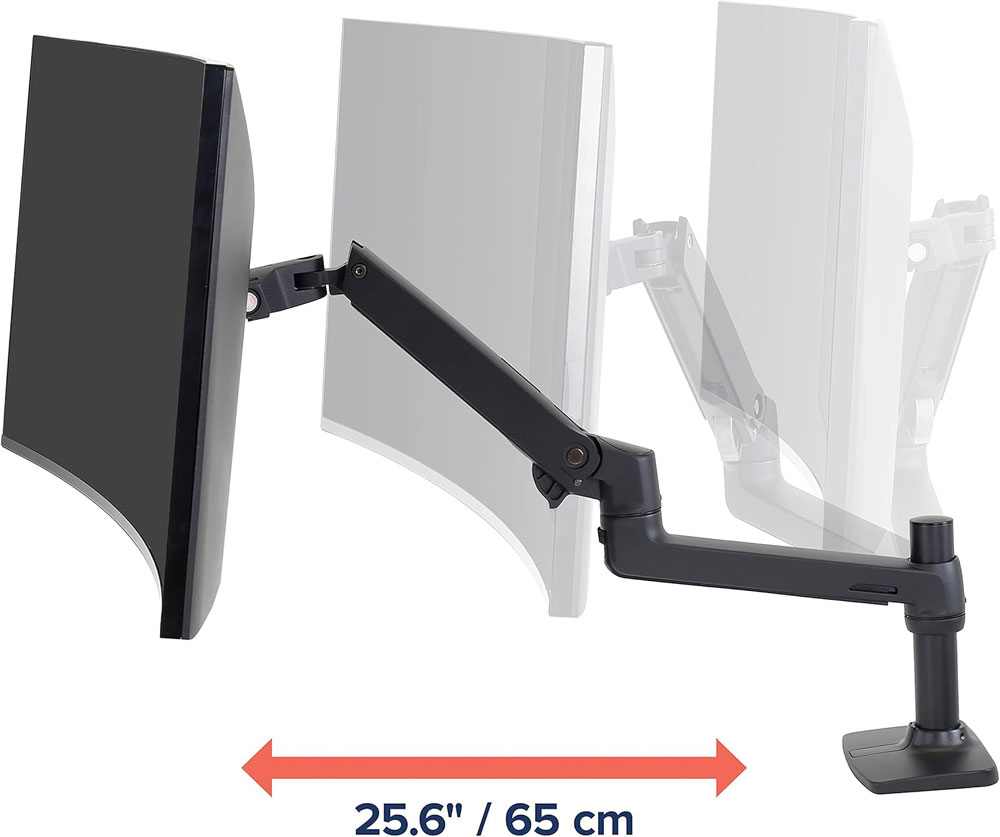
The Ergotron LX is the premium 'buy once' monitor arm for us if you adjust your screen regularly. It is the kind of arm that makes a standing desk feel more polished because the screen moves smoothly and stays put. It is not the cheapest option, but I found it to be very stable, which really matters at standing height. If you use a walking pad under your desk, a solid monitor arm becomes even more important because any wobble is more noticeable.
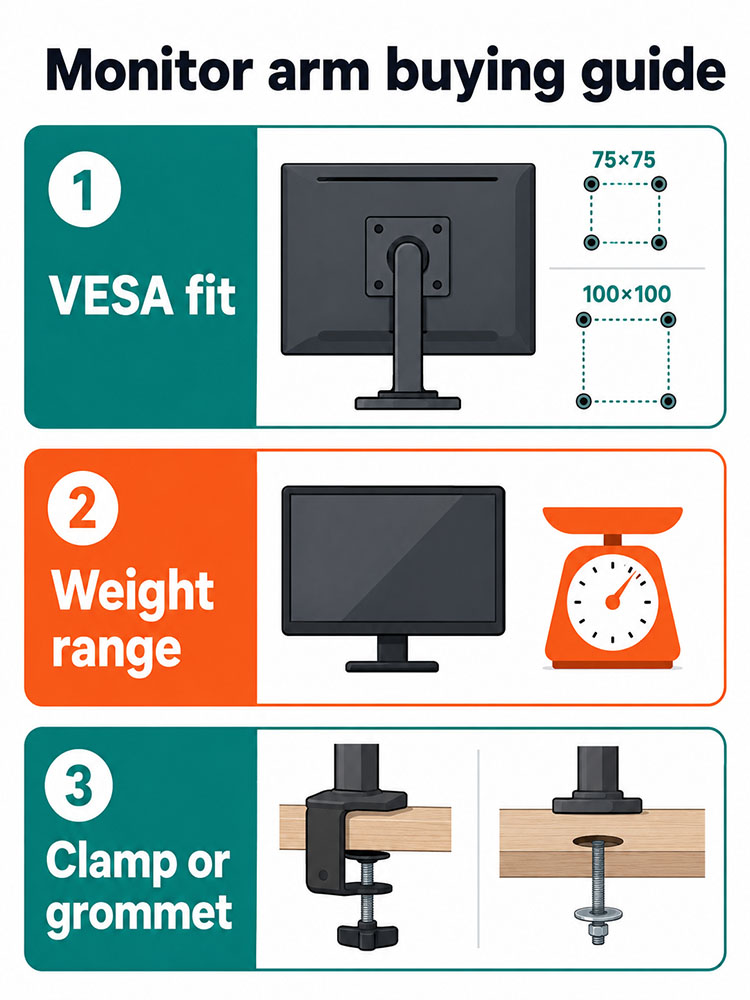
Compatible with both VESA patterns 75×75 mm and 100×100 mm, available in many sizes, and supports up to 2 monitors. It offers 360 degrees of rotation and 75 degrees of tilt, with built-in cable management.
Why we chose: Best for people who want a long-term, stable single- or dual-monitor setup rather than the cheapest arm on the market.
|
|
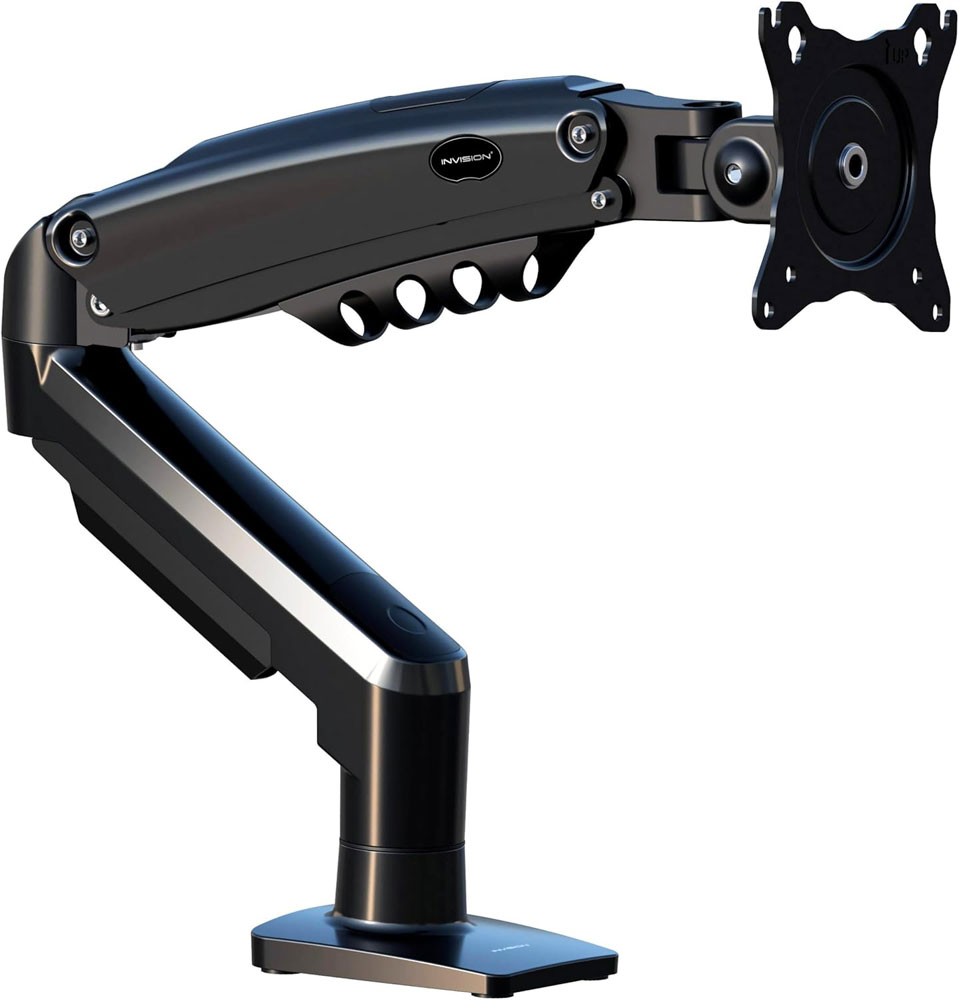
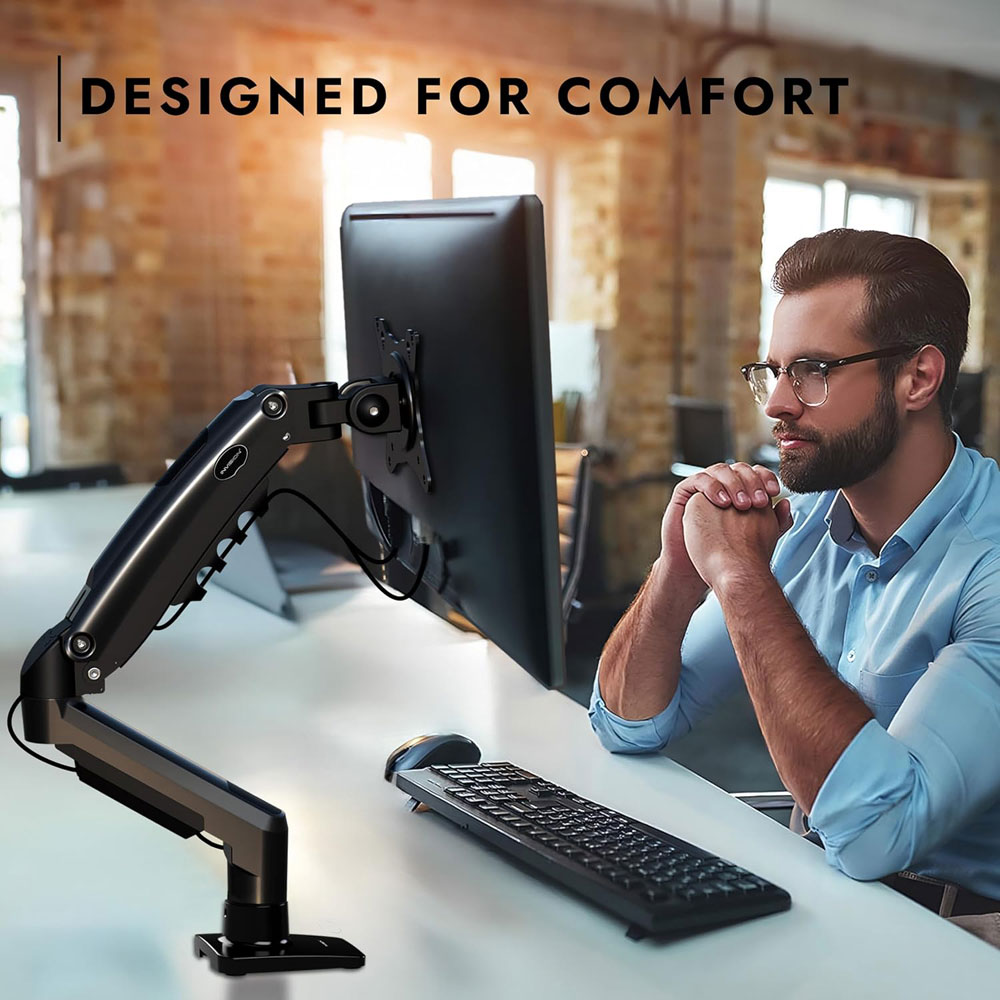
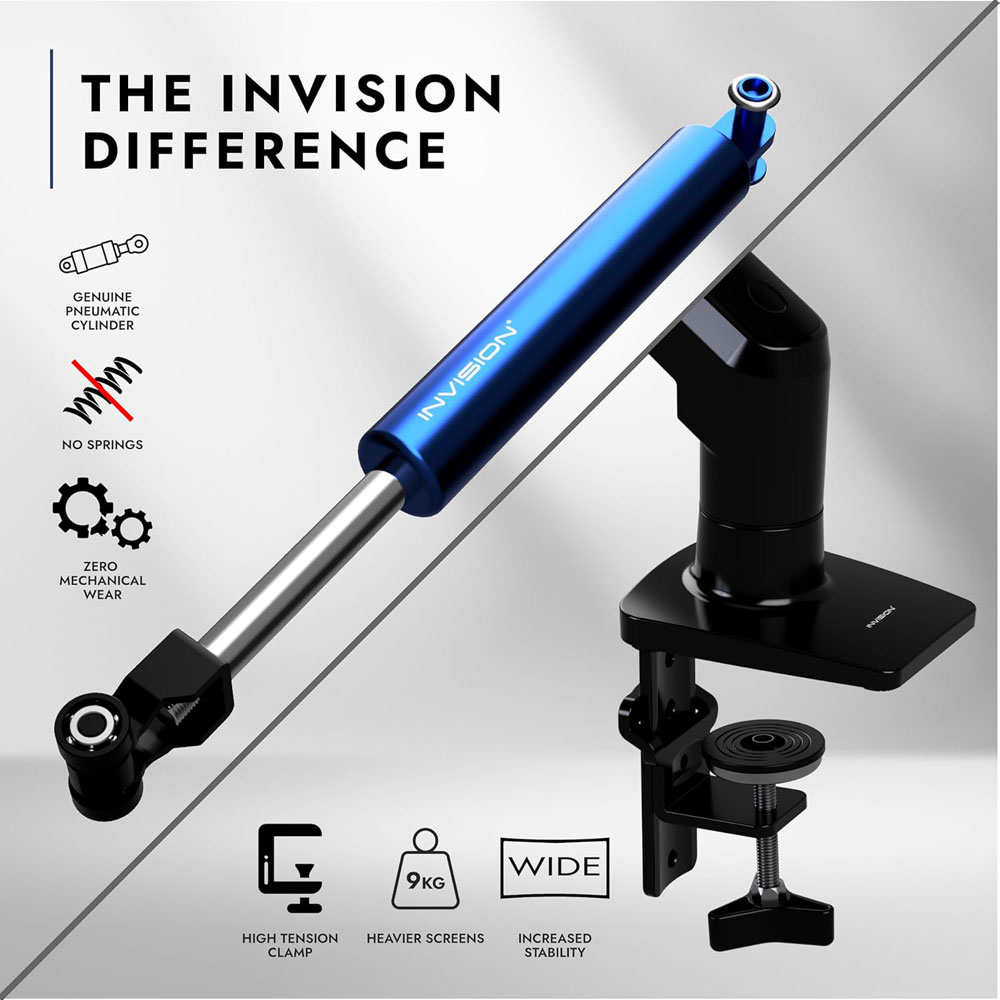
The Invision MX200 is the value monitor arm I would choose for most standard home office screens. It does the important job well: lifting the monitor to a better height, freeing desk space and giving you enough adjustment to switch between sitting and standing without constantly fighting the screen's position. It does not feel like a luxury arm in the same way as the Ergotron LX, but for many people, it will be more than enough.
It is designed for 19- to 32-inch screens, supports monitors weighing 2kg to 9kg, and uses the common VESA 75×75 mm and 100×100 mm patterns. It includes desk-clamp mounting and tool-free height adjustment, as well as tilt, swivel, and rotation, providing all the core movements you need for a typical sit-stand desk setup.
Why we chose: Best for most people who want a proper adjustable monitor arm at a sensible price.
|
|
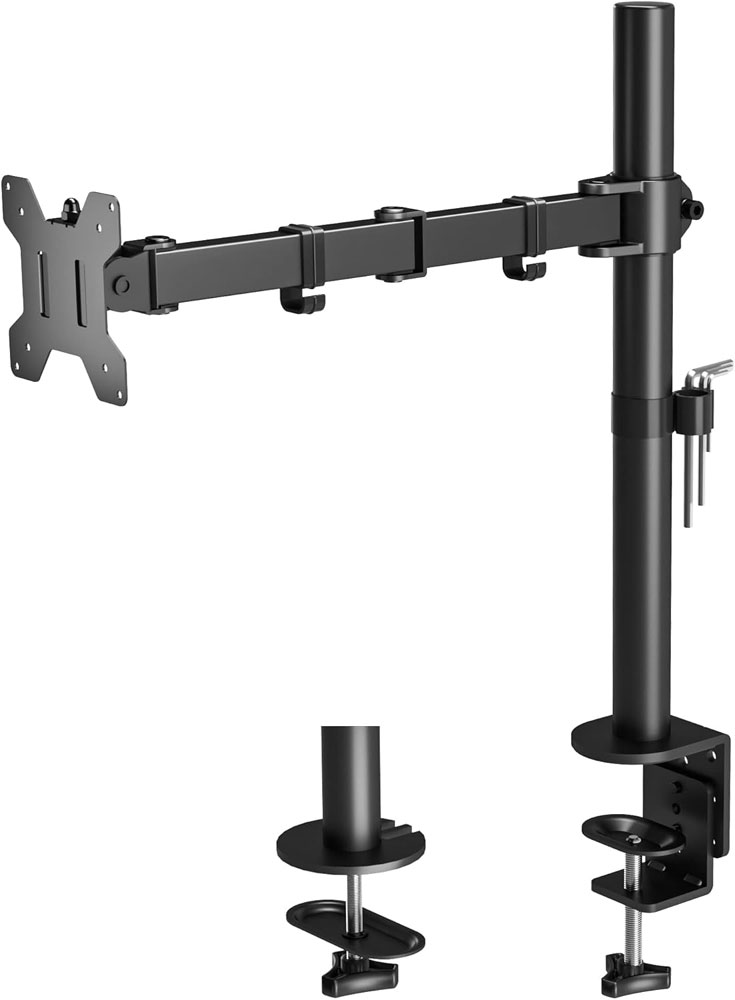
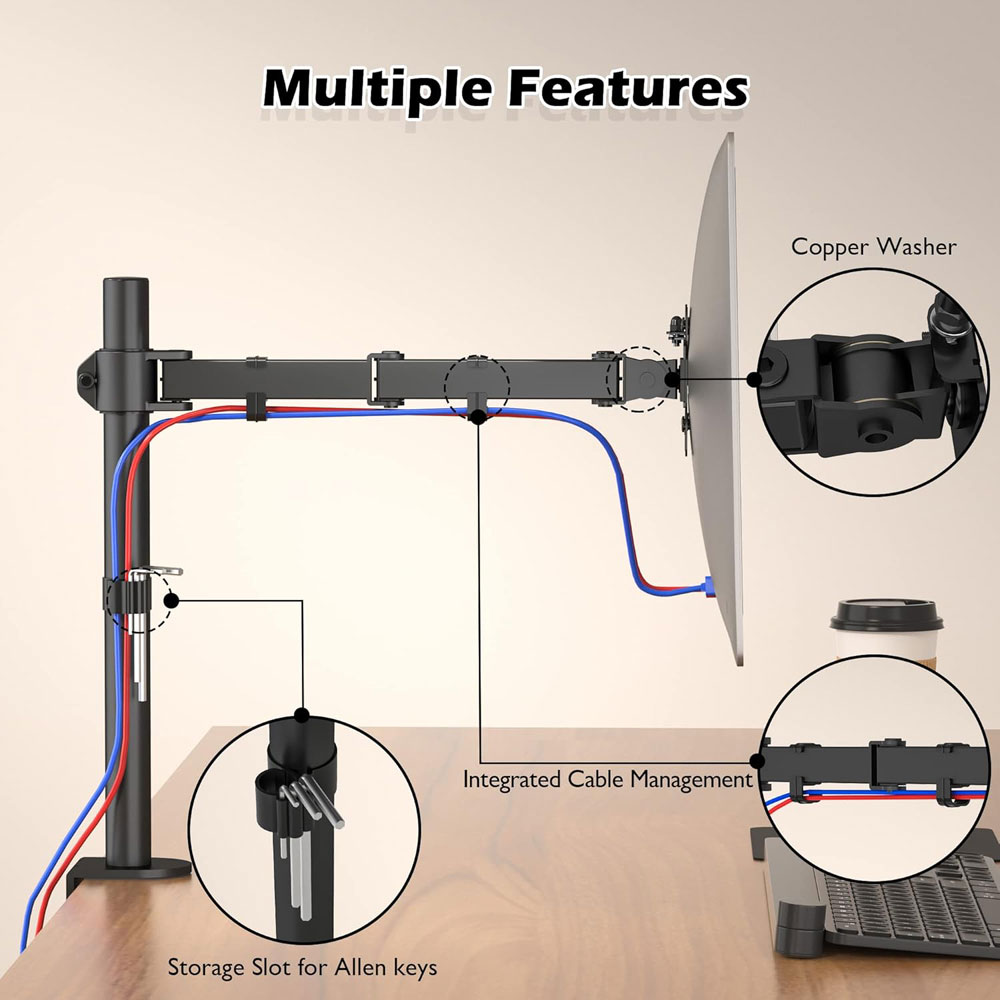
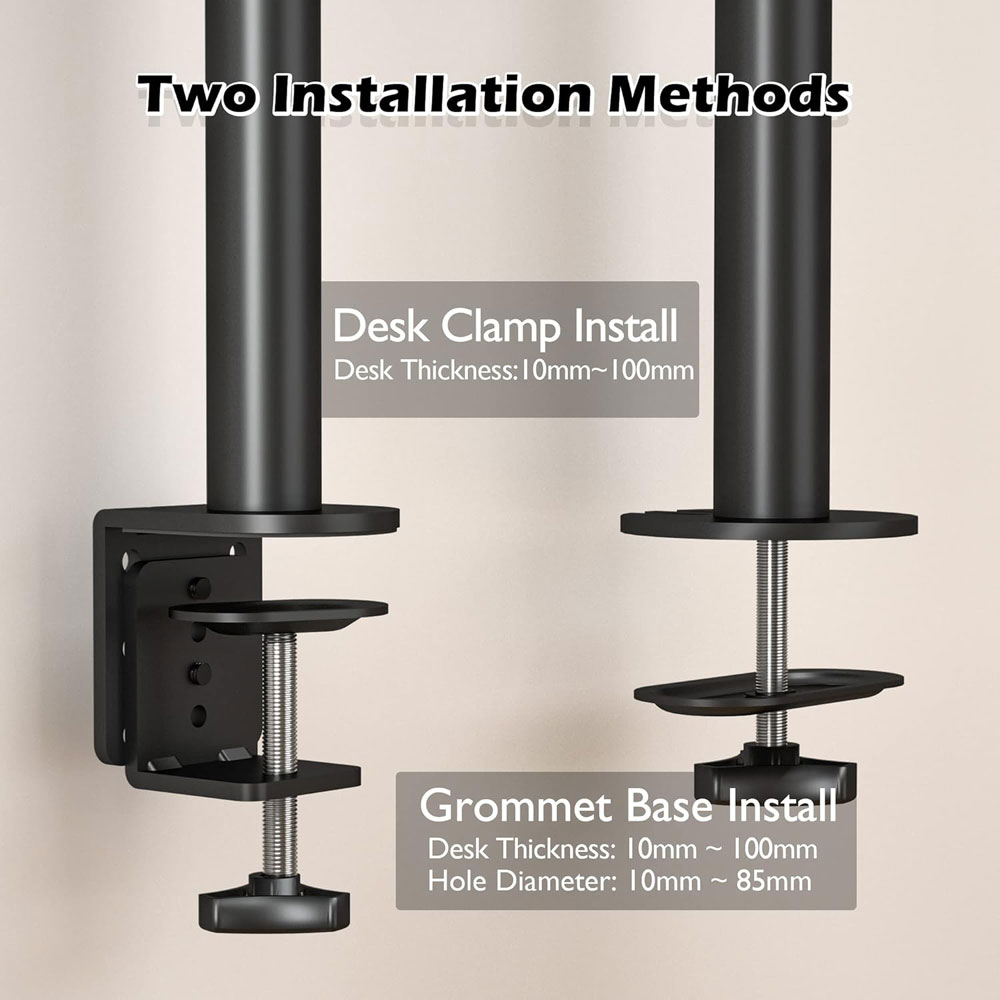
The BONTEC single monitor arm is the budget option if you want to get the monitor off the desk without spending too much. It is not as refined as the more expensive arms, but it still offers a key benefit: more desk space and a screen that sits closer to eye level. For a standard monitor on a home-office desk, it is a practical, low-cost upgrade.
It fits 13- to 32-inch screens, supports up to 10kg, and uses VESA 75×75 mm and 100×100 mm mounting. It also includes height adjustment, tilt, swivel, and 360-degree rotation, so you still get the basic ergonomic movements that matter. As a budget pick, I'd mainly use it with standard-size screens rather than a large, expensive ultrawide.
Why we chose: Best for a low-cost monitor lift that still offers proper VESA mounting, tilt, swivel and rotation.
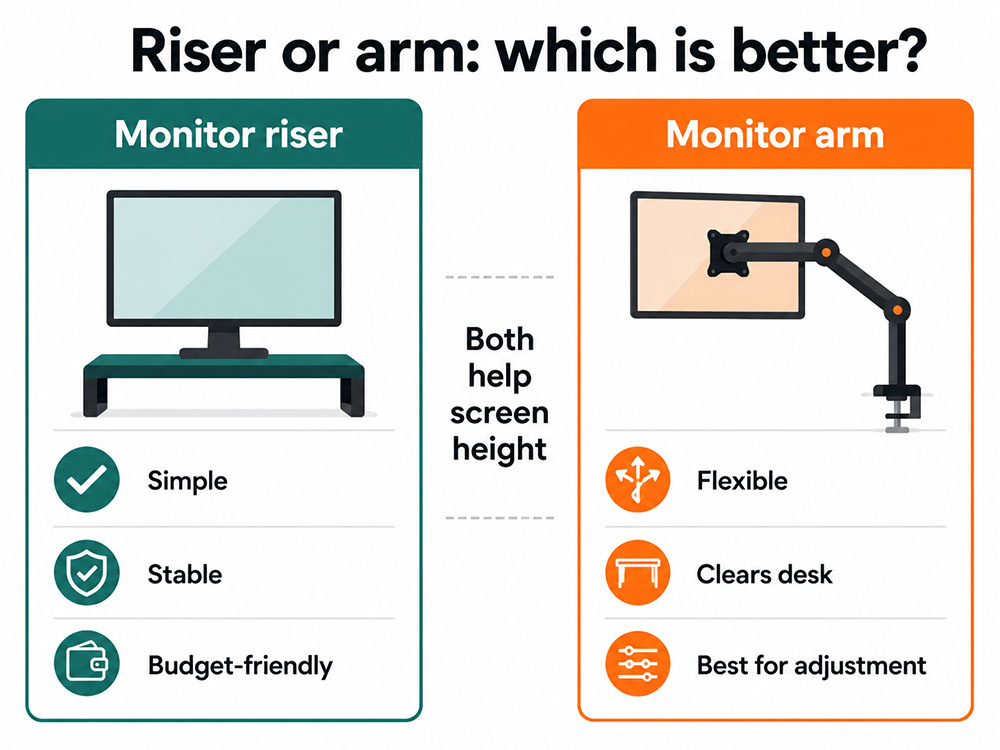
Why they matter: A monitor riser lifts the screen without the added leverage of a monitor arm. That makes it useful for desks that wobble, heavier screens, or simple 'set and forget' setups. I often find risers steadier than monitor arms when a walking pad is under the desk.
|
|
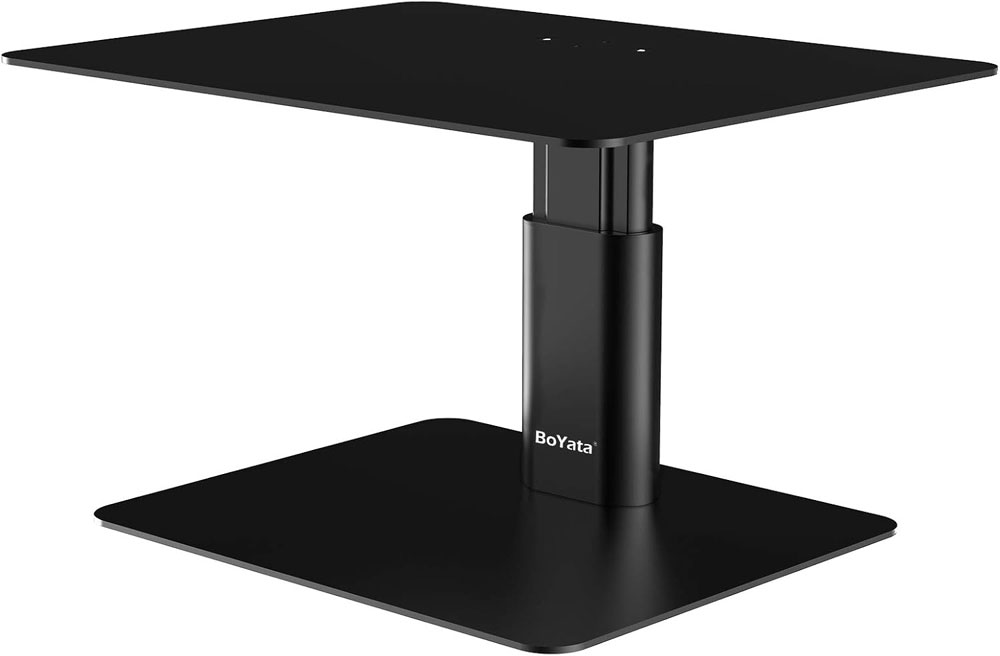
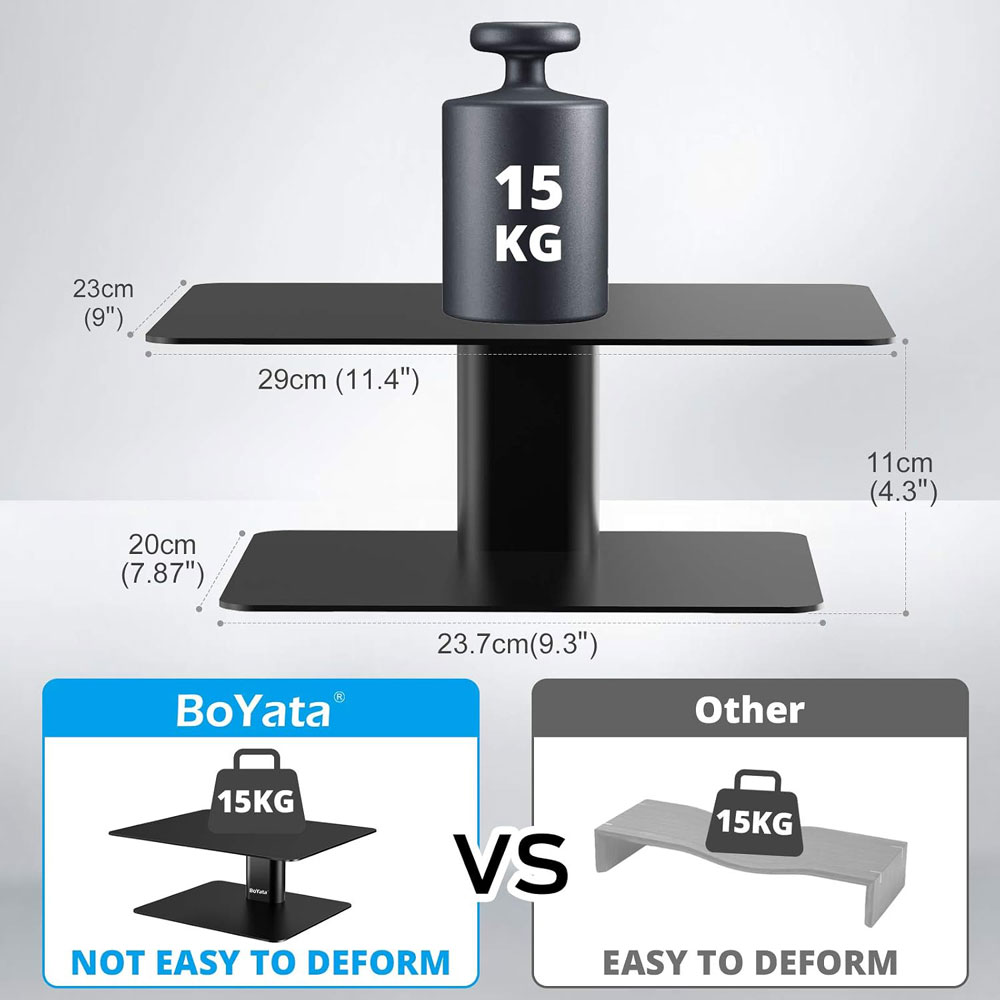
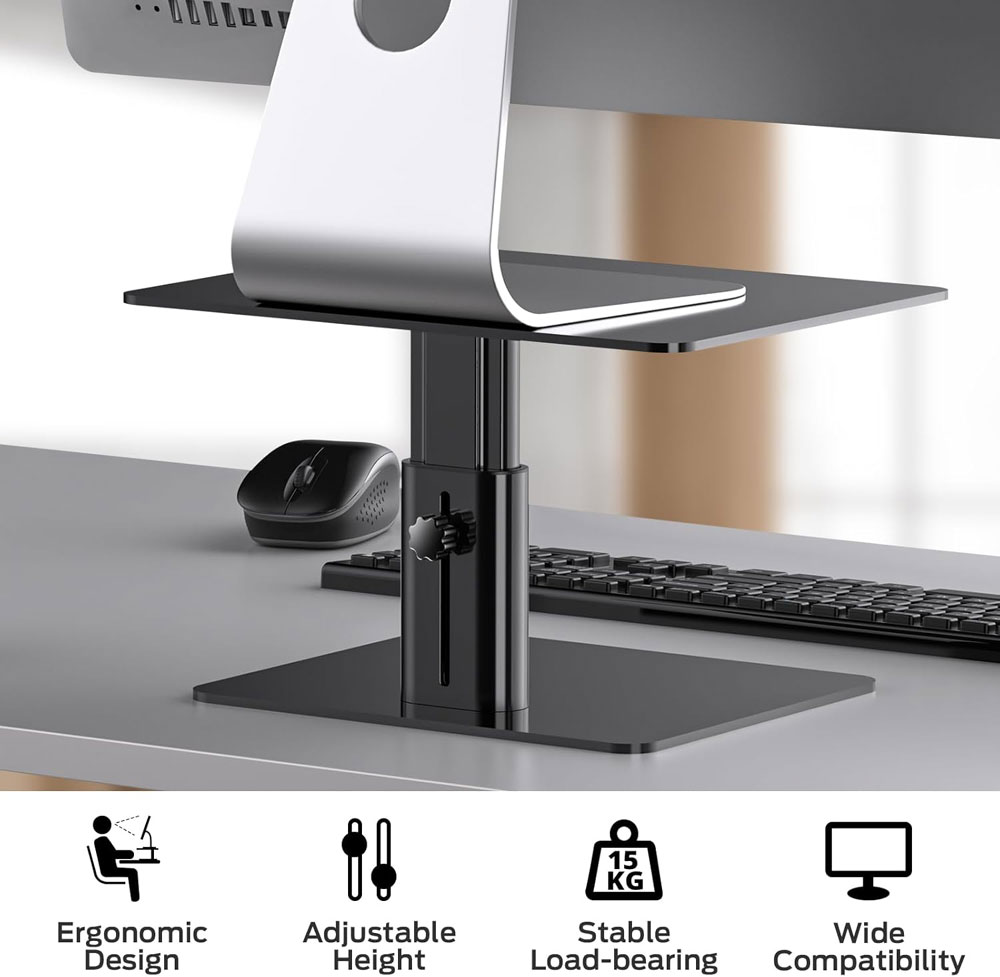
The BoYata Adjustable Metal Monitor Stand is a much stronger-looking riser than a basic plastic platform. I'd use this where you want the monitor lifted but don't want the potential wobble or clamp issues of a monitor arm. It is especially useful on a standing desk where stability matters, and it gives you a neat bit of open space underneath for a keyboard, notebook or small desk accessories.
It has a metal build, adjustable height, weighs 2.68kg, and measures 23.6 × 20 × 10.9cm. It is suitable for monitors, laptops, TVs, PCs, iMacs, and other displays, and the height-adjustment button makes it more flexible than a fixed riser.
Why we chose: Best for a sturdy, adjustable monitor riser that feels more substantial than a basic budget stand.
|
|
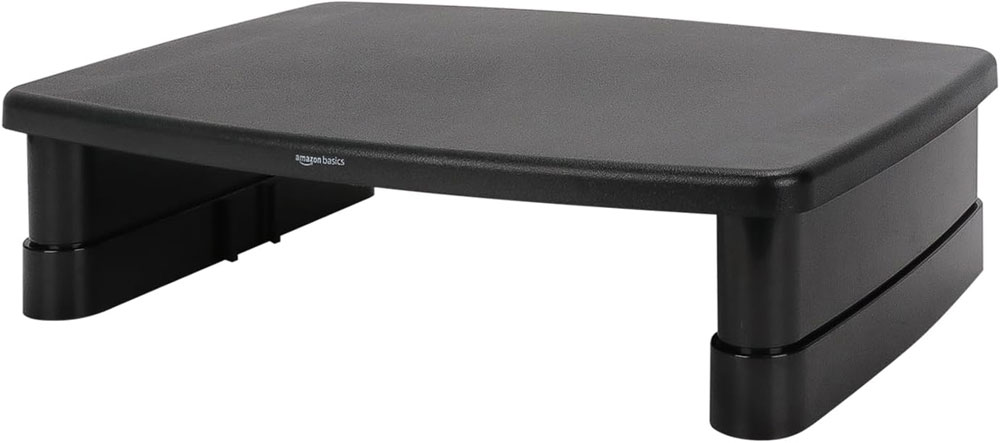
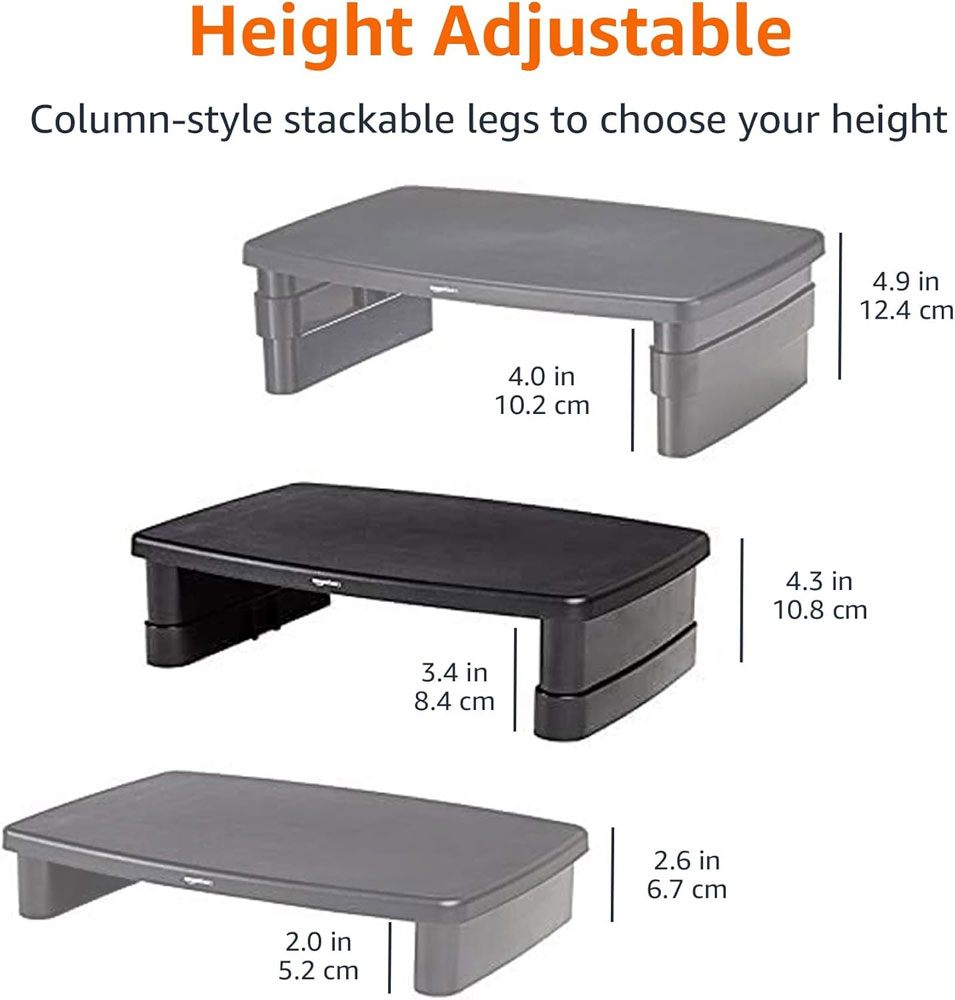
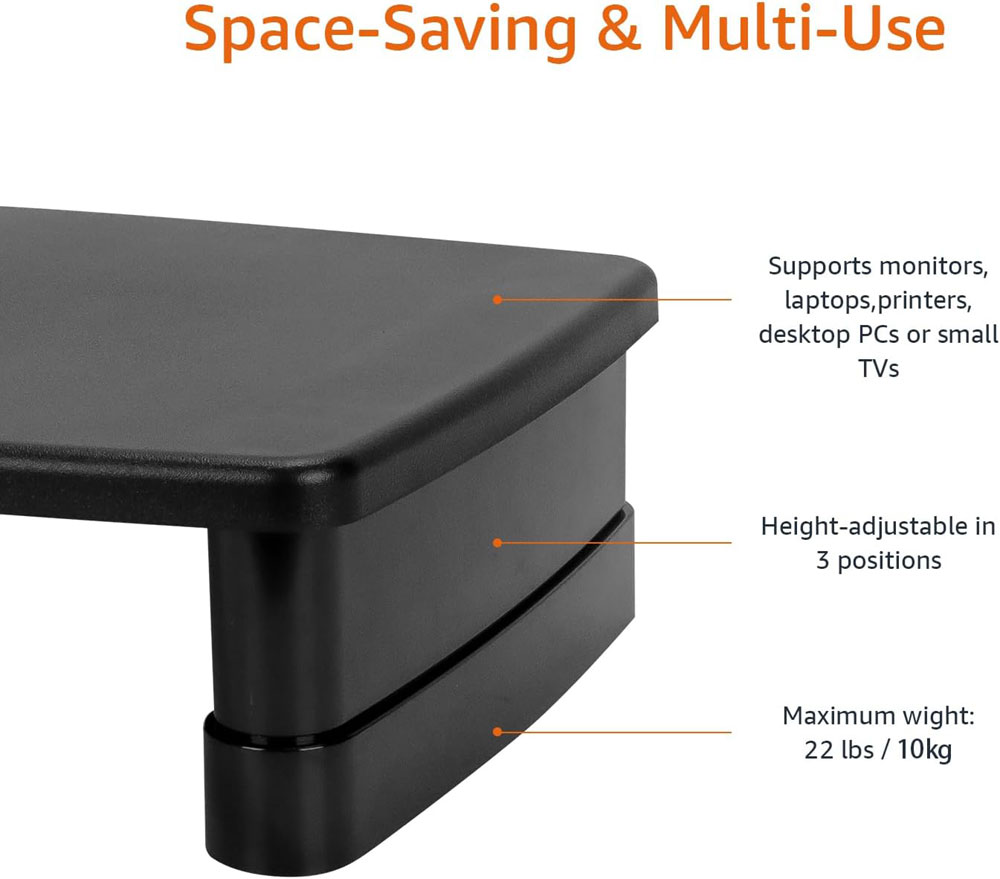
The Amazon Basics Rectangular Adjustable Computer Monitor Riser is the simple budget choice if you just need to lift a monitor or laptop a few centimetres. It is not as polished as the BoYata, but it is inexpensive, widely bought and very easy to understand. For a smaller desk or a basic home office setup, this is the kind of accessory that quickly solves the screen-height problem.
It has three height options: 7.3 cm, 10.8 cm and 12.4 cm. It is made of ABS plastic, has non-slip feet, supports up to 10kg, and provides storage space underneath the stand. As usual with budget picks, I found it by looking for a big seller on Amazon with decent reviews, and this certainly met that criteria, with Amazon currently showing 4.6 out of 5 from over 24,000 ratings.
Why we chose: Best for a simple, low-cost screen lift with adjustable height.
|
|
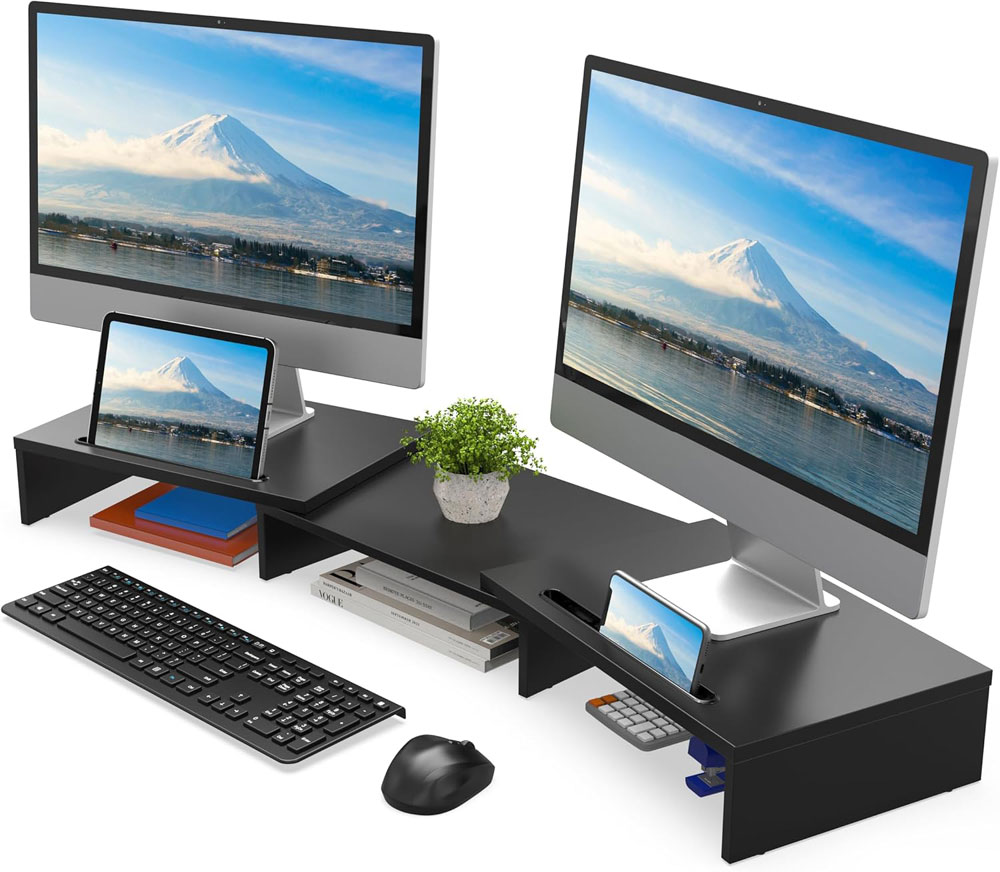
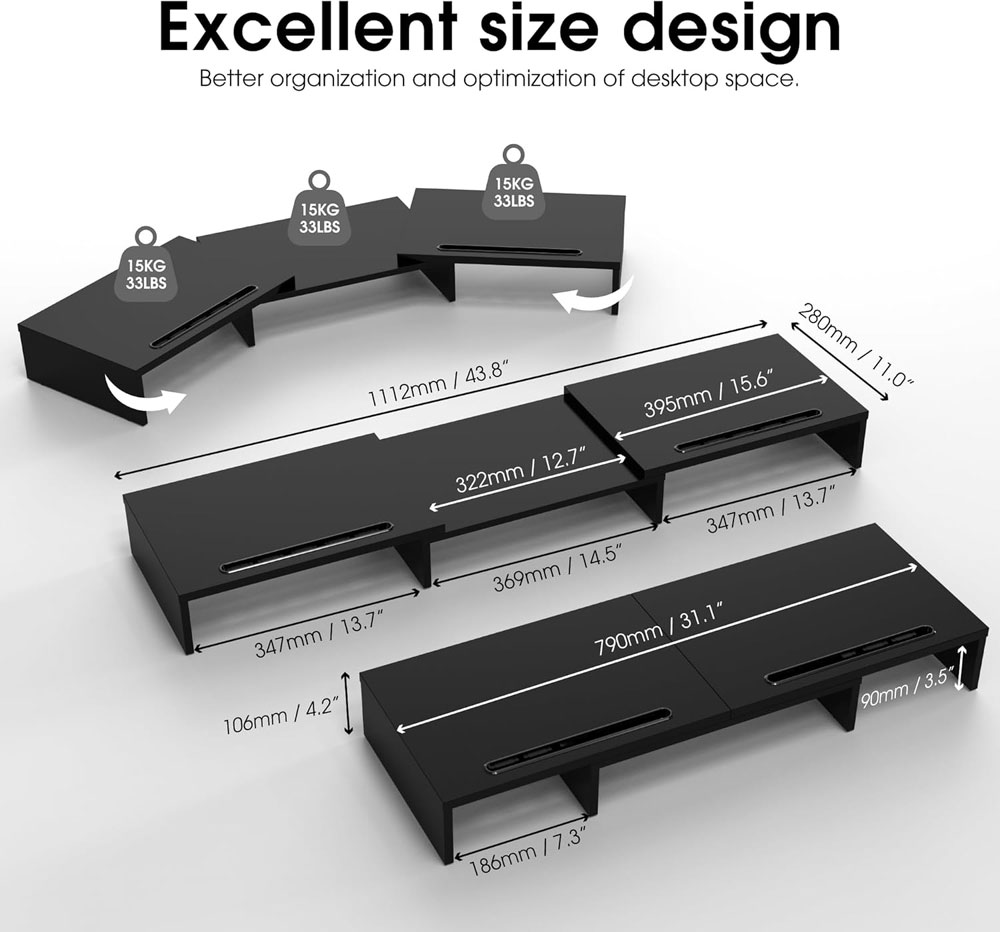
The FITUEYES dual-monitor stand is for people who use two screens but do not want to clamp dual-monitor arms to the desk. I like this idea for standing desks that wobble slightly at height, because spreading the weight across the desktop can feel steadier than mounting both monitors at a single point. It also keeps the layout simple and predictable.
It is a 3-shelf, length-adjustable dual-monitor riser with two extra phone holders and a listed maximum load of 25 kg. It has a swivel, length-adjustable design, making it better suited to wider desks with enough space for a fixed dual-screen layout.
Why we chose: Best for dual-screen users who want a stable desktop riser rather than dual-monitor arms.
Why they matter: A laptop flat on the desk usually forces a 'head-down' posture. A stand lifts the screen, but the best results come when you also use an external keyboard and mouse.
|
|
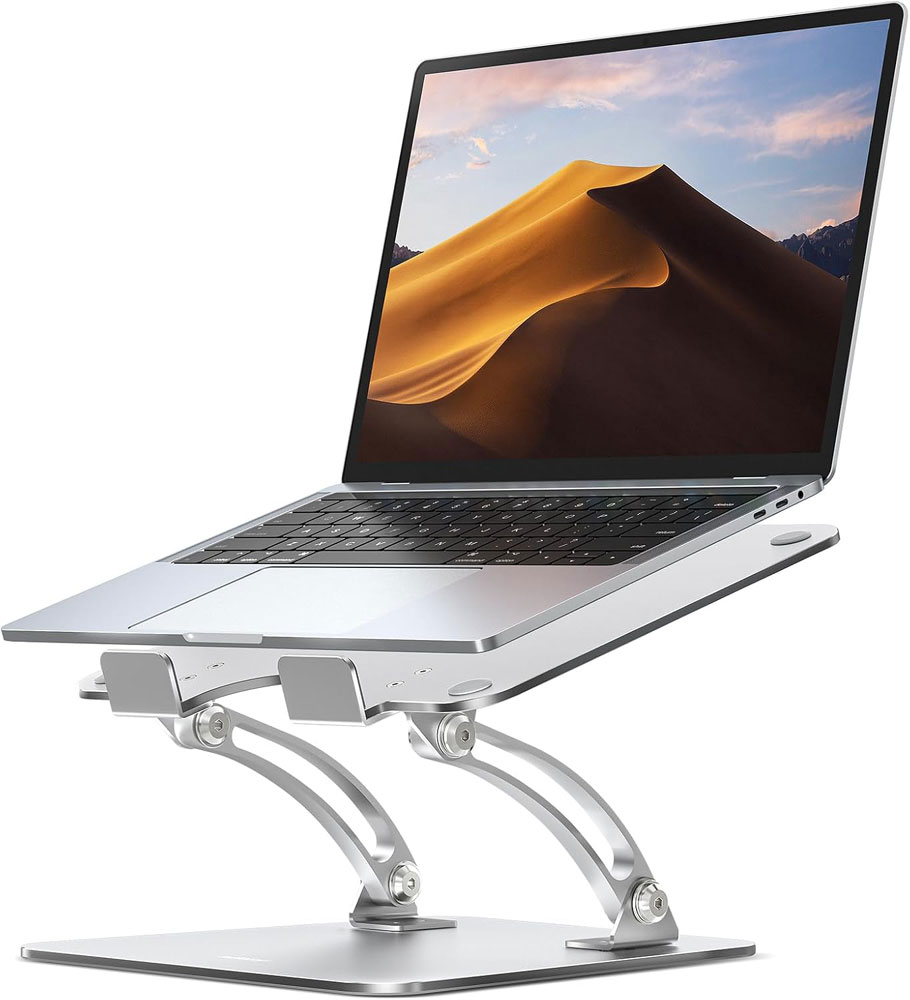
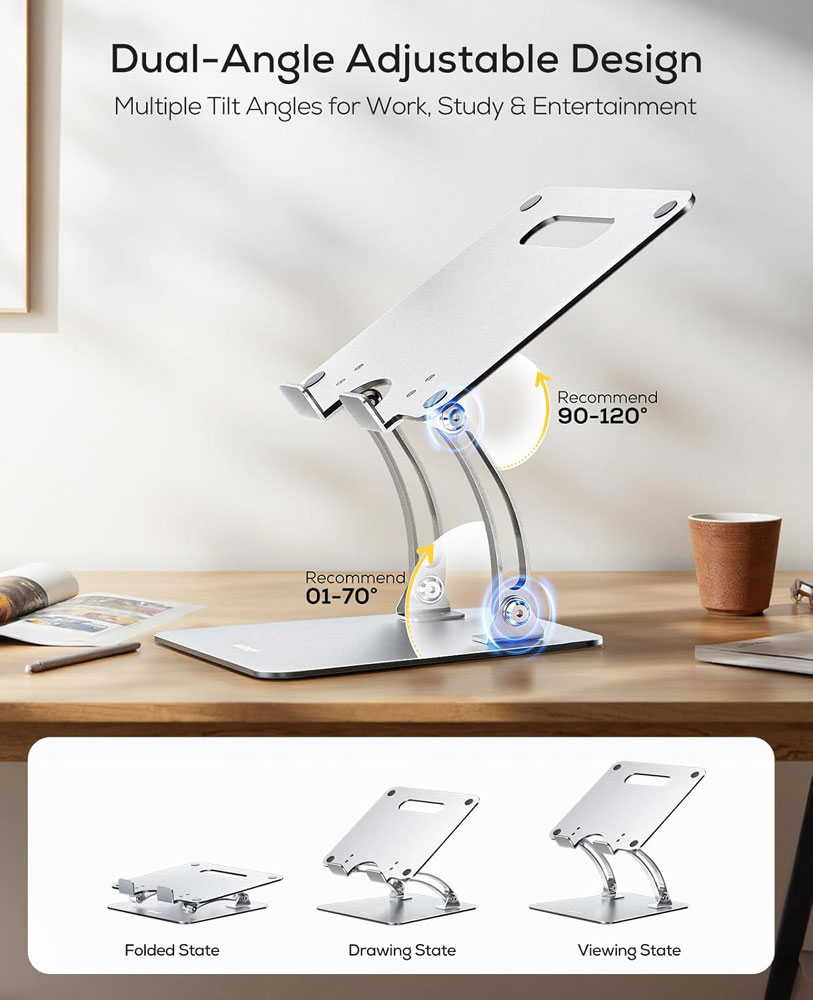
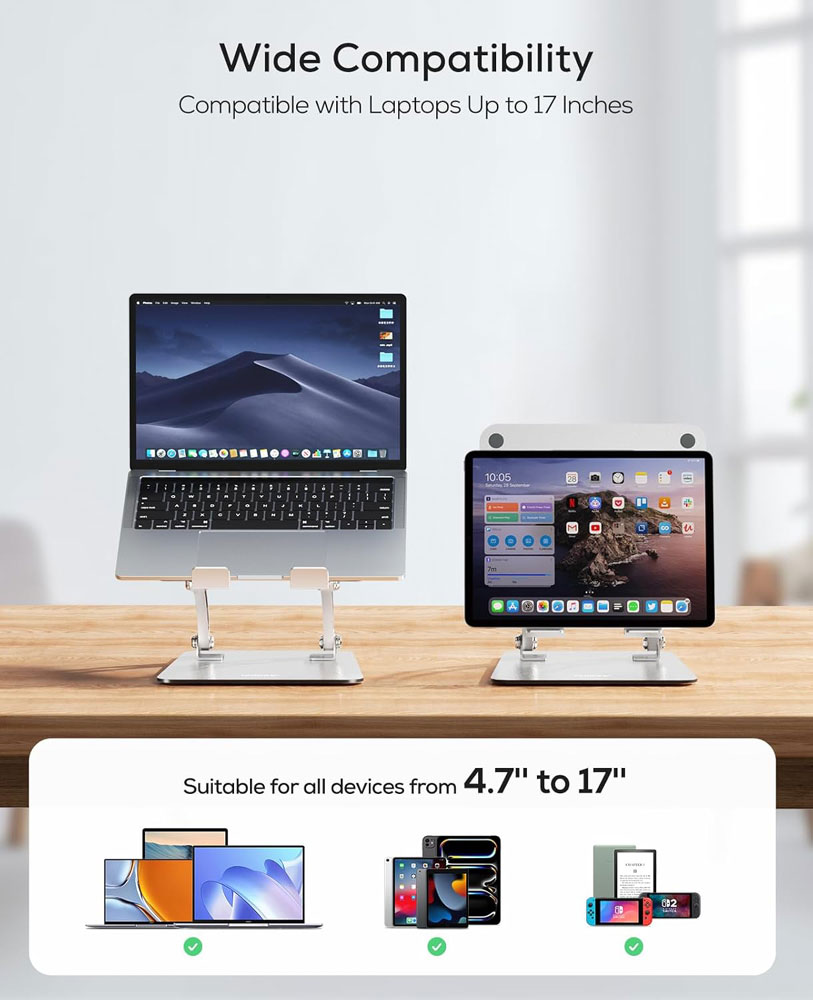
The Nulaxy adjustable laptop stand offers height and angle adjustments rather than locking you into a single fixed position. That matters because your ideal laptop-screen height changes when you switch between sitting and standing. It is also handy if you share a desk, work in different rooms, or pack your setup away.
It is an aluminium, foldable laptop riser with a heat-vent design and support for 10 to 17-inch laptops up to 22 lb. The open frame improves airflow, while the adjustable design makes it more flexible than a fixed-height stand. Pair it with an external keyboard and mouse, and you fix the screen height but create a typing-height problem.
Why we chose: Best for people who want an adjustable laptop stand that works for both sitting and standing.
|
|
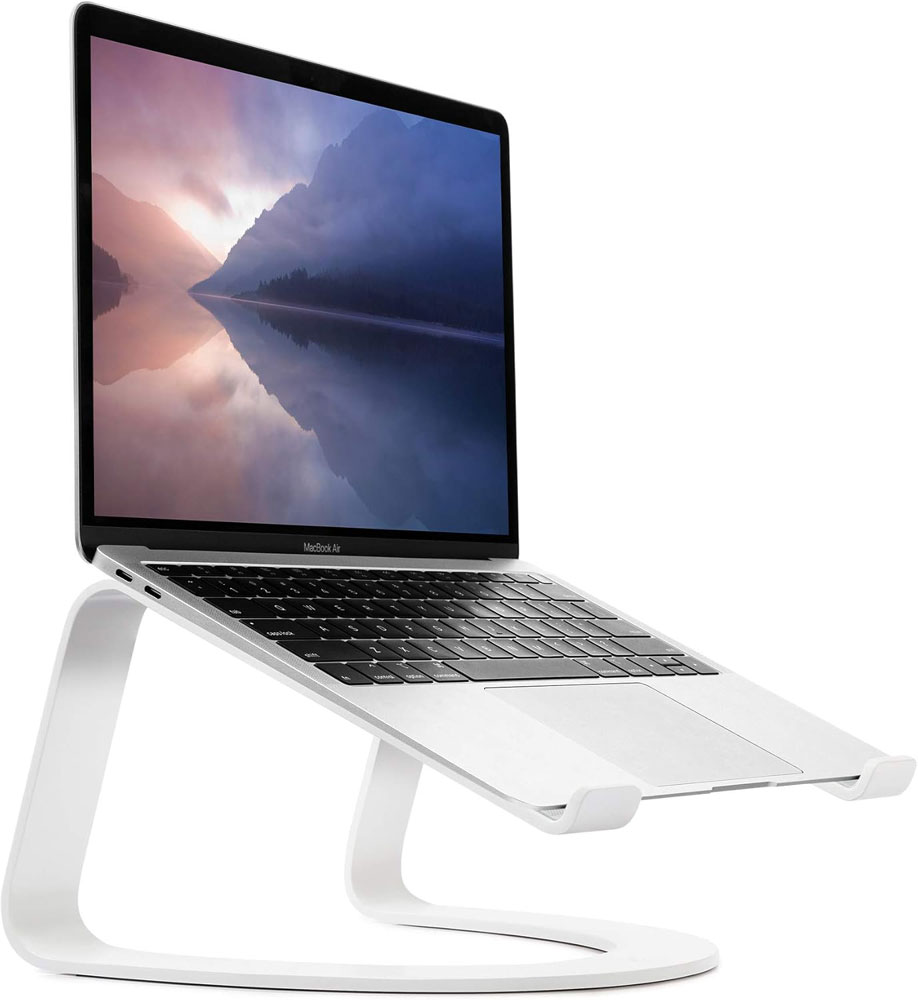
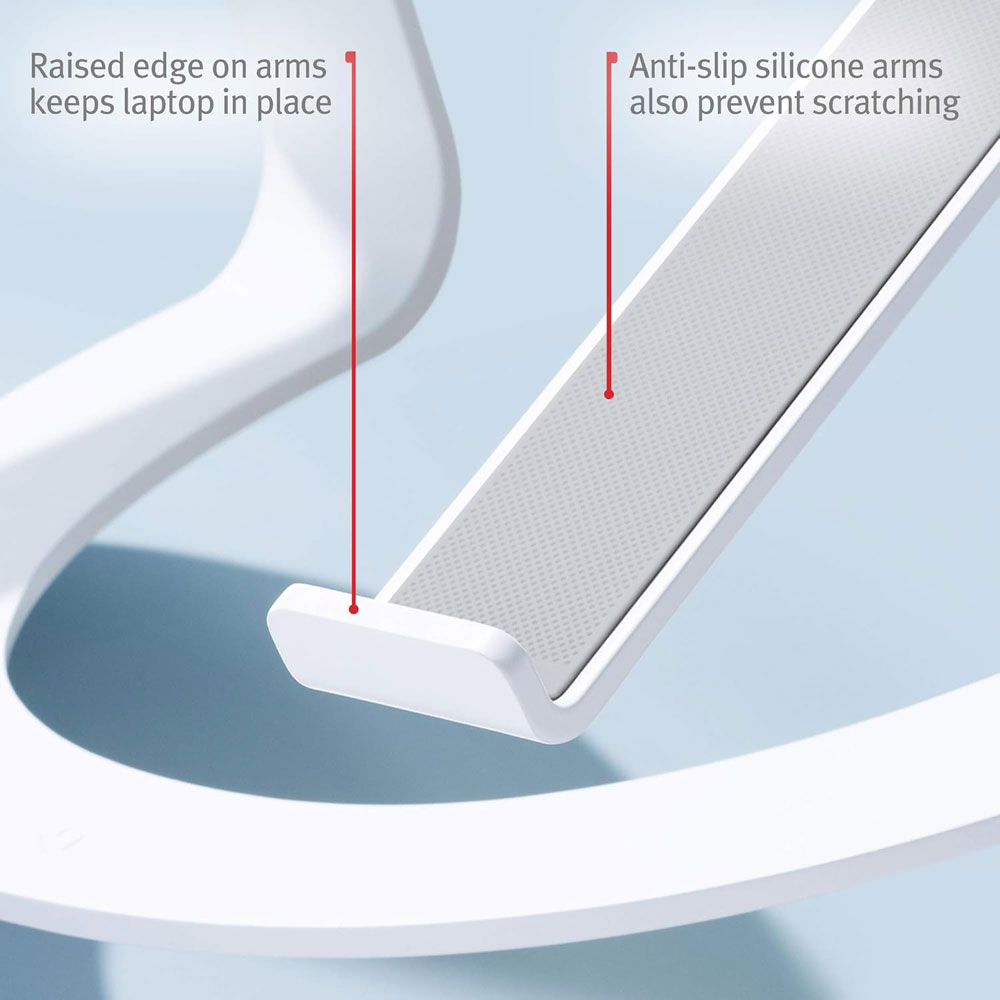
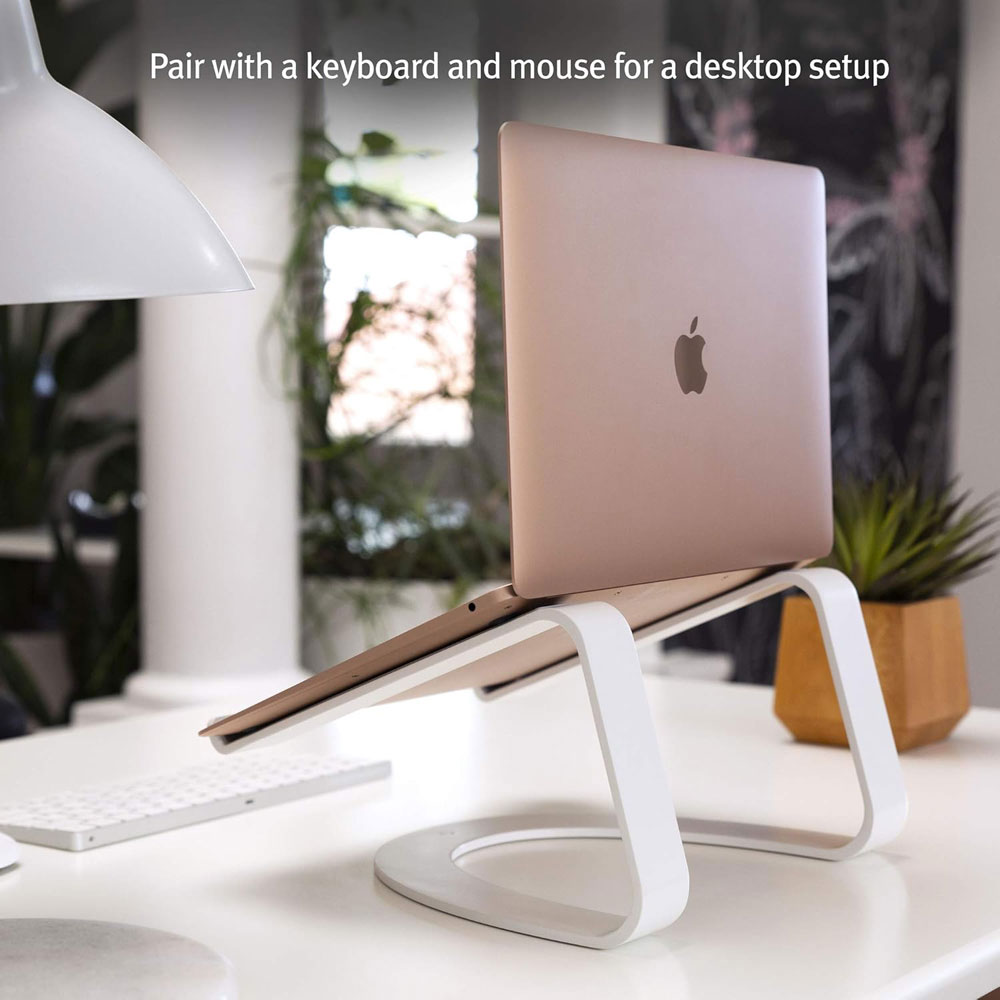
The Twelve South Curve is the more attractive premium laptop stand if you want a clean, permanent laptop setup on your desk. It suits a more polished home office where the laptop mostly stays in one place, serving as a second or main screen. I'd choose it for style, simplicity and stability rather than maximum adjustability.
It is an aluminium laptop holder designed for laptops from 11 to 17 inches, including MacBook, Dell, HP and Lenovo models. The curved open design lifts the laptop, leaving space underneath and improving airflow around the device. It is best used with an external keyboard and mouse.
Why we chose: Best for a premium fixed laptop stand that looks tidy and suits a more permanent desk setup.
Why they matter: A vertical stand frees up desk space and makes the whole workstation feel calmer. Pair it with an external monitor to instantly reduce clutter.
|
|
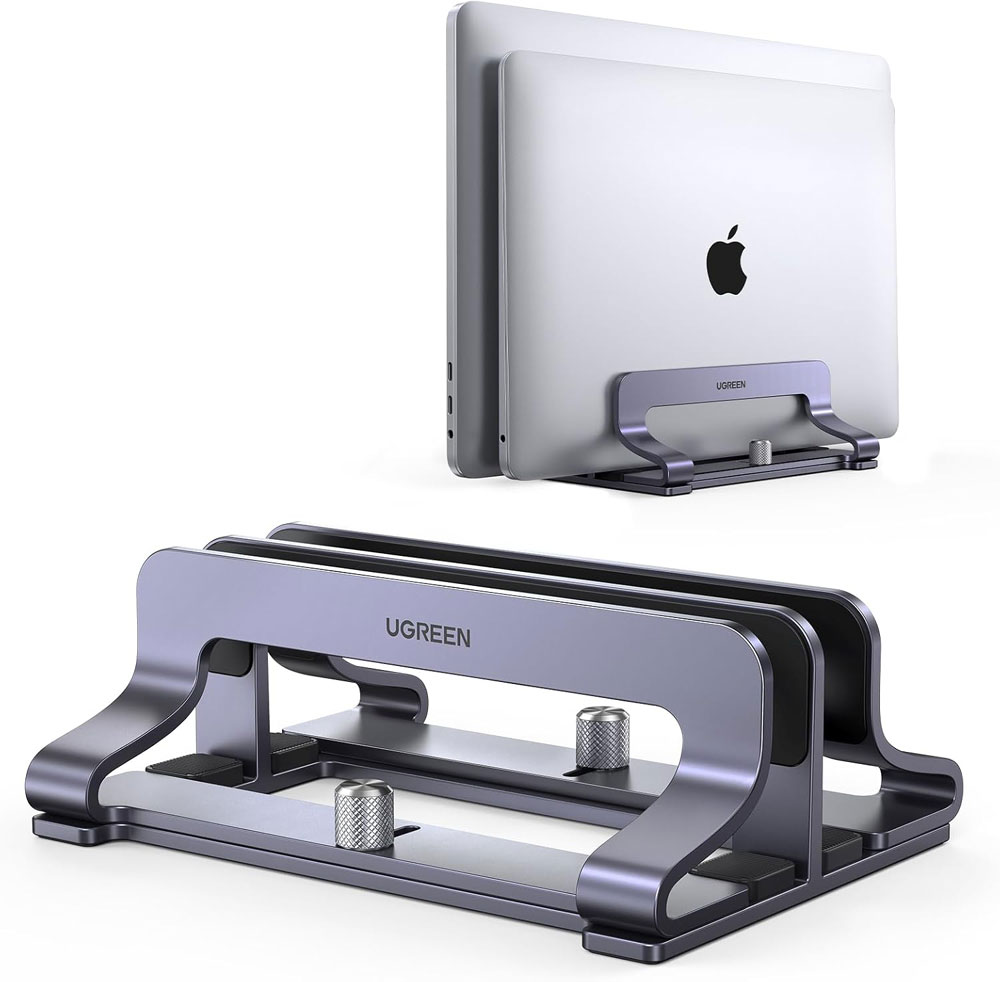
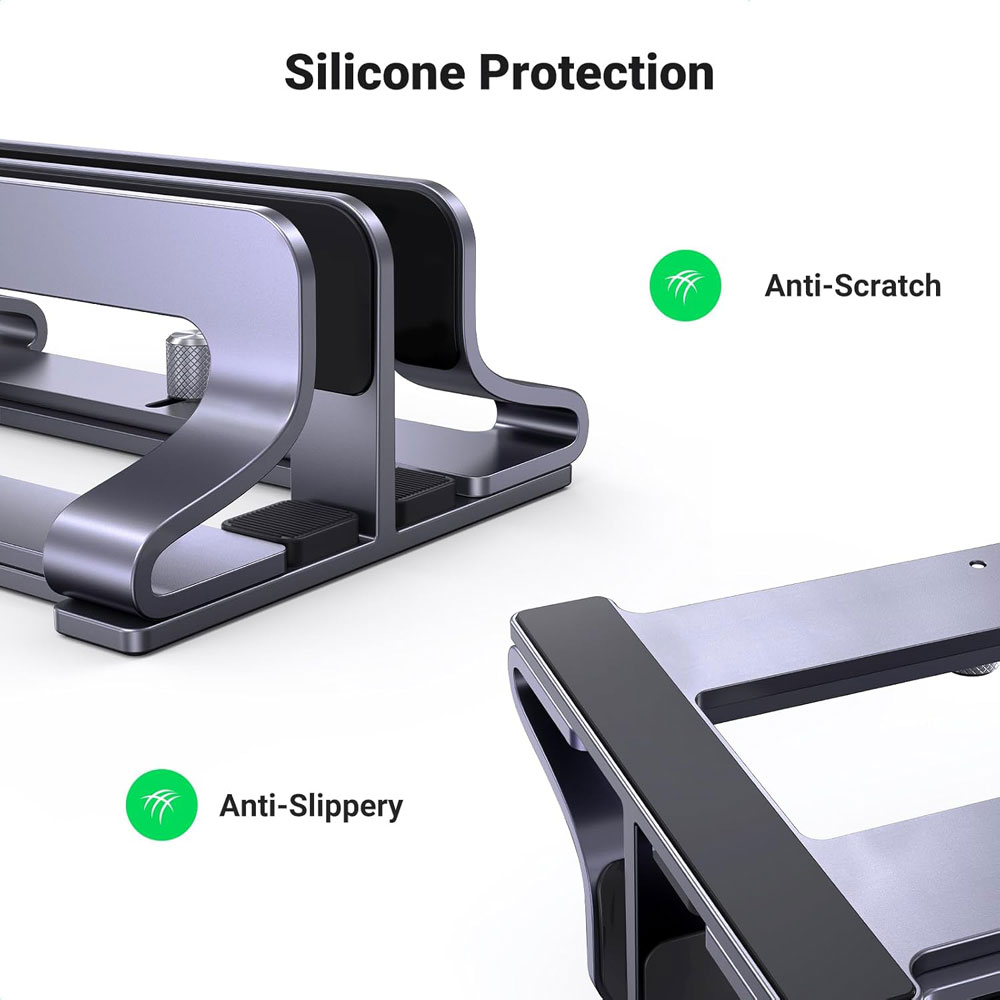
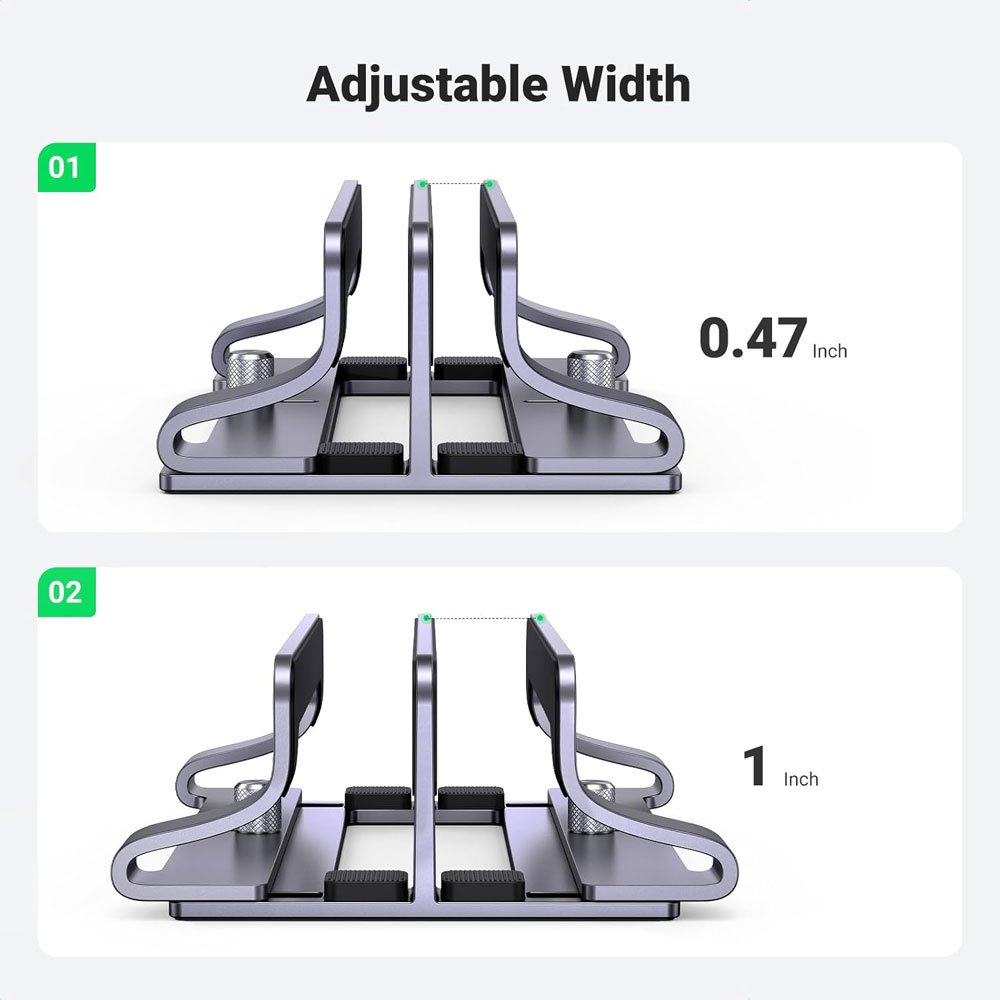
The UGREEN vertical laptop stand is a practical choice if you use your laptop with the lid closed while connected to an external monitor. It stands the laptop upright, frees up desk space and makes the whole setup feel less crowded. On a standing desk, that extra surface space helps because the desk looks cleaner and there is less to move, knock over or work around.
It is an aluminium desktop stand with two slots and adjustable width, designed for laptops such as the MacBook Air, MacBook Pro, Microsoft Surface Laptop and LG Gram 17. The dual-slot design also makes it useful if you switch between a work laptop and a personal laptop, or if you want to keep another slim device upright.
Why we chose: Best for closed-laptop setups where desk space and cable tidiness matter.
Why it matters: Standing desks move up and down. That means your cables need slack and proper routing, or they can snag and pull. Clean cabling also helps reduce trip hazards around your feet and is especially important if you pair your standing desk with a walking pad.
|
|
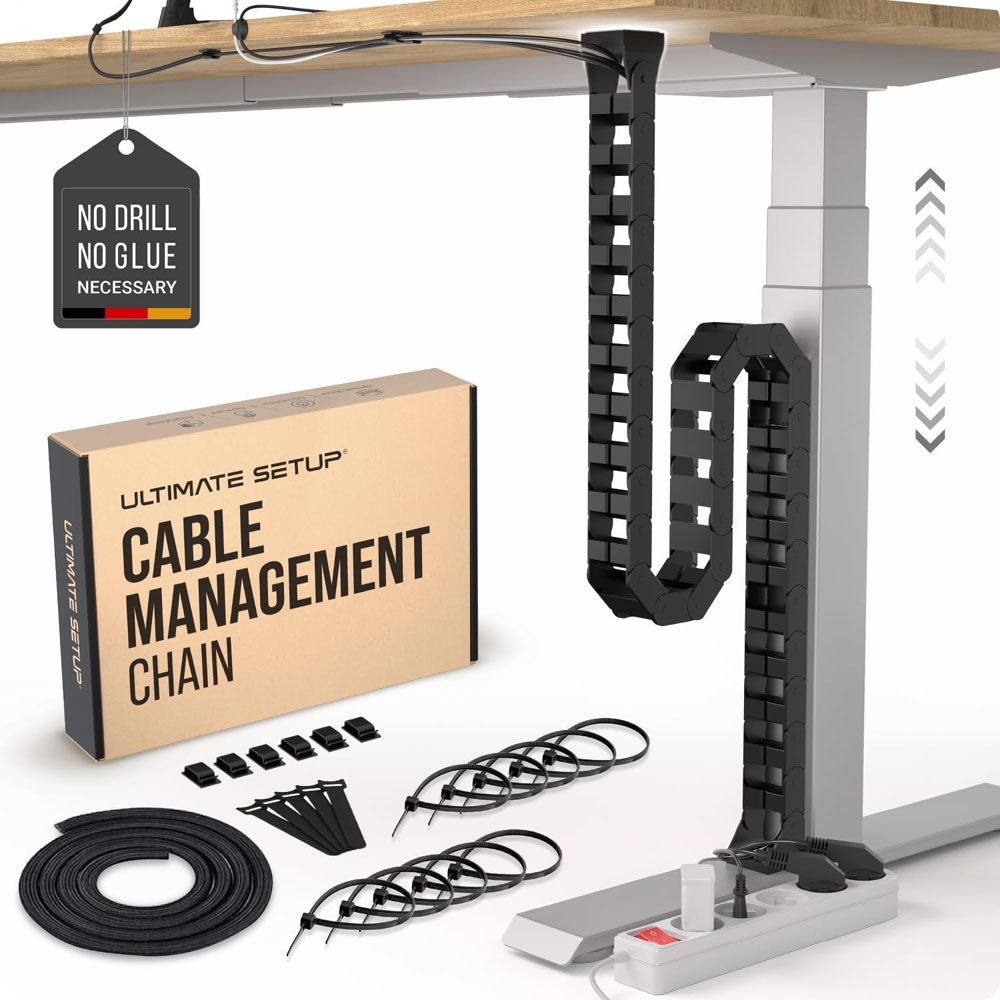
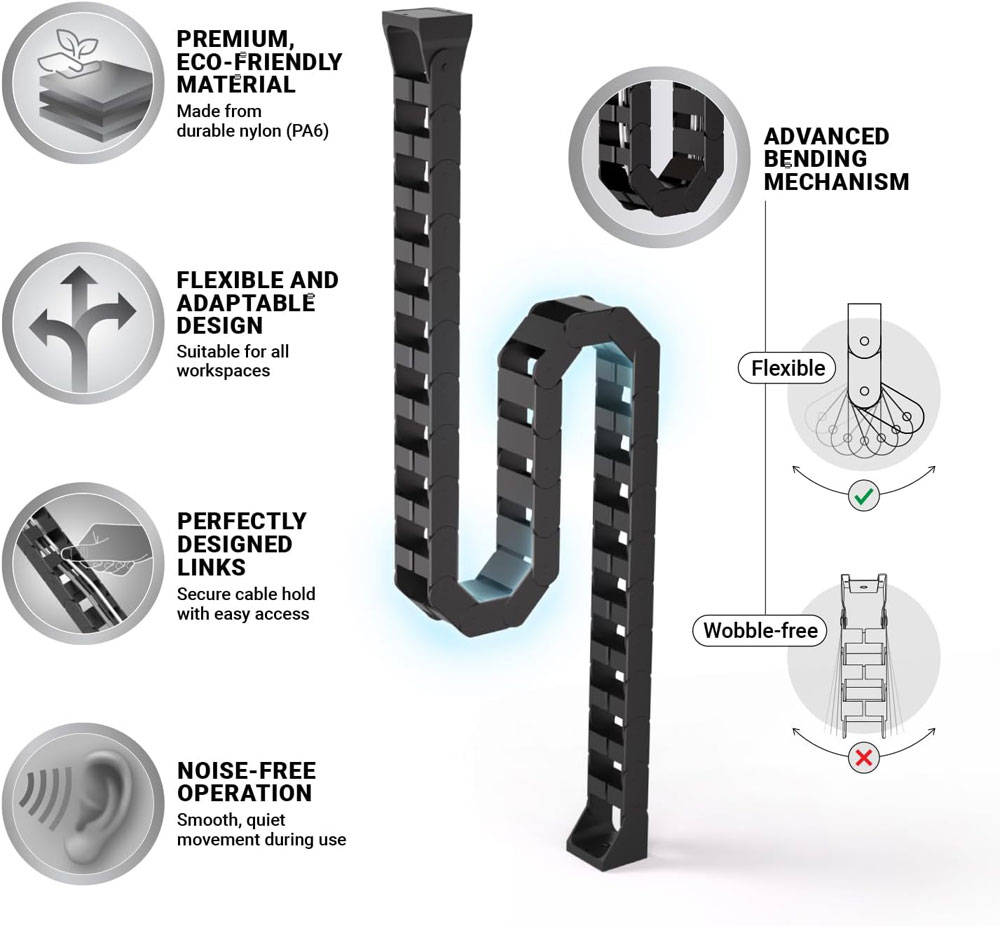
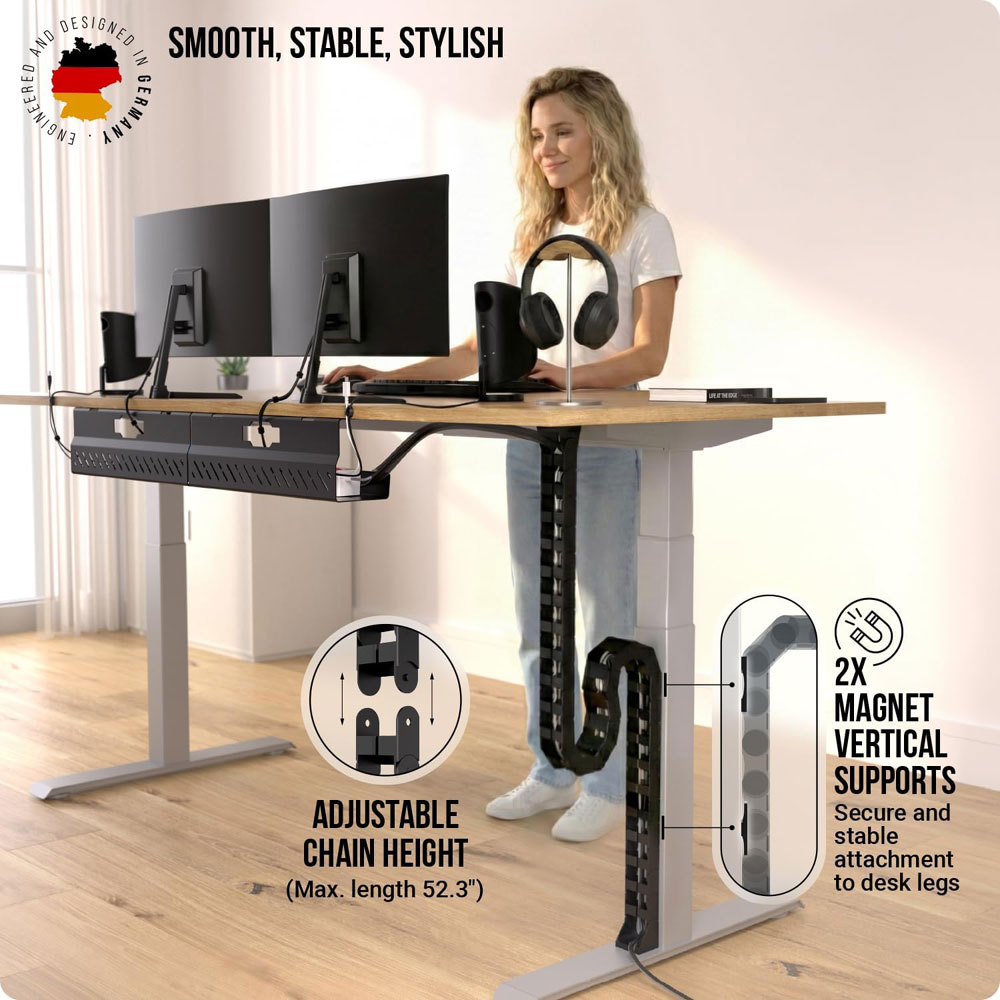
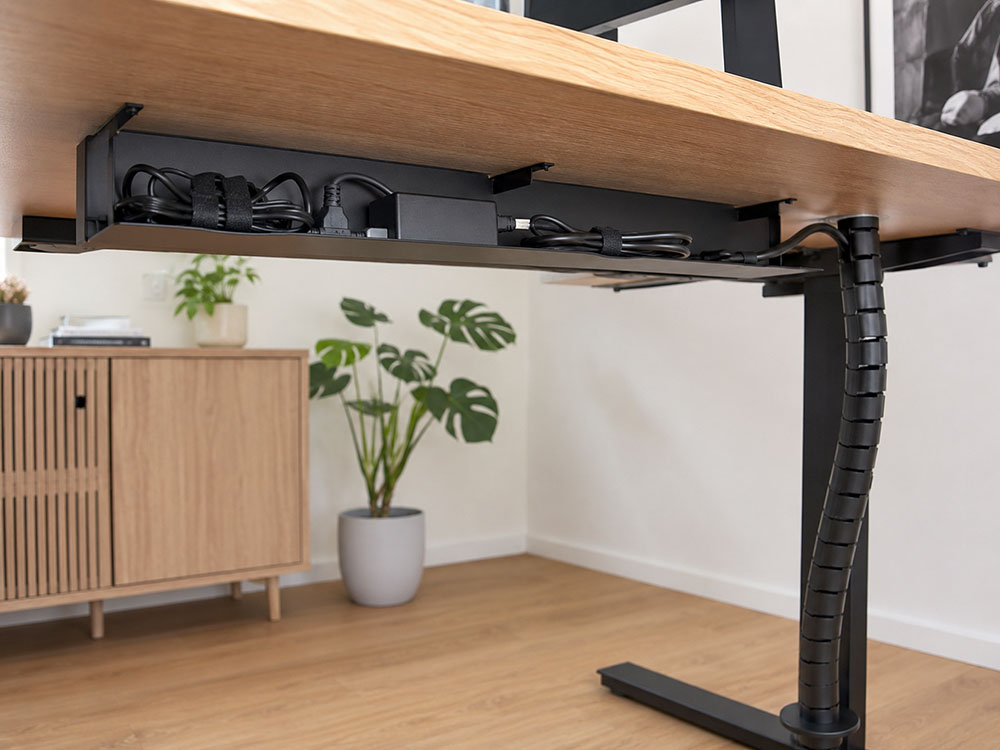
The Ultimate Setup Under-Desk Cable Management Raceway is designed for sit-stand desks, guiding the cable run as the desktop moves up and down. That is much better than letting cables hang loose, especially if you raise the desk several times a day.
It is a flexible cable snake/vertebrae-style raceway designed for under-desk cable management on sit-stand desks. The Amazon listing describes it as suitable for standing-desk cable control, and it forms part of the setup that manages the vertical drop from the desk to the floor. I'd still pair it with an under-desk tray, because the tray holds the plugs and power bricks while the spine manages the moving cable run.
Why we chose: Best for controlling the desk-to-floor cable run on a height-adjustable desk.
|
|
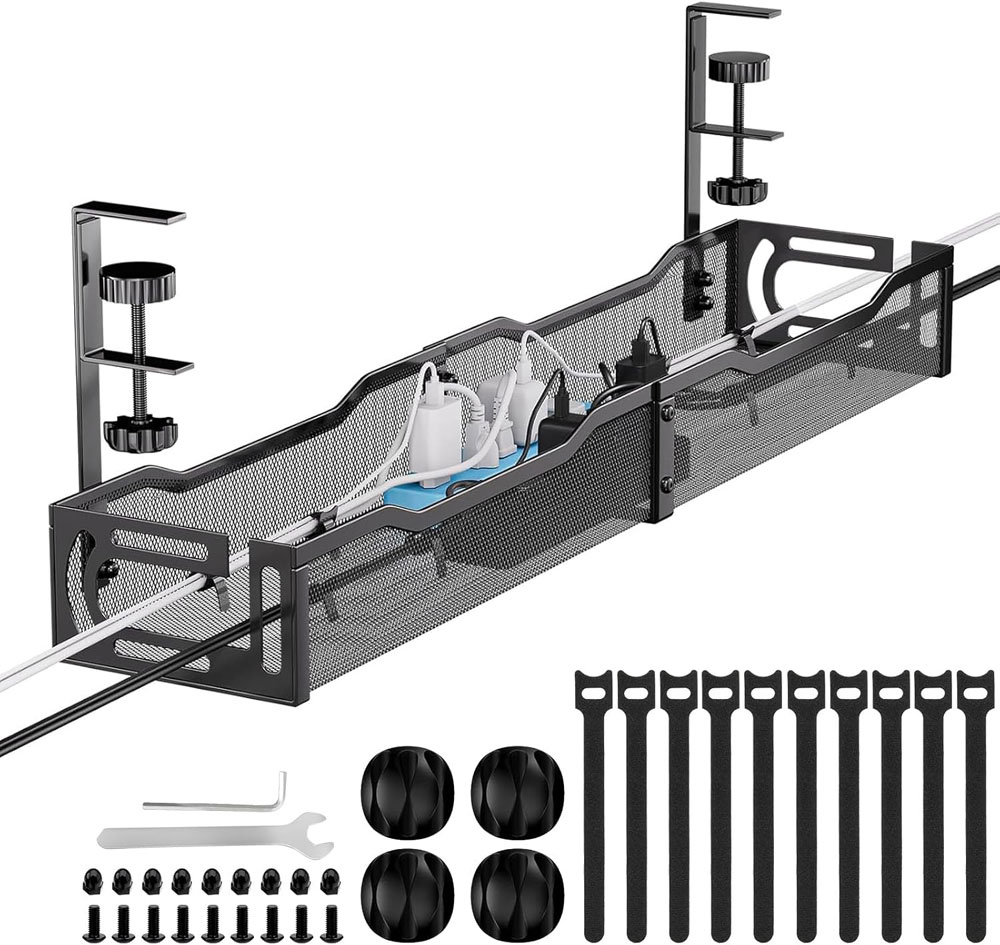
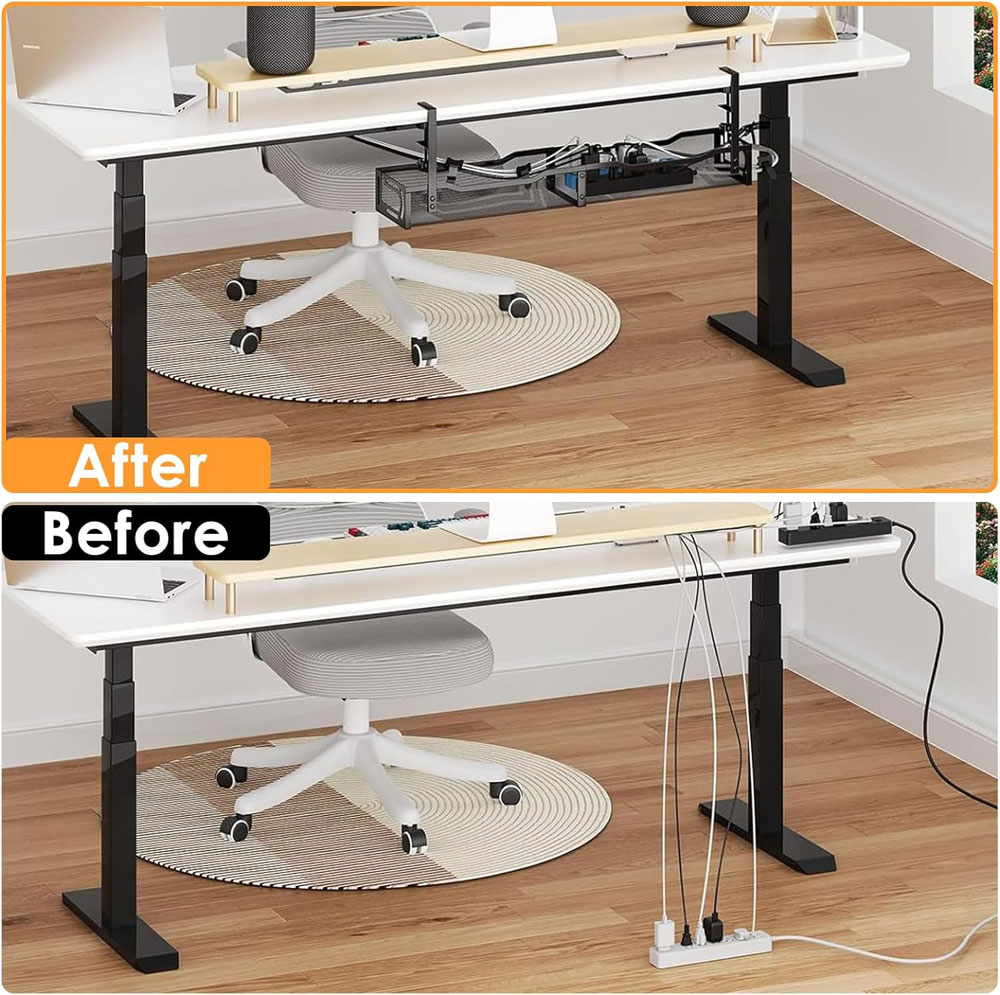
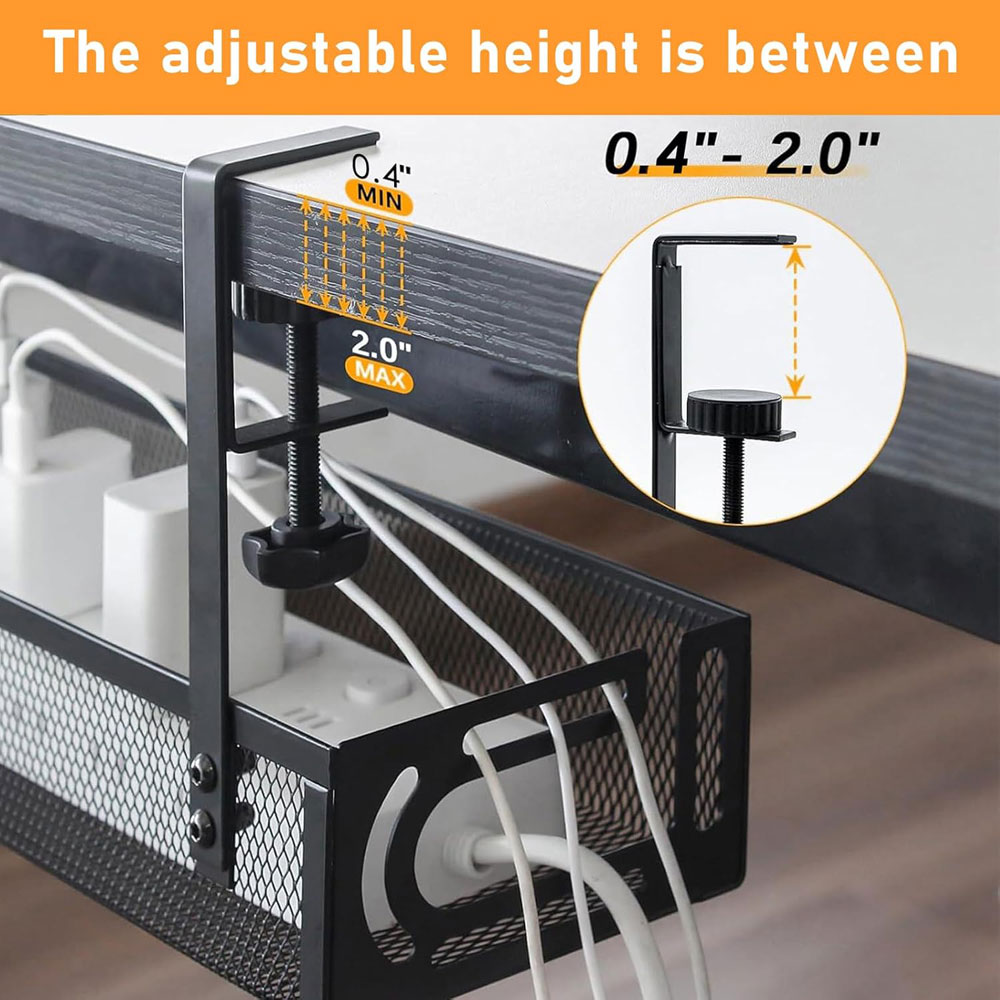
The Tivddikun cable tray is the cable-management pick for anyone who does not want to drill into the underside of the desk. It clamps on, making it useful for rented spaces, shared desks, or desks you do not want to permanently mark. It is also the right sort of accessory for standing desks because it lets the power strip and power bricks move with the desktop rather than sit on the floor.
It is a 25-inch/64cm metal under-desk cable tray with a clamp fitting, designed for standing desks and home office cable organisation. The metal build helps support heavier items such as extension leads and adapters, while the no-drill design keeps installation simple.
Why we chose: Best for people who want a proper under-desk cable tray without drilling into the desktop.
|
|
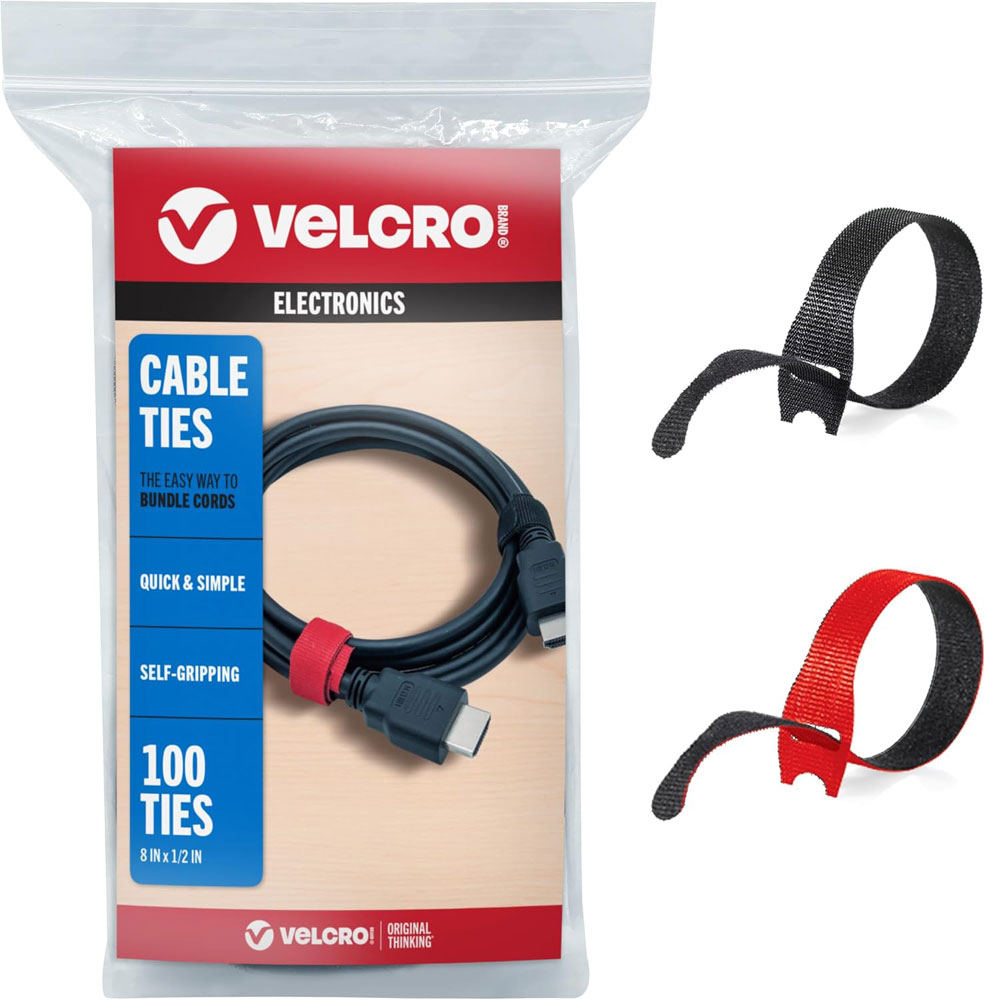
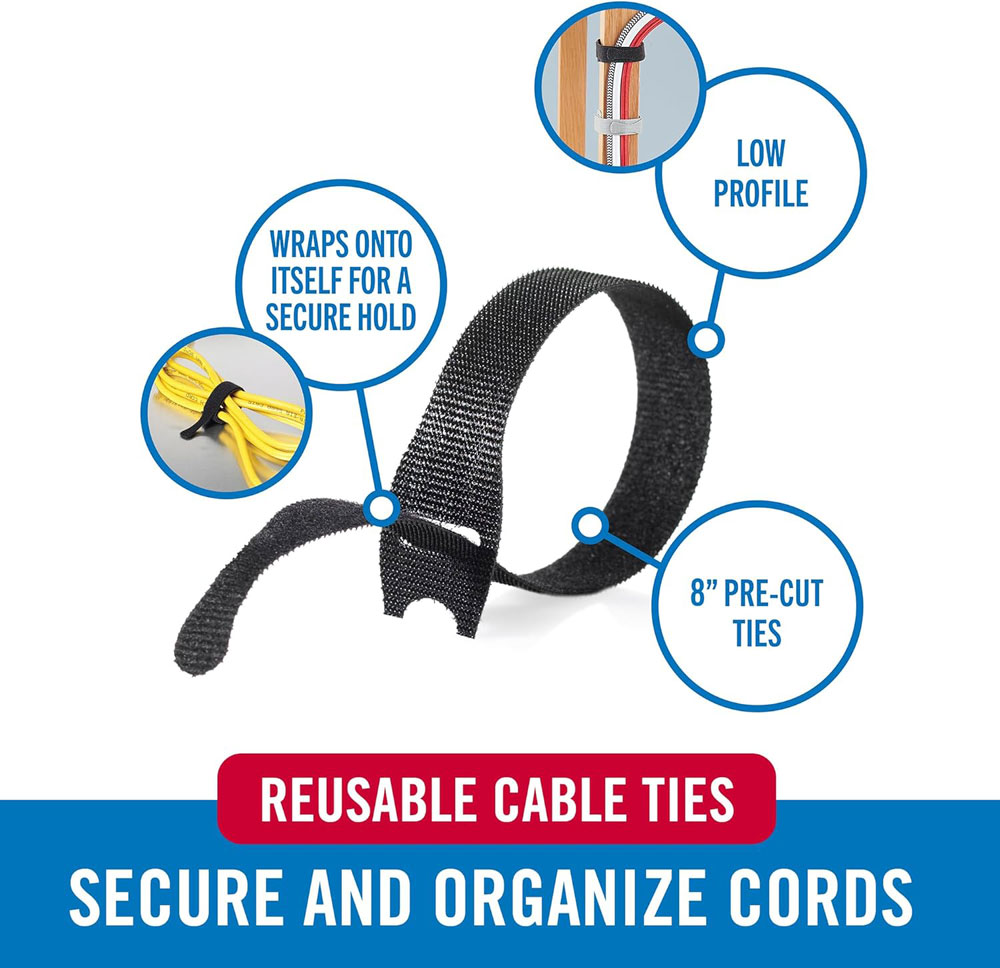
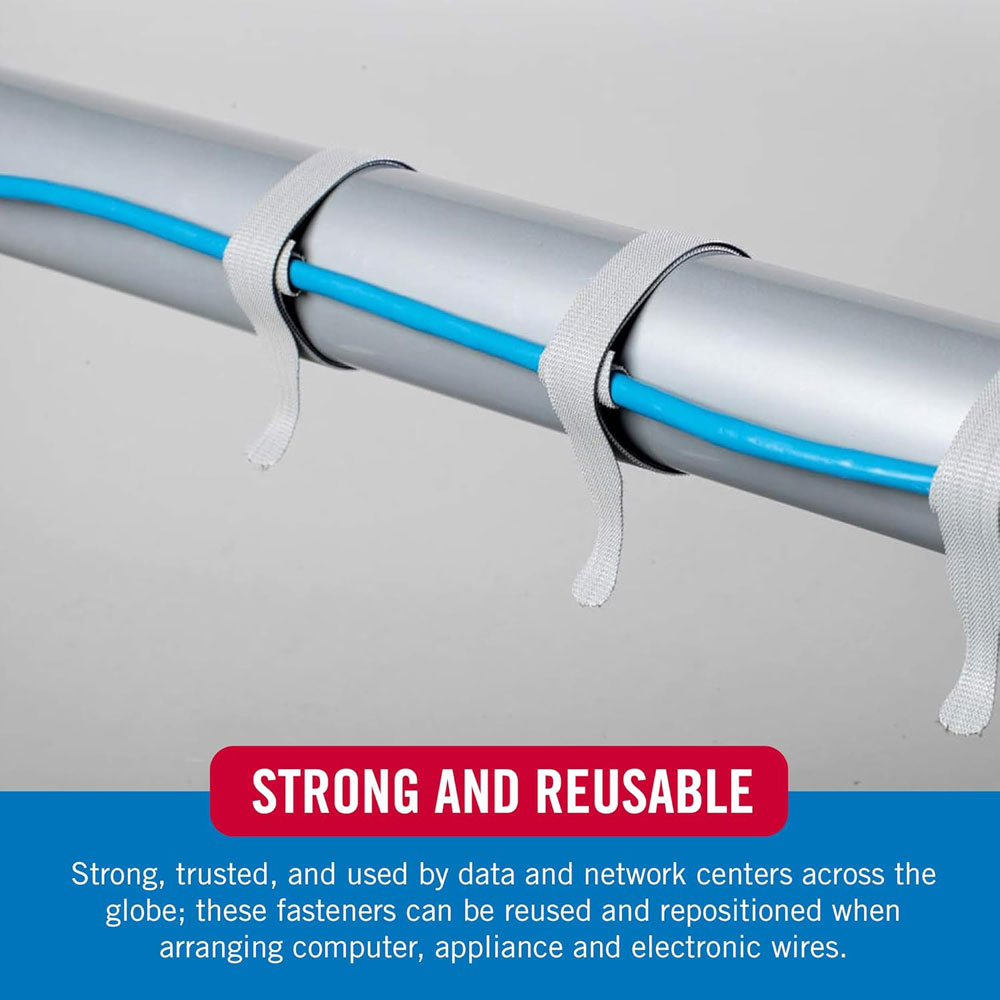
VELCRO Brand cable ties are the simple finishing touch after you have a tray and spine in place. They bundle loose leads without locking you into a permanent setup, which is useful if you often change devices.
Reusable ties are better than single-use zip ties for home office setups because you can adjust them when you add a new charger, monitor or hub. They are also cheap enough to use generously.
Why we chose: Chosen because they are inexpensive, reusable and have a strong review base.
|
|
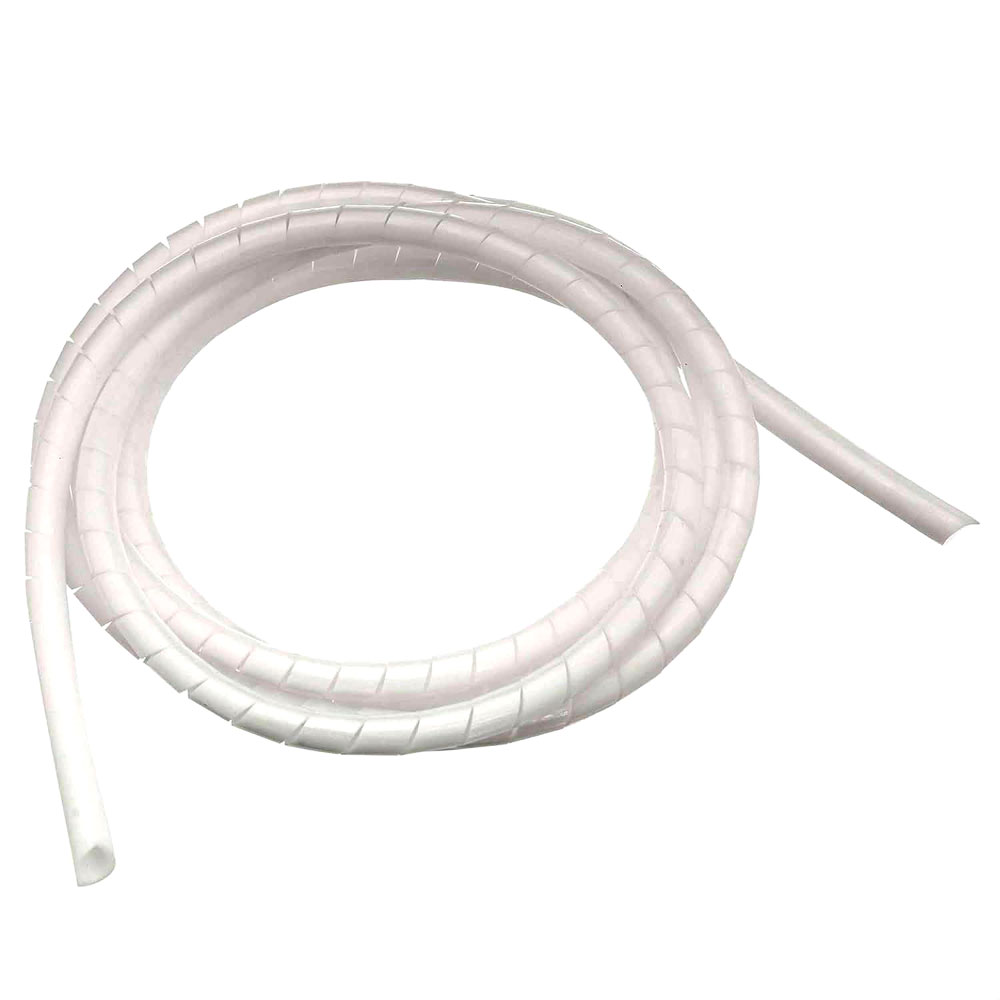
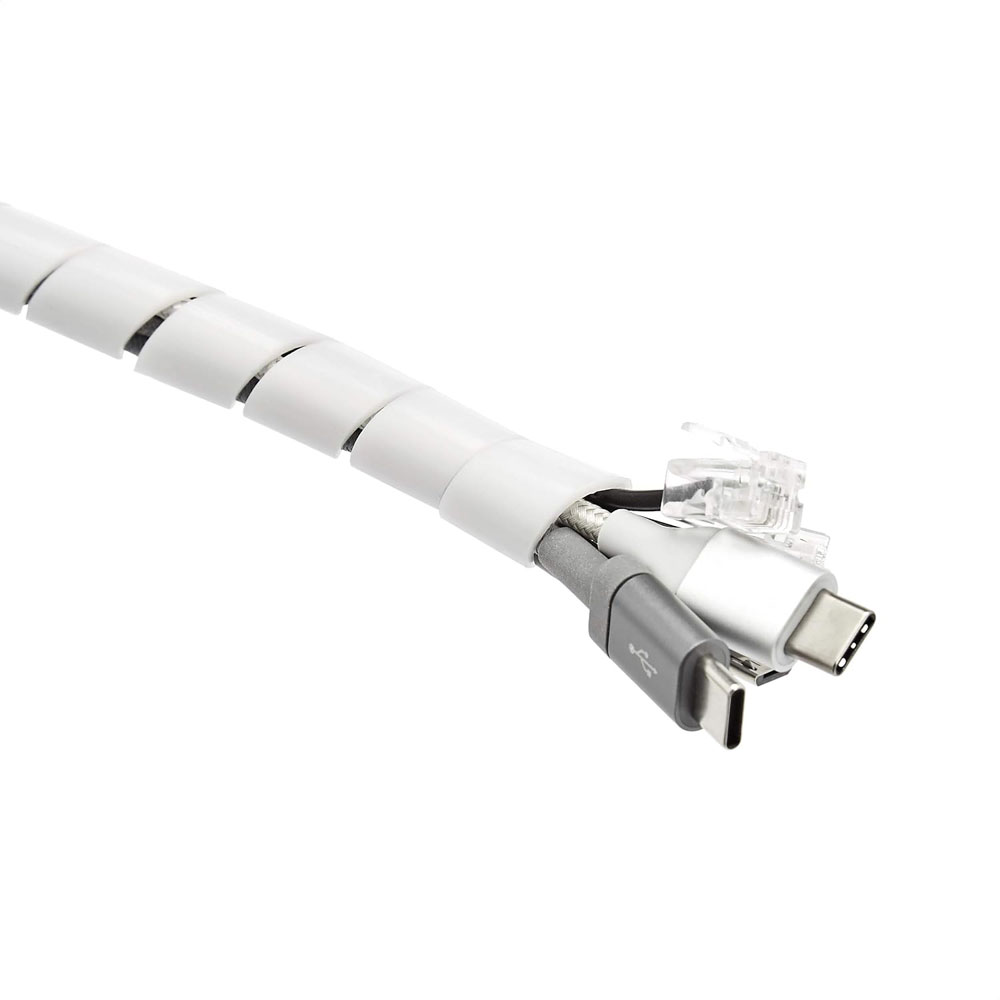
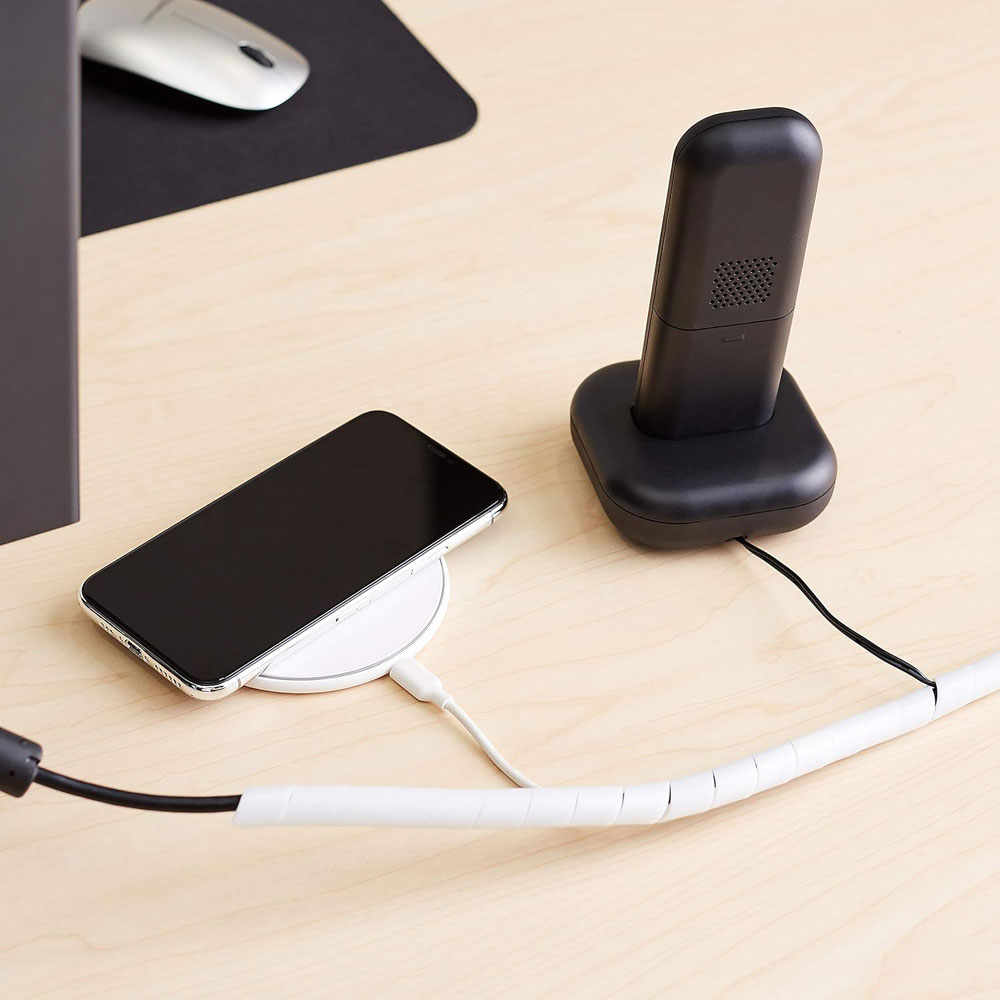
The Amazon Basics Cable Tidy Sleeve is a budget-friendly way to make several visible cables look like a single, neater cable run. It will not replace a cable tray or cable spine, but it is very useful behind the desk, along a wall route, or anywhere you have several wires heading in the same direction. For a standing desk, I'd use it to tidy the non-moving parts of the setup rather than the main moving cable drop.
It can bundle multiple cables together, with flexible tubing that helps prevent tangling and keeps a desk area looking neater. The easy-cut/tidy sleeve style can be cut to length and used around cable bundles, rather than just hiding a single wire.
Why we chose: Best for tidying visible bundled cables once the main tray and spine are sorted.
|
|
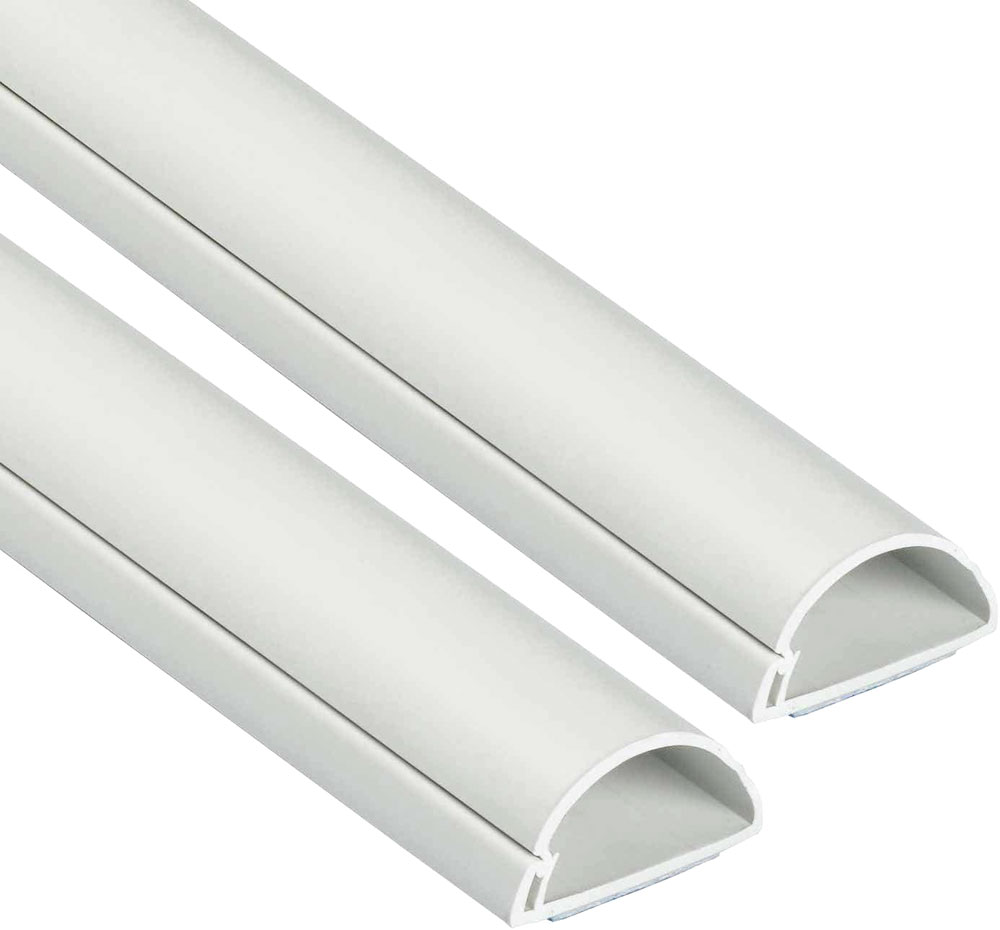
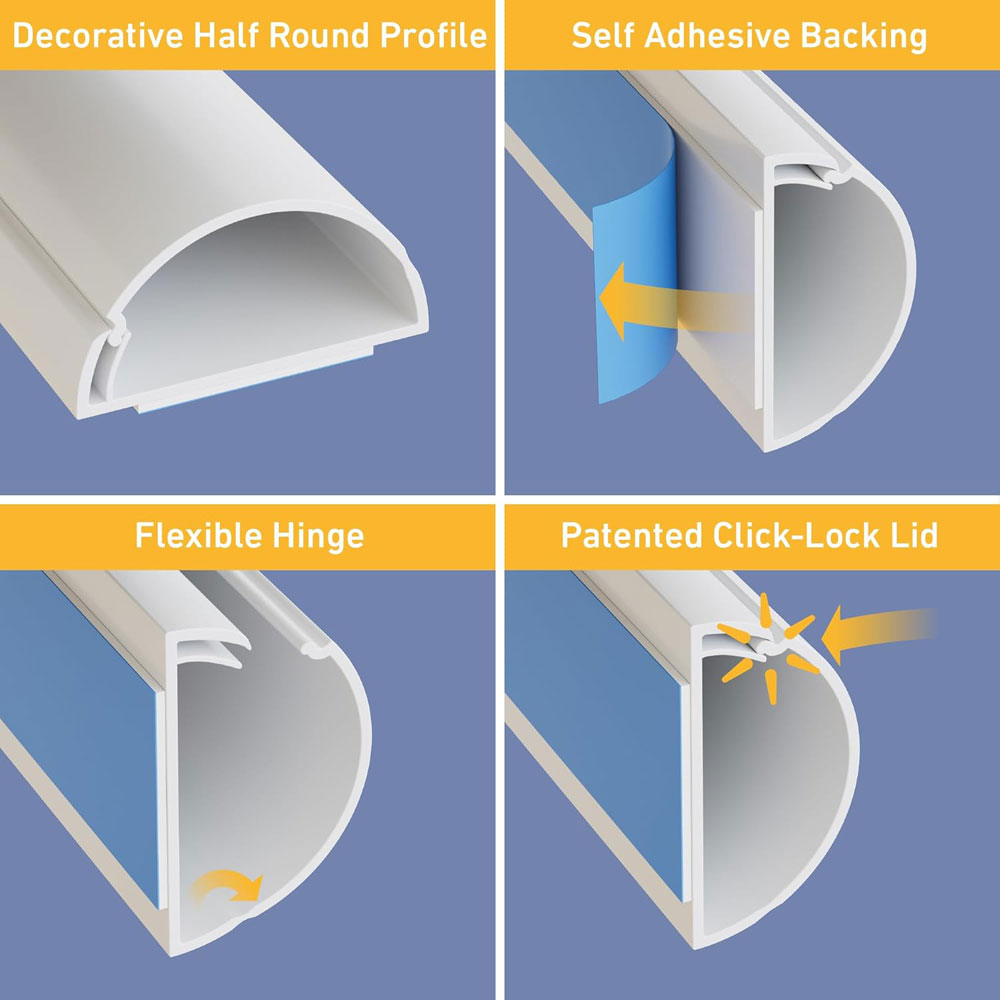
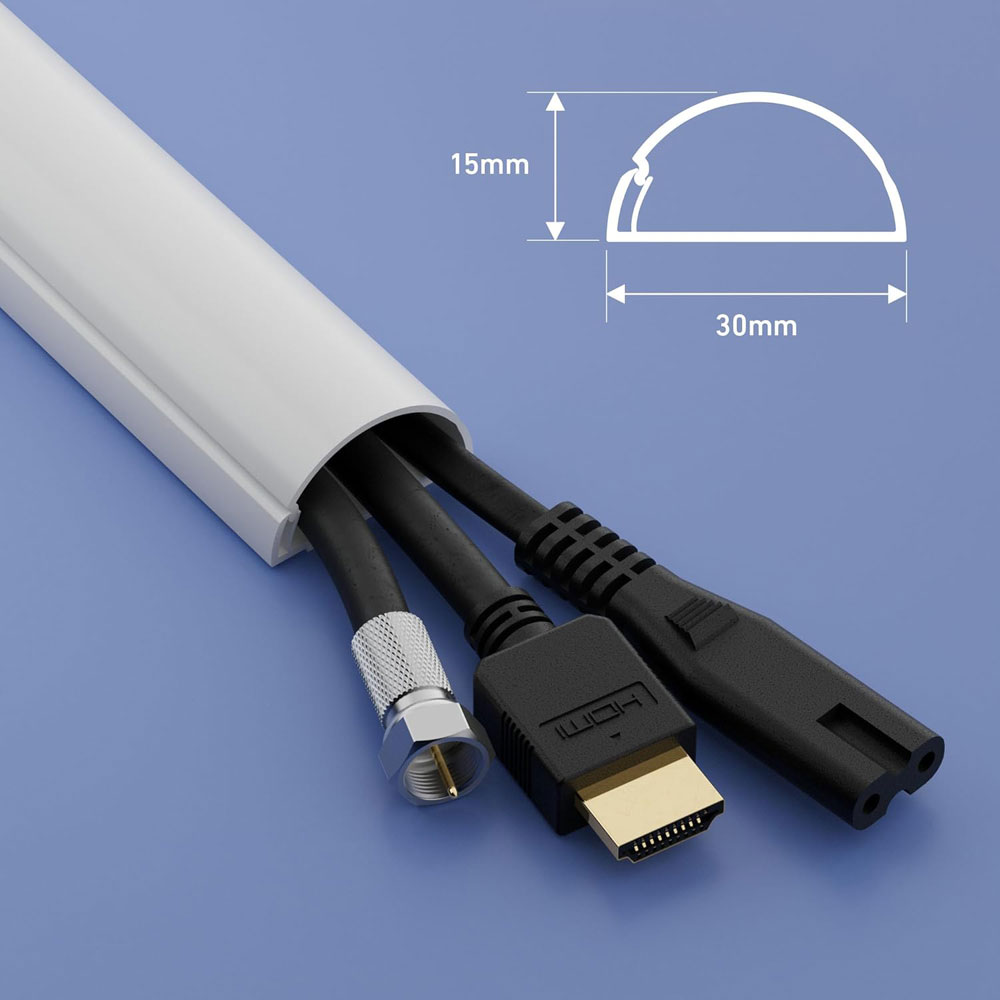
D-Line Mini Cable Trunking routes cables neatly along a wall, skirting board or desk edge. It is not the part that handles the moving section of a standing desk; that is still the role of a cable tray and cable spine. However, it is very useful for tidying the fixed cable route from the wall to the desk area. If you have a visible cable run across the floor or up from a socket, this makes the whole setup look much cleaner.
Available in various colours, the half-round PVC cable cover is supplied in 8 × 1-metre lengths, totalling 8 metres. Each length measures 30 mm wide by 15 mm high, has a self-adhesive backing for peel-and-stick installation, and can also be drilled and screw-fixed if preferred. The hinged one-piece design allows you to access cables later, and the trunking can be cut to size with a junior hacksaw. It is also paintable if you want it to blend in with a wall, skirting board or desk area. Various accessories, such as bends and T-junctions, are available to keep the whole thing looking neat as it goes around corners or when you need to turn it in another direction.
Why we chose: Best for solving the visible wall, skirting or floor-edge cable route that trays and spines do not always cover.
Why they matter: An anti-fatigue mat makes standing more comfortable, and research on prolonged standing has examined how mats can affect measures of fatigue, pressure and discomfort. Results vary, but many people find that a mat makes standing practical day-to-day.[6] [7]
For me, they do make standing more comfortable, but movement is still the key. The goal is not to stand still all day; it is to make sitting, standing and moving between the two easier.
|
|
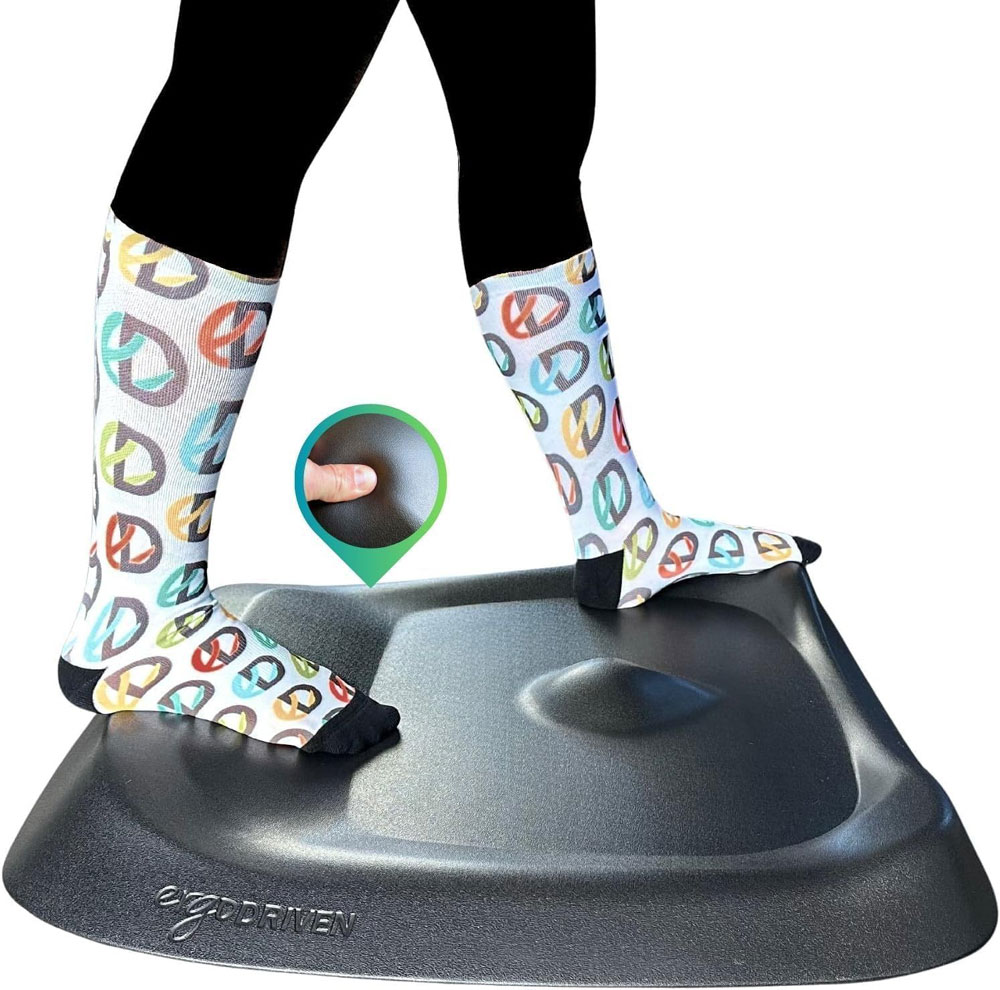
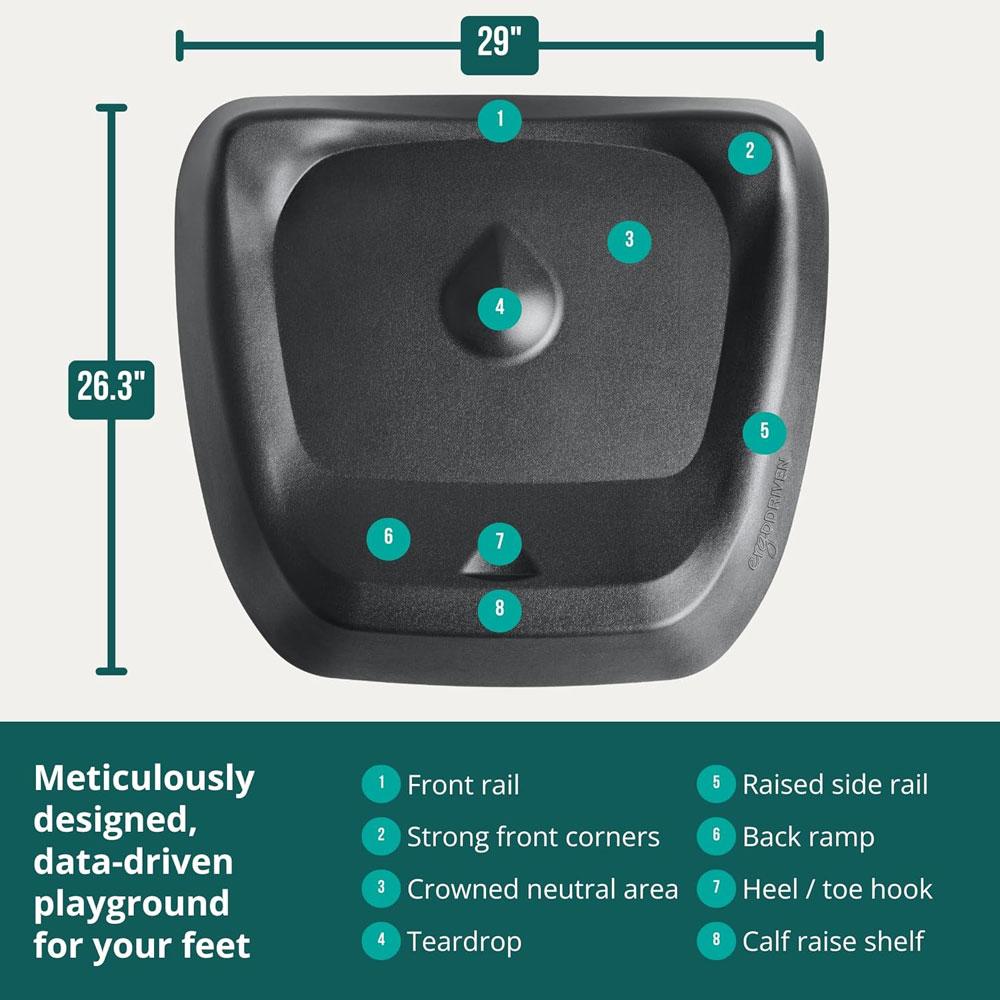
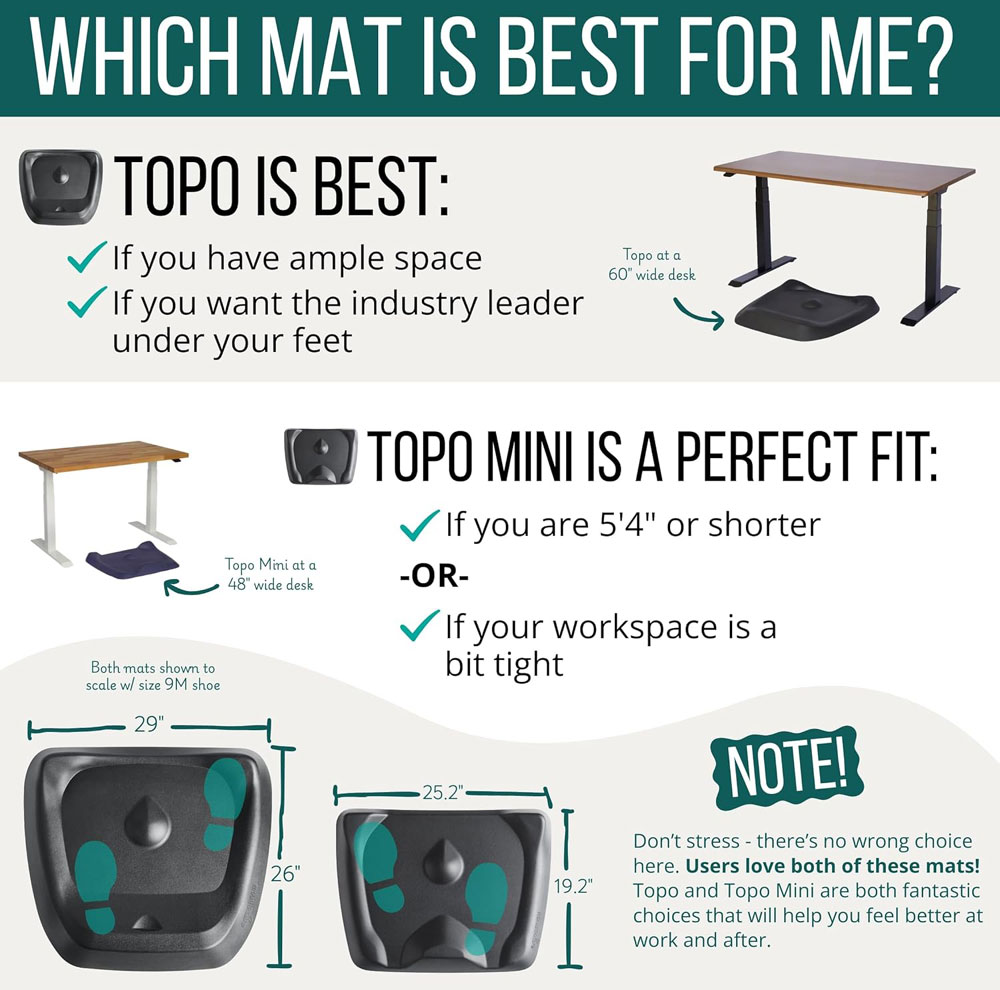
The Ergodriven Topo is the premium anti-fatigue mat with a raised terrain that gives your feet varied positions and encourages small movements without you having to think about it. That makes it a better match for a standing desk than a standard kitchen-style mat.
It is a non-flat, anti-fatigue mat with patented, calculated terrain, made of polyurethane with a durable skin. The raised topography is designed for micro and macro-level movements, including stretching and massage-style foot movements while standing. It is expensive, but it is more desk-specific than a plain flat mat.
Why we chose: Best for people who want a premium standing desk mat that promotes movement rather than just providing cushioning.
|
|
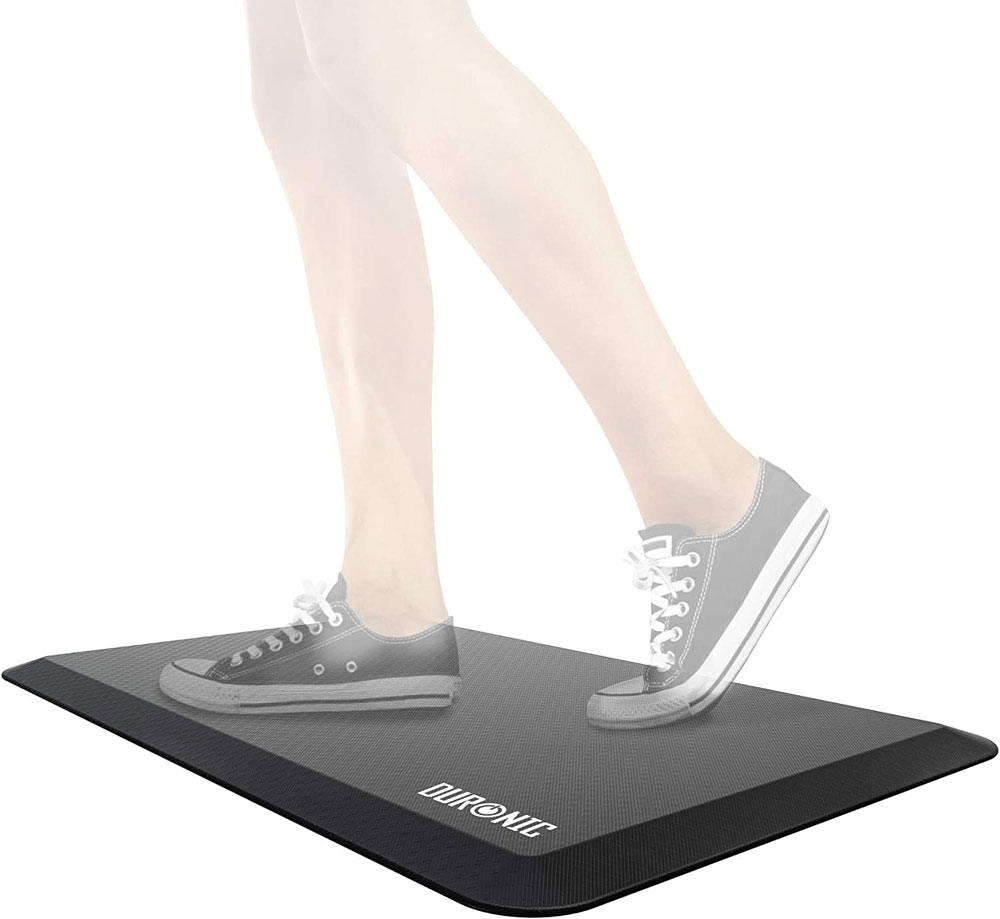
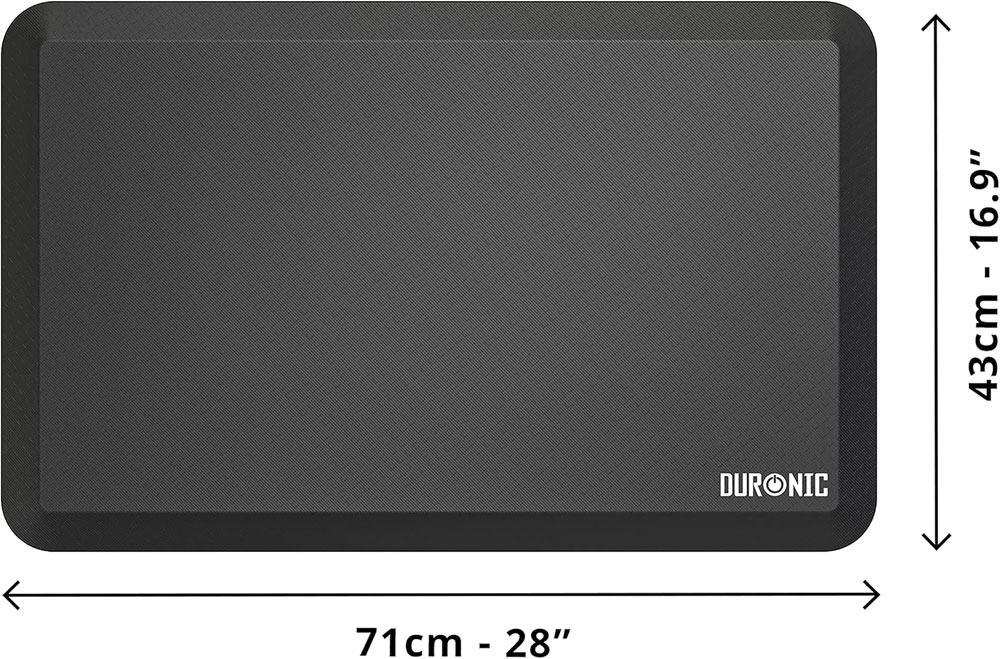
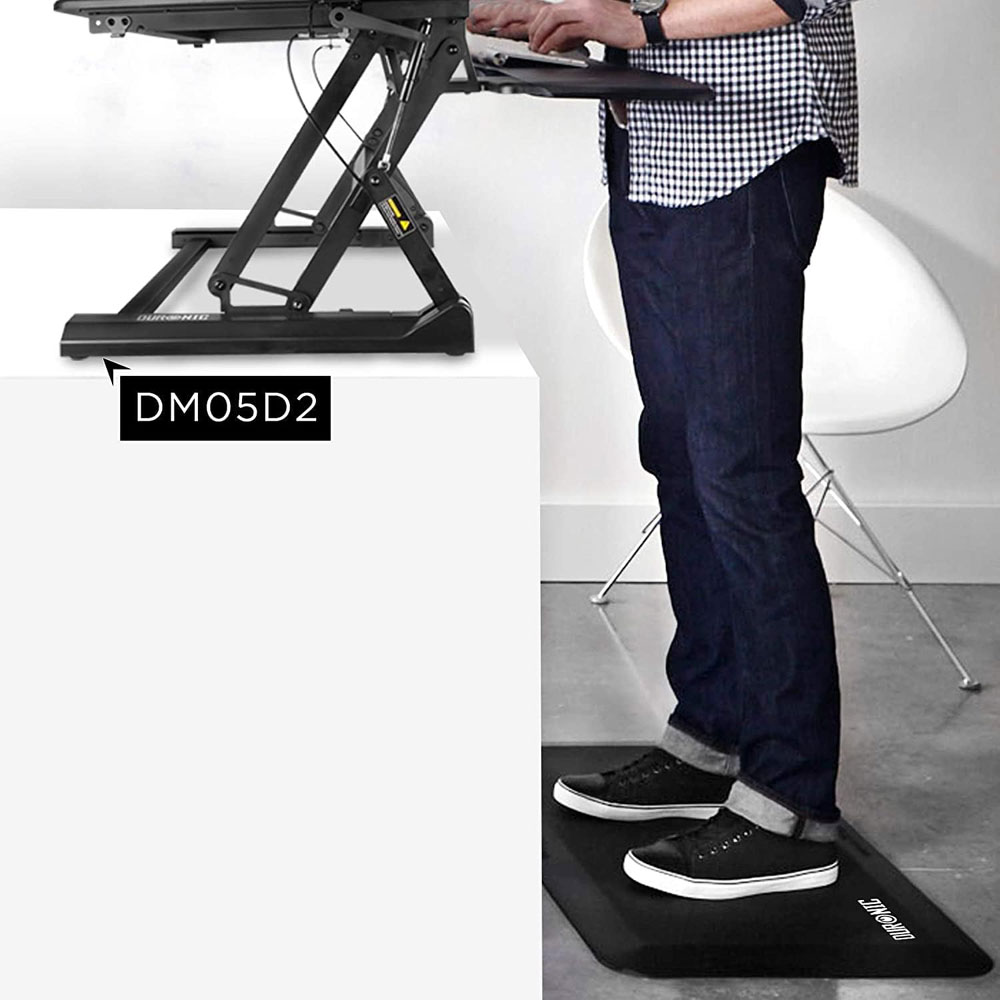
The Duronic DM-MAT2 is our value pick for a comfortable anti-fatigue mat without paying top prices. It is a flat mat, so it feels calmer and less distracting underfoot, which can be better for calls, writing or focused work. If you just want standing to feel easier on your feet, legs and lower back, this is the more sensible everyday option.
It is a sit-stand office desk floor mat, measuring 71 cm × 43 cm, designed to support the feet, hips, legs, and back while standing at work or in the kitchen. The size is compact enough for most home offices, yet still provides enough room for a normal standing stance.
Why we chose: Best value because it provides proper standing comfort at a lower price than a terrain mat.
|
|
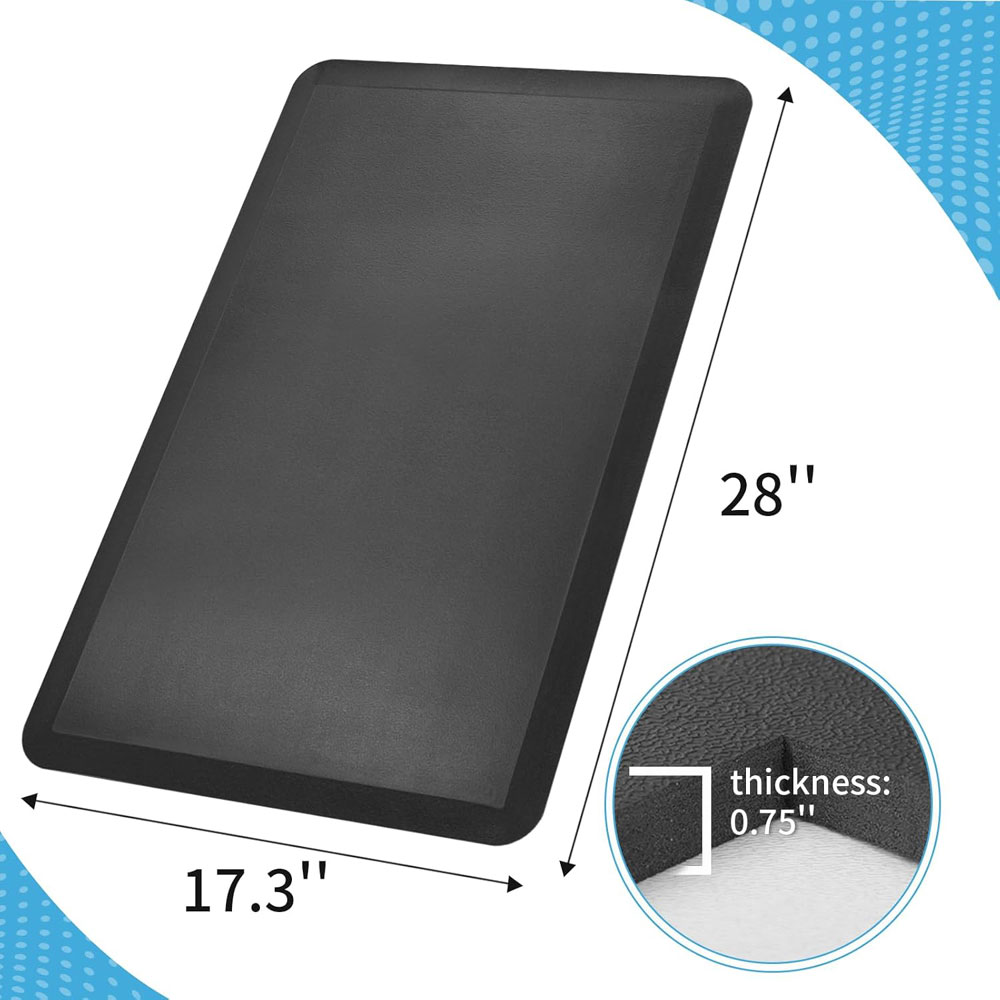
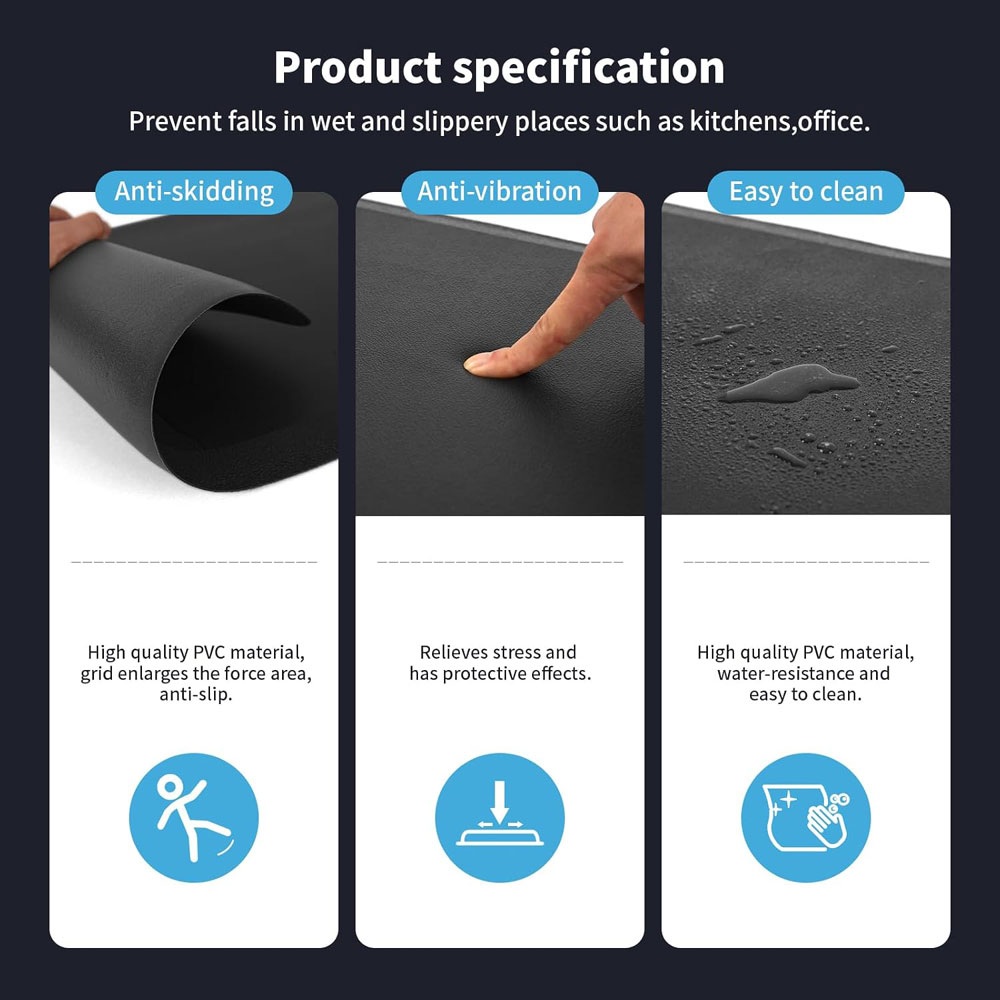
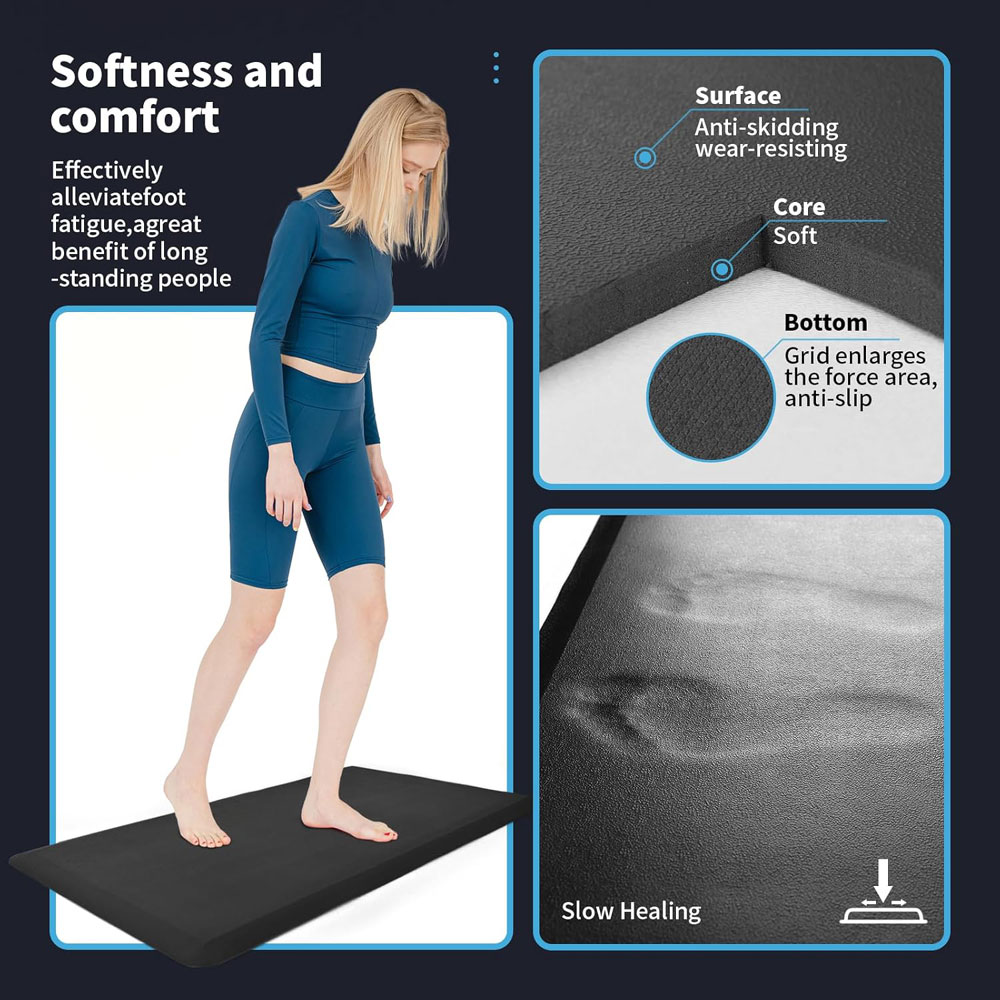
The Art3d anti-fatigue mat is the budget option if you want a simple, cushioned surface to stand on at your desk. It is more of a thick comfort mat than a specialist active-standing product, but that is fine if your main issue is hard flooring. For the price, it is a practical way to make standing blocks feel less punishing.
It is a 3/4-inch-thick anti-fatigue mat with a non-slip, waterproof design and dimensions of 28 × 17.3 inches. As a budget pick, it is less appealing than the Ergodriven Topo and less desk-specific than some premium options, but it offers cushioning, grip, and an easy-to-clean surface at a lower price.
Why we chose: Best budget mat for those who want basic cushioning and an easy-to-clean surface without spending much.
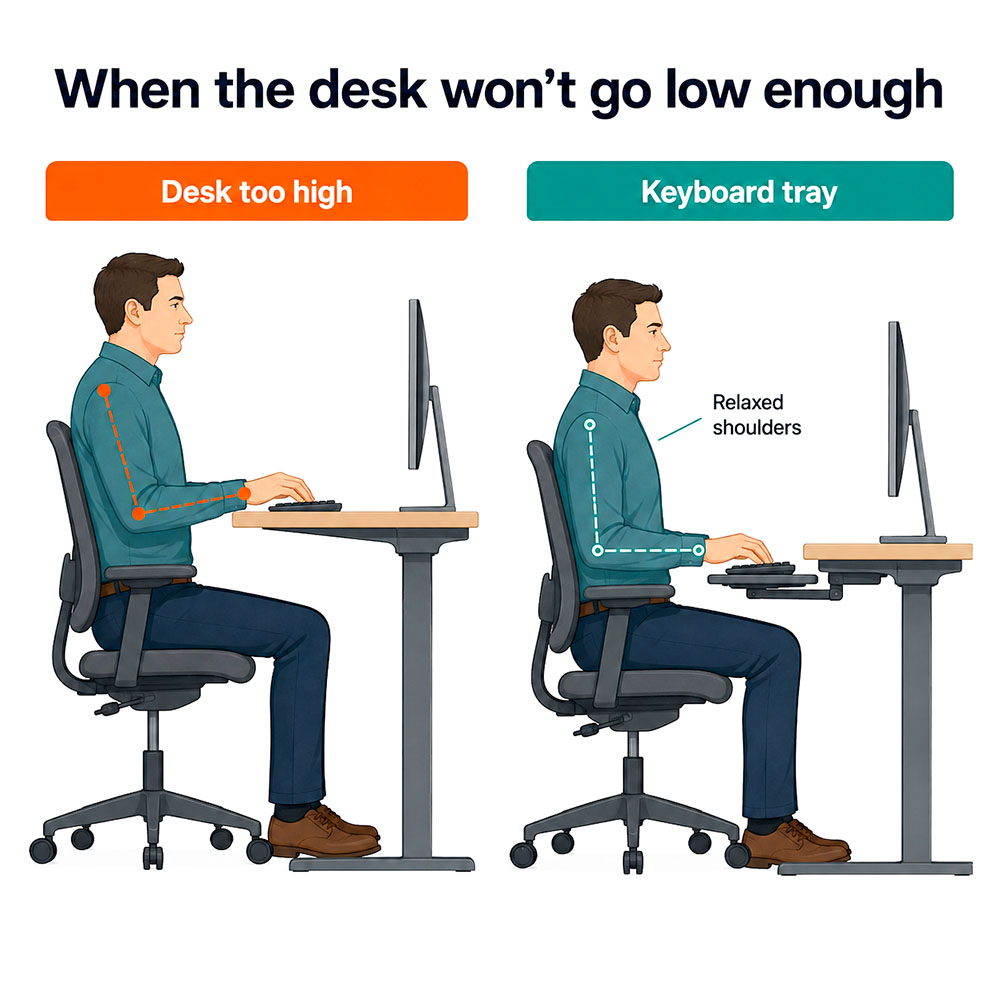
Why they matter: If your desk does not lower enough, you can end up shrugging your shoulders and bending your wrists back. A keyboard tray lowers the keyboard so your shoulders can relax and your elbows can sit at around 90 degrees.[1]
Before buying any keyboard tray, measure knee clearance, desk thickness and the position of the standing desk frame underneath. Some clamp trays clash with crossbars or metal support brackets.
|
|
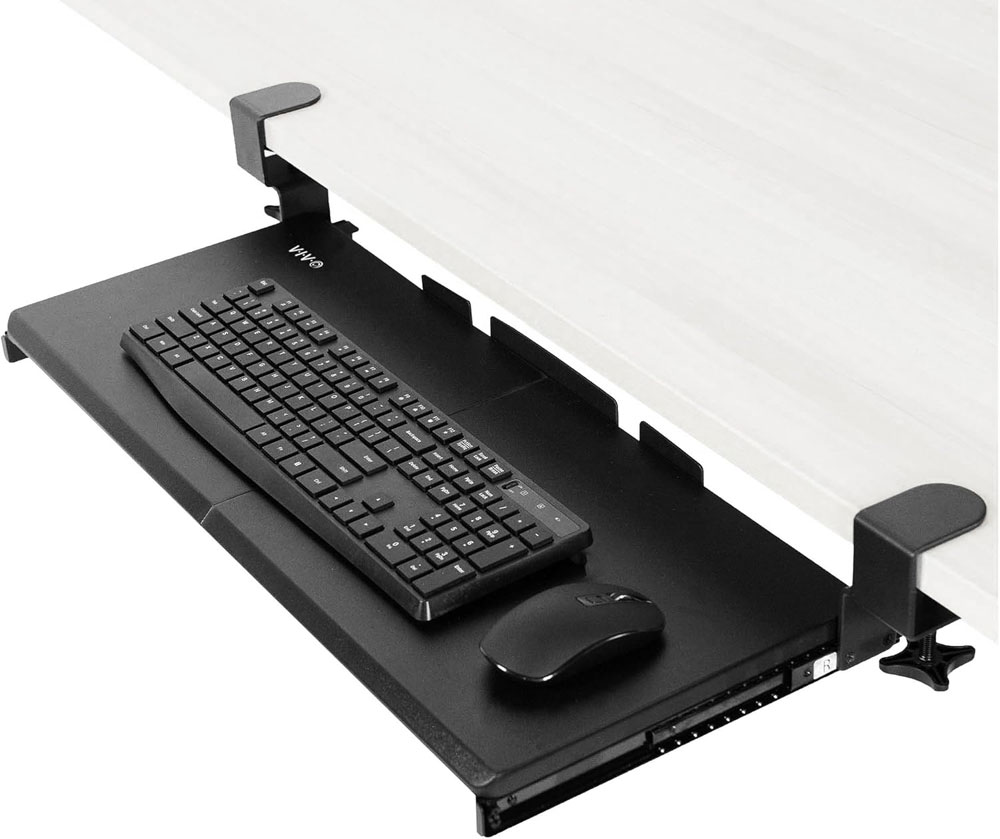
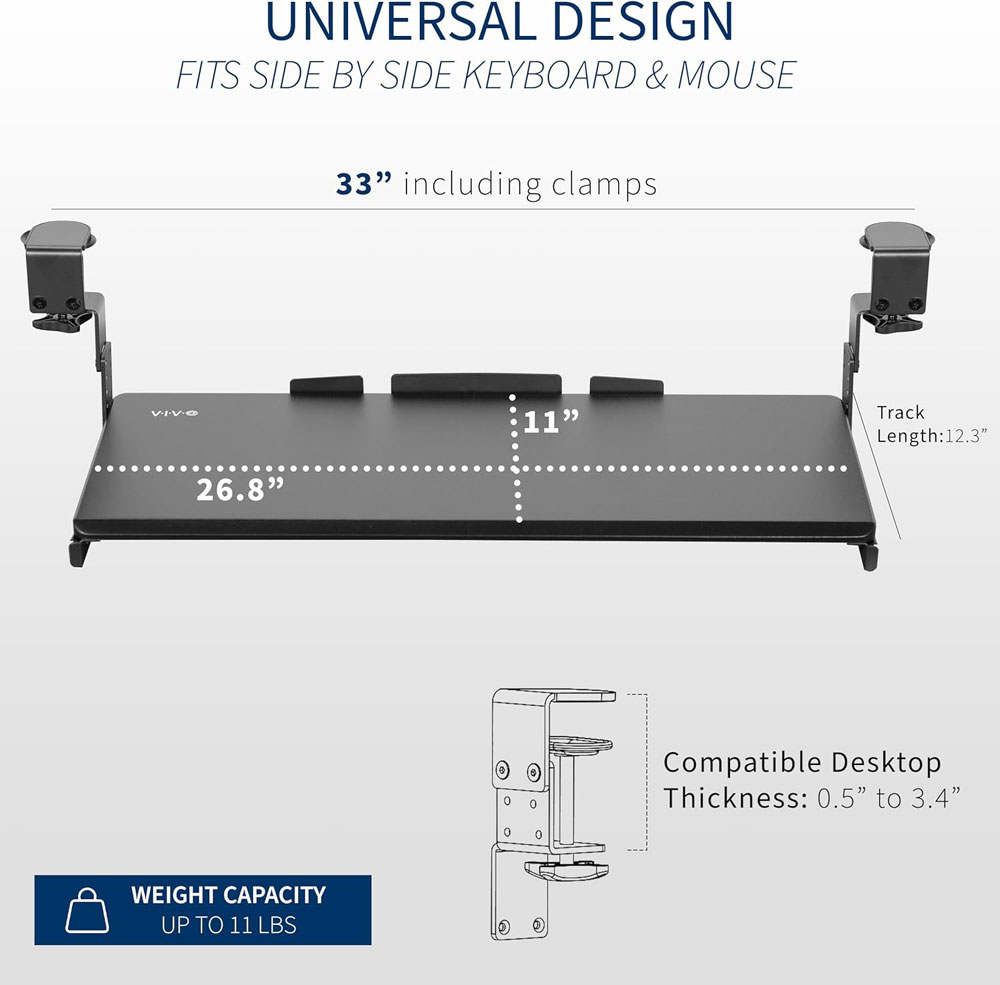
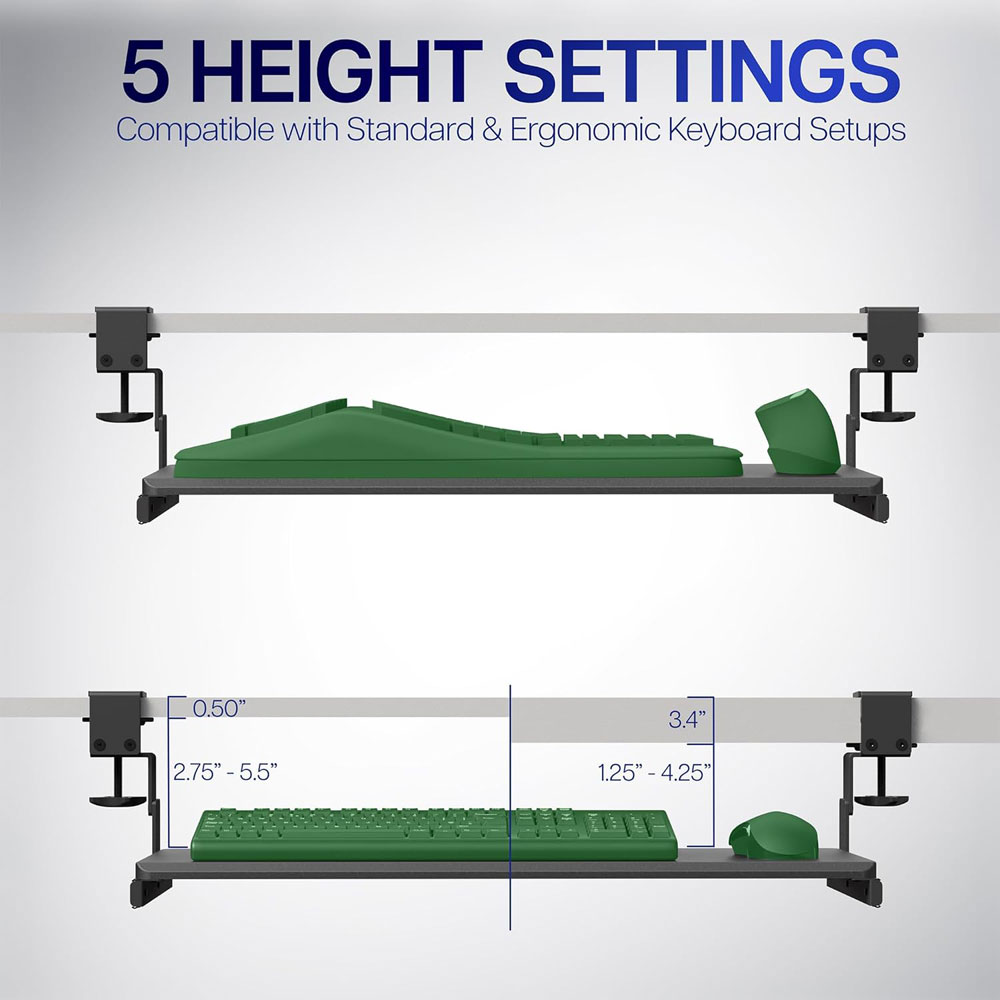
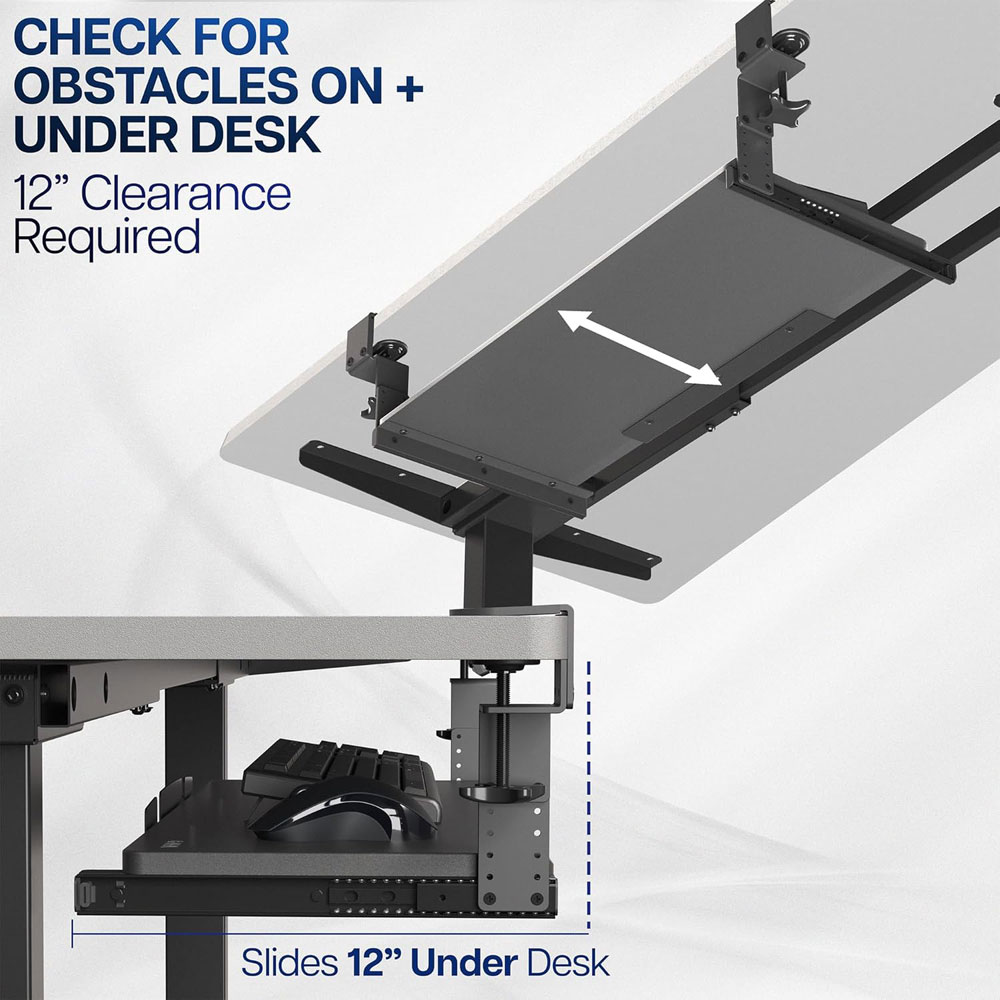
The VIVO height-adjustable keyboard tray provides a suitable working surface for both the keyboard and the mouse. I'd consider it if your standing desk does not lower enough and you keep finding your shoulders creeping up while you type. It is not as clean-looking as having the keyboard on the desktop, but it can solve a real height mismatch.
It uses a C-clamp mounting system and features a large 27-inch platform (33 inches with clamps) and an 11-inch depth. It slides out from under the desk and is designed as a height-adjustable ergonomic keyboard tray, offering greater flexibility than a basic fixed shelf.
Why we chose: Best for people who need a larger, more usable keyboard and mouse tray rather than a tiny under-desk shelf.
|
|
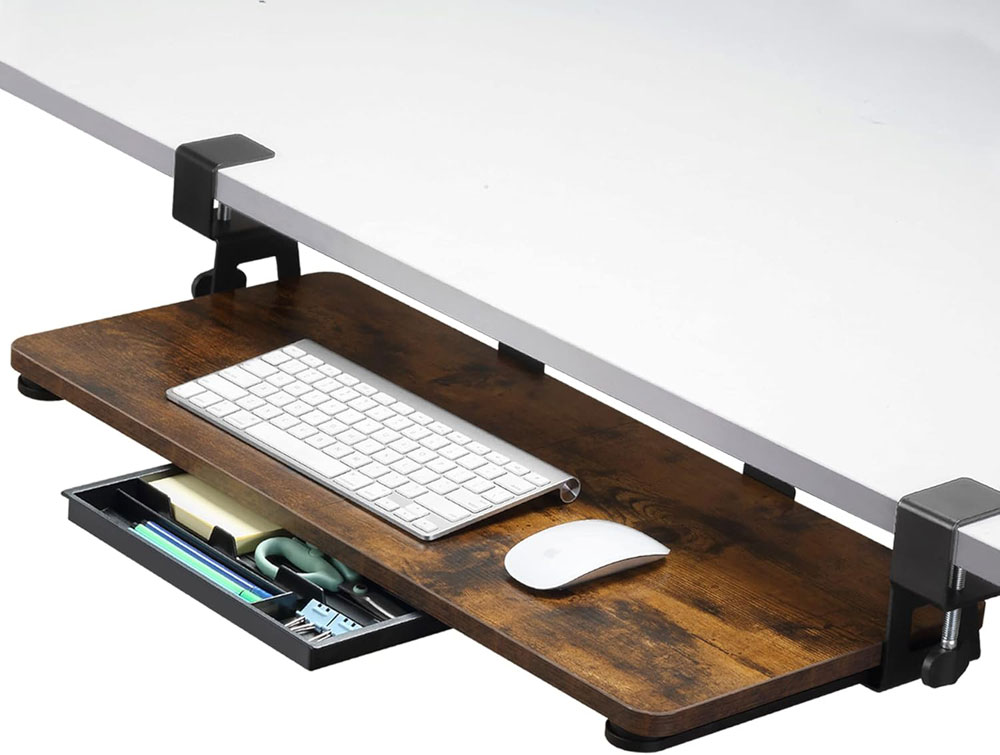
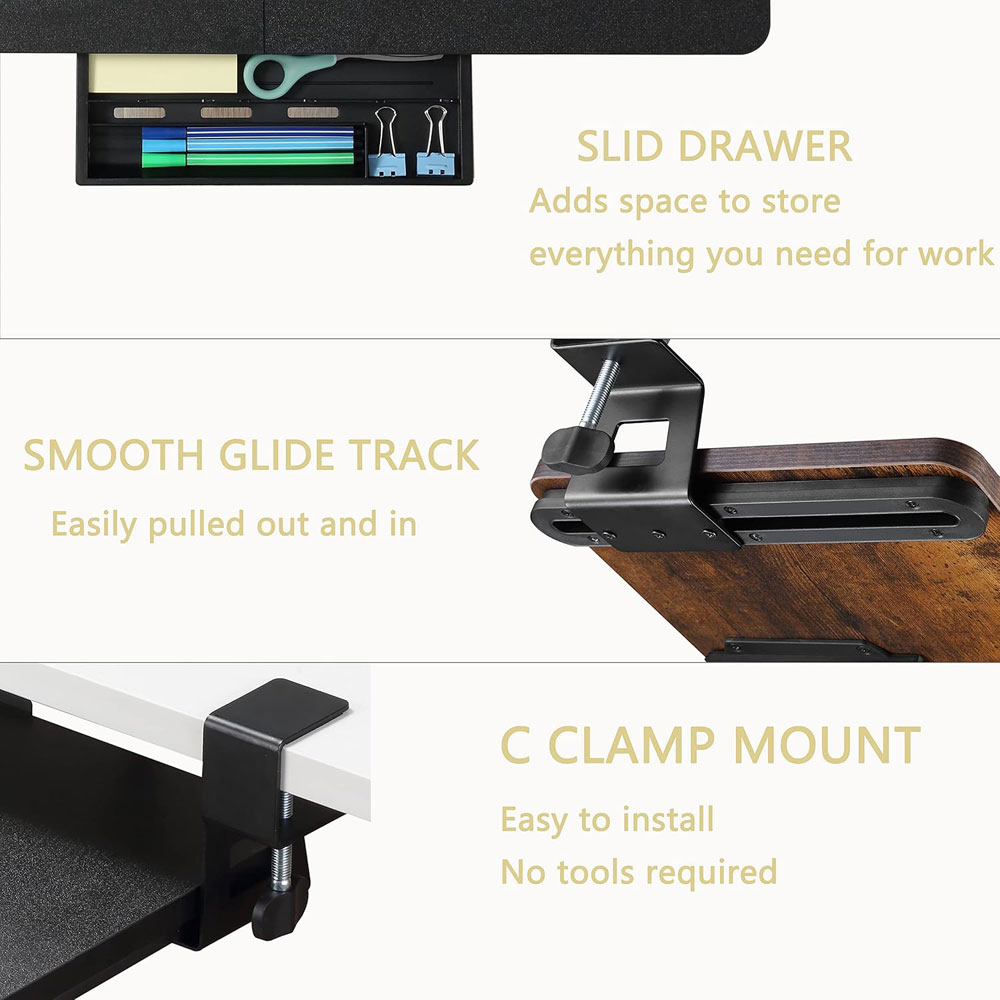
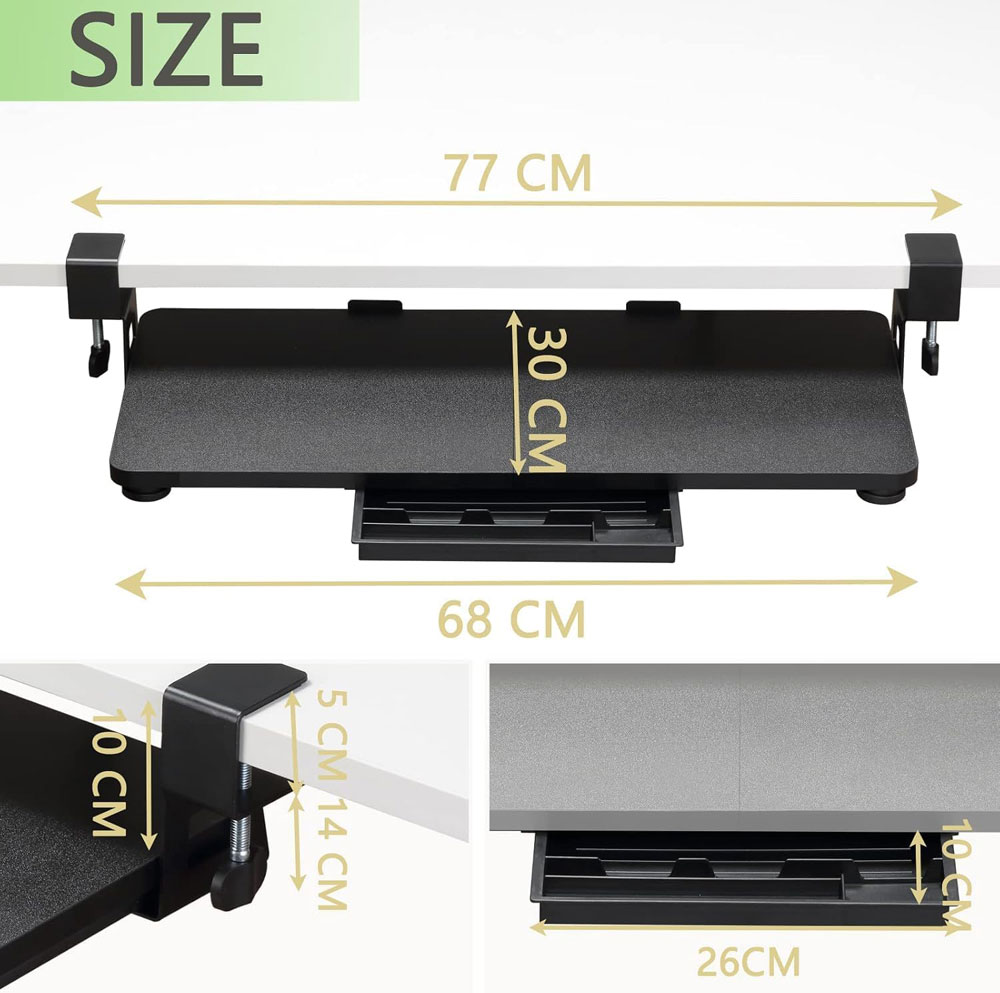
The ETHU under-desk keyboard tray is the budget option I'd consider if you mainly need to lower your keyboard slightly. It uses a clamp-on design, so you do not need to drill into the desktop, which is a big plus for many home setups. It will not feel as premium as a heavier-duty tray, but it offers a cheaper way to raise your keyboard height.
It measures 68 × 30 cm, uses C-clamps, and is described as an ergonomic pull-out tray for home and office use. As a budget option, it is still worth measuring carefully before buying: check desk thickness, knee clearance, and any metal frame parts under the desktop. Amazon currently rates it 4.4 out of 5 from 105 ratings.
Why we chose: Best budget keyboard tray because it offers a large clamp-on keyboard surface at a lower price.
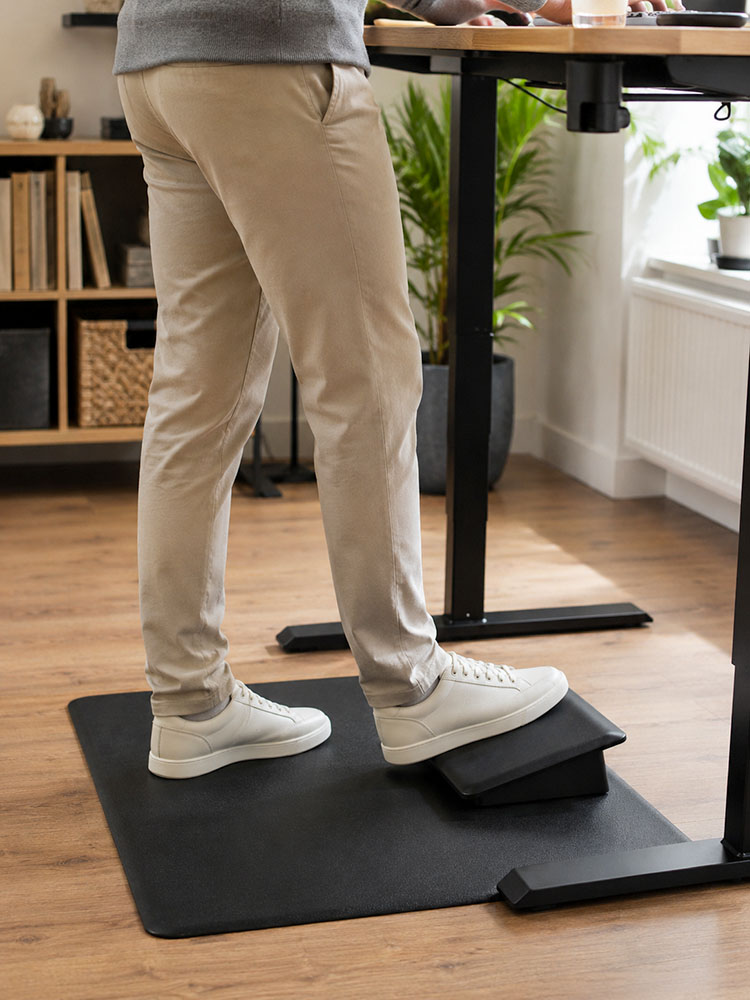
Why they matter: Footrests are not just for sitting. When standing, a small step lets you change your hip position by placing one foot up; when sitting, a footrest helps if your feet do not rest comfortably flat on the floor.
|
|
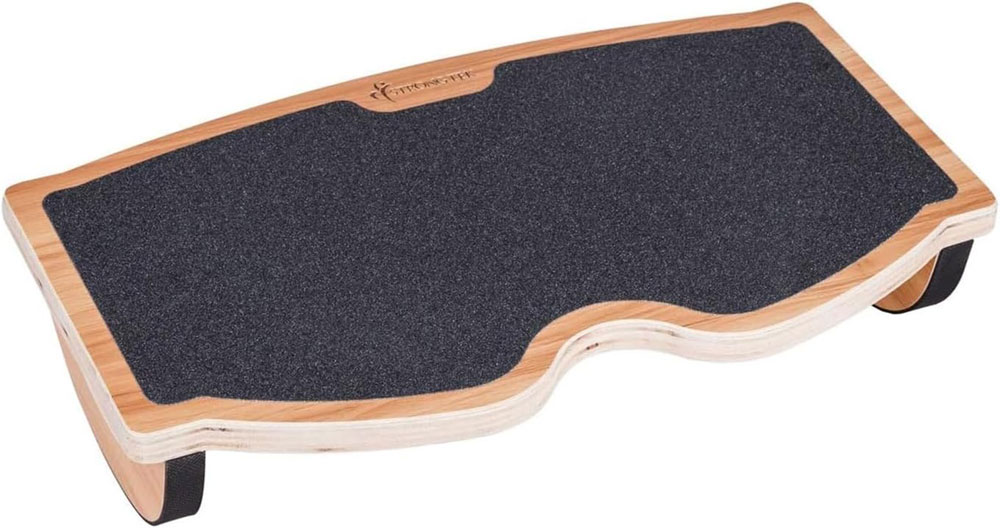
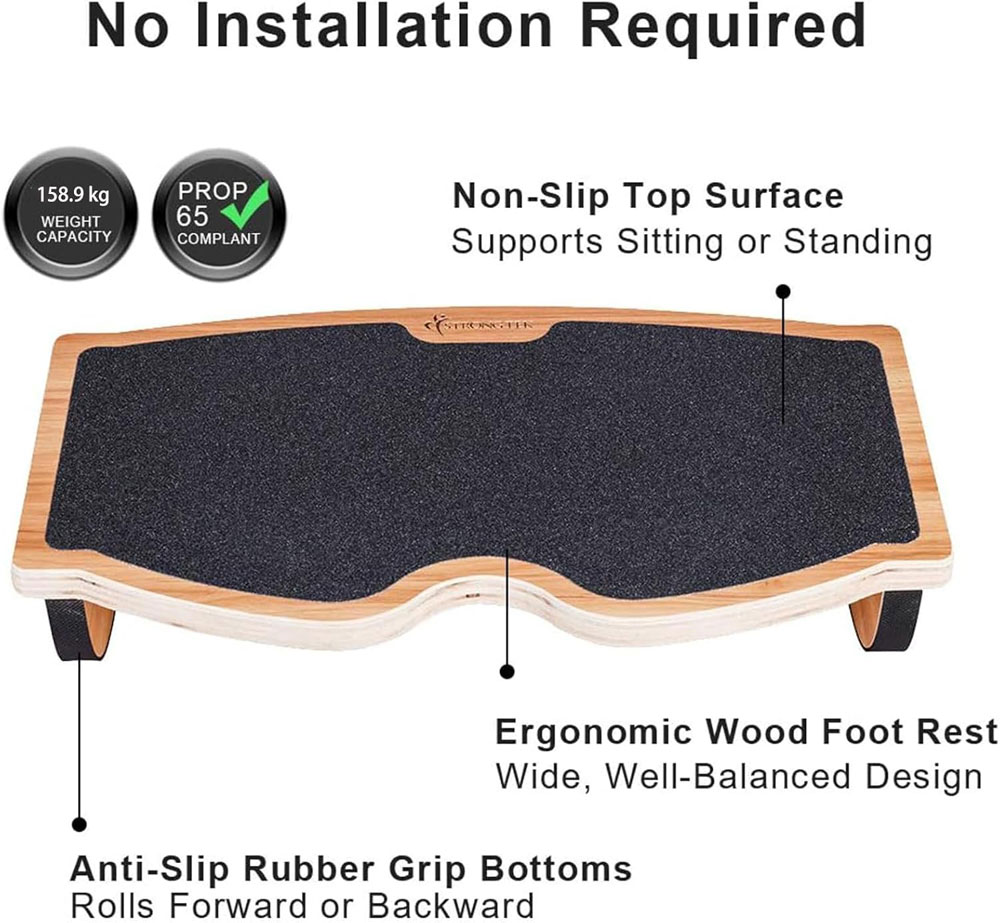
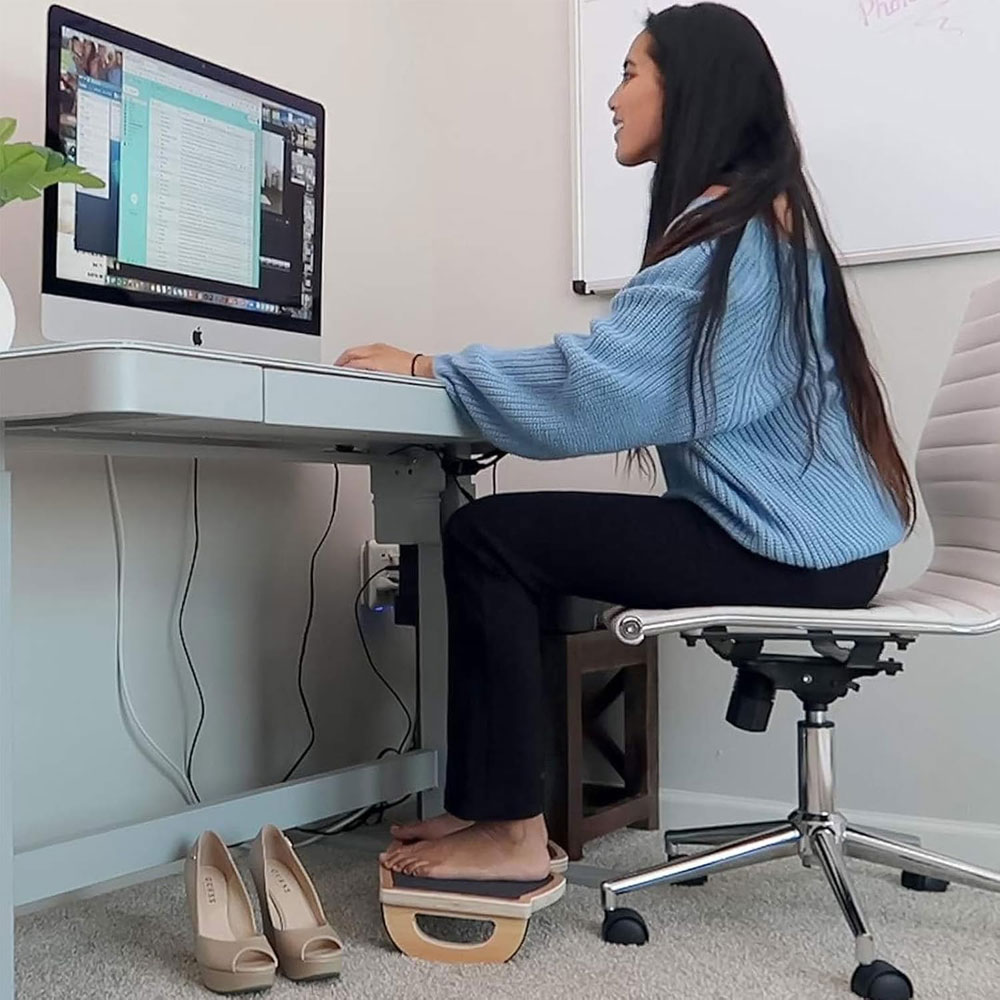
The StrongTek rocking footrest is the one to choose if you like to move while sitting. A fixed footrest can feel a bit passive, whereas this one lets your feet rock gently, making long desk sessions feel less stiff. It also works well as part of a sit-stand setup, giving you another way to vary your position throughout the day.
It has a natural wood build, a non-slip surface and a rocking design, with a listed capacity of 350 lb. The compact shape should fit under most desks, and the curved rocker is the main reason to choose it over a basic flat plastic platform.
Why we chose: Best for people who want a footrest that provides subtle movement rather than just static support.
|
|
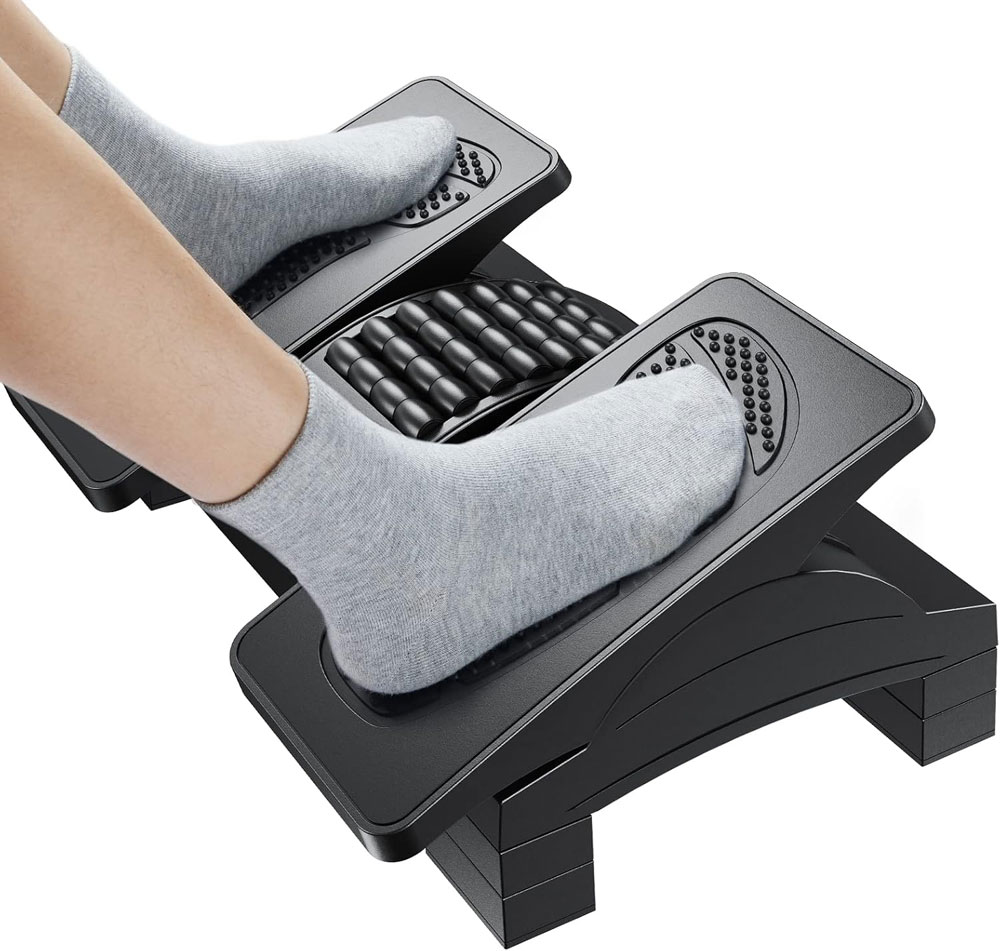
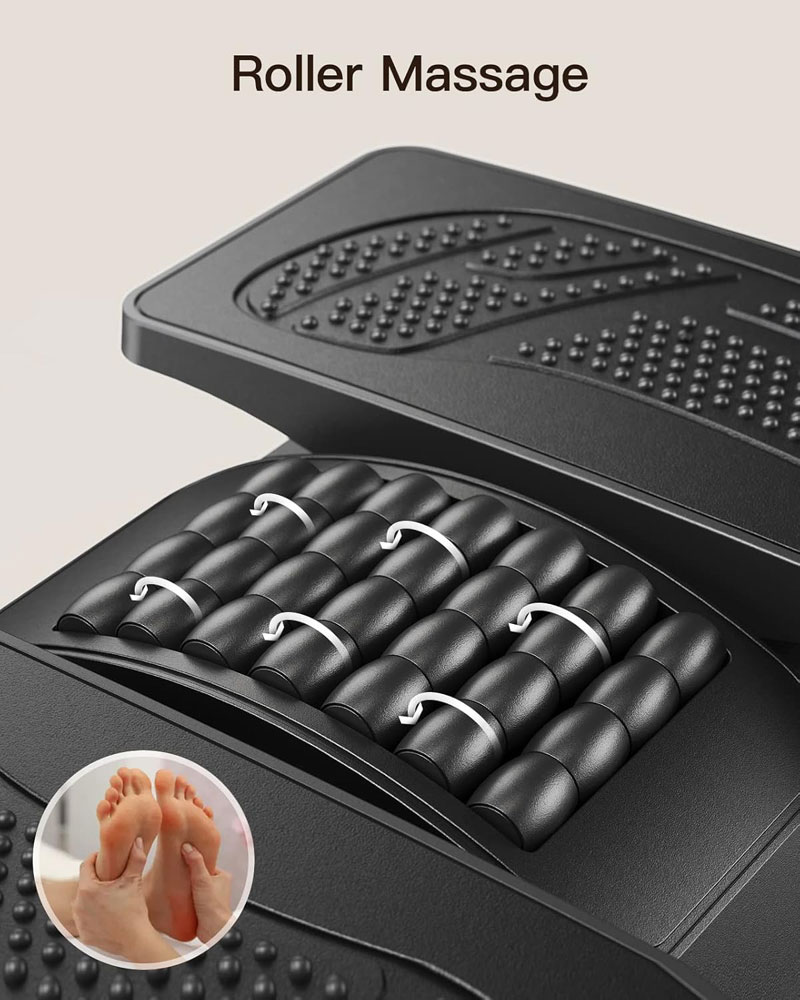
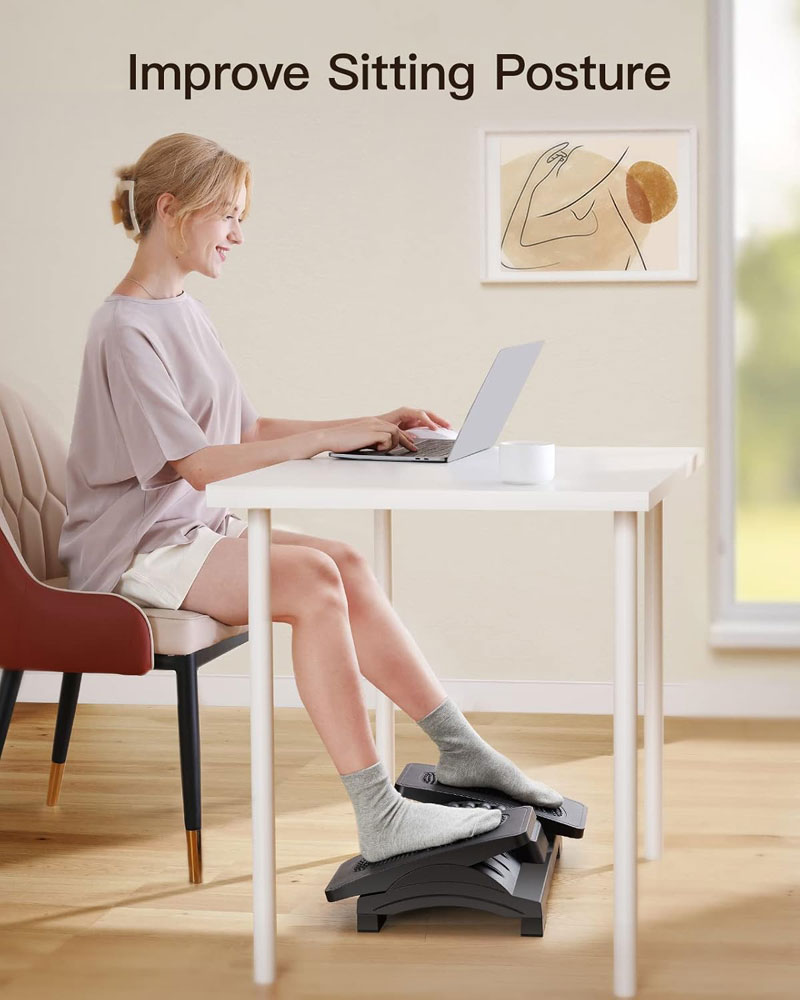
The HUANUO ergonomic footrest is the value option if you want more adjustability without paying premium prices for office furniture. It is useful when sitting, especially if your feet do not rest comfortably flat on the floor, and it also provides an alternative foot position during long desk sessions. I'd choose it over a very basic fixed footrest if more than one person uses the desk.
It offers three adjustable heights, a massage-textured surface, a roller, and a 20-degree tilt or a locked-angle adjustment. That gives it more flexibility than a simple flat platform and makes it easier to find a comfortable foot position under the desk.
Why we chose: Best value footrest that adds height adjustment, tilt and texture without becoming expensive.
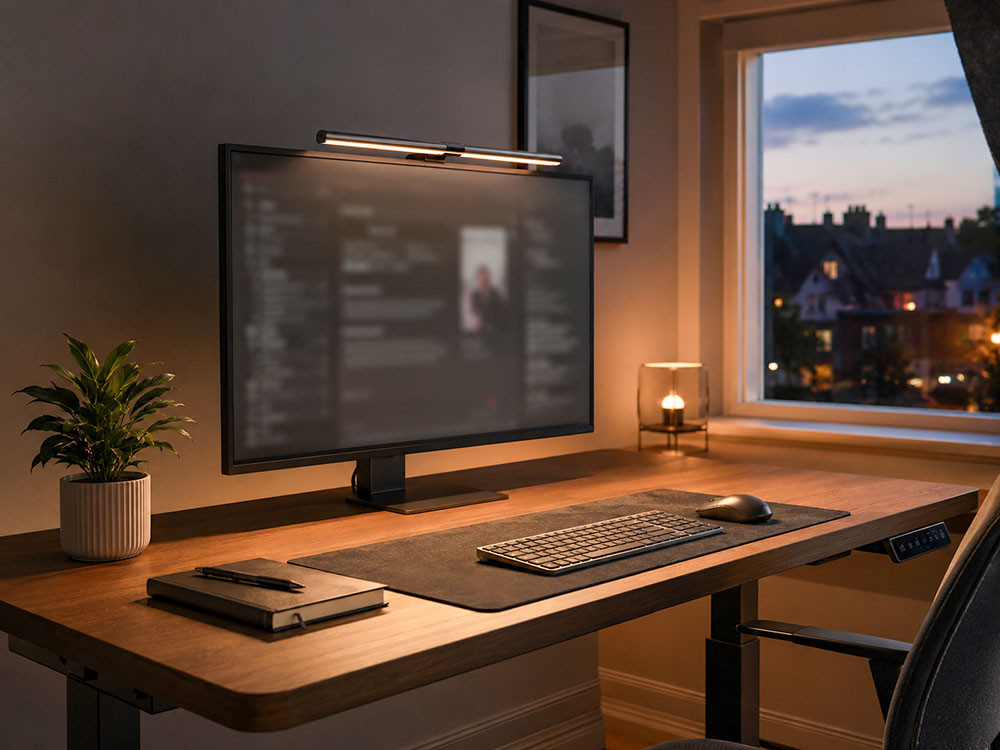
Why it matters: Better lighting makes it easier to work without leaning forward, and a monitor light bar saves desk space compared with a traditional lamp.
|
|
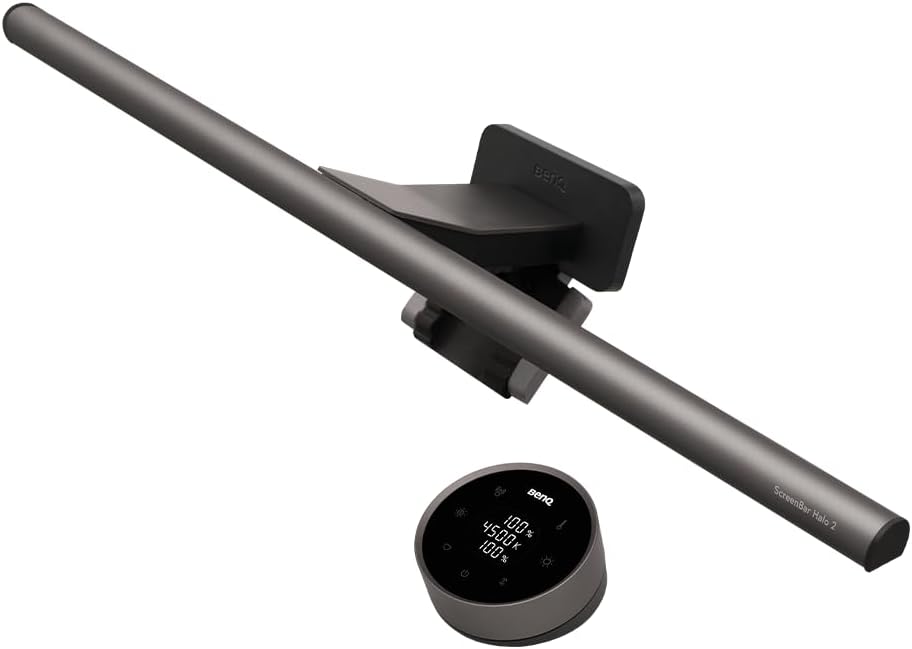
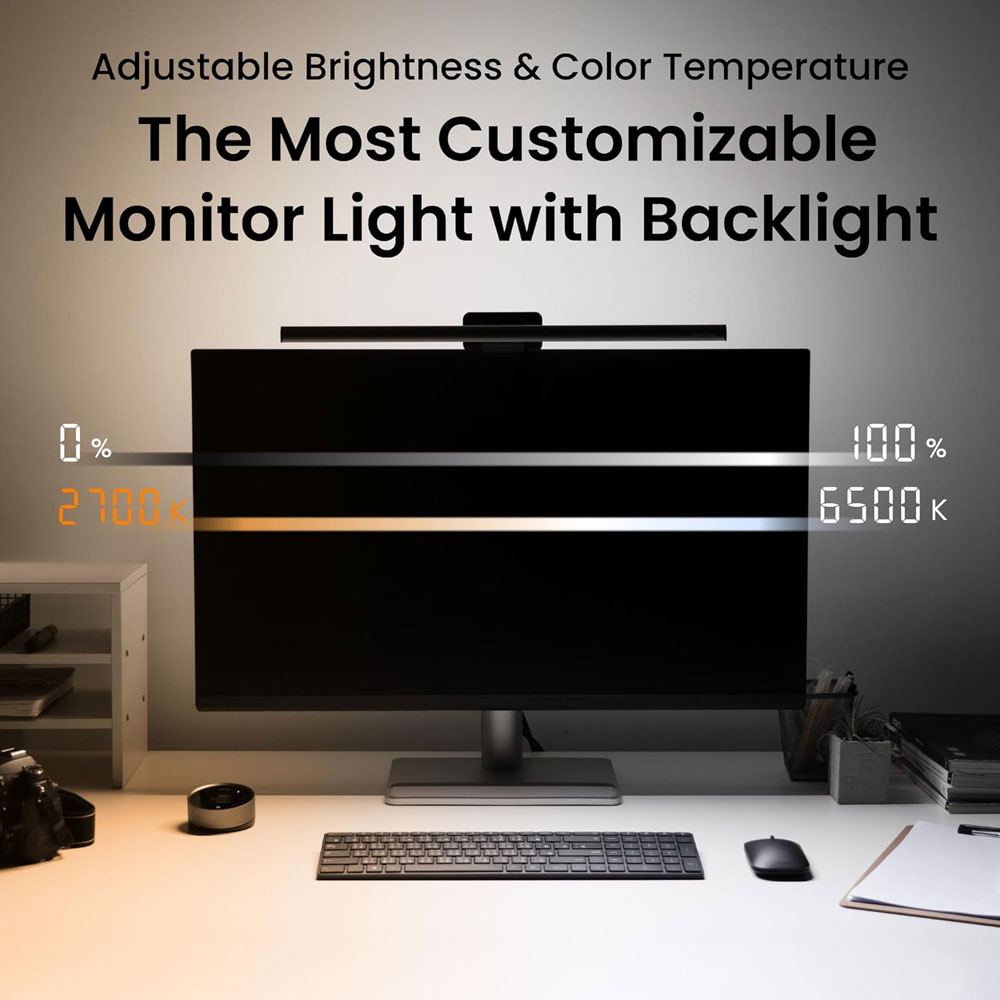
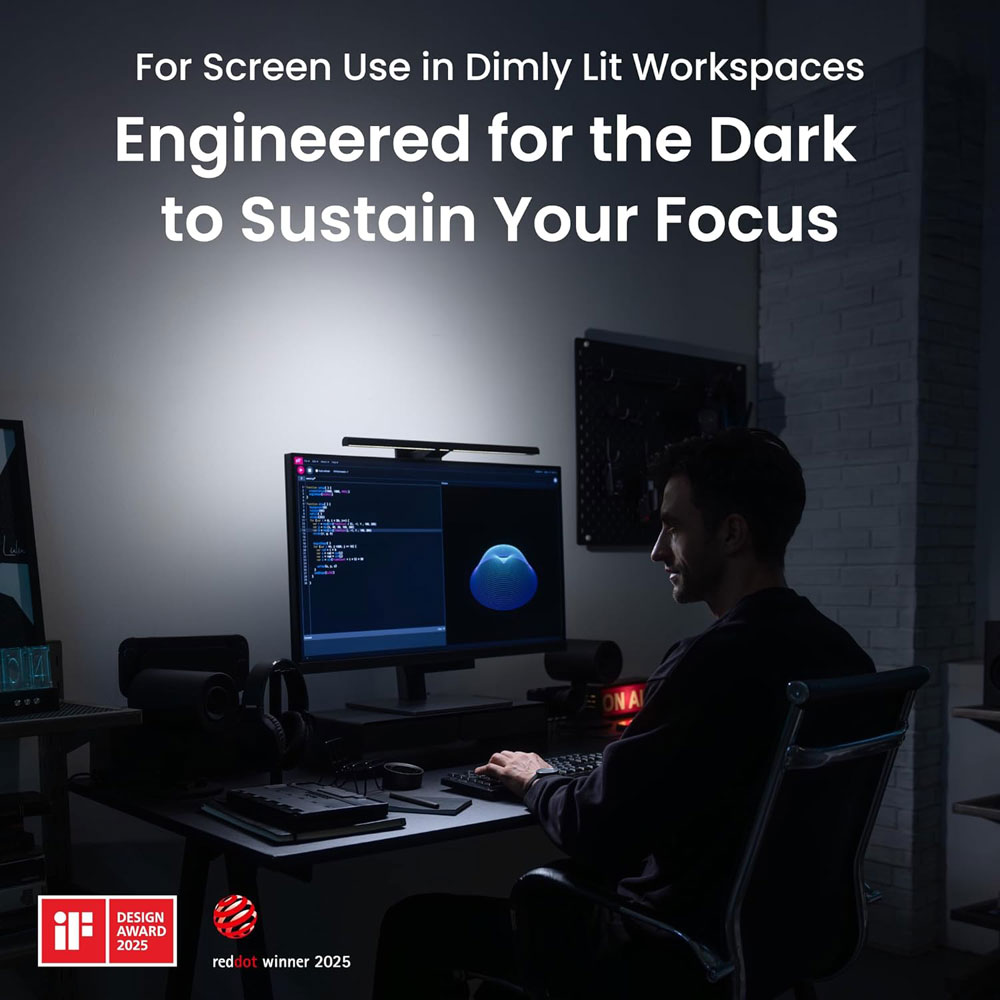
The BenQ ScreenBar Halo 2 is the premium lighting choice if you want the desk to feel more finished and easier to work at in the evening. It provides focused desk lighting without taking up space like a normal lamp, which is useful on a standing desk where the surface can already feel crowded. For dark UK mornings and late work sessions, this is the light bar that feels most like a proper upgrade.
It is an LED monitor light bar with a wireless controller, adjustable brightness and colour temperature, USB power, eye-care lighting, and a no-screen-glare design. The Halo version is also aimed at people who want a more polished lighting setup, rather than simply the cheapest possible monitor light.
Why we chose: It is a premium monitor light bar for those who want strong lighting control and a cleaner desk setup.
|
|
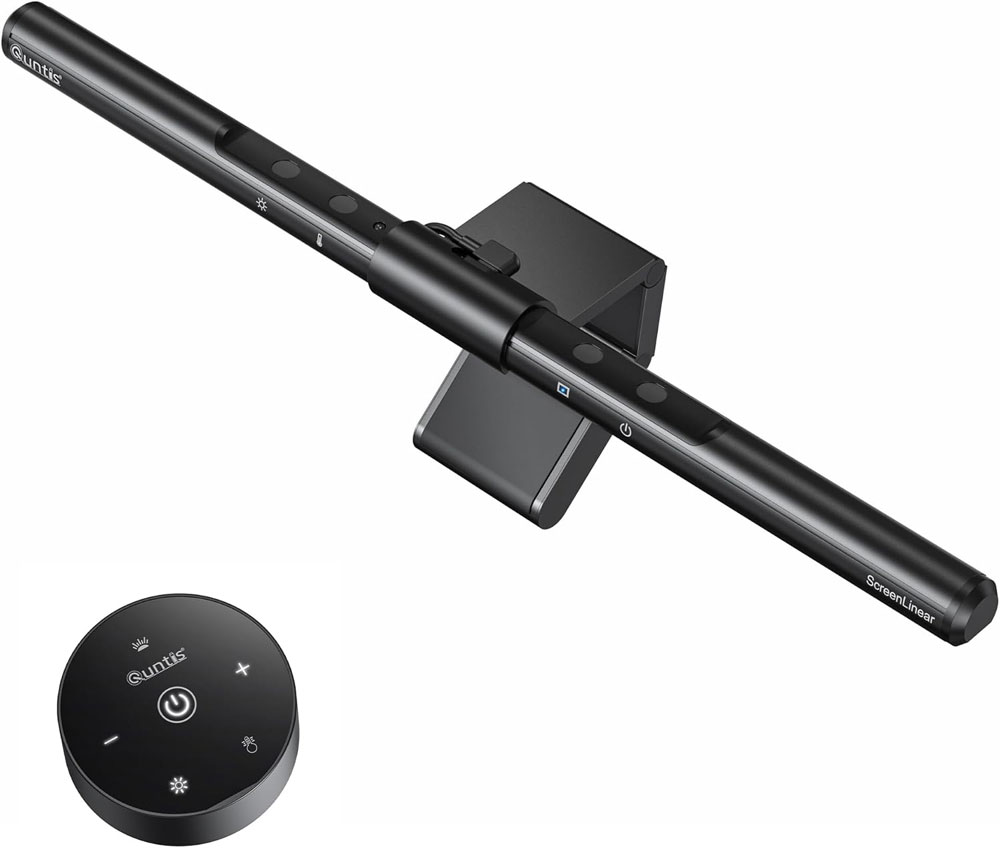
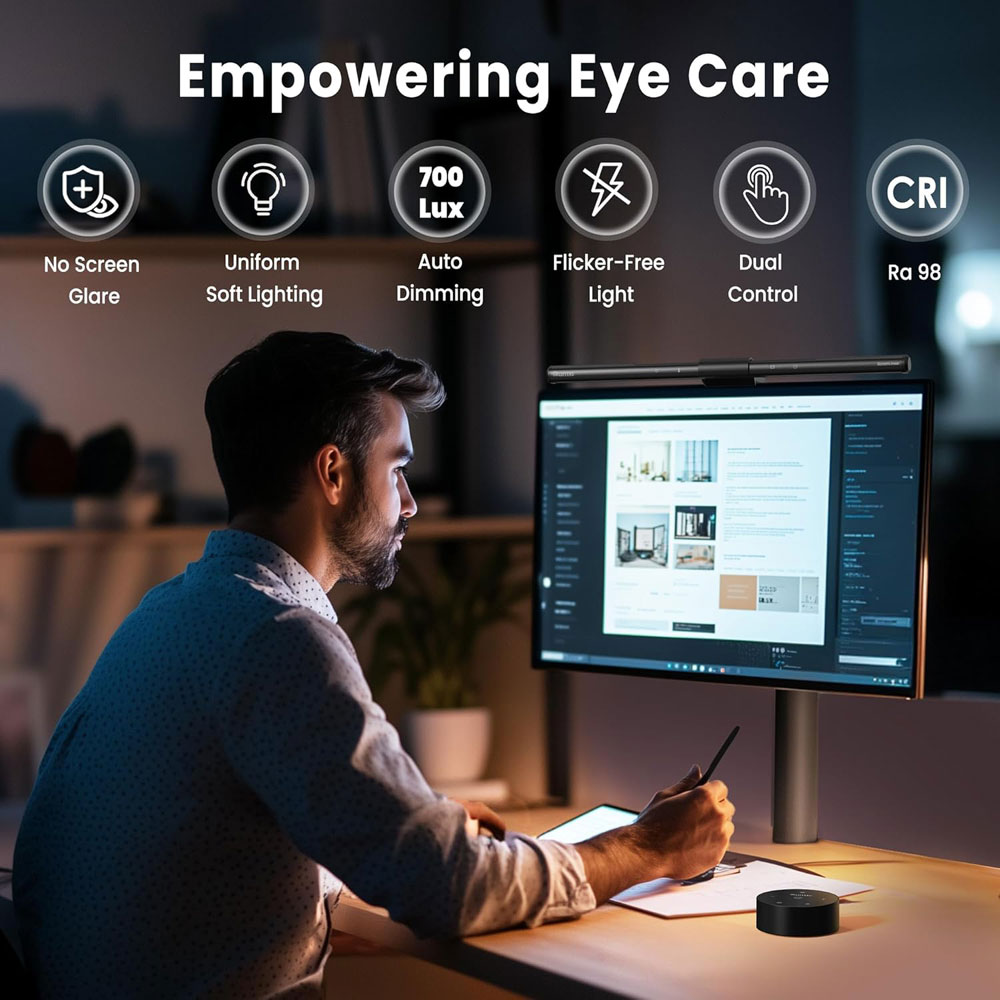
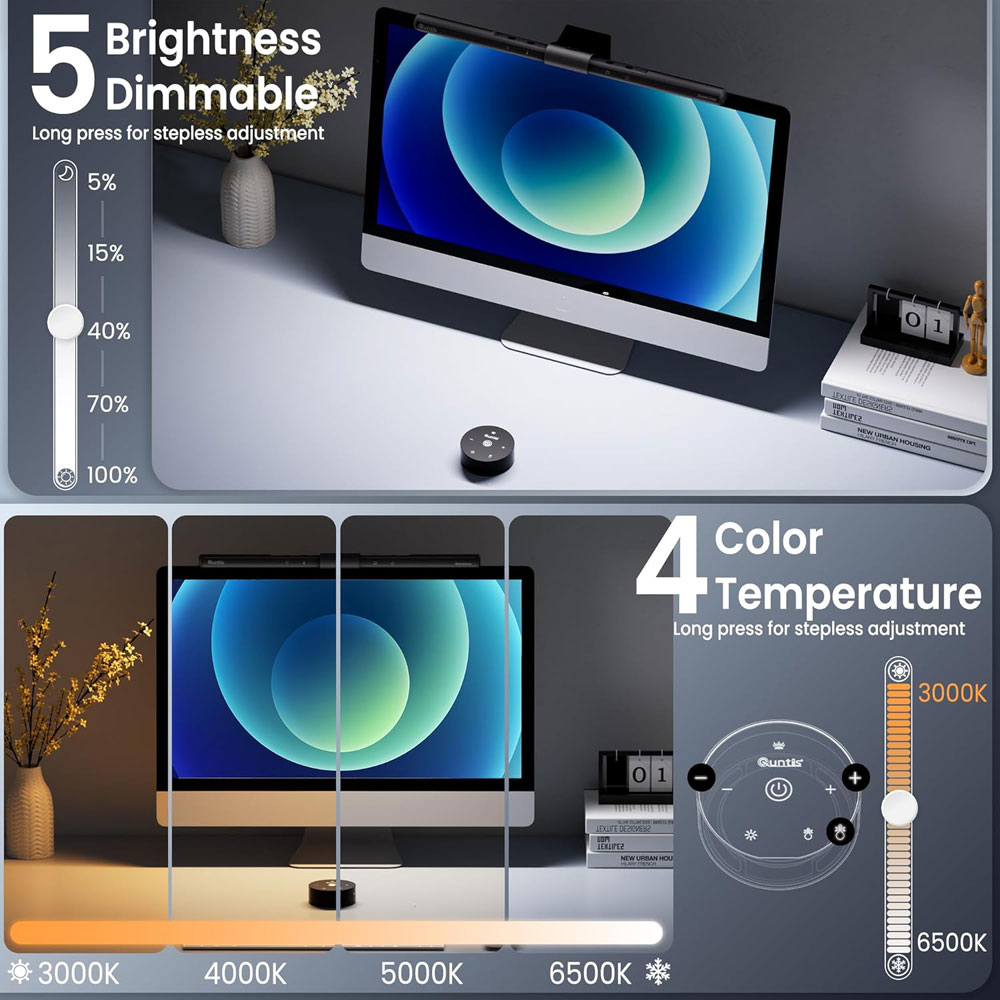
The Quntis Wireless monitor light bar offers most of the key benefits of a monitor light bar but is much cheaper than the BenQ. It clears the desk surface, lights the keyboard and work area, and is especially useful if you work in the evening. It is the one to choose if you want the concept without paying premium prices.
It is a 40cm monitor lamp with remote and touch controls, stepless auto dimming, colour-temperature adjustment, and an anti-blue-light/eye-protection design. As a value pick, it is worth checking the exact variant before buying, as Quntis sells several similar light bars.
Why we chose: Best value monitor light bar because it offers brightness and colour-temperature control, plus remote and touch control, at a much lower price.
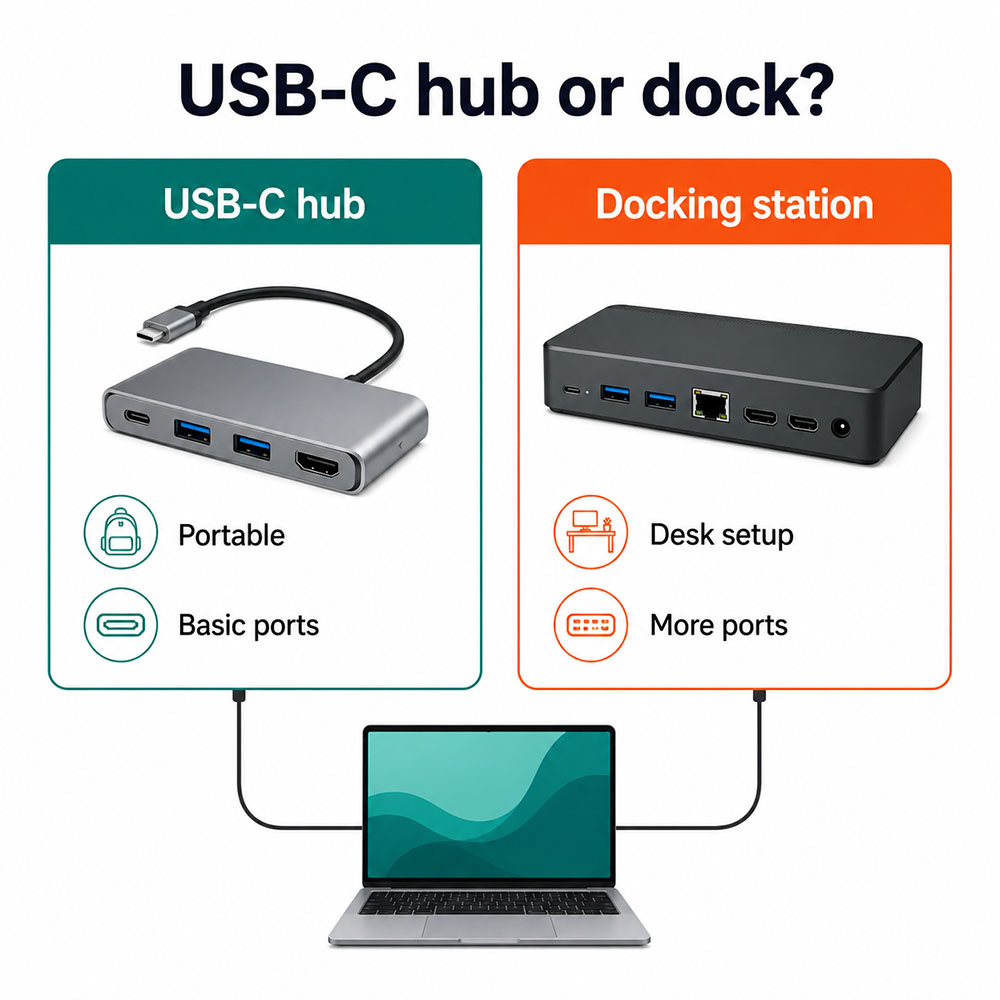
Why they matter: A sit-stand setup is easier when cables are simple. A good hub or dock reduces clutter and makes it faster to plug in and start work.
|
|
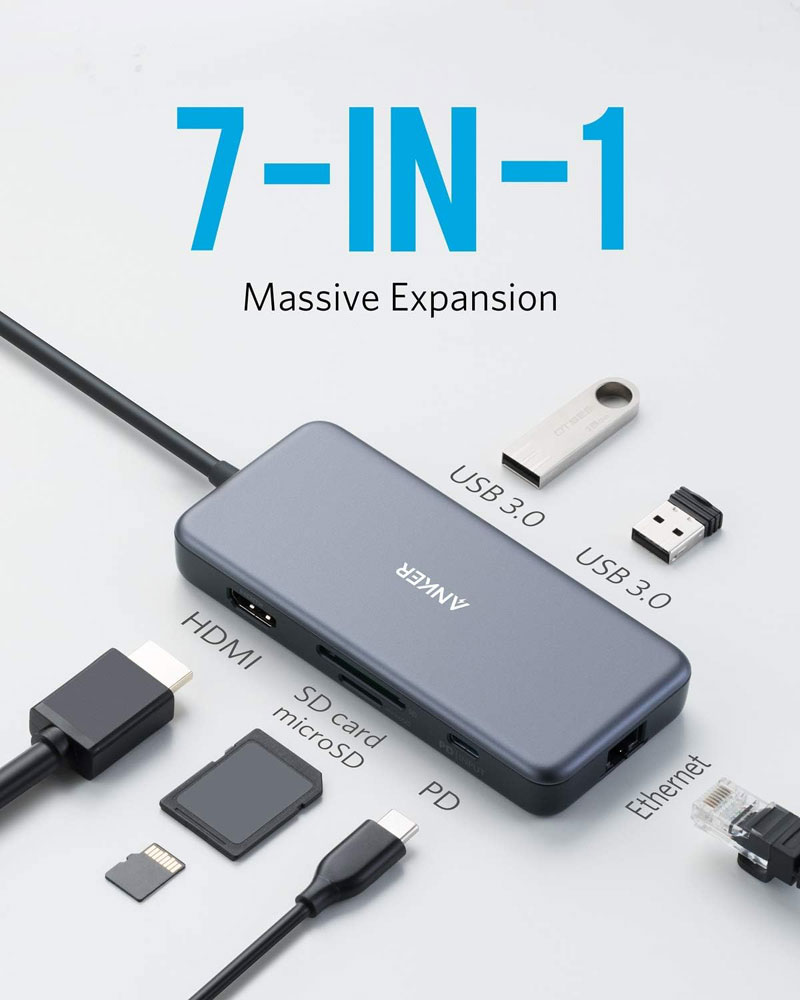
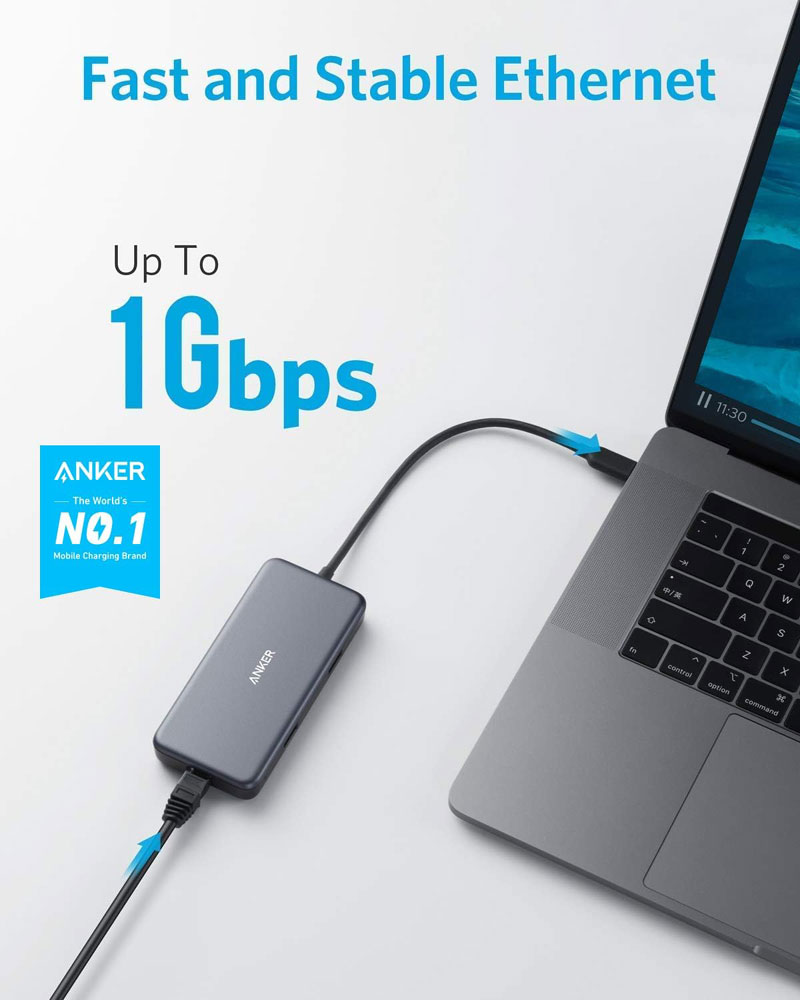
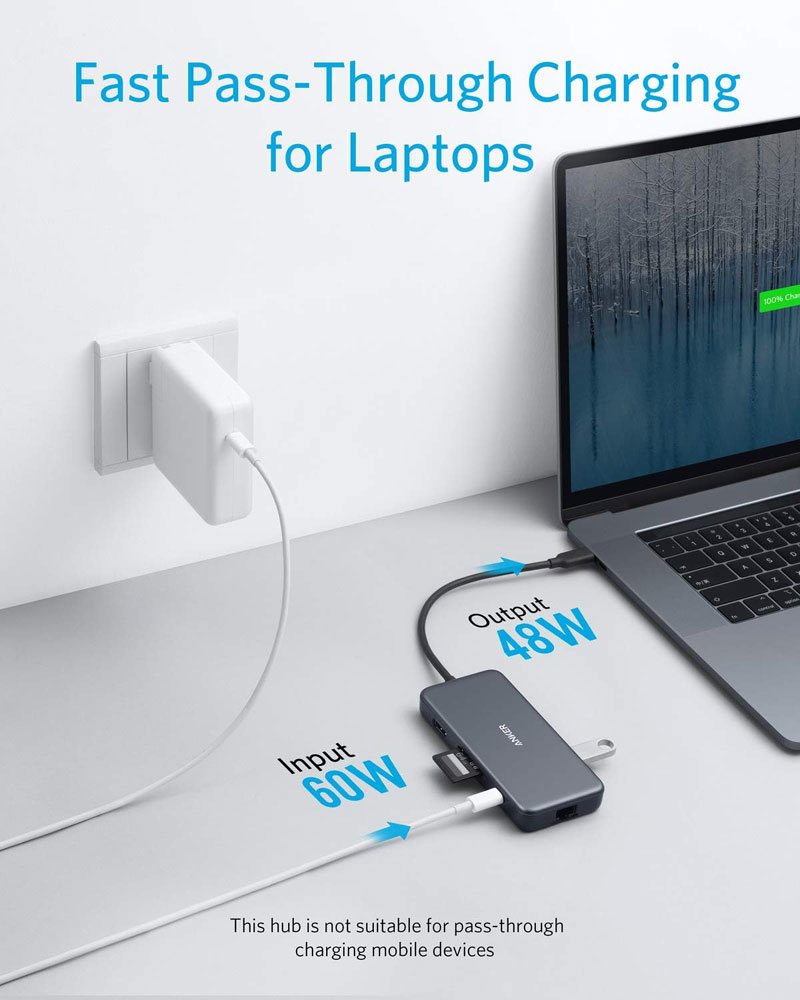
The Anker PowerExpand+ 7-in-1 is a USB-C hub that adds the ports most people need without turning the desk into a complicated docking station. It is particularly useful if you want a single laptop cable to power your monitor, network, keyboard, mouse, and card reader.
It includes 4K HDMI, 60W Power Delivery input, 1Gbps Ethernet, two USB 3.0 ports, and SD/microSD card readers. It claims to offer 5 Gbps data speeds and pass-through charging, but the hub itself draws some power, so the maximum charge passed to the laptop will be slightly lower than the wall adapter's rating.
Why we chose: Best USB-C hub for a standing desk because it balances useful ports, portability and reliable everyday connectivity.
|
|
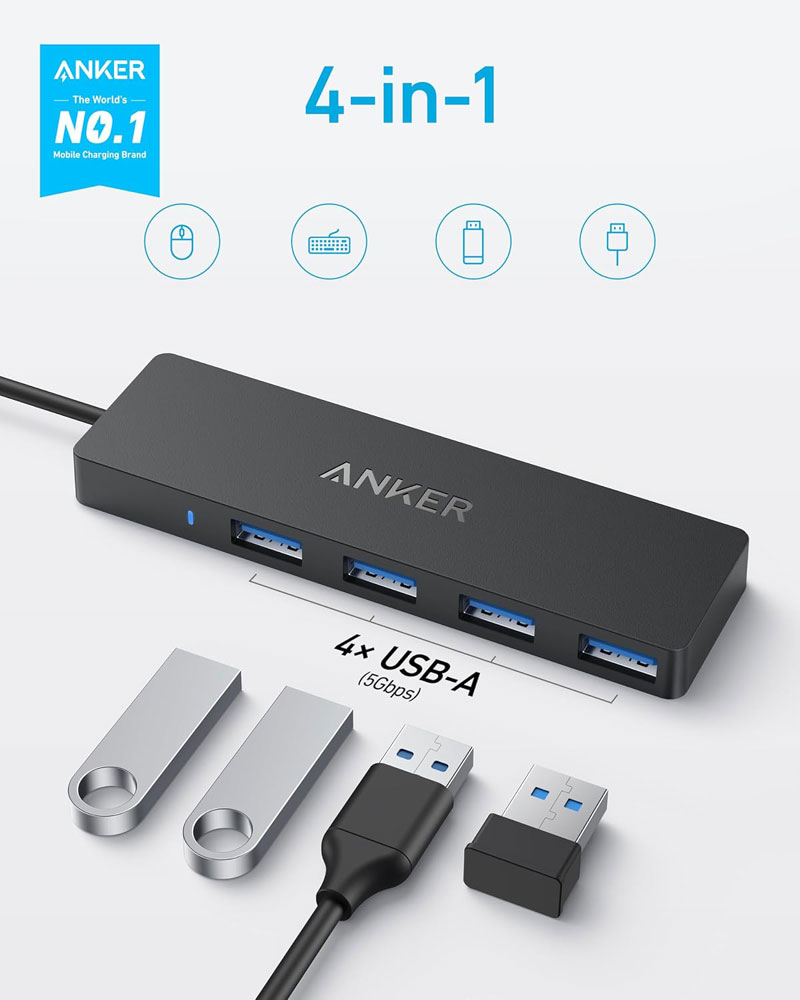
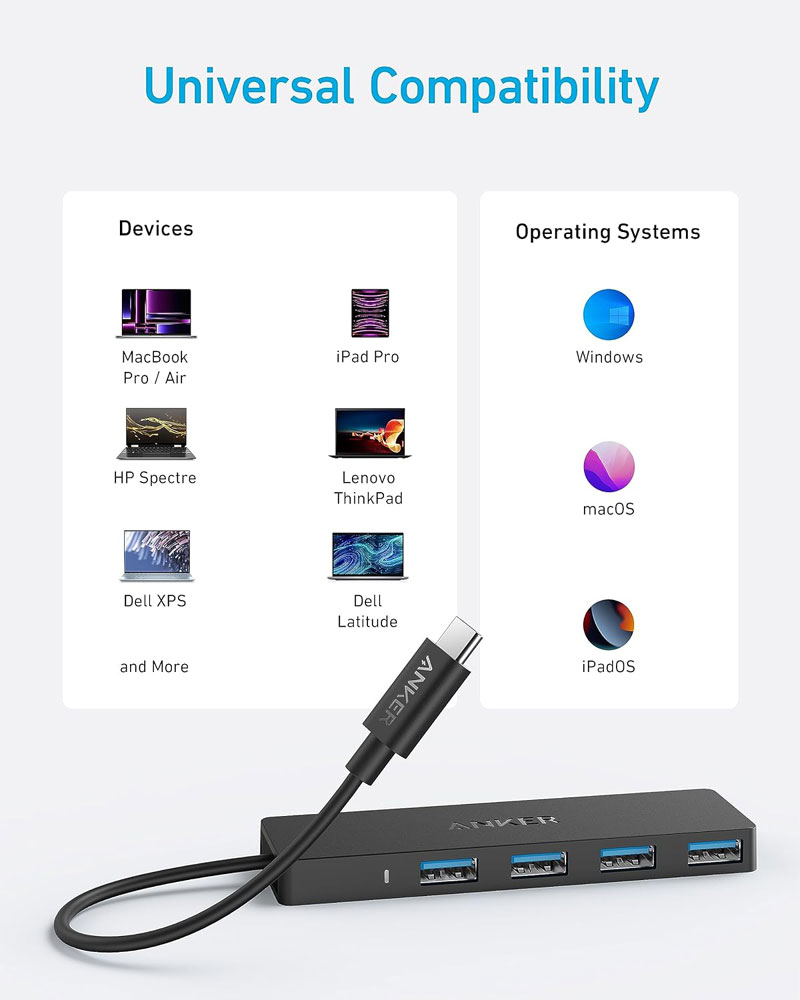
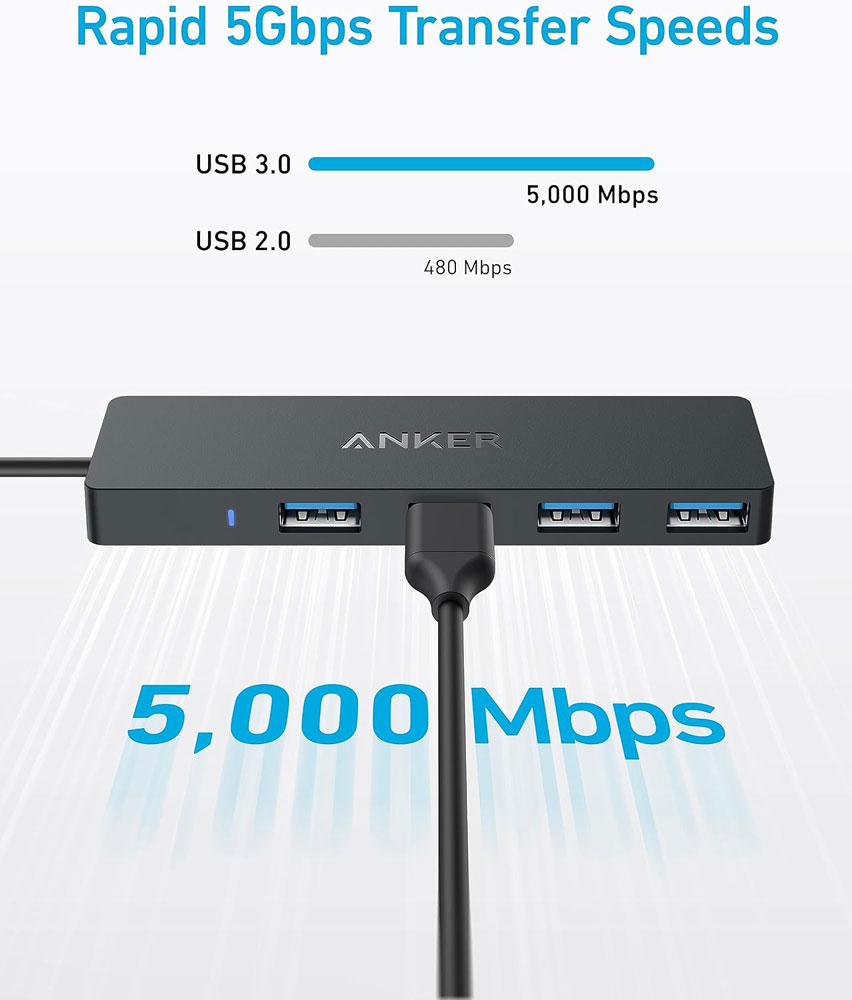
The Anker 4-port USB 3.0 hub is the budget pick if your main problem is simply not having enough USB-A ports. It is not a full dock, does not power your laptop, and will not run a monitor. What it does do is make it easier to plug in a keyboard, mouse, webcam, USB drive or other low-power accessories.
It is an ultra-slim 4-port USB 3.0 data hub with a 20 cm cable and support for 5 Gbps transfer speeds.
Why we chose: Best budget USB hub for adding extra USB-A ports without buying a full docking station.
Why they matter: A desk mat protects the desk surface, provides a consistent mouse-tracking area and makes the workspace feel more organised.
|
|
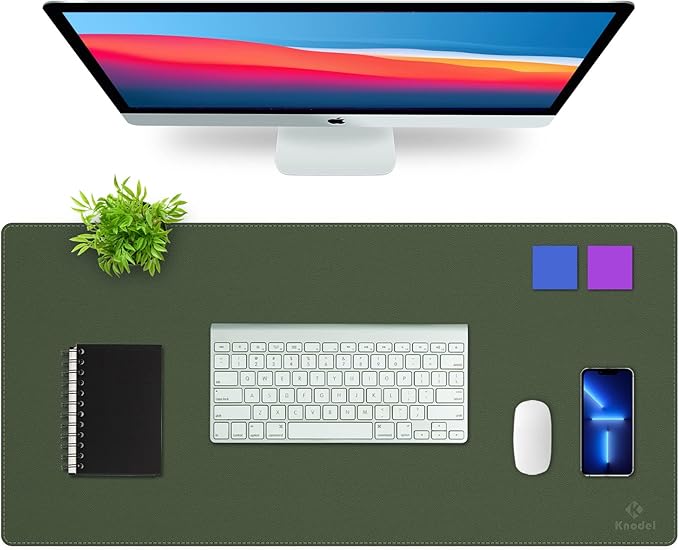
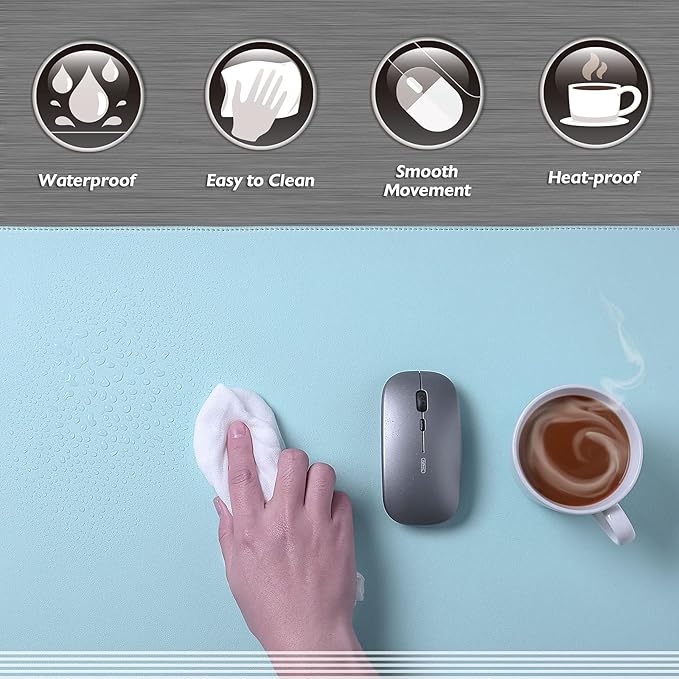
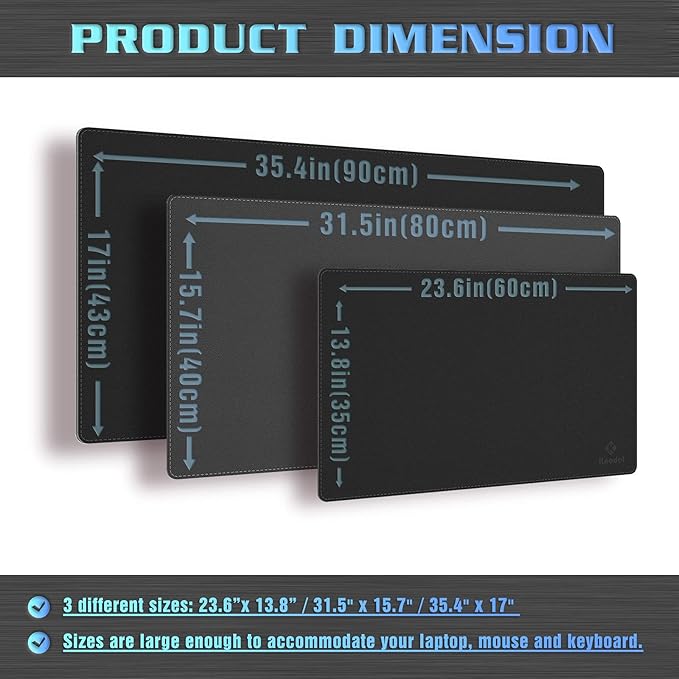
The K KNODEL desk mat makes the desk surface feel more organised and finished. It is more than just a mouse mat: it protects the desk, provides a smoother surface for your mouse, and visually ties the keyboard and mouse area together. I'd use it on wood, laminate or textured desktops where mouse tracking and surface marks can be annoying.
It is a dual-sided PVC leather desk pad, listed as waterproof (though I didn't test that), and this version measures 80 × 40 cm. That size is large enough for a keyboard and mouse zone without covering the entire desk, and the wipe-clean surface makes it more practical than felt if you drink coffee at your desk.
Why we chose: Best large desk mat because it protects the surface, improves the mouse area and makes the setup look neater.
|
|
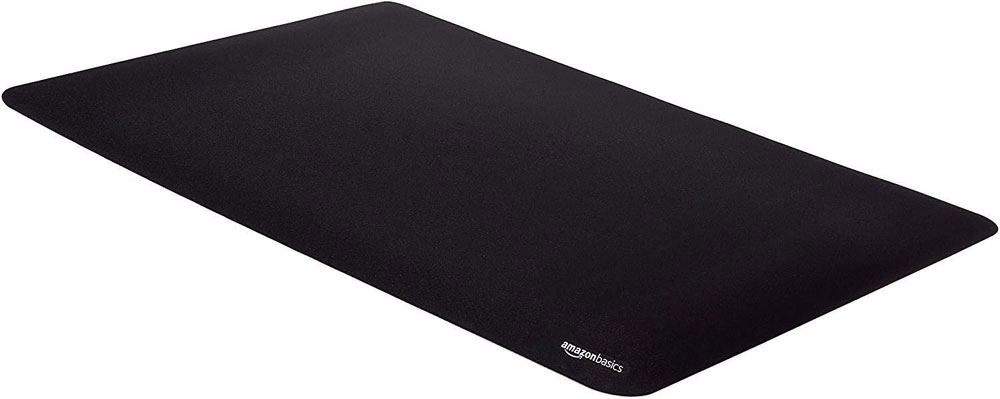
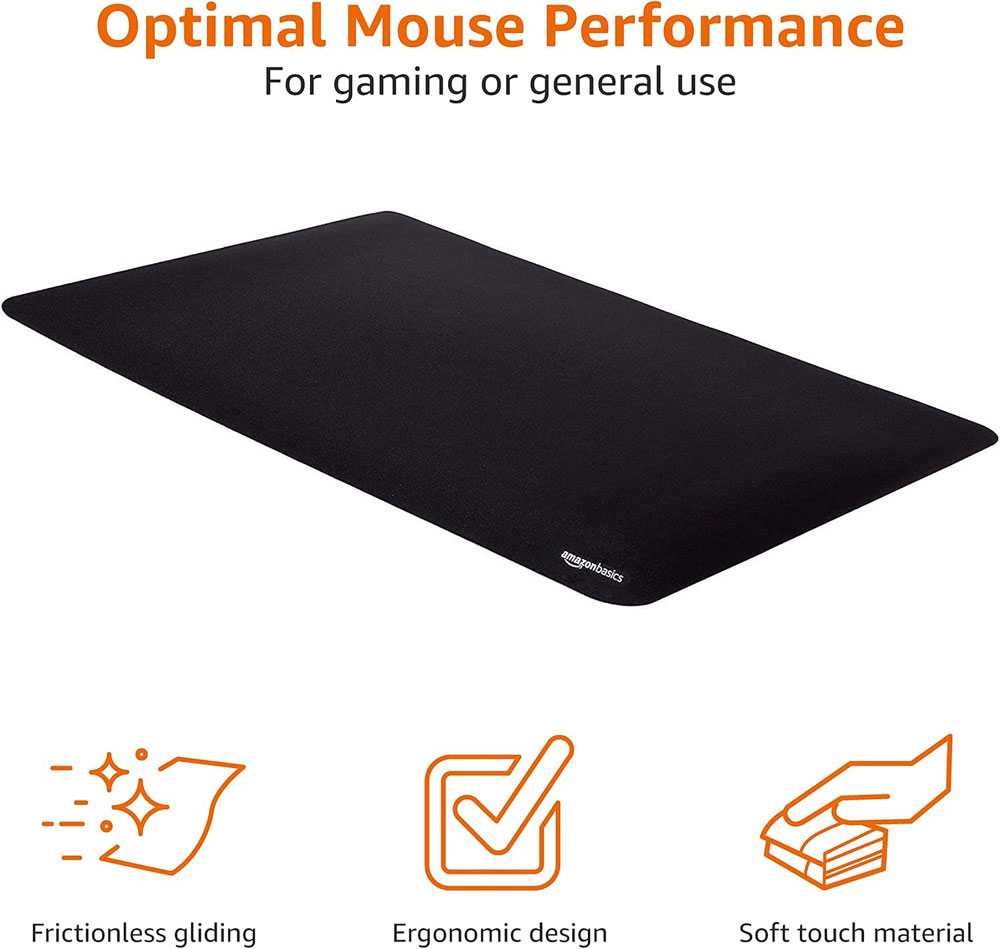
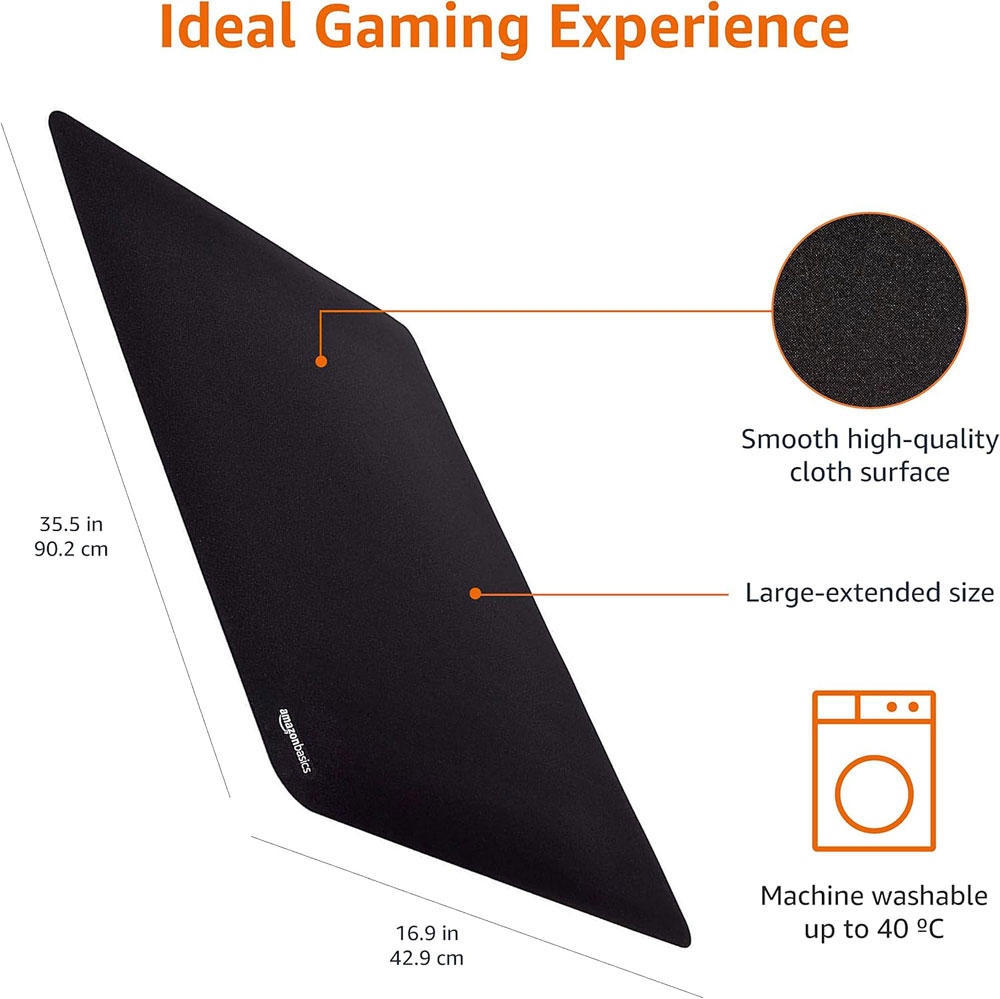
The Amazon Basics Large Extended Gaming Mouse Pad is a simple, low-cost way to provide a single, consistent surface for your keyboard and mouse. It is not as polished as a leather-look desk pad, but it performs its function very well.
It has a cloth surface for smooth mouse movement and a rubberised base to keep it in place. The product page lists it as an extended gaming mouse pad, and it is a sensible budget pick, as Amazon shows a very large review base for this product. It is best for people who want a practical keyboard-and-mouse mat rather than a full desk protector.
Why we chose: The best budget extended desk mat for people who want a low-cost keyboard and mouse surface.
Why they matter: Clearing the desk surface makes sit-stand switching easier and prevents you from knocking things over as the desk moves.
|
|
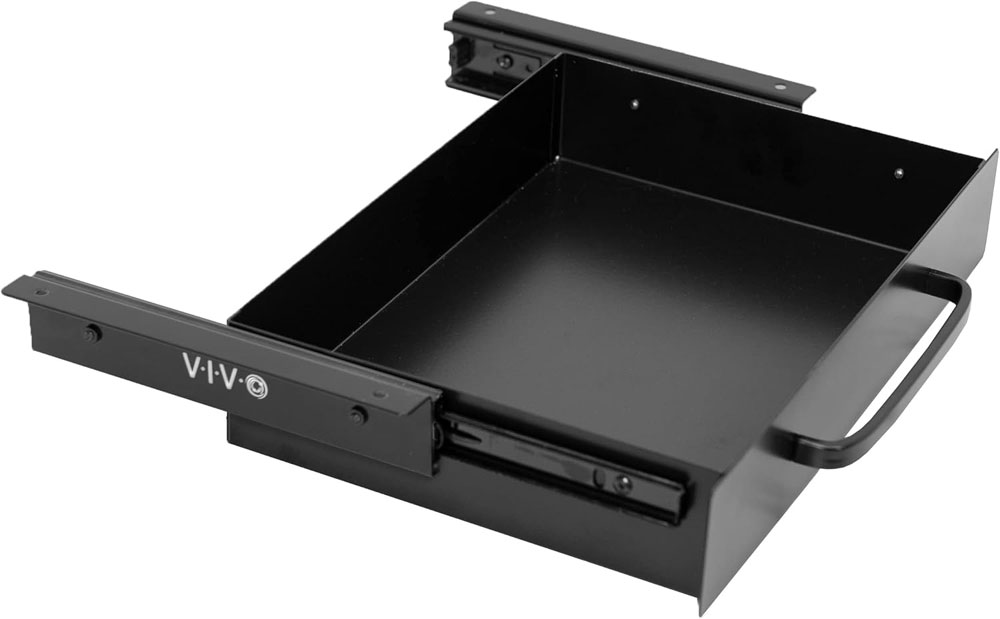
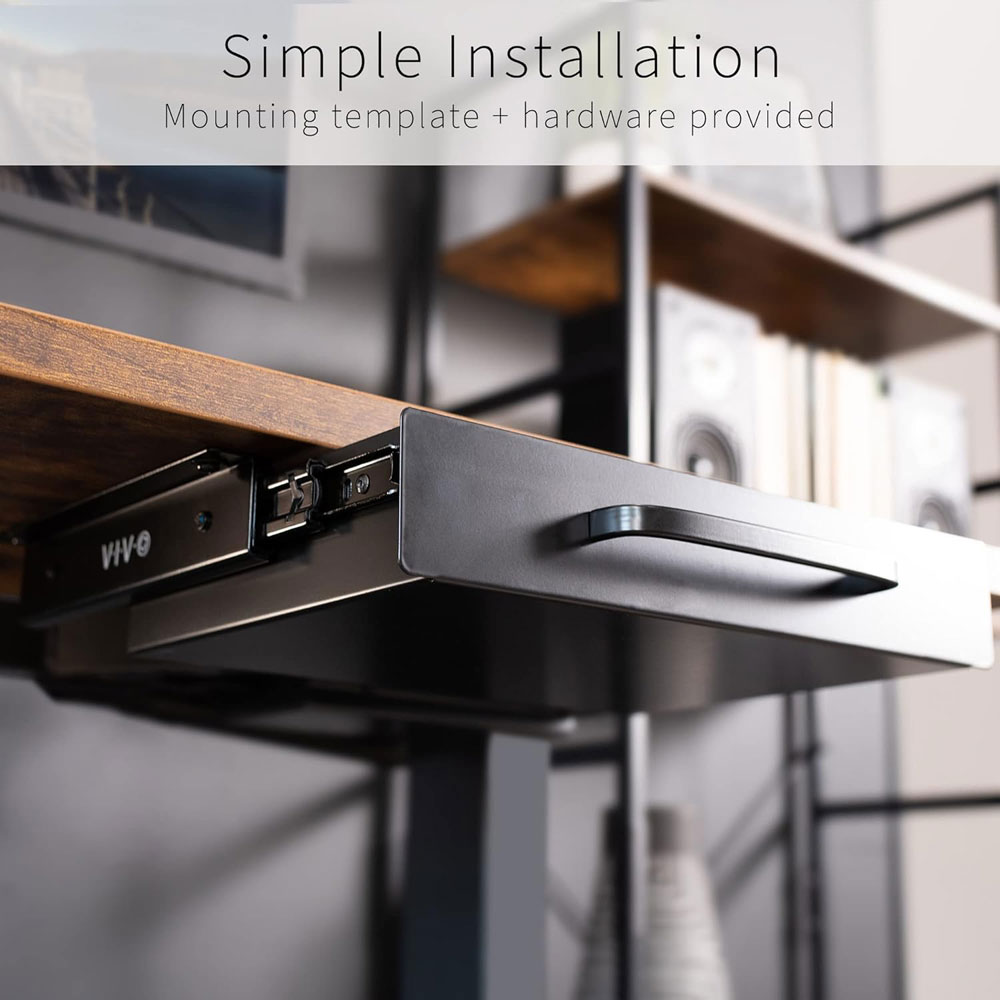
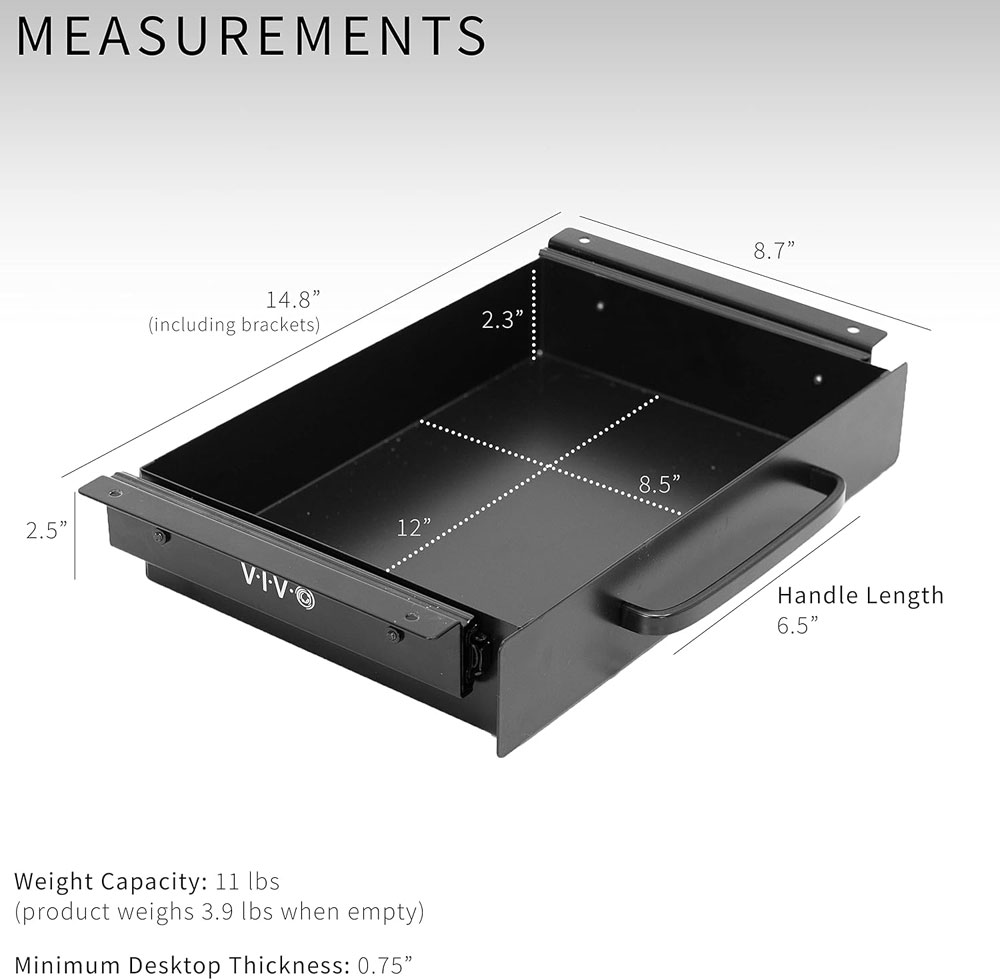
The VIVO 13-inch under-desk drawer is the more secure option if you want hidden storage that feels like a proper desk drawer. It is better suited to a permanent desk setup than a small stick-on organiser, especially if you want somewhere for pens, cables, notebooks and day-to-day clutter. On a standing desk, clearing the top surface makes height adjustments easier because there is less to knock over.
It is a 13-inch mounted sliding pull-out drawer with a pull handle, designed for office desks and sit-stand workstations. Because it mounts under the desktop, the main thing to check is the underside of the desk: crossbars, metal frame parts, and knee clearance all matter before fitting it.
Why we chose: Best mounted under-desk drawer because it provides more secure storage than light adhesive organisers.
|
|
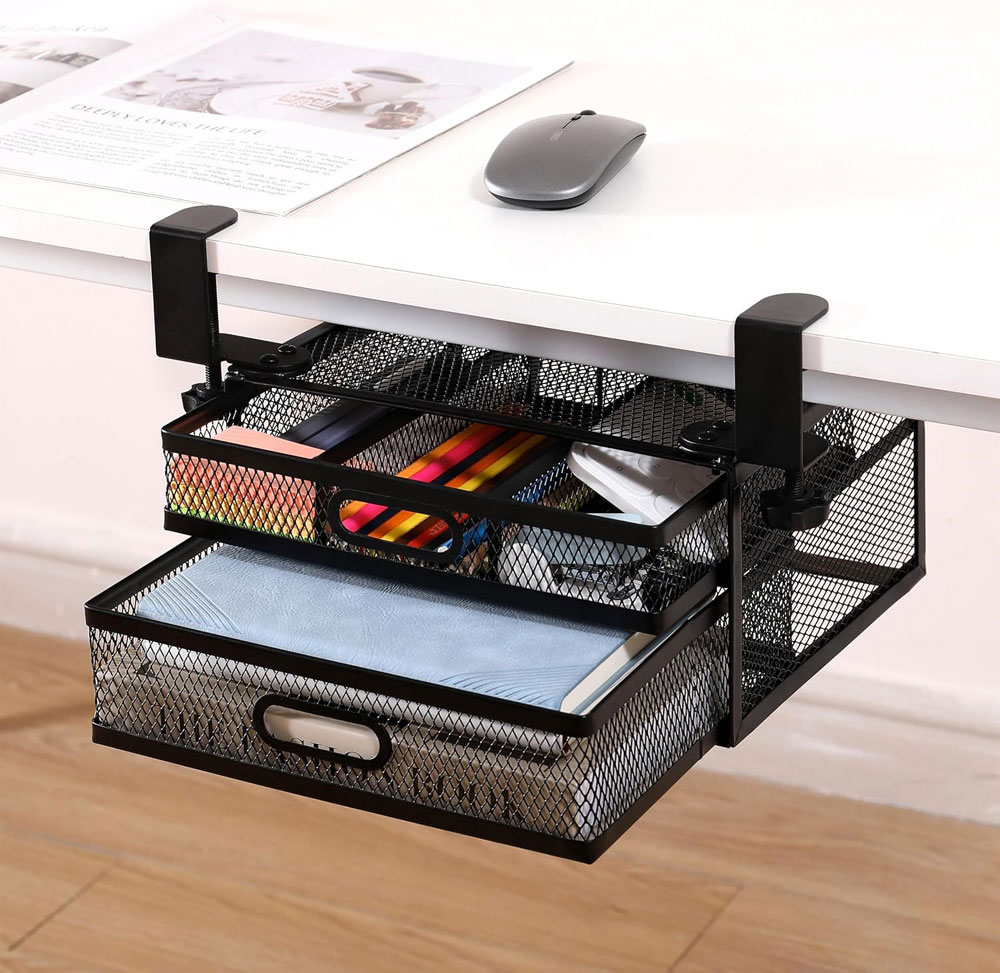
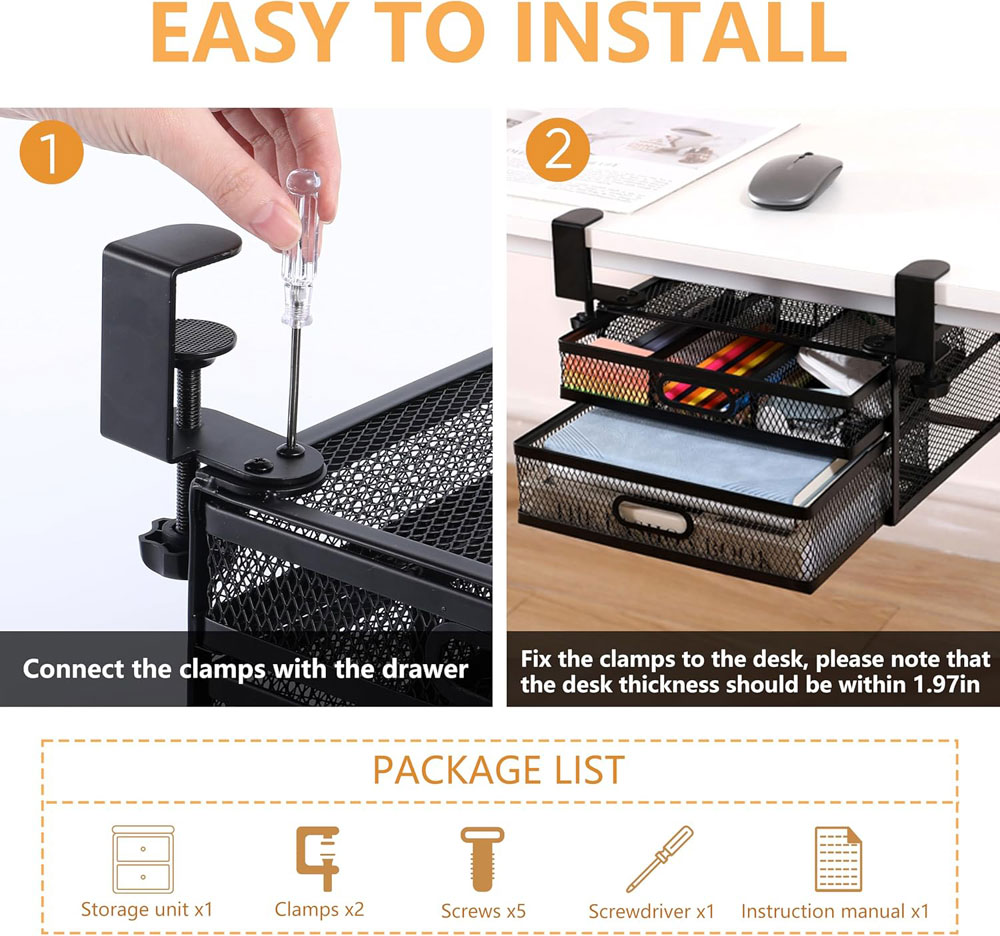
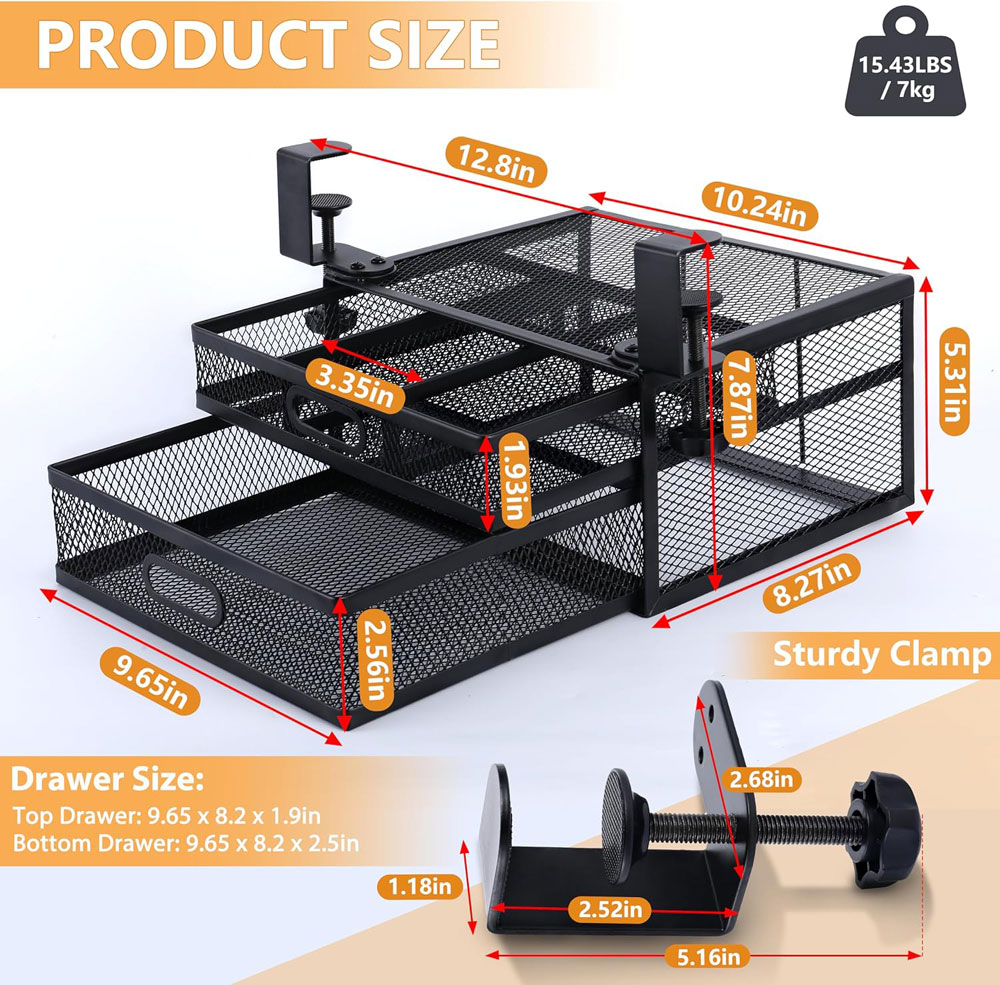
The ROLIZOE clamp-on drawer is the no-drill option for extra storage without screwing into the desk. It is larger and more practical than most tiny adhesive drawers, and the clamp design makes it a good fit for rented spaces, shared desks, or desks you may want to change later. It is also handy if you want a tidy desk but still need everyday items close by.
It has two slide-out mesh metal drawers that clamp onto the desk, with drawer dimensions of 26 × 21 × 13.5 cm without the clamps. It supports up to 7 kg, has anti-slip silicone pads on the clamps, with a 5 cm maximum clamping range, so desk thickness is the key measurement to check before buying.
Why we chose: Best no-drill drawer because it provides useful under-desk storage without permanent installation.
|
|
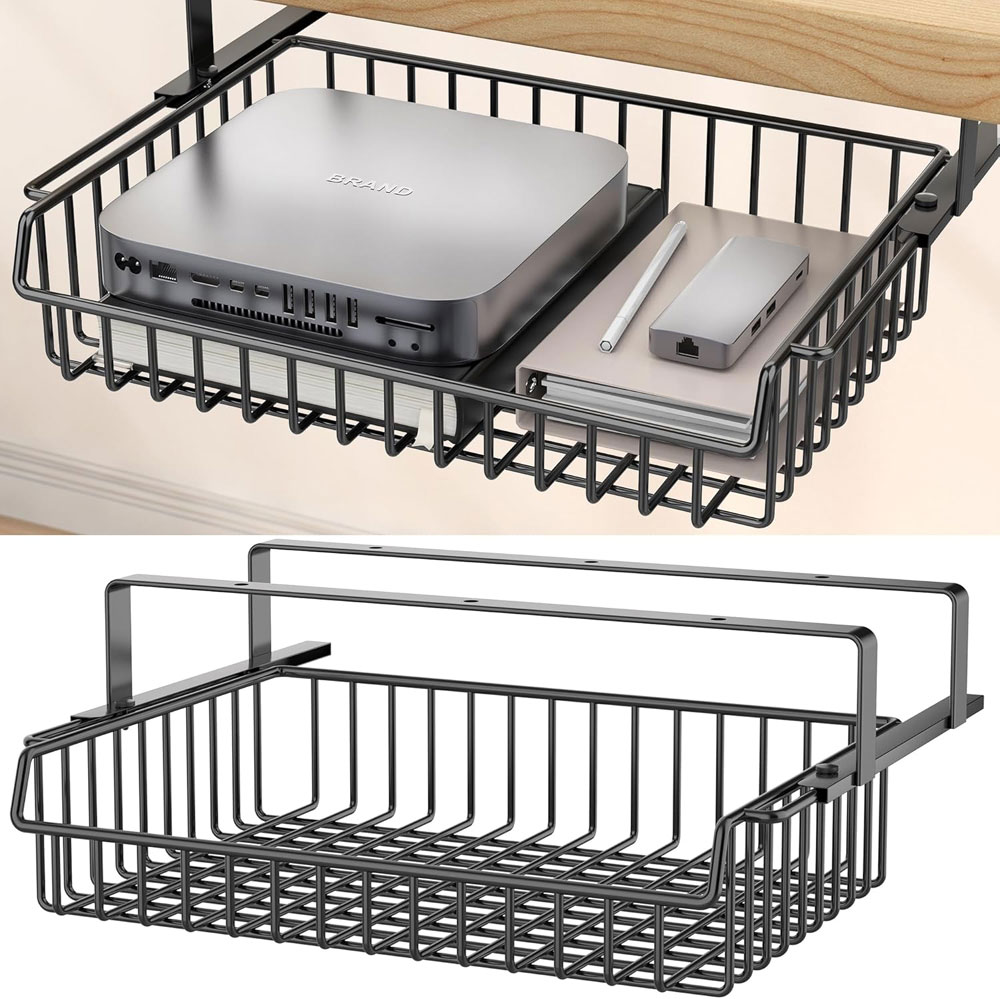
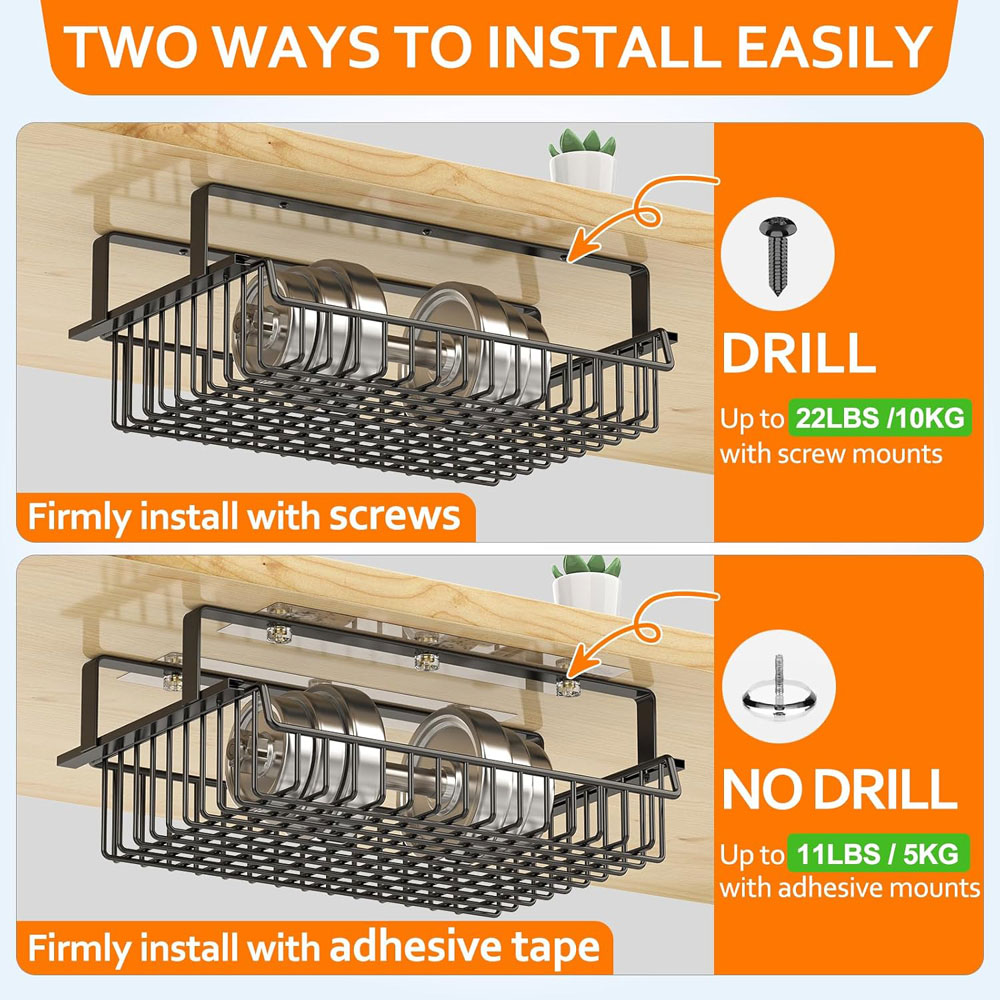
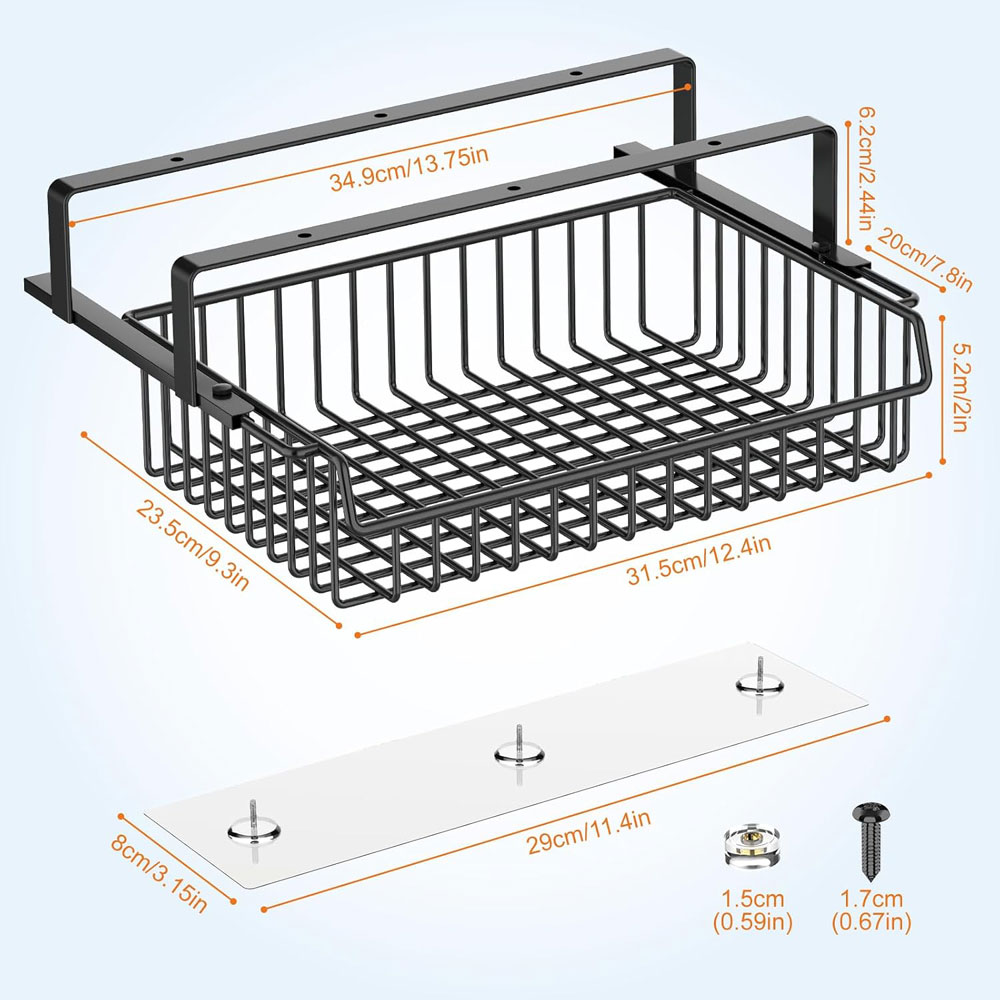
The ENONCI self-adhesive under-desk drawer is the light-use option for small clutter. It is not suitable for heavy storage, but it is useful for pens, sticky notes, spare cables, USB sticks and other small items that would otherwise sit on the desk. I'd use this where you want the quickest possible tidy-up and do not need a full drawer system.
It features a pull-out metal design and large-capacity storage, making it suitable for office, home, or school use. For any adhesive drawer, the key is preparation: clean the underside of the desk thoroughly, allow the adhesive to bond, and avoid overloading it.
Why we chose: Best adhesive drawer for quick, light storage when you do not want clamps or screws.
We chose these standing desk accessories by focusing on the upgrades that make the biggest practical difference in day-to-day use: getting the screen to a better height, making standing more comfortable, keeping cables under control, and making it easier to switch between sitting and standing.
We also looked for accessories that suit real UK home-office setups rather than perfect showroom desks. That means products that work on standard-sized desks are easy to fit, do not require specialist tools where possible, and address common annoyances such as wobble, trailing cables, low laptop screens, uncomfortable standing, and cluttered work surfaces.
Where there were several similar options, we prioritised those that offered the best balance of build quality, ease of use, compatibility, value for money, and long-term usefulness. For example, with monitor arms, I looked at stability, weight capacity, and VESA compatibility; with anti-fatigue mats, I looked at comfort, grip, and trip risk; and with cable management, I looked at whether the setup would still work properly as the desk moves up and down.
I have also tried to include a spread of options rather than only premium picks. Some people will want the best possible monitor arm or docking station, while others just need a reliable budget accessory that fixes one specific problem. The aim is to help you build a more comfortable and practical sit-stand setup, without buying things you do not really need.
Sitting benefit: A good monitor arm lets you bring the screen closer, raise it to eye level, and reduce the tendency to lean forward. That can make a standard desk feel much more ergonomic.
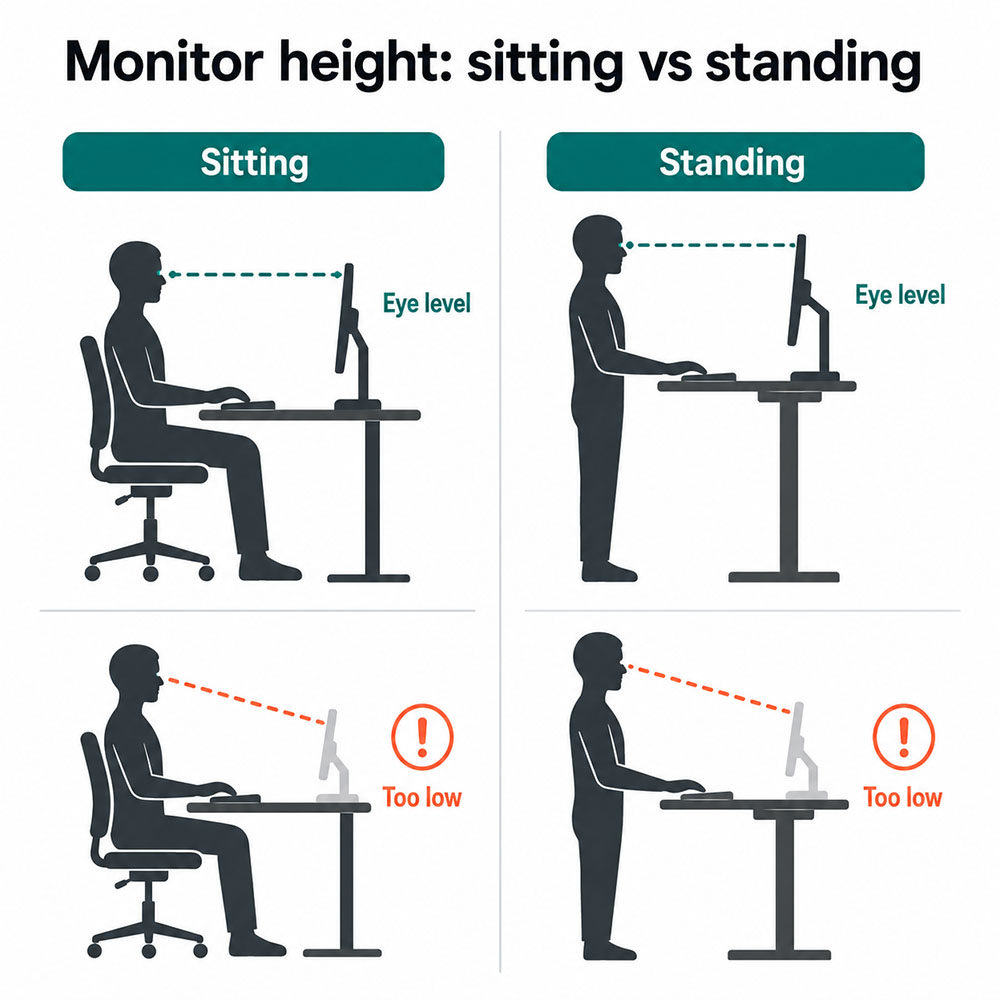
Standing benefit: When the desk rises, your screen needs to rise with you. A monitor arm makes it much easier to keep the top of the screen at eye level and the monitor roughly an arm's length away.[1]
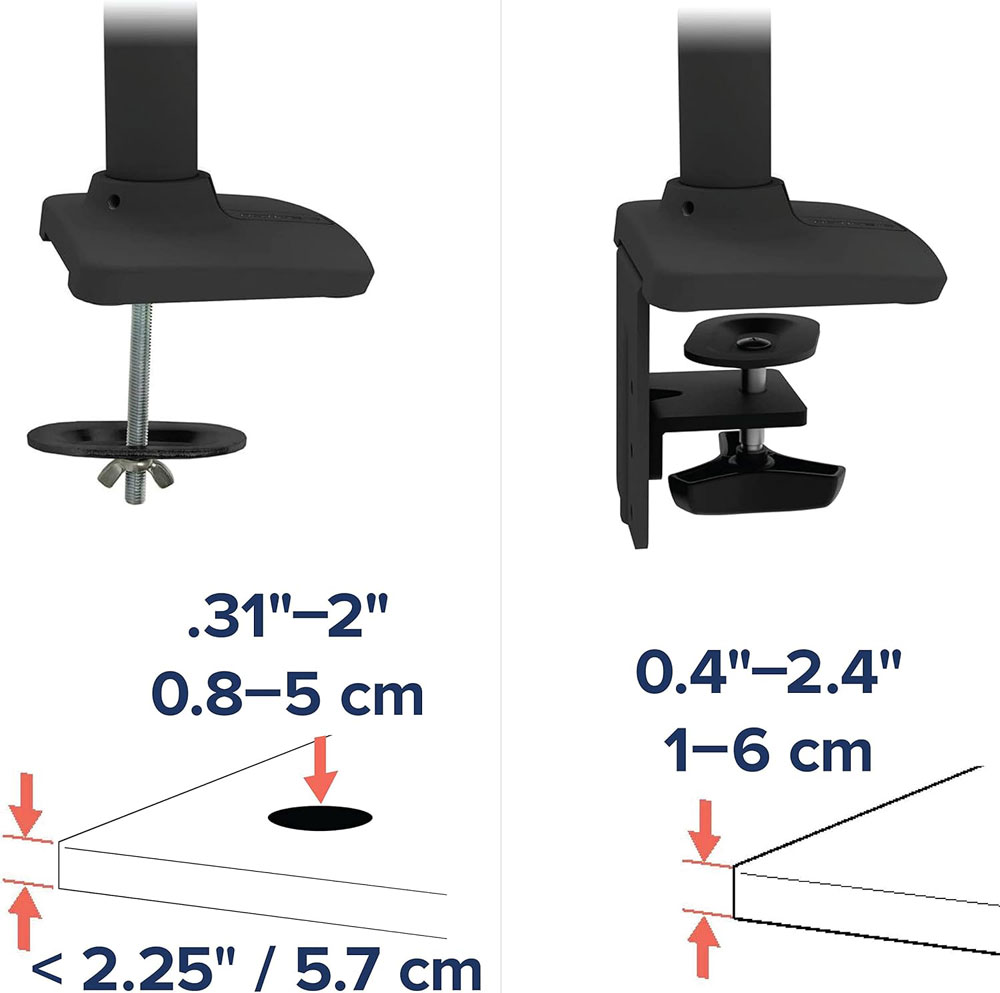
Key specs: Check the VESA size, monitor weight, arm weight range, maximum height, desk thickness, clamp type, and whether your desk edge has room for the clamp. If your monitor is heavy, do not push a budget arm beyond its upper weight limit. I find that even getting close to the limit often causes wobbles, especially when paired with a walking pad, so try to keep it at least 10% under the upper load weight.
Single vs dual arms: Two separate single arms can sometimes feel more flexible than a dual arm. A dual arm is tidier, but it concentrates more force on a single mounting point, which can exaggerate wobble on lighter standing desks.
Sitting benefit: A riser provides an instant height boost without installation, and the space underneath can be used for a keyboard, notebook or small accessories.
Standing benefit: Risers are less adjustable than arms, but they can be steadier on wobbly desks. They work well if you mainly need a fixed screen-height improvement.
Key specs: Check the platform's width, depth, load capacity and height. The monitor base should sit fully on the riser without overhang.
Sitting benefit: A laptop stand raises the screen, so you are not constantly looking down. It is one of the quickest fixes for laptop neck posture.
Standing benefit: At standing height, a laptop lying flat on the desk is usually far too low. An adjustable stand gives you a better chance of matching the screen height to your eyes.
Key specs: Look for stability, height range, ventilation, hinge strength, and whether the stand folds away. Always use a separate keyboard and mouse if the laptop is raised.
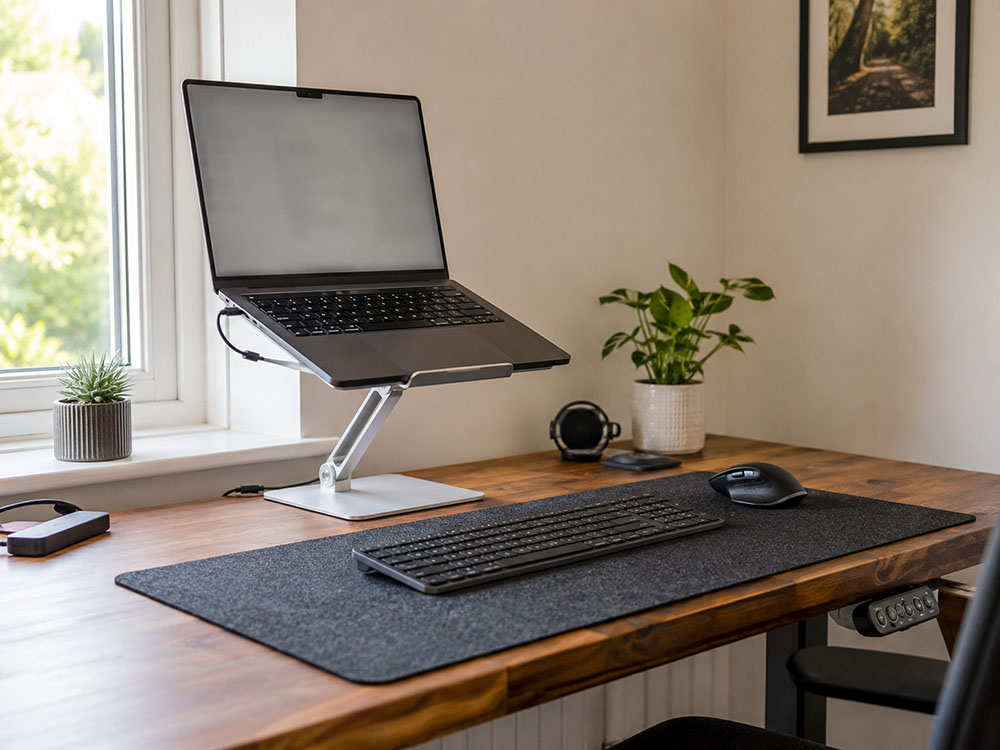
Sitting benefit: A vertical stand frees up desk space and helps you create a cleaner setup for external monitors.
Standing benefit: Less clutter matters more when the desk is raised. A vertical stand reduces the number of items that can shift or be knocked over as you raise the desk.
Key specs: Check adjustable width, rubber padding, base stability and ventilation. Make sure cables can still reach cleanly without being pulled taut.
Sitting benefit: Cable management keeps the floor clear, prevents your feet from catching on loose leads, and makes the desk easier to clean.
Standing benefit: This is where cable management becomes essential. A sit-stand desk changes height, so cables need slack, routing and space to move without snagging.
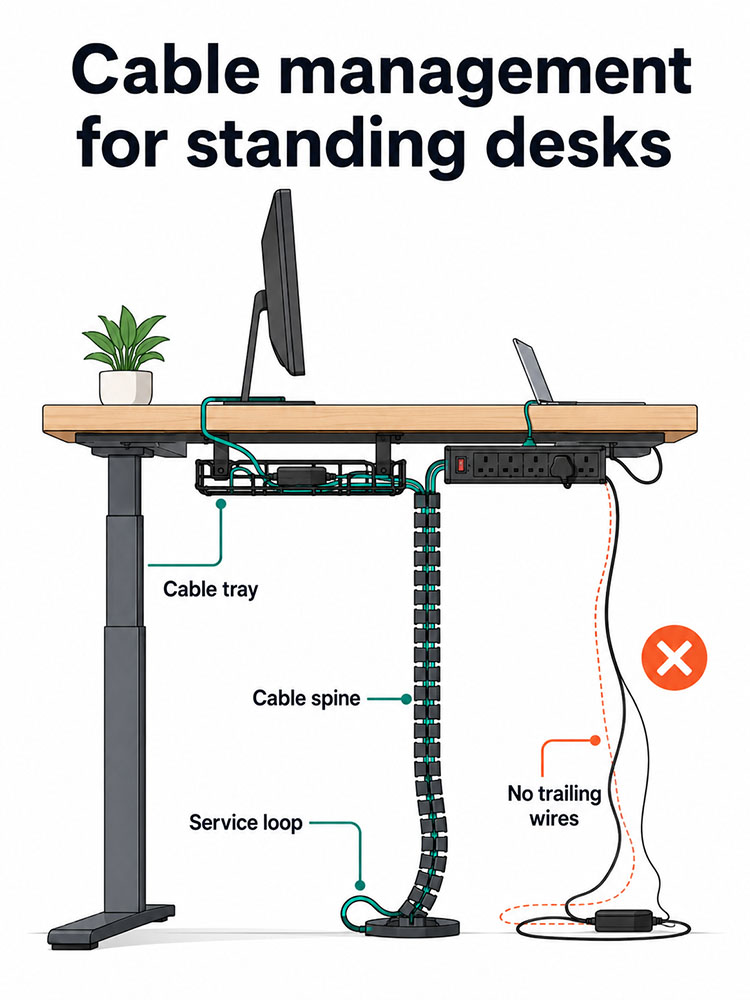
Best system: Mount the extension lead under the desk in a tray; route all cables into that tray; use a cable spine for the desk-to-floor run; then tidy the smaller cables with Velcro ties, sleeves and clips.
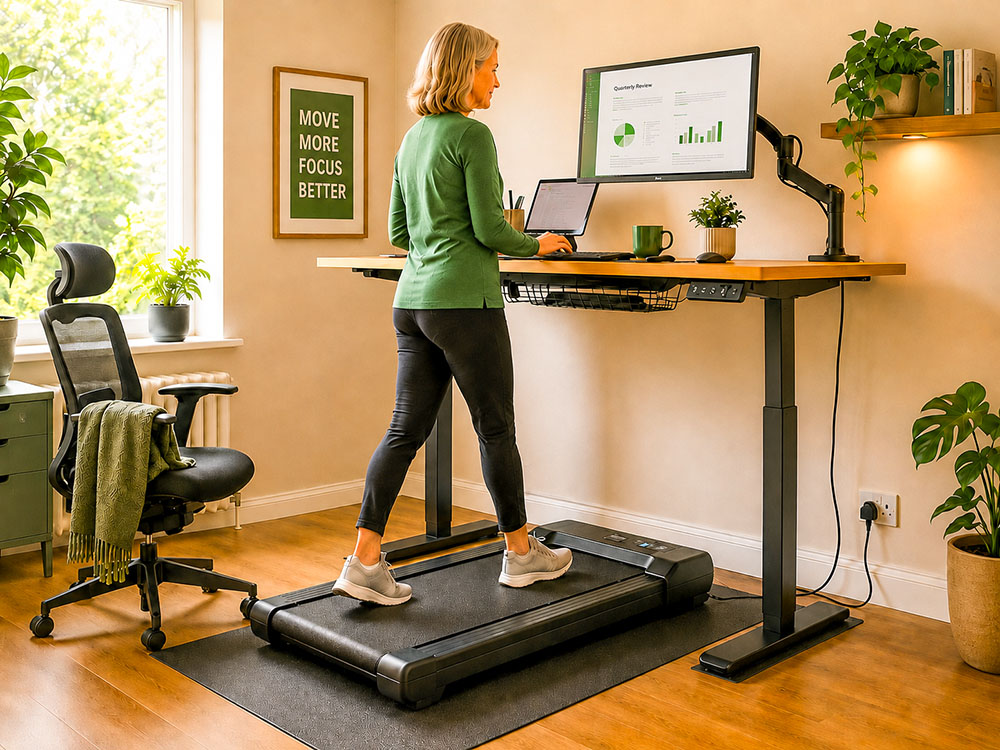
Walking pad note: If you use an under-desk treadmill or walking pad, keep all cables well clear of the belt area. A tray and cable spine are far safer than loose cables dangling behind the desk.
Sitting benefit: A mat is primarily a standing accessory, but it can still offer a softer surface for the feet when seated.
Standing benefit: A good mat reduces the harshness of standing on hard floors and can encourage small posture changes, especially with terrain-style mats.
Key specs: Check thickness, width, non-slip base, bevelled edges and surface texture. Too thin may feel pointless; too thick can feel unstable.
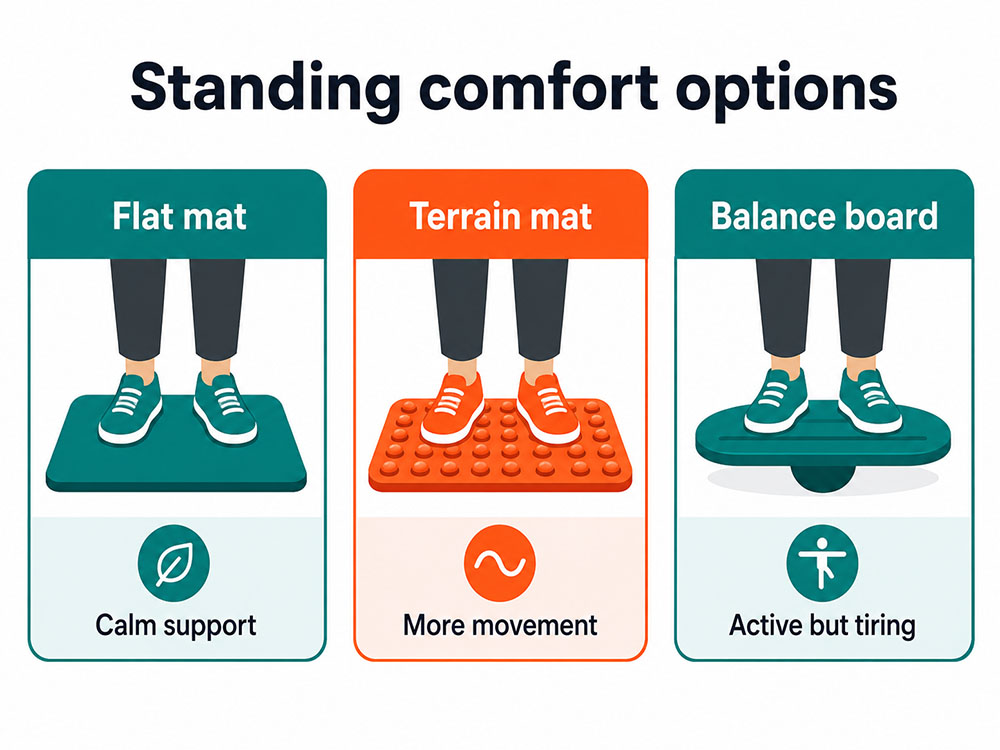
Use it properly: The mat should help you stand in comfort, not encourage you to stand still all day. The aim is regular variation: sit, stand, move, repeat.
Sitting benefit: A keyboard tray can help a desk that is too high, especially for shorter users. It helps bring the keyboard closer to elbow height.
Standing benefit: At standing height, a tray can prevent the shoulders from creeping up if the desktop needs to be higher for the screen than for the keyboard.
Key specs: Measure knee clearance, desk thickness, tray width, mouse space, tilt adjustment, clamp depth, and whether the desk frame blocks installation.
Sitting benefit: A footrest helps if your feet do not rest comfortably flat on the floor. It can make seated work feel more supported.
Standing benefit: A small step or footrest lets you briefly rest one foot, which changes hip and lower-back position and can make standing easier.
Key specs: Choose rocking if you prefer movement, fixed if you want stable support, and adjustable if multiple people use the desk.
Sitting benefit: Better lighting can reduce the need to lean forward to read notes or a keyboard. It also keeps the desktop clearer than a traditional lamp.
Standing benefit: When standing, good task lighting helps you avoid leaning over the desk. A light bar keeps the light directed at the work surface.
Key specs: Check monitor thickness compatibility, glare control, brightness settings, colour temperature, and whether it has wired or wireless controls.
Sitting benefit: A hub or dock reduces the daily faff of plugging in several items separately. It can make the desk look much cleaner. I find my dock very useful. When I use my laptop in another room or away from my house, I only have one cable to unplug (the one to the dock), as the dock cables then feed to my monitors, CAT-6 cable, etc.
Standing benefit: Fewer cables mean fewer things to catch as the desk rises. A one-cable laptop setup works very well with a cable tray.
Key specs: Check the USB-C Power Delivery wattage, HDMI or DisplayPort support (key if you want to run more than one monitor), 4K/60Hz support, Ethernet, USB-A ports, and whether your laptop supports video output over USB-C.
Sitting benefit: A desk mat provides a smoother surface for the keyboard and mouse and protects the desk from marks.
Standing benefit: When you switch heights, a non-slip desk mat helps stop your keyboard and mouse from sliding around.
Key specs: Check the size, material, non-slip backing, edge stitching and wipe-clean finish. PU leather is easier to clean than felt, though felt can feel softer and mark more easily.
Sitting benefit: A drawer clears the surface while keeping small essentials within reach. It can immediately make a desk feel calmer.
Standing benefit: A clear surface is less risky when the desk moves because there are fewer items to knock over.
Key specs: Check the depth, knee clearance, mounting type, weight limit, desk thickness, and whether the standing desk frame blocks the drawer.
The point of a standing desk is not to stand all day rigidly. The best approach is to use it to break up long periods of sitting: sit for some tasks, stand for others, and move whenever you can. That aligns better with the research than treating standing as a magic fix.[2] [3] [4]
If you are new to standing while working, build up gradually. Ensure your walking pad and standing desk are set up correctly, including any walking pad accessories. Start with short standing periods, wear comfortable shoes or use a mat, and return to sitting when you feel tired. If you use a walking pad, keep the speed low enough that typing, calls and balance still feel easy.
Stop and adjust your setup if you notice neck strain, wrist discomfort, lower back discomfort, or increased foot pain. Most issues are usually setup-related: screen too low, keyboard too high, standing too long, or cables/gear placed awkwardly. When used properly, there are many benefits to standing desks.
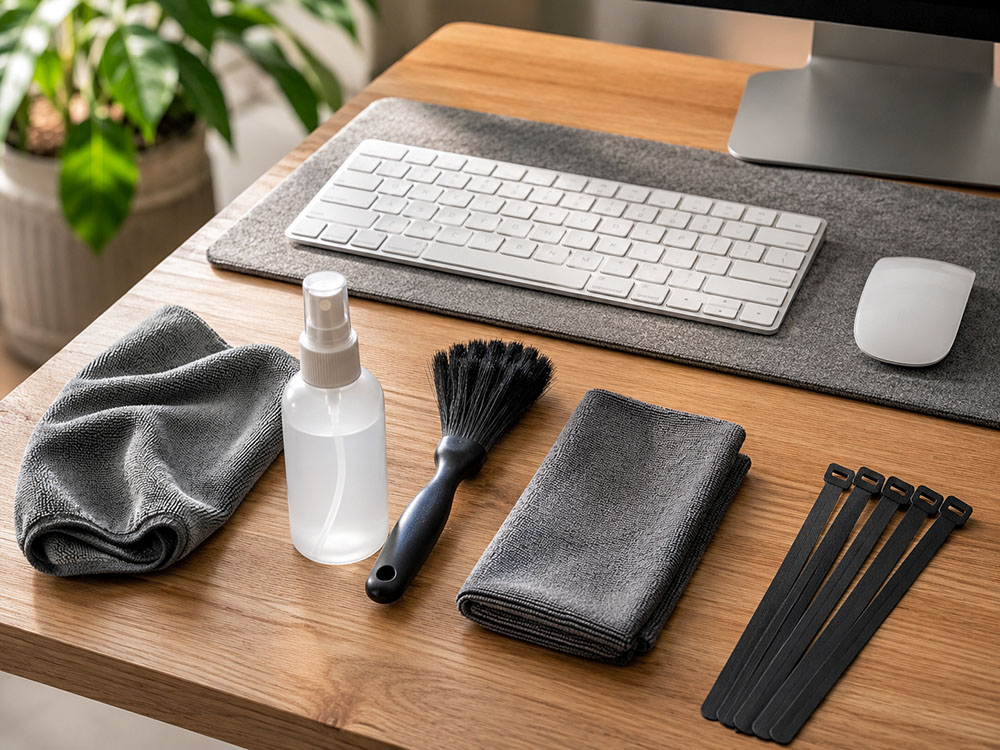
Monitor arms and risers: check clamps regularly, especially after moving the desk or changing screens. Dust around the joints and ensure the monitor is not slowly drifting or sagging.
Laptop stands and vertical stands: keep vents clear and remove dust from the stand surface. Do not wedge a laptop so tightly that airflow is blocked.
Cable trays and spines: every few months, raise the desk fully and check that no cables are strained. Retie loose cables, ensure power bricks are secure, and keep extension leads off the floor.
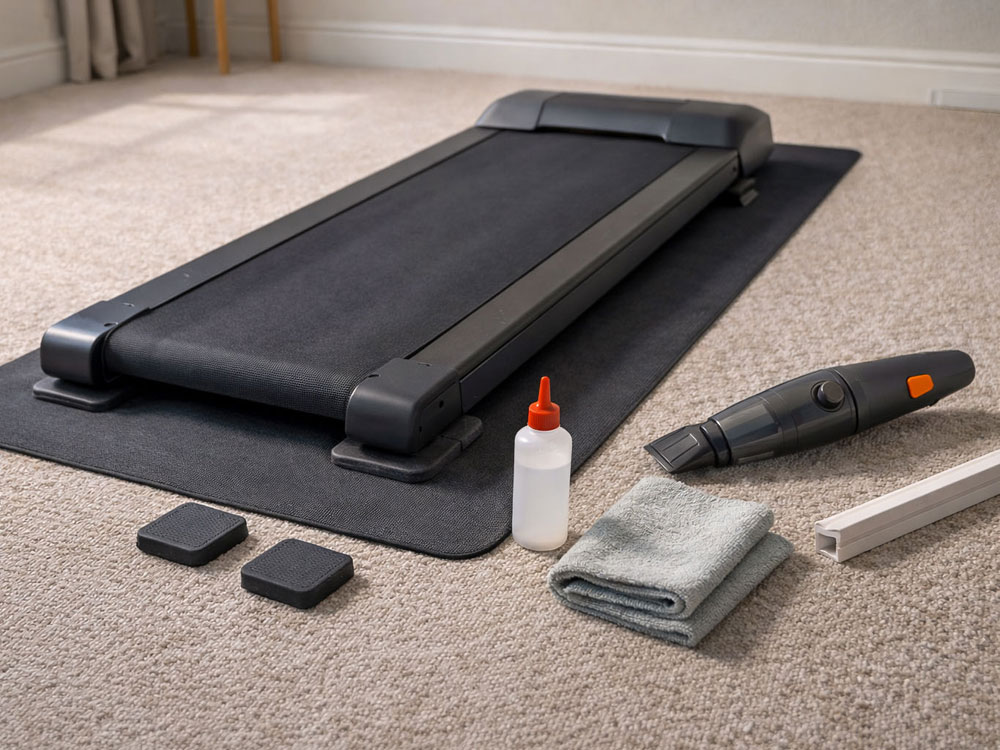
Anti-fatigue mats: vacuum or wipe them regularly, especially when worn with shoes. Let them dry fully before standing on them and check the edges for curling or trip hazards.
Keyboard trays, footrests and desk mats: clear crumbs and dust from moving parts, wipe surfaces clean, and check that screws, clamps or adhesive pads have not loosened. A clean mouse area also helps prevent tracking problems.
There are many accessories on the market for standing desks, and the accessories below are also ones I considered while updating the guide. They are still good options, but they did not make the main list because another product had a clearer advantage, stronger value, better availability, or a more obvious use case for standing desks.
| Product considered | Accessory type | Why it didn't make the final list |
| Ergotron HX monitor arm | Monitor arm | Excellent for heavy ultrawide screens, but overkill and too expensive for most normal monitor setups. |
| Rain Design mStand | Laptop stand | Very stable, but fixed-height; the Nulaxy is more flexible for sit-stand use. |
| SOULWIT adhesive cable clips | Cable clips | Useful add-on, but a tray/spine/tie system gives a more complete standing-desk cable setup. |
| FLEXISPOT anti-fatigue mat | Anti-fatigue mat | Good flat mat, but Duronic and Art3d gave a clearer value/budget split. |
| Klearlook rotating keyboard tray | Keyboard tray | More adjustable, but the VIVO/ETHU split is easier to recommend for main and budget picks. |
| BONTEC sliding keyboard tray | Keyboard tray | A decent alternative, but the chosen budget tray had a clearer current review-score fit. |
| Kensington SoleMate footrest | Footrest | A classic option, but Strong Tek gives more active movement and HUANUO is better value. |
| Fellowes footrest | Footrest | Affordable and widely available, but the chosen options felt stronger for comfort and active use. |
| BenQ ScreenBar | Monitor light bar | Still excellent, but for me, the Halo 2 is the stronger premium pick. |
| UGREEN Revodok 9-in-1 USB-C hub | USB-C hub | Good feature set, but Anker was the safer recommendation for everyday reliability. I've been using Anker products for years, and never yet had any issues with them. |
| Anker 575 USB-C docking station | Docking station | Useful for bigger setups, but more dock than most people need for a simple standing desk. |
| YSAGi leather desk mat | Desk mat | Good alternative, but for me K KNODEL has more all-round appeal. |
| TECKNET desk mat | Desk mat | Good value, but some variants can be less consistent on grip/edge finish. |
| KDD rotating under-desk organiser | Under-desk organiser | Clever for cups/headphones, but it is more of a side organiser than a drawer replacement. |
Small flat, or noise-sensitive setup:
Choose a cable tray, cable spine, a compact anti-fatigue mat, and a monitor riser. A riser is often steadier than a heavy arm on a lightweight
standing desk.
Laptop-only setup:
Start with a laptop stand, an external keyboard and mouse, a USB-C hub and a desk mat. This provides the greatest ergonomic improvement with
the least fuss.
Two monitors and heavy kit:
Choose premium monitor arms or sturdy risers, a robust desk frame, an under-desk cable tray, and a cable spine. Stability becomes more
important once you add heavier screens, especially if paired with an under-desk treadmill/walking pad.
Shorter users:
A keyboard tray can be the biggest comfort win if the desk does not lower sufficiently. It helps bring the keyboard closer to elbow height and
keeps the shoulders more relaxed.[1]
Walking pad setup:
Prioritise cable management, a stable monitor setup and a floor-protection plan. The desk should move smoothly,
cables should not hang near the treadmill, and the monitor should not wobble at standing height.
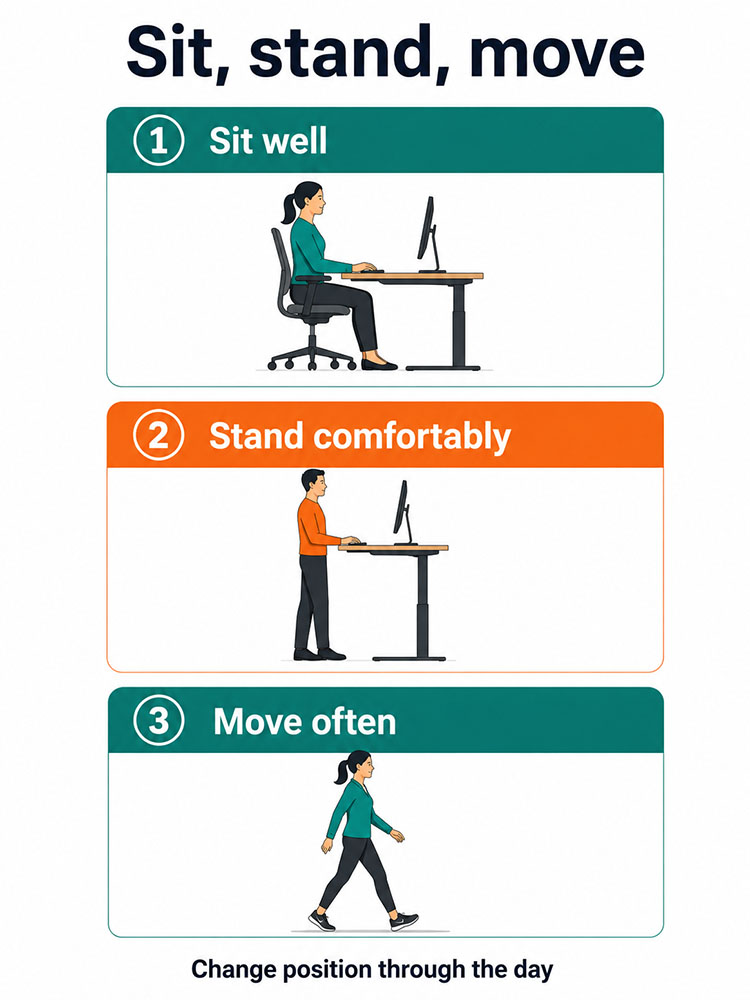
Keep the floor area around your standing desk clear and watch for trip hazards from mat edges and trailing cables. Good screen position, relaxed shoulders and sensible keyboard height are also important for a comfortable setup. HSE's display screen equipment guidance provides a useful baseline for setting up a home workstation safely.[1]
The best standing desk accessory is not always the most expensive. For most people, the biggest improvements come from getting the screen to the right height, making standing more comfortable, and keeping cables from dragging, snagging or creating a mess. A monitor arm or riser, an anti-fatigue mat and a proper cable tray/spine setup will usually make the biggest day-to-day difference.
After that, the right extras depend on how you work. Laptop users will benefit most from a laptop stand, an external keyboard and a USB-C hub. Shorter users may find a keyboard tray significantly improves comfort if their desk does not lower enough. If you work late, a monitor light bar can make the desk feel calmer and easier to use. The goal is not to stand all day; it is to build a setup that makes it easy to sit, stand and move more often.
Shop the Walks4all Amazon kit list
We've grouped some of the products mentioned in this article into our Amazon Storefront for convenience. As an Amazon Associate, we earn from qualifying purchases at no additional cost to you.
No, but it can certainly make standing more comfortable, so for me it is usually a yes. If you stand for 20-30 minutes or more at a time, an anti-fatigue mat is one of the simplest ways to make standing more comfortable and sustainable. Studies on prolonged standing and mat use suggest that mats can affect measures of fatigue and discomfort, although results vary by design and by person.[6] [7]
A monitor arm offers greater flexibility because you can adjust the height, distance and angle more easily. A monitor riser can be a good option if your desk wobbles, your monitor is very heavy, or you want a cheaper, simpler setup.
Yes. Reviews and trials show that sit-stand desks can reduce workplace sitting time, particularly when people receive guidance and support to use them regularly.[2 ‑ 5]
For most people, it is a monitor arm or monitor riser. Screen height affects head and neck posture throughout the day, so adjusting it usually provides the fastest improvement in comfort.[1]
VESA is the standard hole pattern on the back of a monitor for attaching monitor mounts. Common sizes are 75×75 mm and 100×100 mm.
A grommet mount bolts through a desk's cable hole or a drilled hole. It is often more stable than a clamp mount, especially with heavier monitor arms. If the accessory requires drilling a hole, consider whether you are comfortable with a permanent hole in your desk.
Mount the extension lead under the desk, route the cables into a tray, use a cable spine for the desk-to-floor cable run, and leave a small slack loop so the cables do not pull tight at maximum height.
Not necessarily, as they serve different purposes. Anti-fatigue mats improve standing comfort, whereas balance boards encourage more movement and can feel tiring or distracting for some people. I prefer anti-fatigue mats, but that is just a personal preference.
Yes, especially if your desk does not lower enough. A keyboard tray can bring the keyboard closer to elbow height, helping keep shoulders relaxed and wrists more neutral.[1]
Yes, if you work in the evening, struggle with desk glare, or have limited space for a normal lamp, a good monitor light bar lights the desk surface without taking up desktop space.
USB-C Power Delivery is a charging standard that transmits power over a USB-C cable. If you buy a hub or dock, check the wattage, as many laptops require 65W or more.
A monitor arm, a cable tray and a proper anti-fatigue mat. Those three upgrades make the desk easier to use, more comfortable to stand at and much tidier as it moves.
May 2026