By using this website, you agree to our use of cookies (needed to provide our website’s features) and our Terms of Use.
By: Andrew Forrest - June 2026

Choose the best walking pad for desk work, TV walking, flats, incline sessions and small UK homes with our STRIDE buying check and reviews.
This page contains affiliate links. As an Amazon Associate, we earn from qualifying Amazon purchases at no additional cost to you. We may also earn commissions from other retailers, again at no additional cost to you.
For most UK homes, the best walking pad is a stable, quiet, walking-first model with a realistic 1-6 km/h speed range, sufficient belt length for your stride, a clear remote or control system, transport wheels, and a maximum user weight comfortably above your body weight. Choose based on how you will actually use it - under a desk, in front of the TV, in a flat, for incline walking, or for occasional jogging - rather than buying the highest top speed. A walking pad should make movement easier to repeat, not replace outdoor walking, strength work or medical advice.[1]
Key takeaways
This guide draws on Walks4all's walking and home-working experience, current product research, manufacturer-provided specifications, UK retailer availability, official ergonomic guidance, real-world use and testing, and peer-reviewed research on treadmill desks, active workstations, sitting time, and daily steps, as well as Walks4all's practical judgement on how these machines fit real homes, flats, standing desks, and daily routines.
We prioritised models that address real UK use cases: under-desk walking, quiet, flat-friendly walking, evening TV walking, small-space storage, incline walking, higher user weight, and occasional light jogging. We did not rank products by headline top speed alone because most walking pad owners, including me, use them at low speeds and continue using them only if they are easy to store, easy to control, and comfortable underfoot.
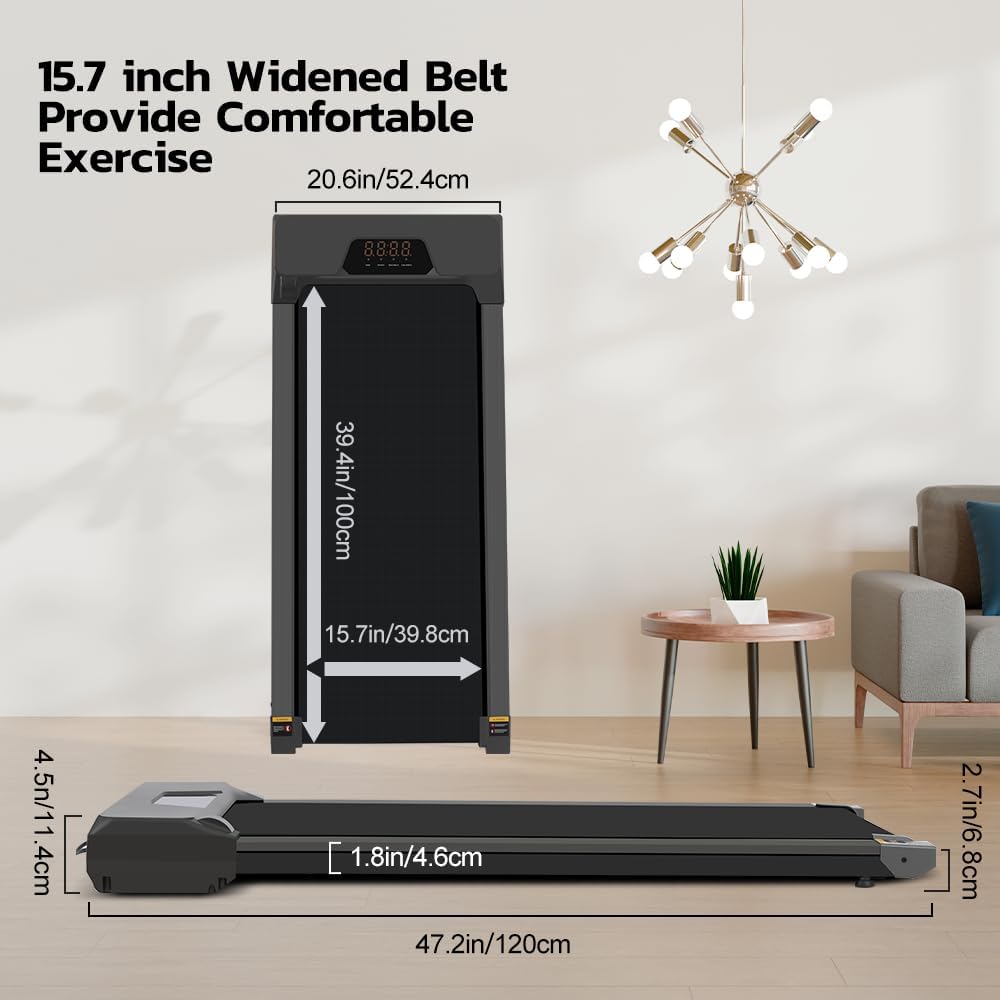
Product details change quickly, so always check the exact live listing, including model variant, dimensions, belt size, speed range, incline, warranty, maximum user weight and safety features before buying. While we have checked the belt dimensions, listings themselves often conflict between images and product specifications, so if exact size is paramount to you, I would contact the supplier first. While overall dimensions I found were always correct, their quoted belt widths sometimes differed from actual. Manufacturer claims about noise, motor horsepower and app features should be treated as such unless independently verified.
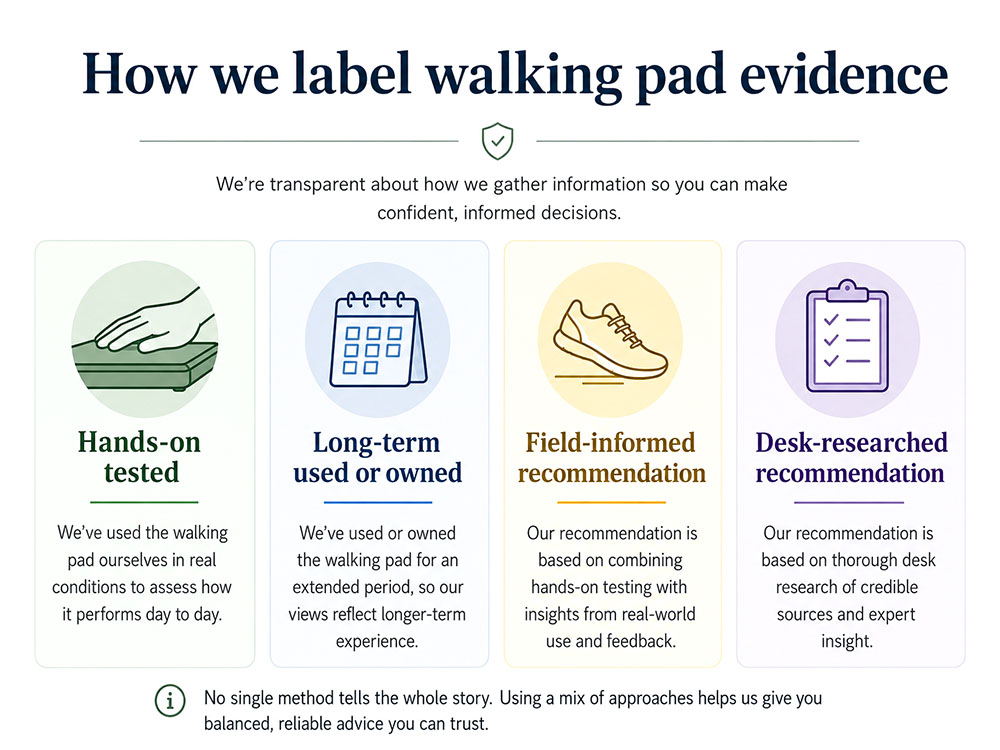
Clear evidence labels make it easier for readers to understand whether a recommendation is based on hands-on use, long-term ownership, field judgement or desk research.
Health & Wellbeing Disclaimer
This article offers general educational and wellbeing guidance. Walking pads are intended for gentle, low-impact indoor walking on a flat, stable surface. They are not a substitute for medical advice, physiotherapy, supervised rehabilitation, outdoor walking, strength training, or structured exercise where appropriate.
If you have balance problems, dizziness, reduced mobility, joint pain, cardiovascular concerns, circulatory problems, a recent injury or surgery, or have been advised to limit activity, speak to your GP, physiotherapist or another qualified professional before starting or significantly increasing your use of a walking pad. Stop if you feel dizzy, unsteady, short of breath in a concerning way, or experience sharp or worsening pain.
If you are new to walking or treadmills, increase your use of them gradually, keep the floor clear, route cables safely, wear stable footwear, keep children and pets away from the moving belt, and follow the manufacturer's instructions for speed, safety keys, lubrication and maintenance.
Walking pads have moved well beyond being a home-office gadget. For many, they are a practical way to walk during a rainy lunch break, to hold a quiet meeting while moving at a standing desk, or to turn evening TV time into a low-effort step-building habit.
A walking pad is a compact, motorised treadmill designed primarily for walking. Most are lower, slimmer, and easier to store than traditional treadmills. Some are true under-desk models with no handrail; others are 2-in-1 machines with a folding handle, suitable for brisk walking, occasional light jogging or by those with balance issues, so they have something to hold on to.
The key is not to buy the most powerful-looking machine. The key is to buy the walking pad that fits your body, room, desk, floor, routine and tolerance for noise. The best walking pad is the one that is easy enough to use three or four times a week, not the one with the biggest number on the listing.
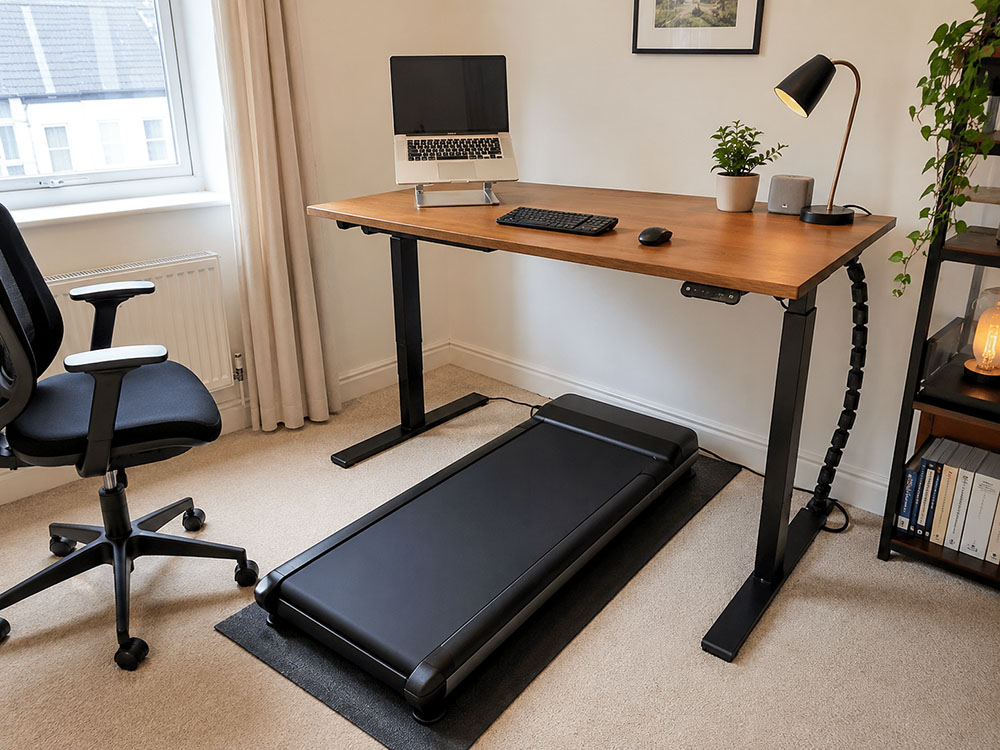
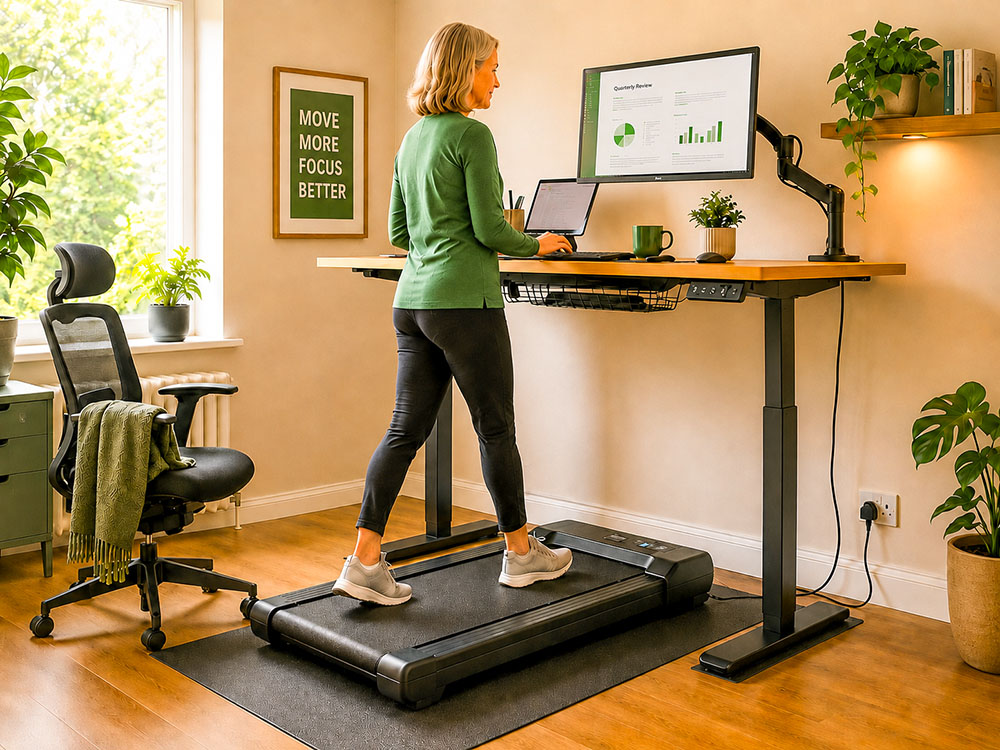
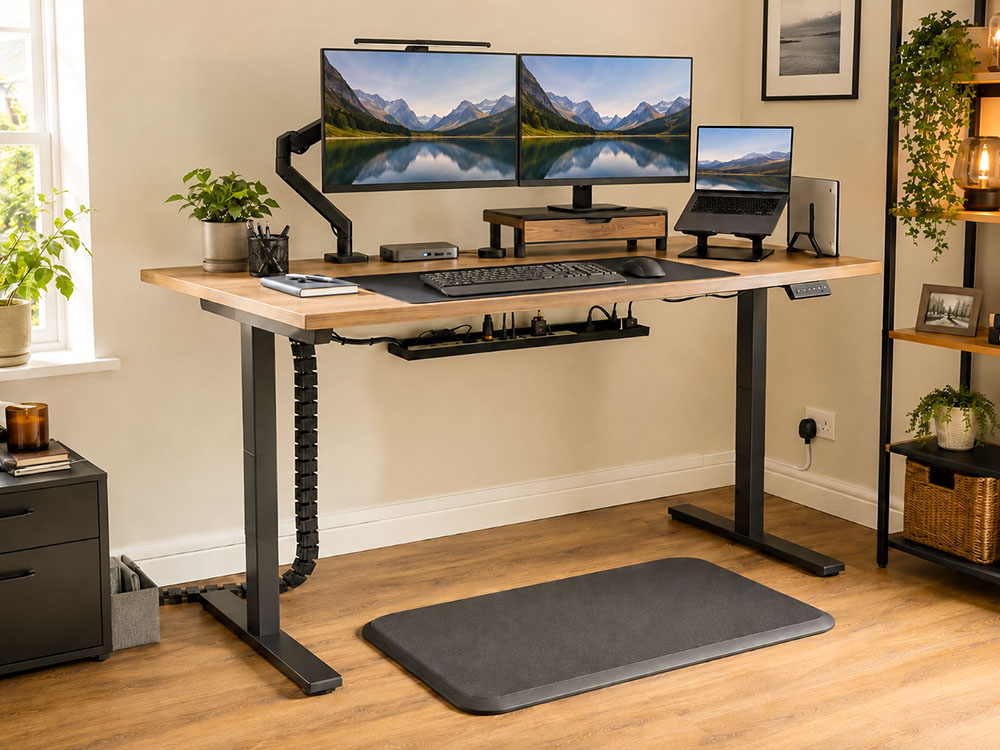
A realistic walking pad setup should include a stable desk, clear cable route, mat, chair nearby and a screen and keyboard position that works at walking height.
This guide is for anyone seeking a walking pad or an under-desk treadmill for home use, hybrid working, small flats, evening TV walking, indoor steps, weight-management support, or gentle, low-impact exercise.
This guide is not for serious runners, sprint training, treadmill interval workouts, medical rehabilitation plans, or anyone who needs a full-size treadmill deck for fast running.
| Category | Recommended item | Key spec(s) | Best for |
| Best overall | Superun Walking Pad Raceable 6% Incline | 1-6 km/h, 6% incline, 136 kg capacity | Most homes: desk walking plus TV walking |
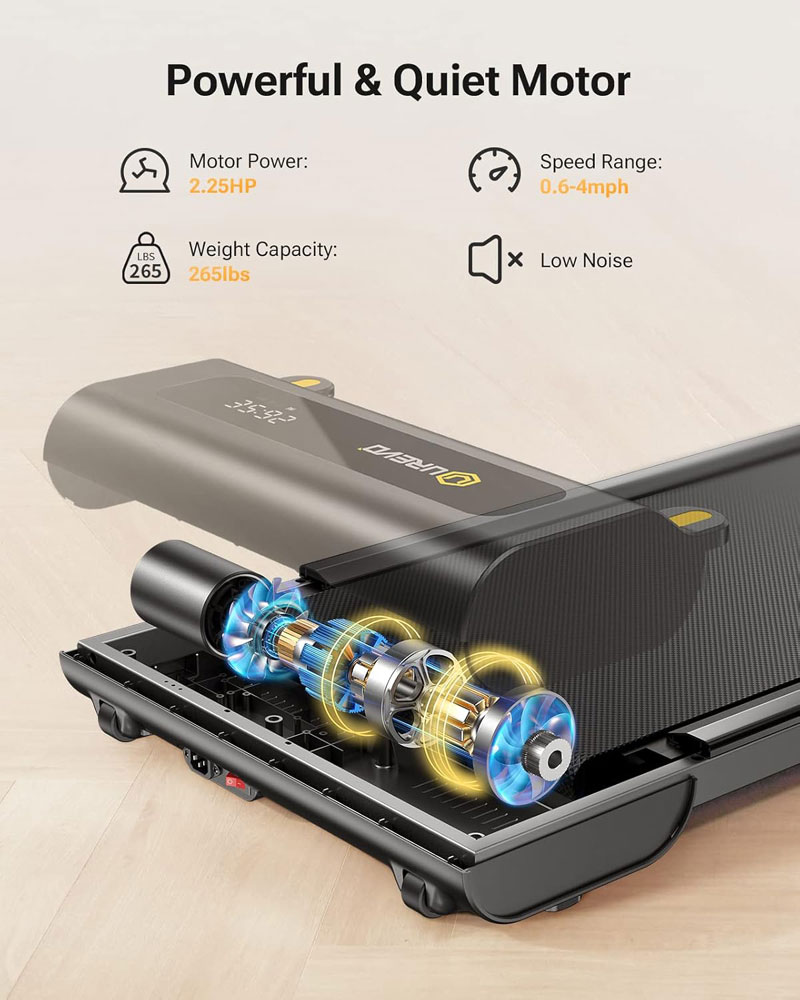
| Best under-desk | UREVO Under Desk Treadmill | 0.6-4 mph, 2.25HP motor | Standing-desk routines and work blocks |
| Best for display and handlebar controls | Zeporix LF-X2DC Folding Walking Treadmill | 1-10 km/h, 3.5-inch LCD display, 12 programmes, handlebar support | People who want a more treadmill-like walking pad with visible controls, handles and a proper display |
| Best value | Bigzzia Walking Pad Treadmill with Incline | 1-8 km/h, manual incline, 130 kg capacity | Overall value |
| Best budget | Panana Under Desk Treadmill Walking Pad | 0.6-4 mph, slim flat design | First-time buyers and TV walking |
| Best folding | Panana 2-in-1 Folding Walking Pad | 0.6-7.5 mph range, folding handrail | Small homes needing flexible storage |
| Best for heavier users | VANNECT 6-in-1 Folding Walking Pad | 159 kg listed max user weight, foldable treadmill design, treadmill-style support | Heavier users, shared homes and anyone who wants a more stable, confidence-inspiring walking setup than a slim flat pad |
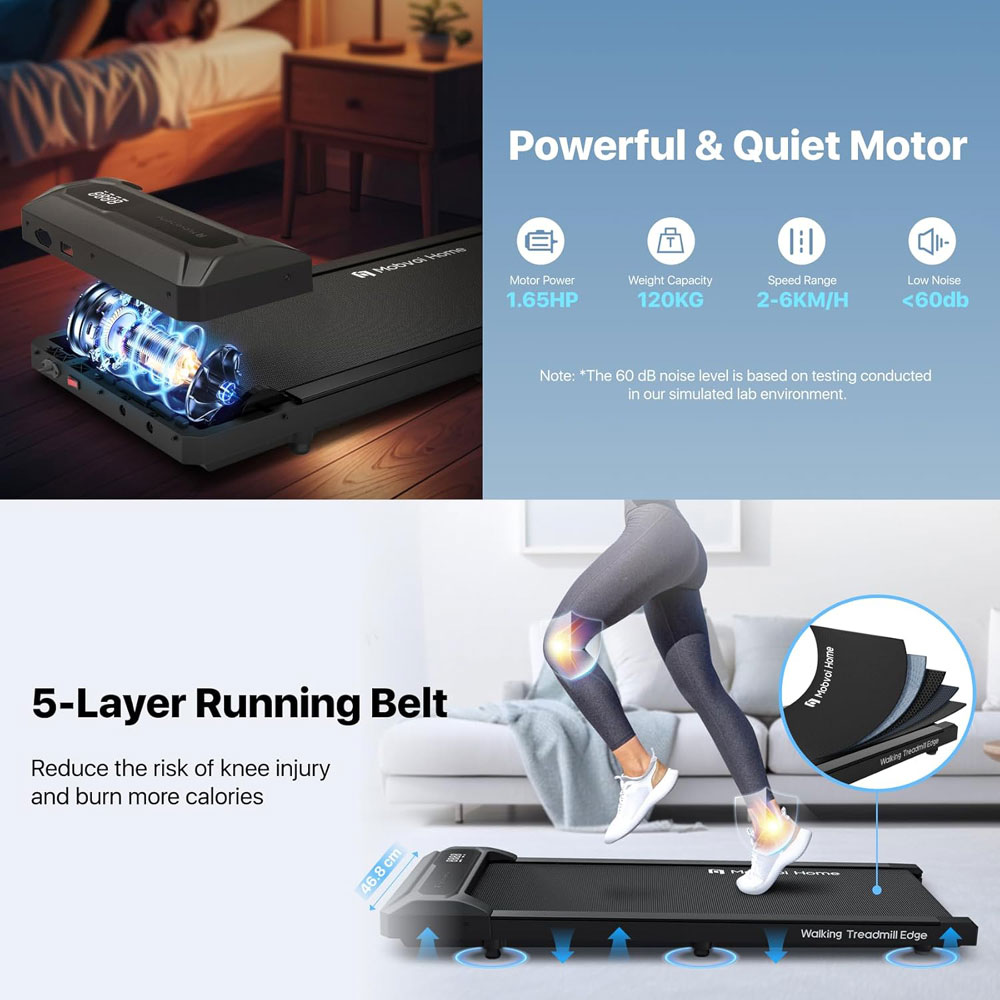
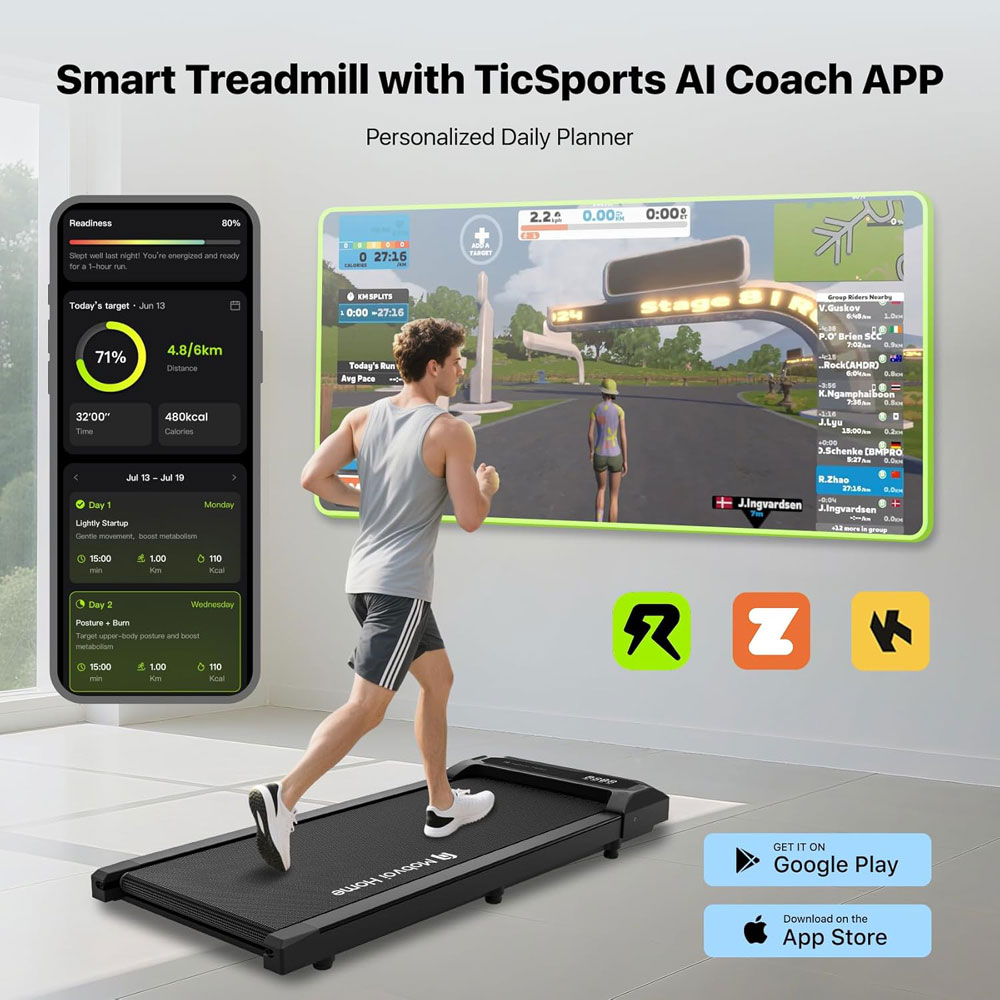
| Best app integration | Mobvoi Walking Pad Smart AI | TicSports app, 2-6 km/h speed | Tracking-motivated users |
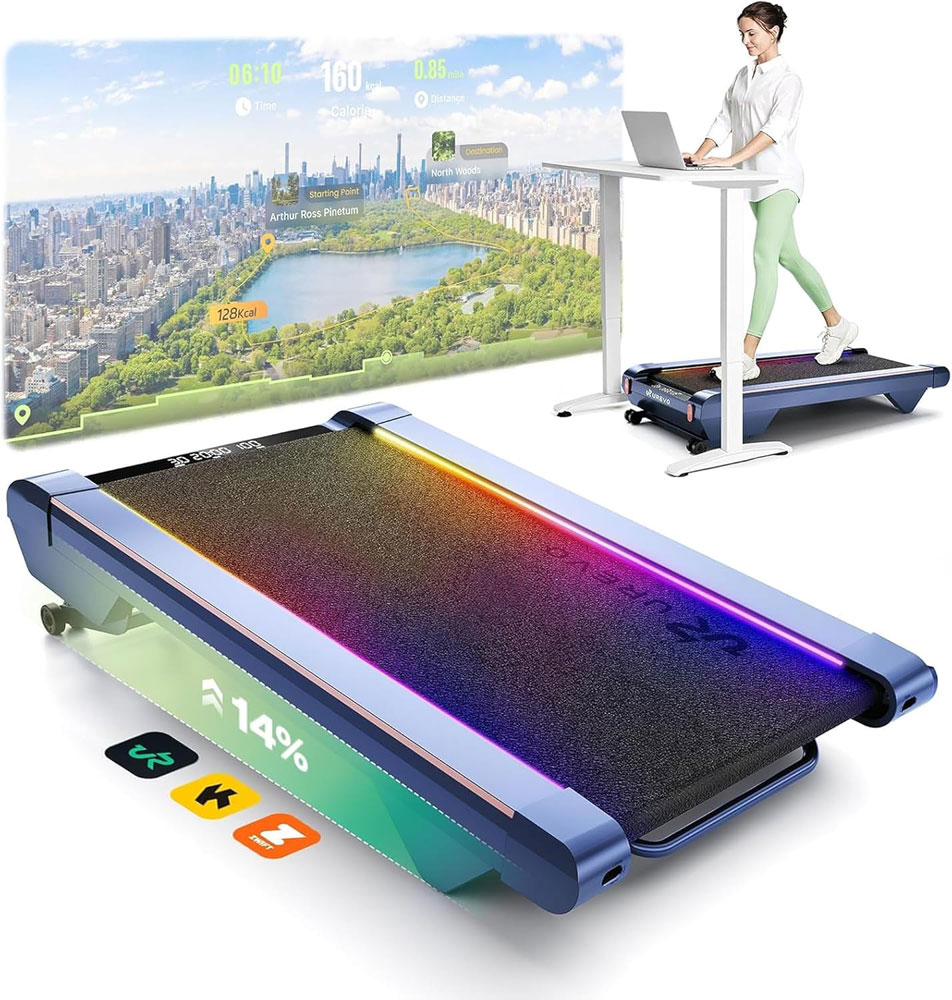
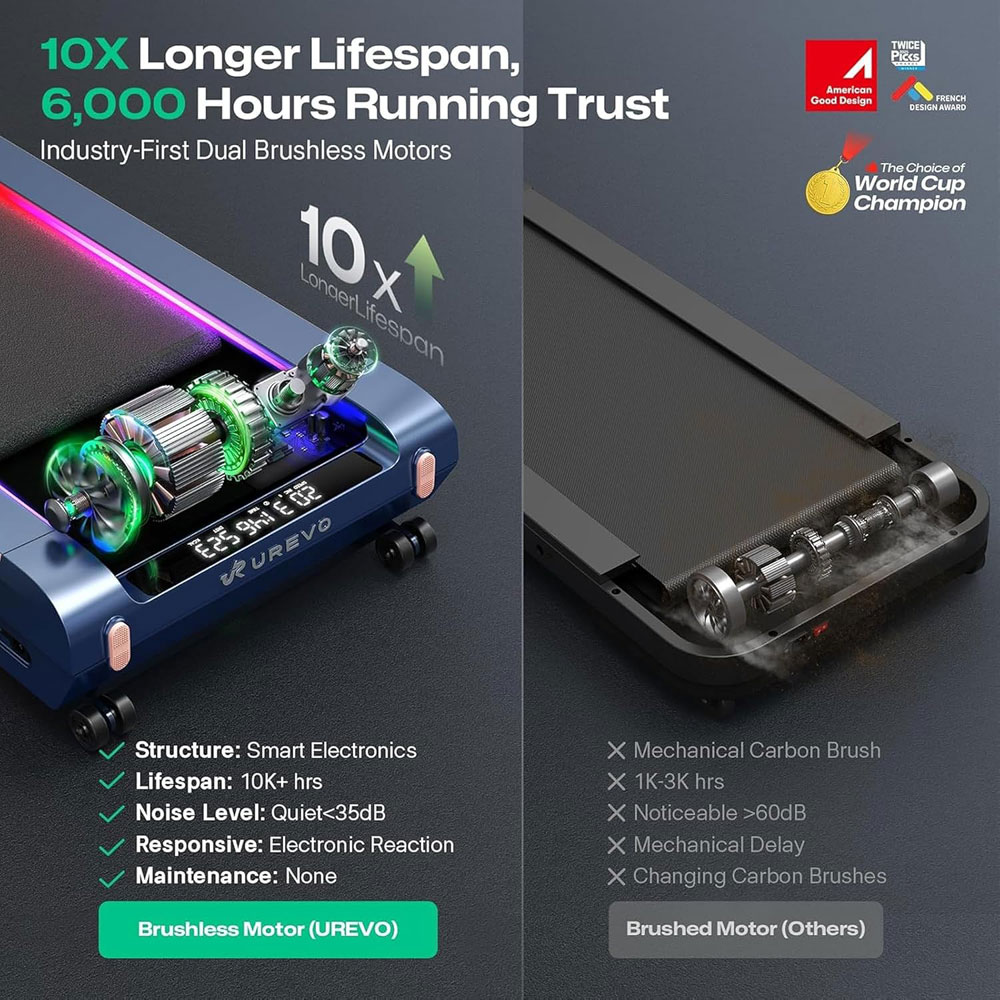
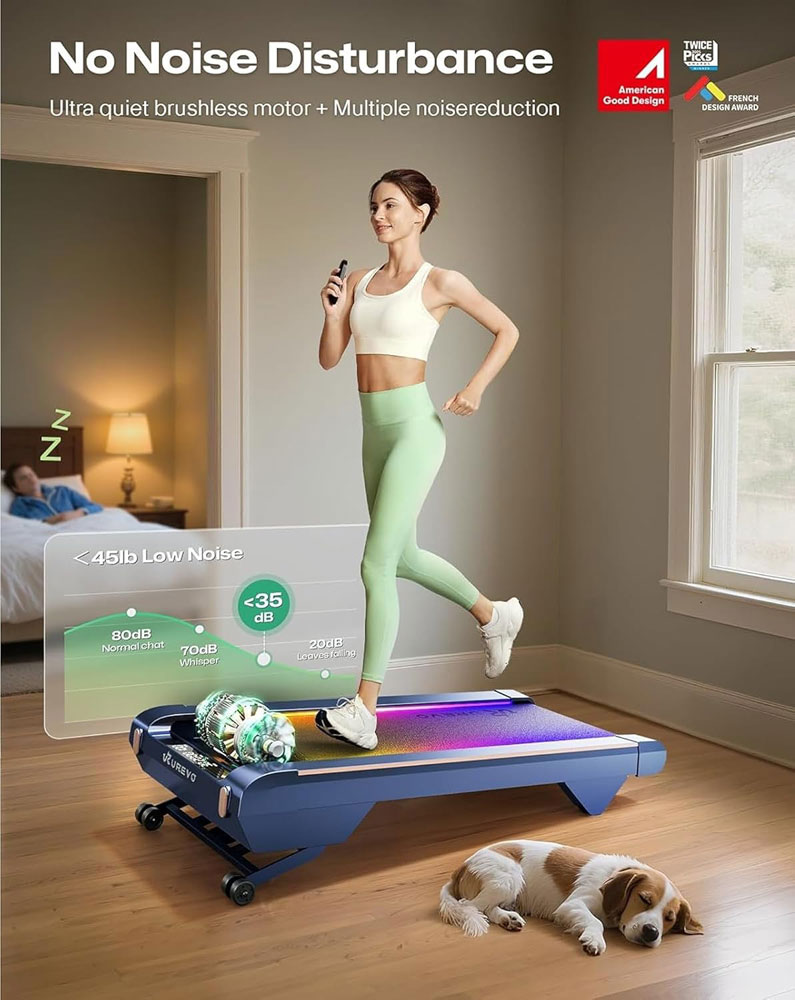
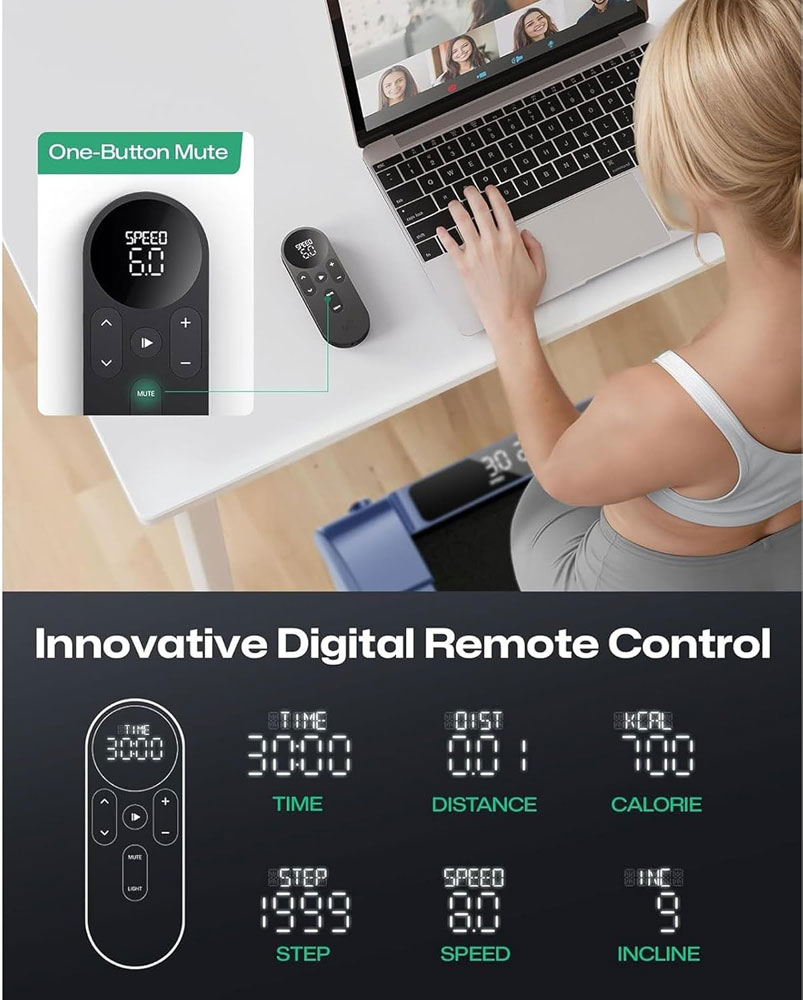
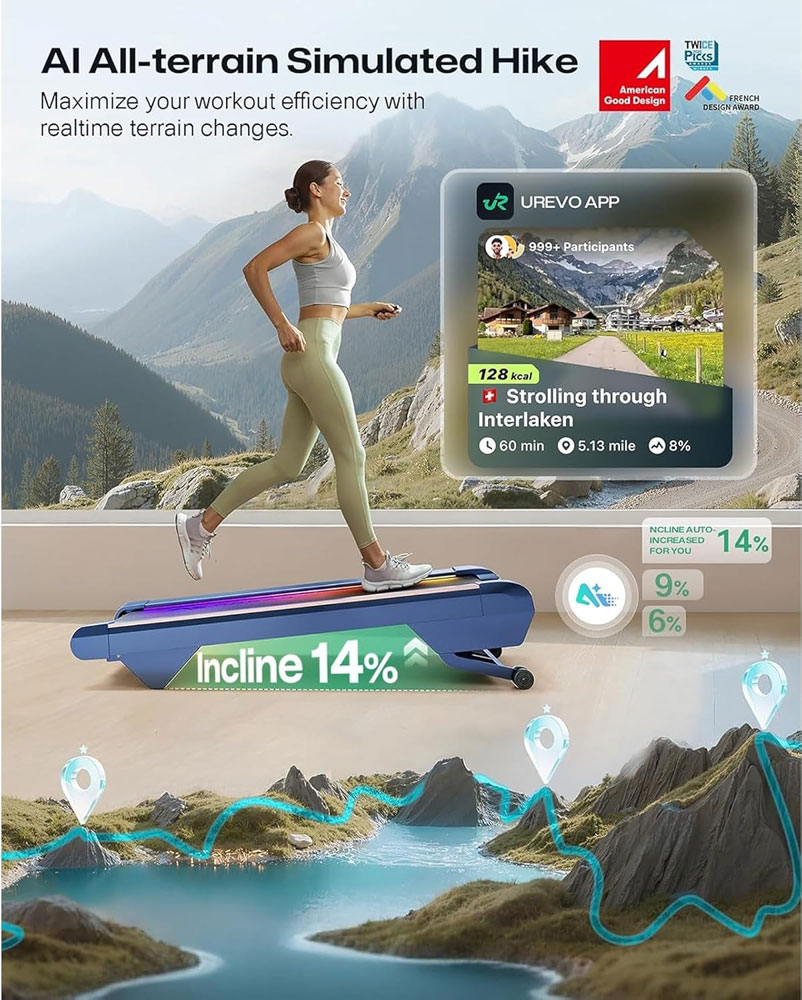
| Best premium incline design | UREVO CyberPad Smart Walking Pad | 14% auto incline, design-led full-track style | Leave-out lounge use and hard incline walking |
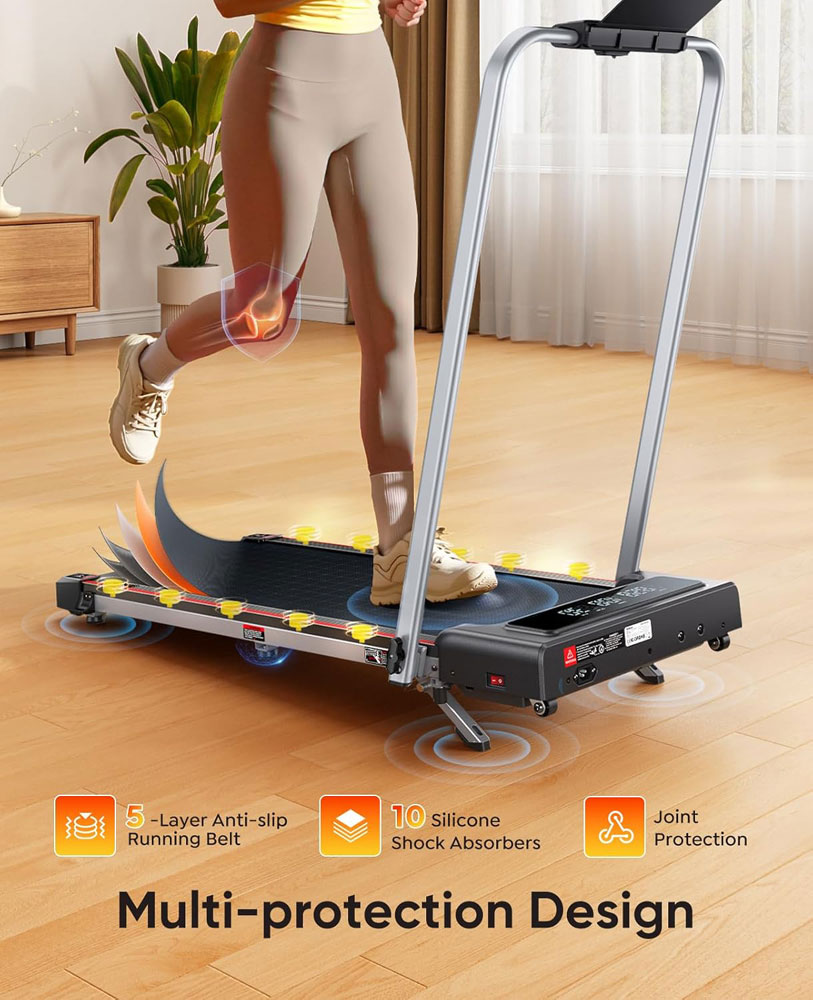
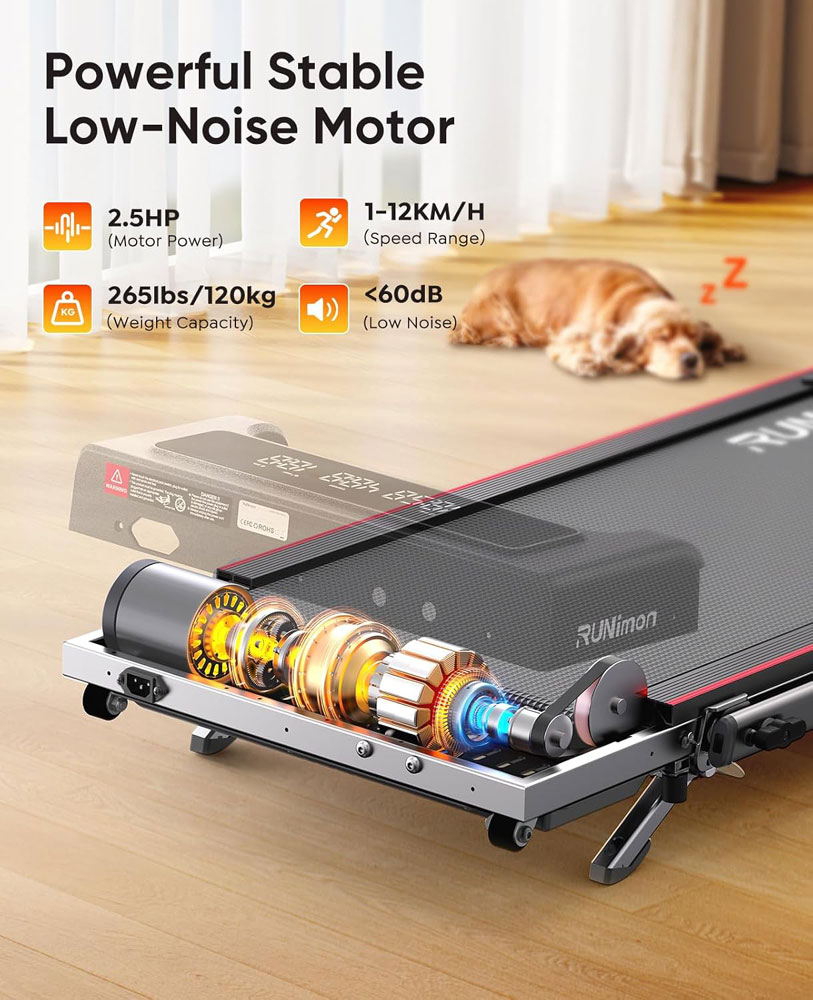
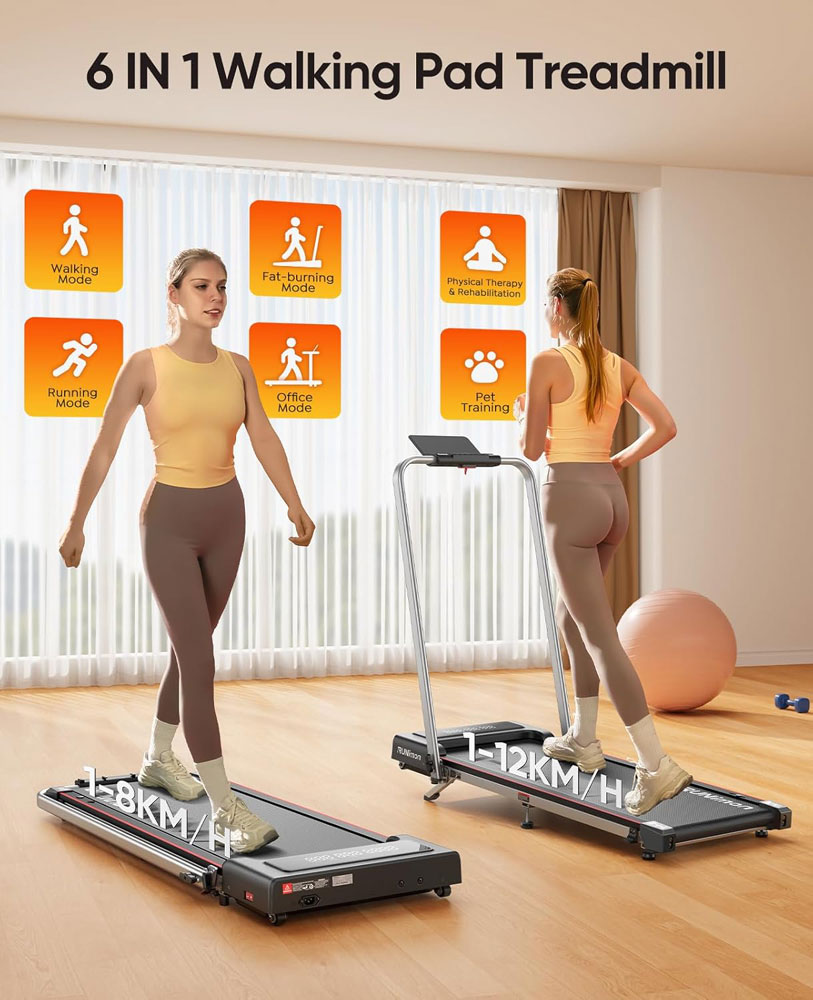
| Best 2-in-1 for occasional jogging | RUNIMON 6-in-1 Folding Treadmill | 1-12 km/h handle-up, 1-8 km/h handle-down | Walk most days, jog lightly sometimes |
| Product | Type | Speed | Incline | Max user weight | Best practical fit |
| Superun Raceable | Walking-first all-rounder | 1-6 km/h | 6% incline | 136 kg | Best mix of desk, TV and incline walking |
| UREVO Under Desk | Desk-first pad | 1-6.4 km/h | None | 120 kg | Work blocks and standing desks |
| Zeporix Folding walking treadmill | Walking-first all-rounder | 1-10 km/h | None | 100 kg | Visible controls, handle support, brisk walking and light jogging |
| Bigzzia Incline | Value incline pad | 1-10 km/h | Manual incline to 8% | 130 kg | Feature-rich for the price |
| Panana Under Desk | Budget walking pad | 1-6.5 mph | None | 100 kg | Low-cost light walking |
| Panana 2-in-1 | Folding handrail hybrid | 1-12 mph | None | 120 kg | Storage plus brisk walking |
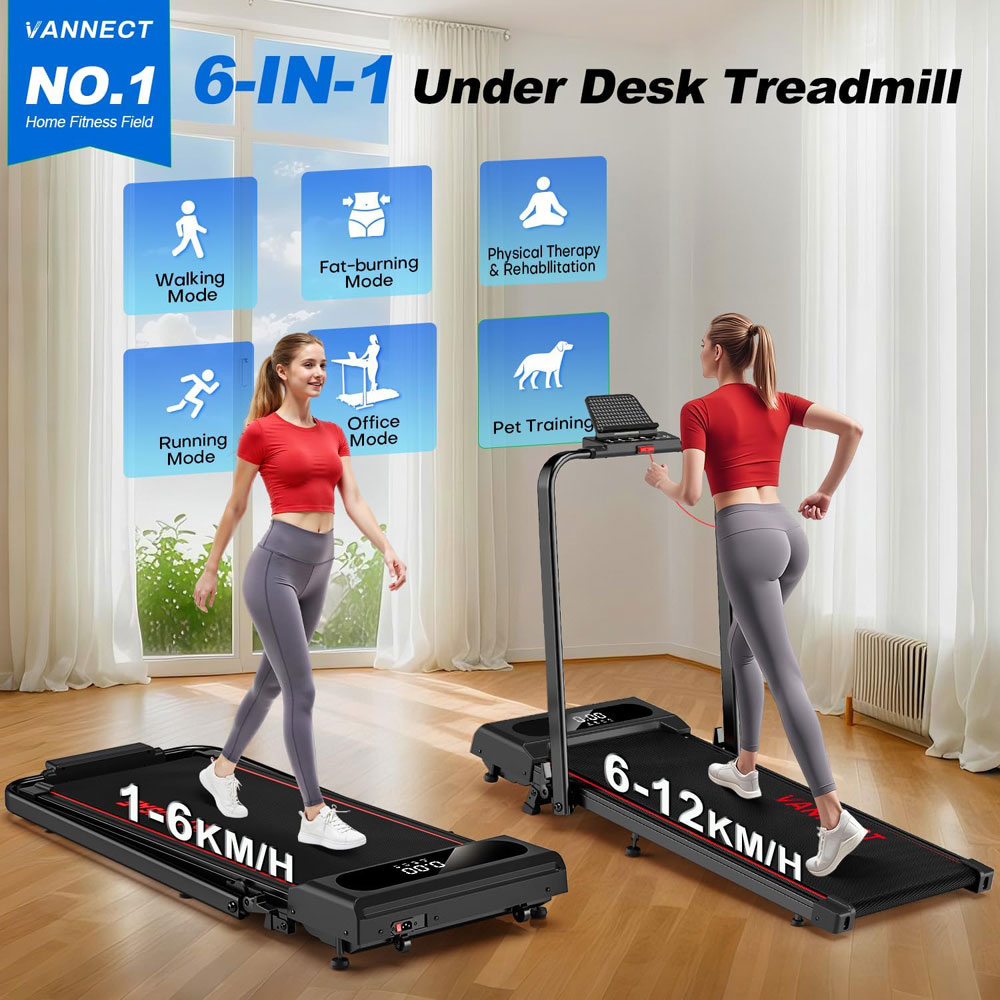
| VANNECT 6-in-1 Folding Walking Pad | Higher-capacity incline pad | 1-6 km/h folded - 1-12 km/h with armrests raised | 9% | 159 kg | Stability and more suitable for heavier people |
| Mobvoi Smart AI | Smart/app pad | 2-6 km/h | None | 120 kg | Tracking and streaks |
| UREVO CyberPad | Premium incline design | 1-6.4 km/h | 14% auto incline | 120 kg | Leave-out design and hill feel |
| RUNIMON 6-in-1 | Walk/jog hybrid | 1-12 km/h handle-up | 9% | 120 kg | Occasional light jogging |
| You need... | Choose this type/category | Shortlist |
| You want to walk during emails and calls | Choose a true under-desk walking pad with a low deck and 1-6 km/h range. | UREVO Under Desk or Superun Raceable |
| You live in a flat or upstairs room | Prioritise low noise, stable footfall, a mat, and moderate speeds. | URVEO CyberPad |
| You want harder walks without jogging | Choose incline before top speed. | Bigzzia Incline, VANNECT 6-in-1 Folding Walking Pad or UREVO CyberPad |
| A higher-capacity walking treadmill | Choose a higher-capacity, heavier, more stable pad with a margin. | VANNECT 6-in-1 Folding Walking Pad |
| You want occasional jogging | Choose a 2-in-1 with a handrail, safety key and longer deck. | RUNIMON 6-in-1, Panana 2-in-1 or Zeporix |
| You are motivated by tracking | Choose an app-enabled pad, but make sure it is still usable without the app. | Mobvoi Smart AI |
| You are unsure you will use it | Start with a simple budget pad and a easy TV-walking routine. | Panana Under Desk |
| You need additional support | Choose a walking pad with handles | Zeporix, Panana 2-in-1 |
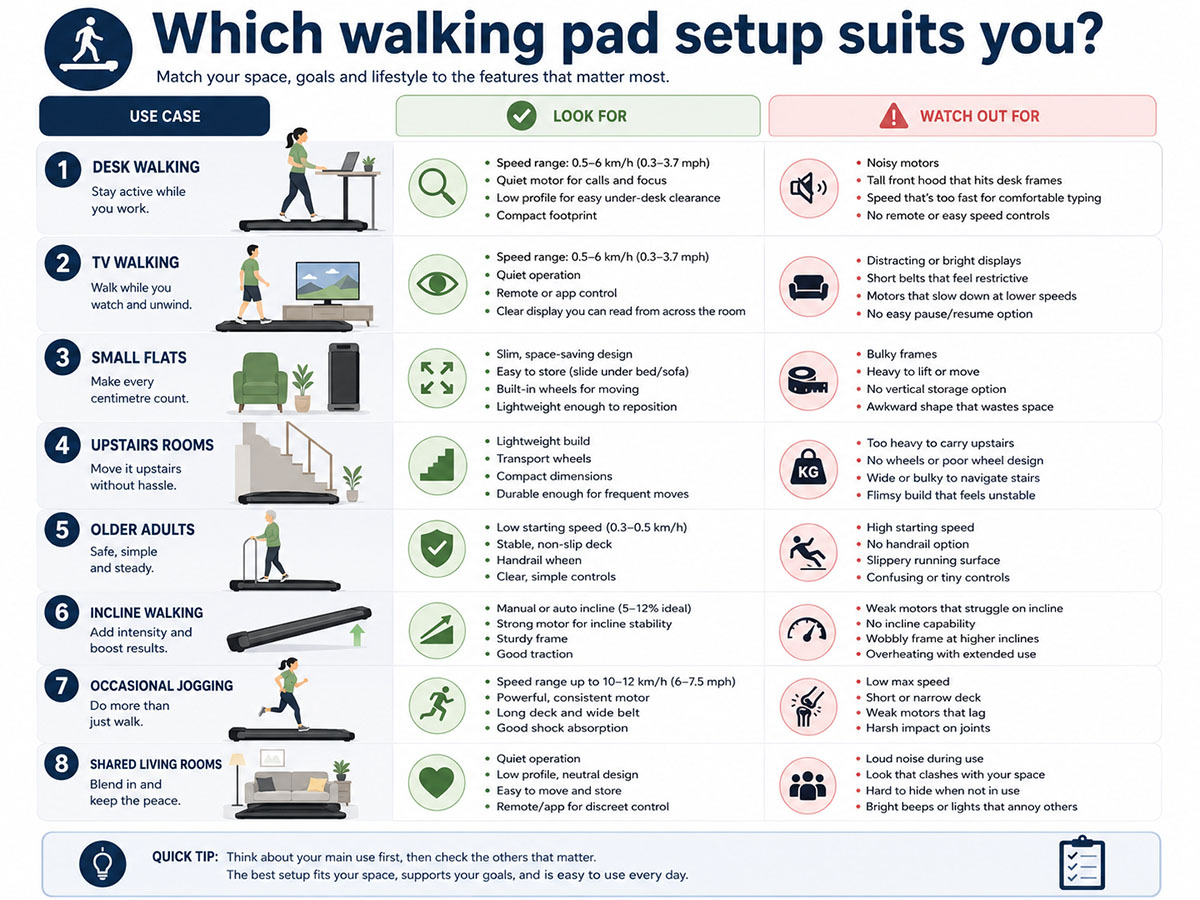
The best walking pad depends on where and how it will be used: desk work, TV walking, small flats, incline sessions or shared rooms all call for different priorities.
Use the Walks4all STRIDE Check before buying a walking pad. If a model fails the STRIDE Check, it probably will not be used regularly.
| STRIDE factor | Check | What it means in practice |
| S - Space and storage | Measure where it will be used and where it will be stored. | Check deck length, width, height, wheels, upright storage, and sofa/bed clearance. |
| T - Task and top speed | Match speed to desk work, TV walking, fitness walking, or light jogging. | Most desk walking is around 1-2.5 km/h. A top speed of 12 km/h is irrelevant if you only want emails and calls. |
| R - Rated load and real stability | Leave a margin below the stated maximum user weight. | Higher capacity, a wider belt and a heavier frame often feel more confidence-inspiring. |
| I - Incline, impact, and intensity | Decide whether you need effort without speed. | Incline often makes more sense than speed because it increases intensity while keeping impact low. |
| D - Desk fit, deck size and controls | Check belt size, deck height, remote, pause function and display. | A pad that is awkward to control or too short for your stride will not be used. |
| E - Everyday noise, electrics and upkeep | Consider motor hum, footfall, mats, cables and lubrication. | In flats, vibration through the floor can matter more than the motor noise figure. |
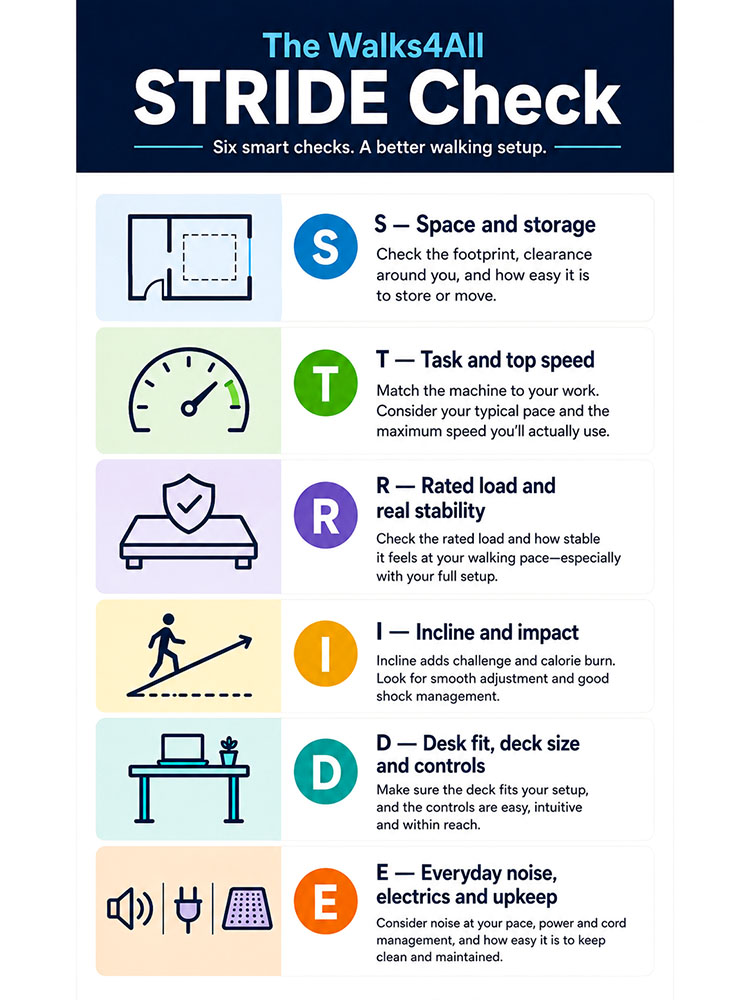
The Walks4All STRIDE Check helps readers choose by real-world use rather than headline speed alone.
Quick verdict: The best overall pick if you want one walking pad for desk walking, TV walking and steeper sessions without paying for a full treadmill.
 |
 |
Features and specs:
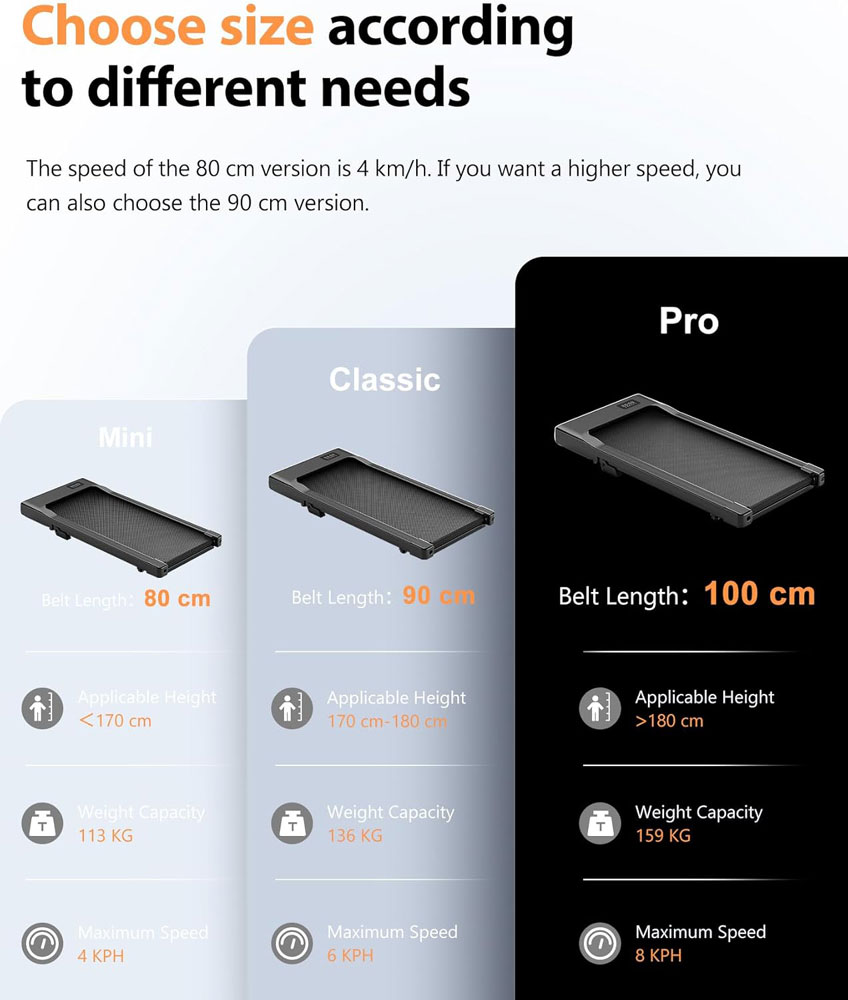
Note: 2 other belt sizes are available, with maximum user weight and top speed varying by size.
Pros:
Cons:
Avoid if: you want regular jogging, need a long running deck, or dislike app-led features and just want a basic remote-only pad.
Why we chose it:
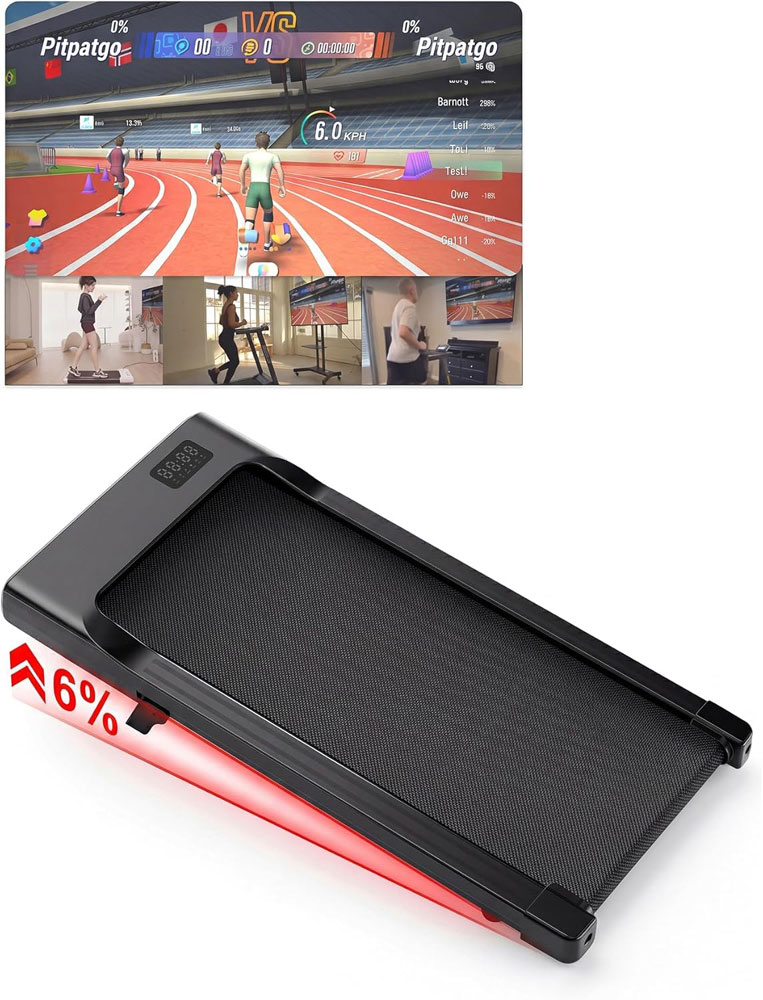
For me, the Superun Raceable is the best overall option because it strikes the right balance: compact enough for day-to-day use, yet not so basic that you would outgrow it after the first week. The 1-6 km/h speed range makes sense because it matches how most people use walking pads indoors: slow enough for desk walking, steady enough for TV walking, and not pretending to be a full-fledged running treadmill.
The 6% incline is what made it stand out for me, as I could make the walk feel more purposeful without chasing speed. That matters because once you start typing, watching TV or taking calls, speed is not always your friend. Incline gives you another way to add effort while keeping the pace controlled.
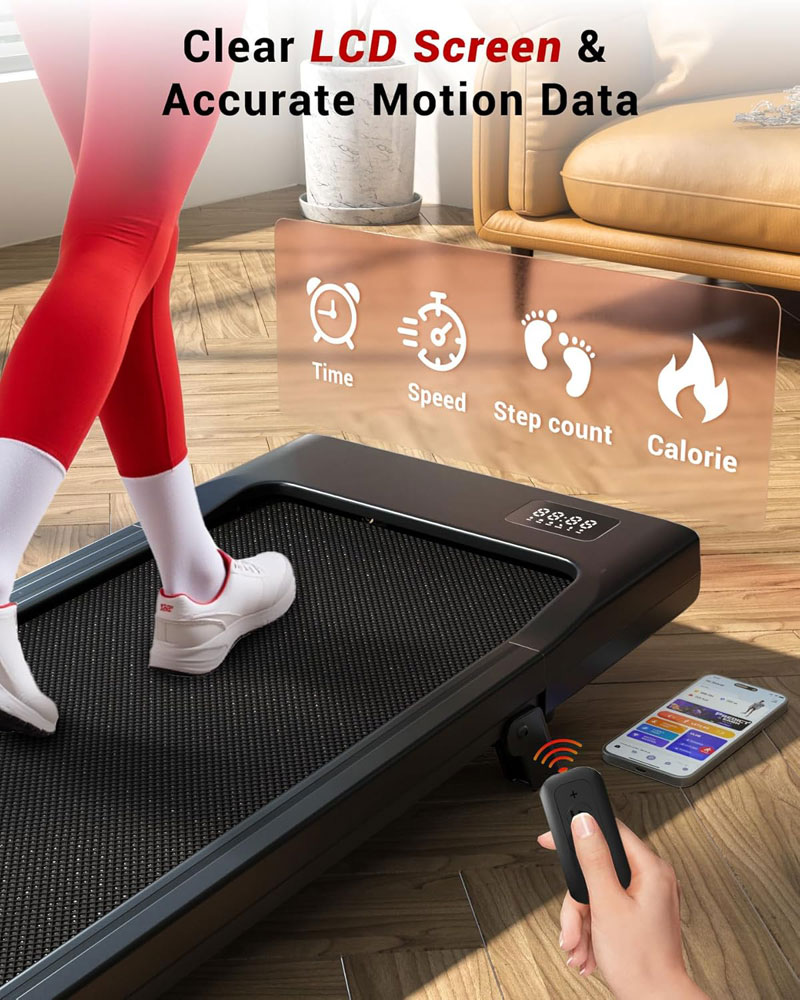
I also thought the app features added more value than I expected. Goals, races and tracked sessions are not essential, but they help make indoor walking feel less like staring at a belt. For me, that extra structure is useful because a walking pad only works if you keep going back to it after the novelty has worn off. The images and the way it promotes itself imply it is suitable for some running, but at a top speed of 6 km/h, this equates to a slow jog for most people.
So, it is still clearly a walking pad rather than a running treadmill. The 90 cm belt and 6 km/h top speed mean I would keep it for steady indoor walking, not long-stride jogging, although 95 cm and 100 cm belt versions are available. I did notice a slight vibration under my weight (I am heavier than average), but that was not unusual compared with other pads I tried.
For most homes, I thought the balance was right: easy to store, simple to use, and capable of supporting a regular indoor walking habit.
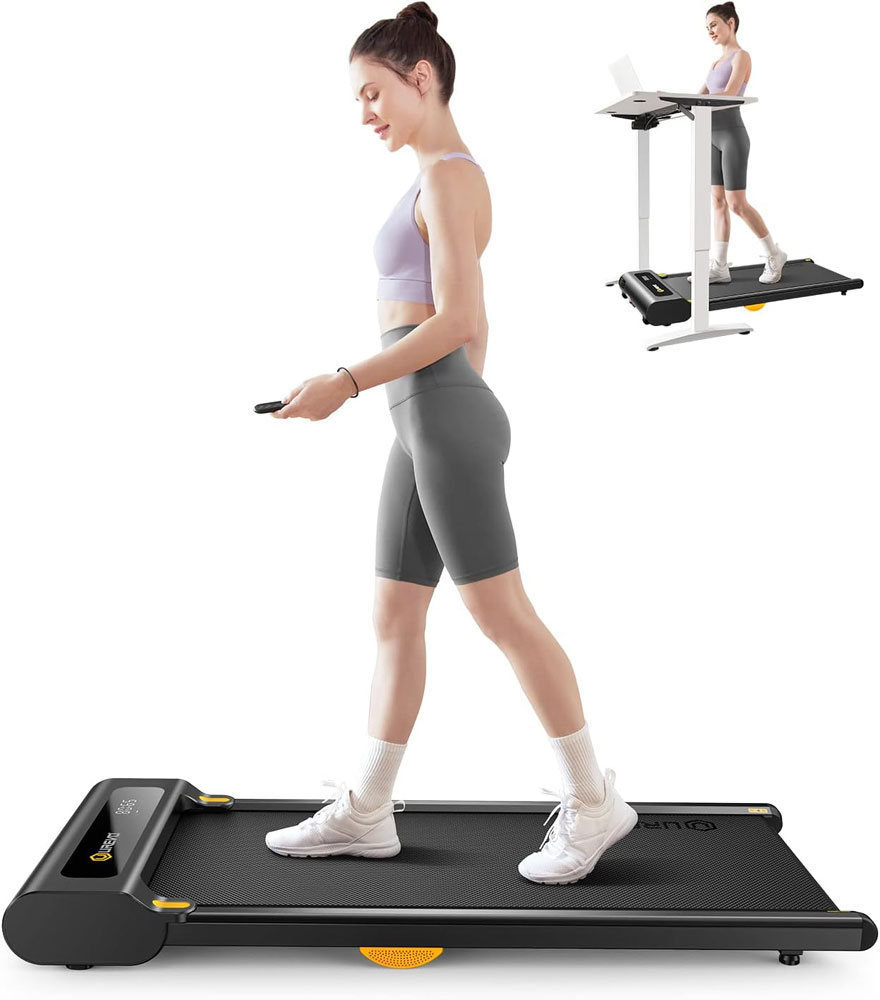
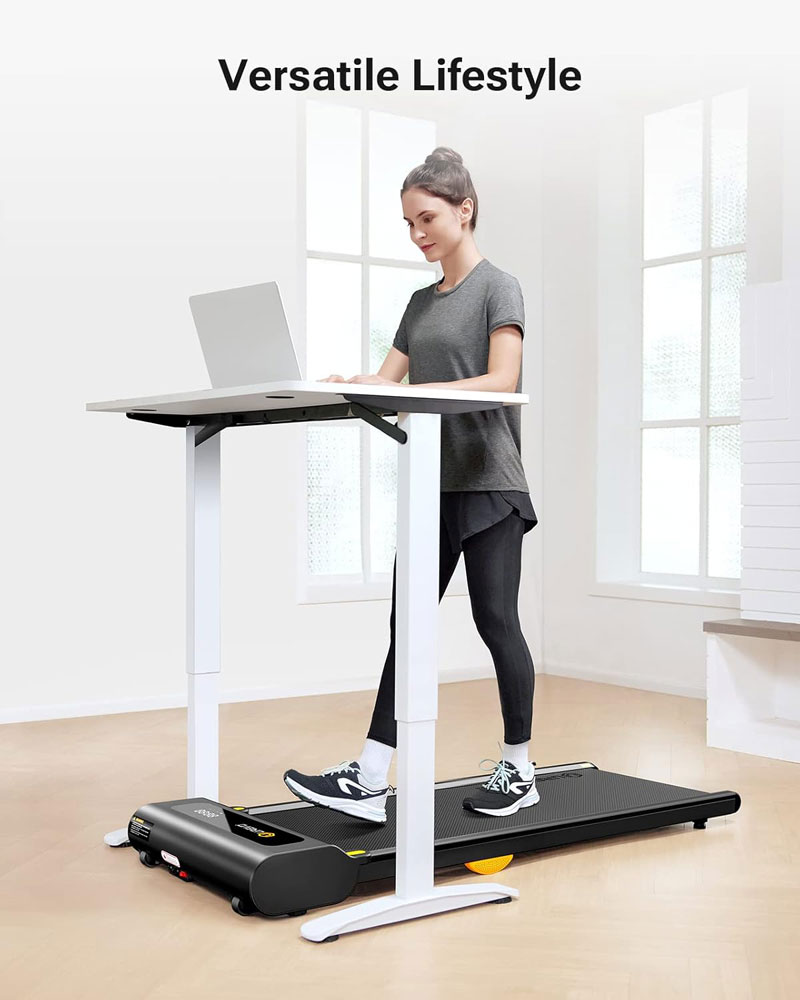
Quick verdict: A desk-first walking pad for emails, admin, calls and short work blocks, with a speed range that matches how most people actually use under-desk treadmills.
|
|
Features and specs:
Pros:
Cons:
Avoid if: you need incline, a handrail, regular jogging, or a very long belt for a tall stride.
Why we chose it:
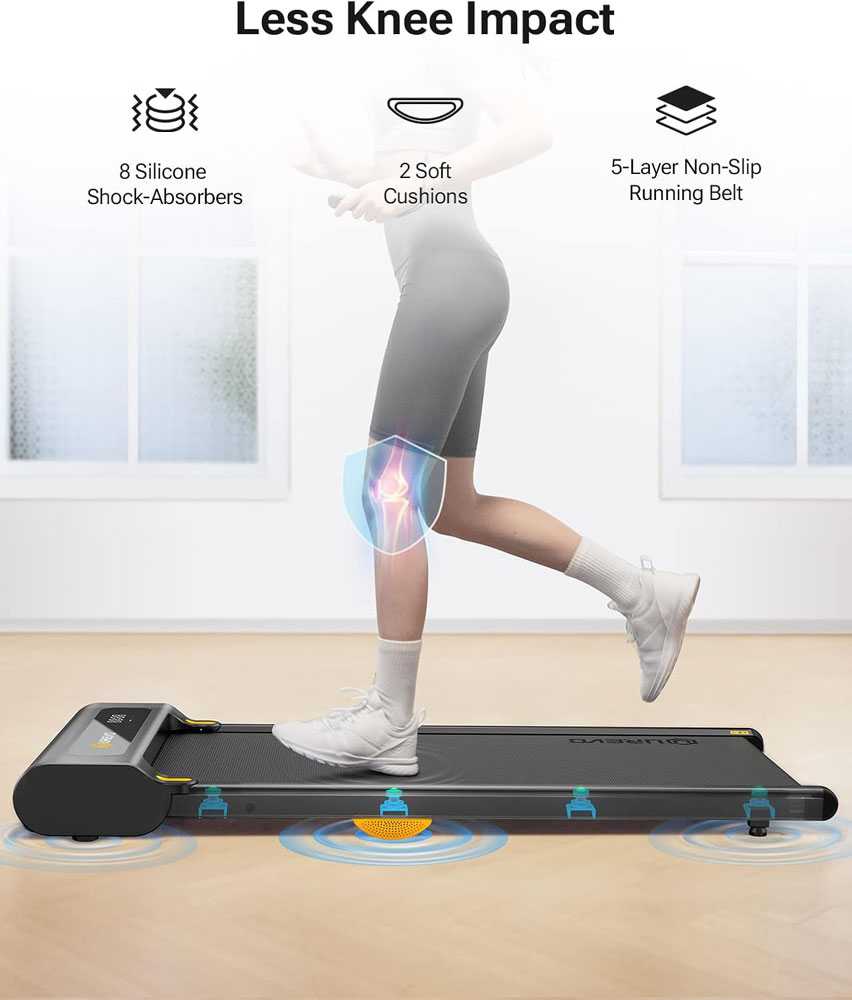
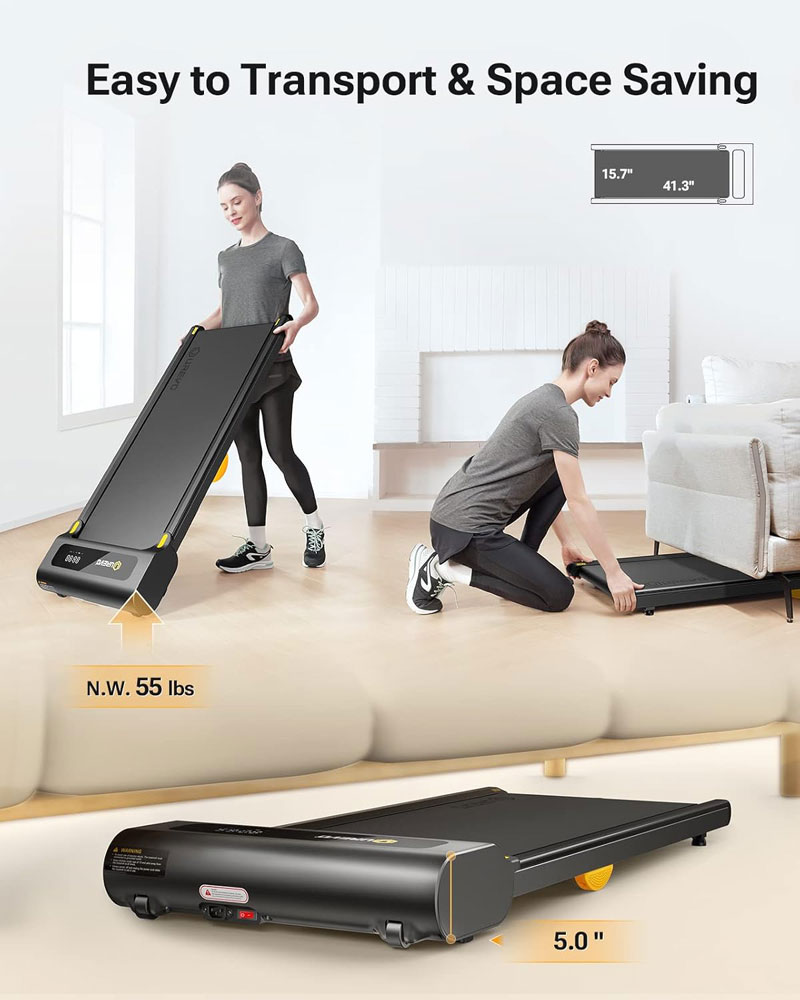
The UREVO under-desk treadmill felt well-suited to my under-desk walking. The speed range is sensible for using with desks, the belt size feels more reassuring than the smallest pads, and the controls were straightforward enough for day-to-day work sessions. For me, that matters more than a high-top speed.
Some under-desk pads feel narrow or cramped as soon as you relax into your stride, which makes you watch your feet rather than getting on with the task. This one felt more comfortable for the slow, steady walking I use for emails, calls and admin.
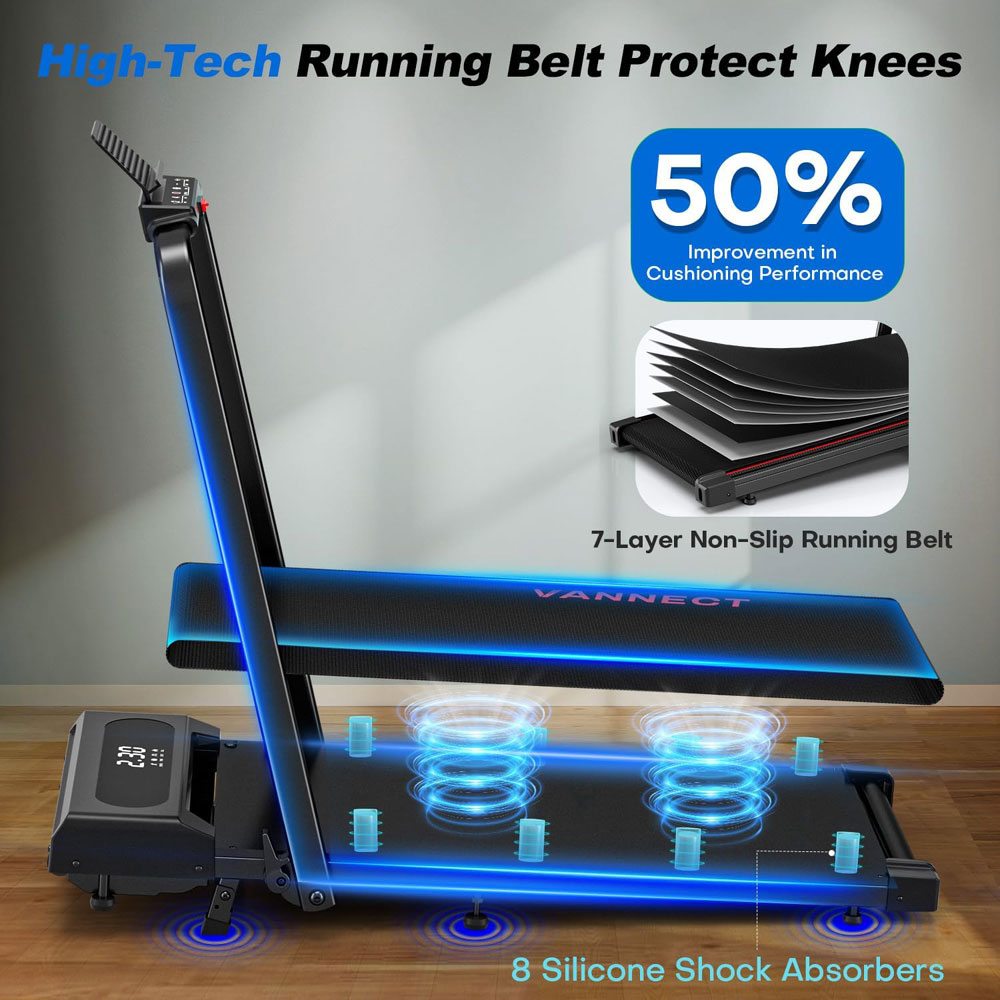
I also liked the focus on cushioning. Indoor walking is repetitive, and after 20-30 minutes, small differences in comfort become more noticeable. A belt that feels stable and slightly forgiving is much easier to return to throughout the week than one that feels harsh or twitchy underfoot.
It worked best at low, steady speeds without being pushed to its upper limit during detailed work. I would keep the remote in the same place, use a mat on hard floors, and treat it as a movement tool for work rather than a compact workout treadmill.
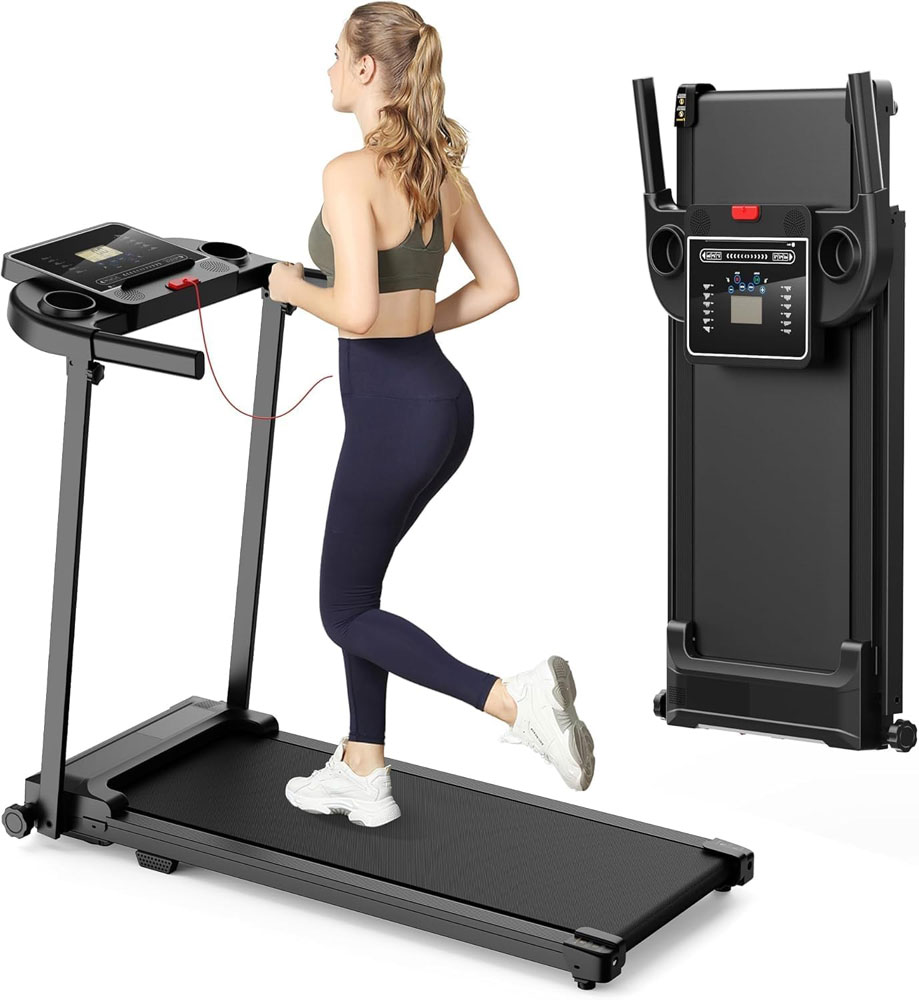
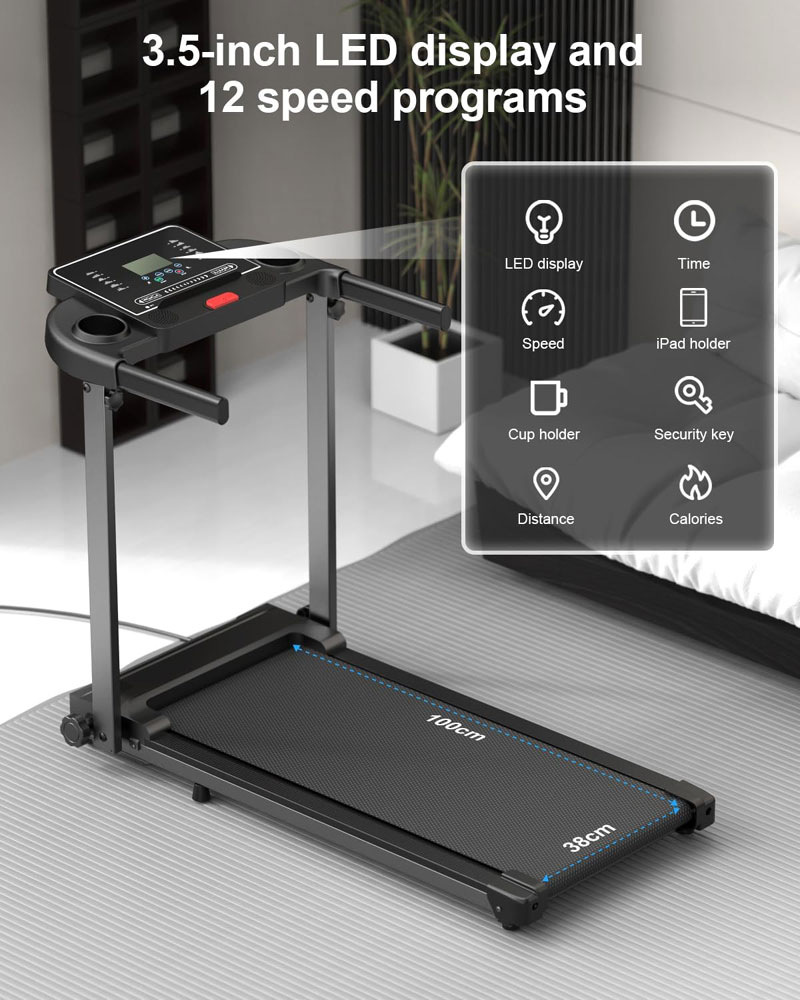
Quick verdict: The Zeporix LF-X2DC is for people who want a walking pad that feels more like a small home treadmill. The side handles, 3.5-inch LCD display and 12 programmes make it easier to use as a dedicated walking machine, rather than a remote-only pad that disappears under a desk.
|
|

Features and specs:
Key features:
Pros:
Cons:
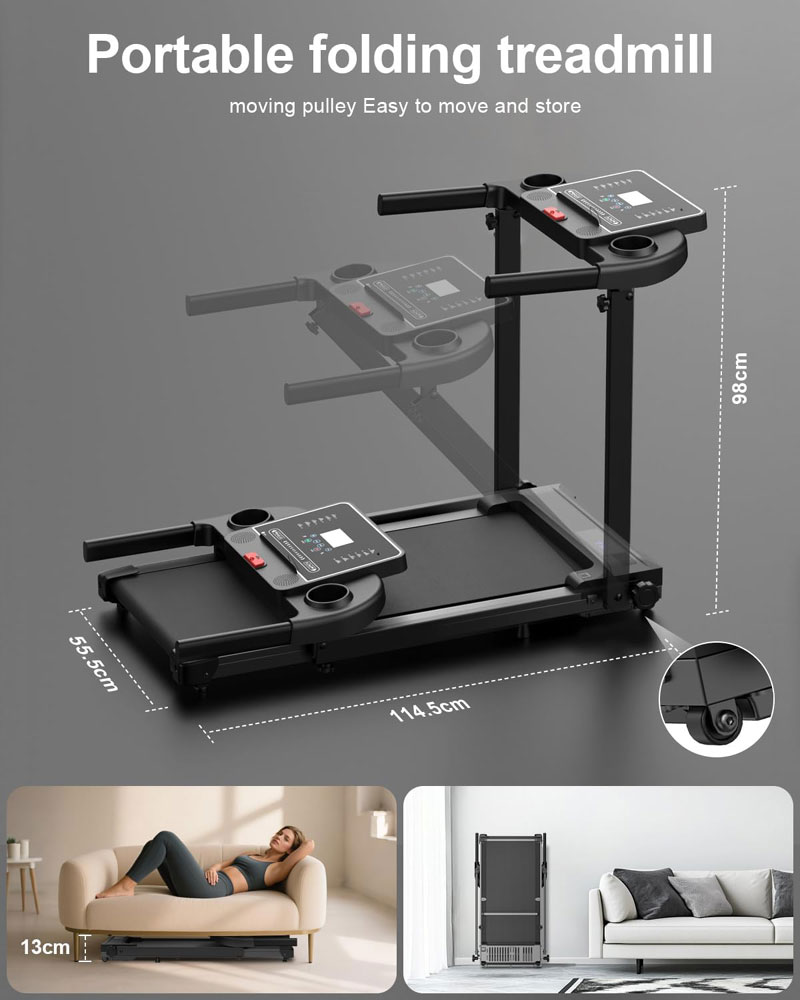
Avoid if: you want a true under-desk pad for typing, a very quiet flat walking pad, a higher weight capacity, incline training, or a treadmill for serious running. I would also avoid it if you plan to move the machine in and out several times a day, as 25 kg is manageable on wheels but still noticeably heavier than the lightest compact pads.
Why we chose it:
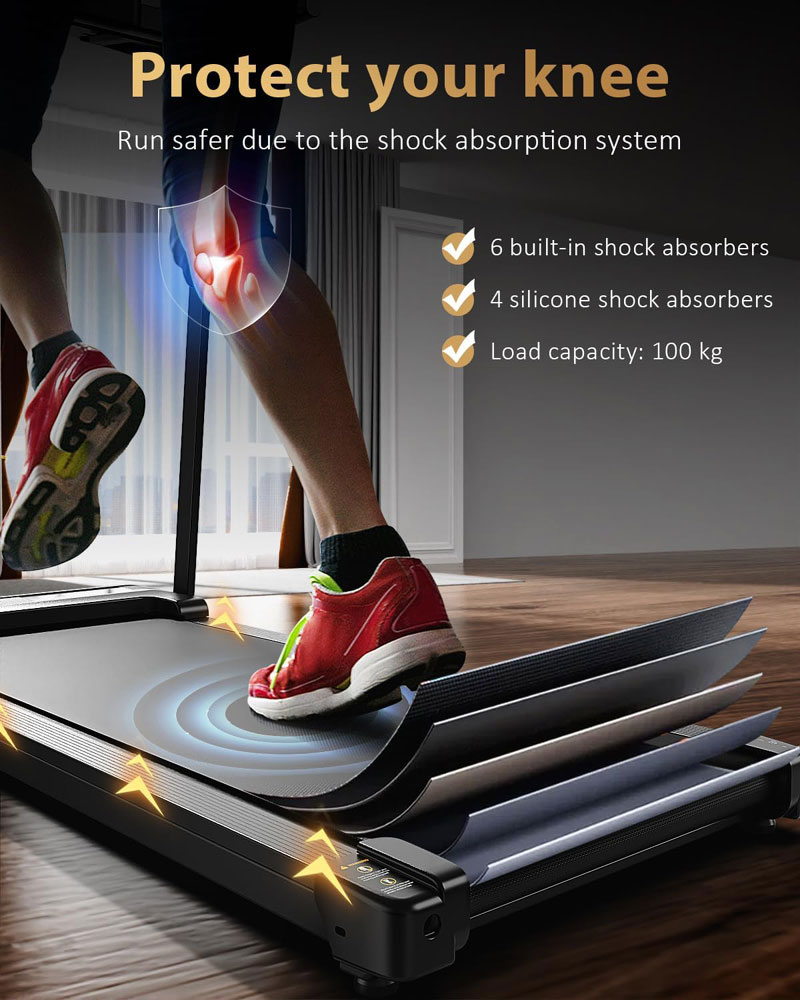
The Zeporix LF-X2DC is for people who want a walking pad with visible controls, side handles and a more familiar treadmill feel. Many flat pads are neat under a desk, but they rely heavily on a remote and a small deck-level display. This model feels better suited to someone who wants to walk in front of the TV, use programmes, change the pace more often, and see the numbers without relying on a loose remote.
The 3.5-inch LCD displays time, distance, calories and speed, and the 12 preset programmes make it feel less basic than a simple start-stop walking pad. I would not buy a walking pad just for programmes, but on a home treadmill like this, you do get an easy way to vary sessions without thinking too much.
With rail-free pads, I tend to think of them as slow-walking tools: desk walking, light TV walking, and gentle daily steps. With this Zeporix, I would be more comfortable using the upper end of the speed range because the handles give you something to steady yourself on should you need it. That makes it a better fit for brisk walking and light jogging than most flat pads, even though I would still not treat it like a full running treadmill.
At higher speeds, it did have a bit of a wobble, but was no worse than similar-priced walking pads when used at slower walking speeds.
The trade-off is that it is less discreet and less desk-friendly than the slimmer pads. At 25 kg, it is heavier than the compact flat options, and its 100 kg maximum user weight is less generous than that of several models already in the guide. But if you want display, handles, programmes and a stronger treadmill feel, this is exactly the kind of model you should consider.
Walks4all note
Use this with a mat, especially on hard floors or in flats. The handles and heavier frame make it feel more treadmill-like, but footfall and vibration still matter. I would also keep the safety cord attached at higher speeds.
Quick verdict: A strong value pick if you want incline, a higher user weight and a wider speed range without moving into premium prices.
|
|

Features and specs:
Pros:
Cons:
Avoid if: you want automatic incline changes during a session or a premium full-deck feel.
Why we chose it:
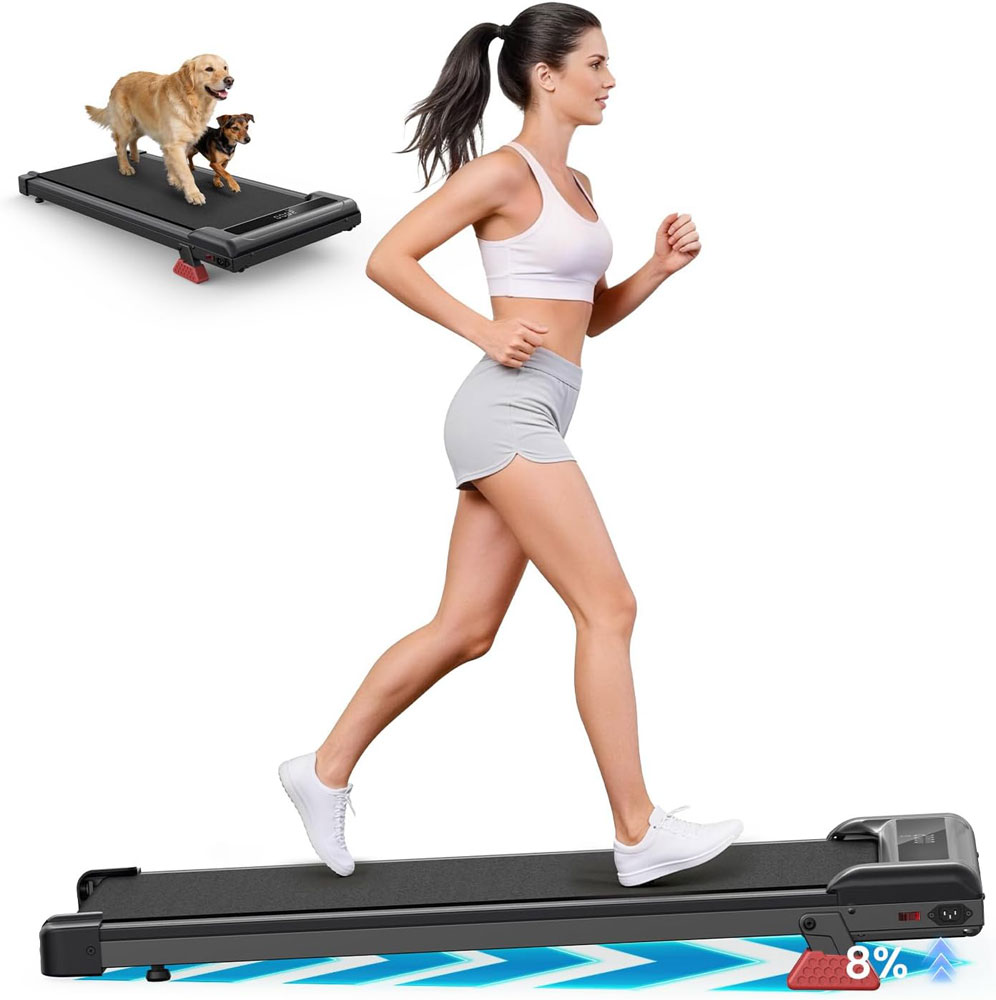
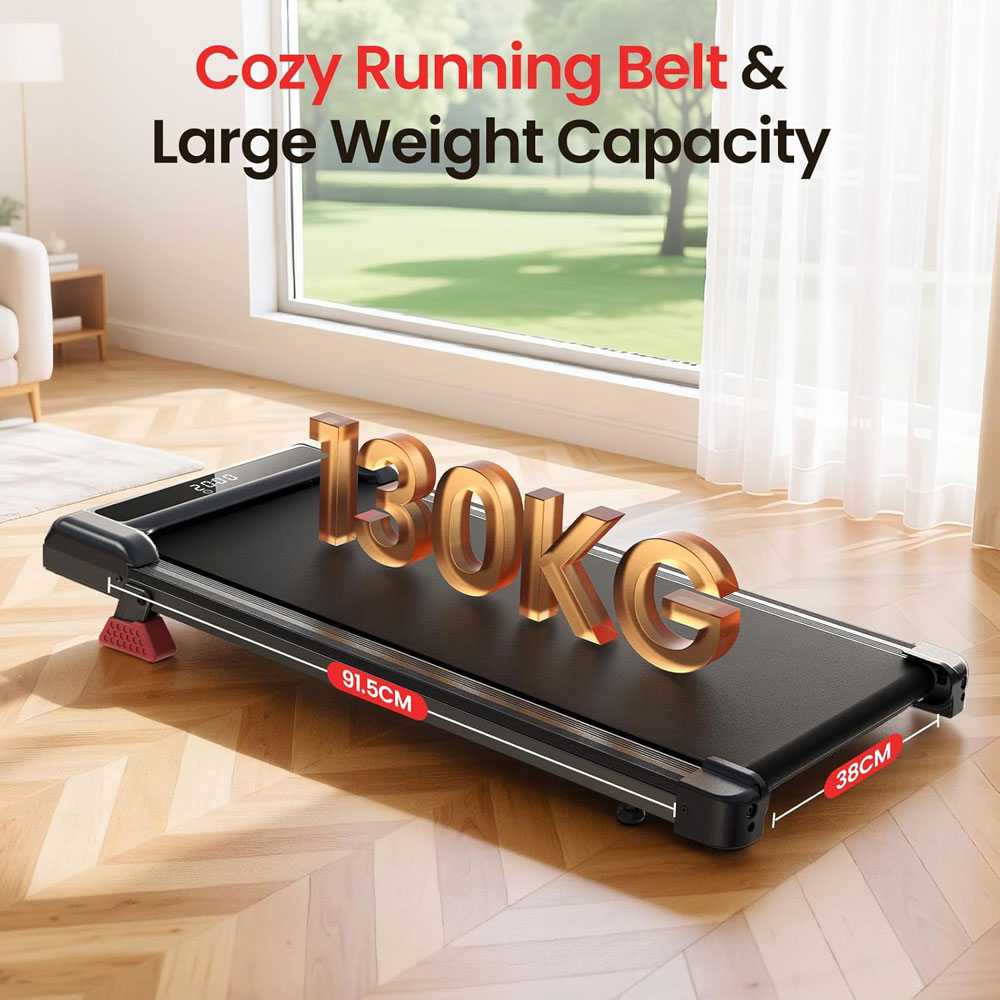
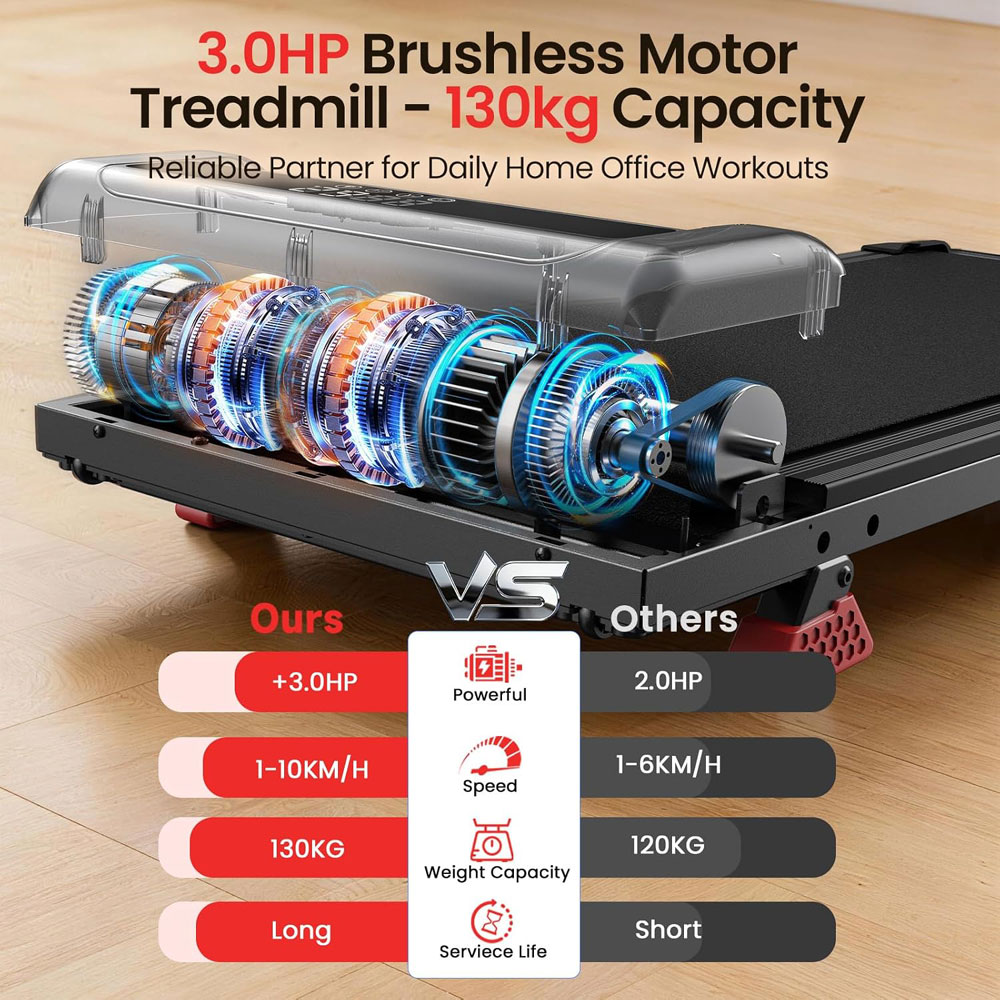
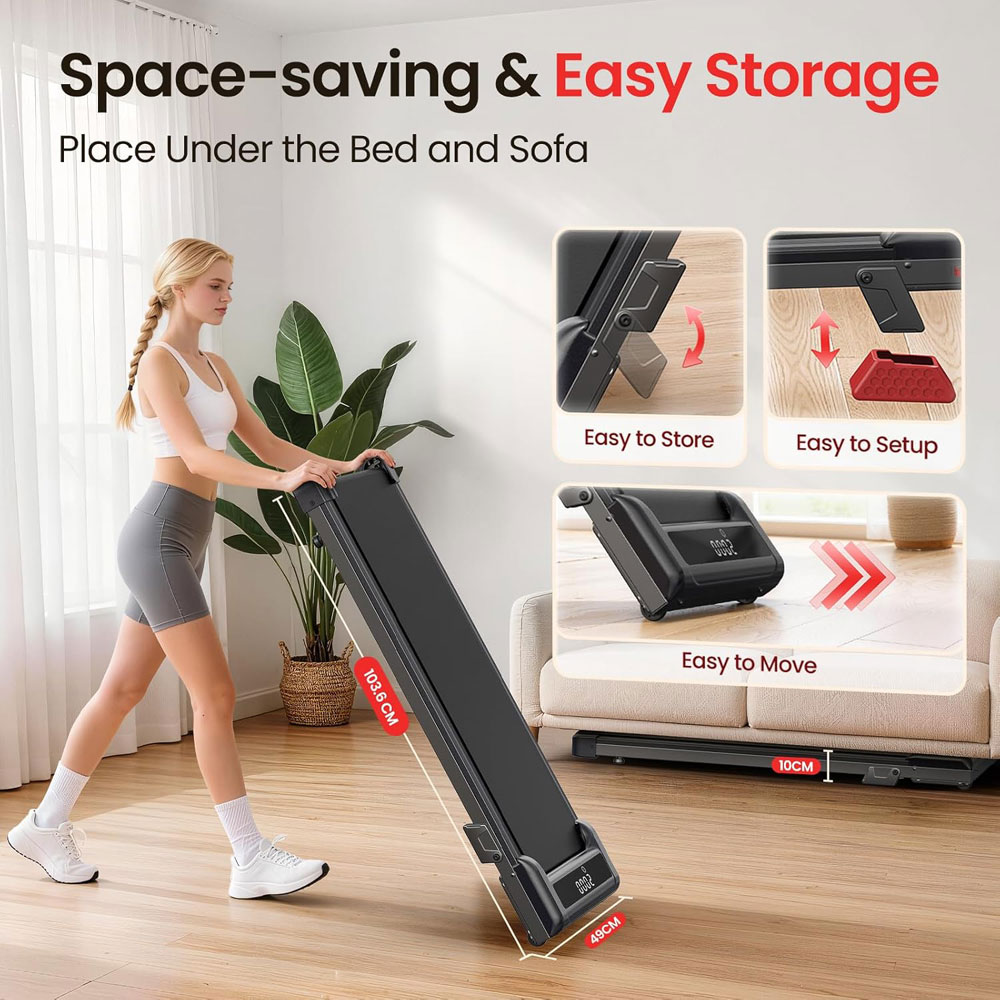
The Bigzzia incline walking pad felt like one of the strongest value-for-money options. The compact frame, 1-10 km/h speed range, brushless motor and manual incline gave it more features than I normally expect at this level. For me, it was the best value pick because the extra features actually change how the pad can be used.
The incline modes were the main reason I liked it. I found incline more useful than a slightly higher top speed because it lets you make a session feel more active without walking faster than feels comfortable indoors. For TV walking or short fitness-focused sessions, that gives it more purpose than a flat-only pad.
I also thought the 130 kg capacity gave it a bit more reassurance than many slim pads at this price. A higher capacity figure is not the whole story, but I do like having some margin rather than buying right at my weight limit. The 15 kg weight also helps, as it still feels realistic to move around the room when needed. As a heavier-than-average tester, I did find the pad wobbled a bit at higher speeds, but if you are of average weight or lighter, I don't believe you would experience too much sway when walking.
The manual incline is the compromise. I would not choose it if I wanted to adjust the incline constantly during a session, because it needs to be set before you start. But for me, that was a fair trade-off at the price. If you want incline, a decent speed range, and compact storage without paying a premium, this one makes a lot of sense.
Quick verdict: A simple budget walking pad for first-time buyers who want light desk or TV walking without paying for incline, app features or a heavier frame.
|
|
Features and specs:
Pros:
Cons:
Avoid if: you are tall or heavy, expect long daily use, want an incline, or want a premium cushioning feel.
Why we chose it:
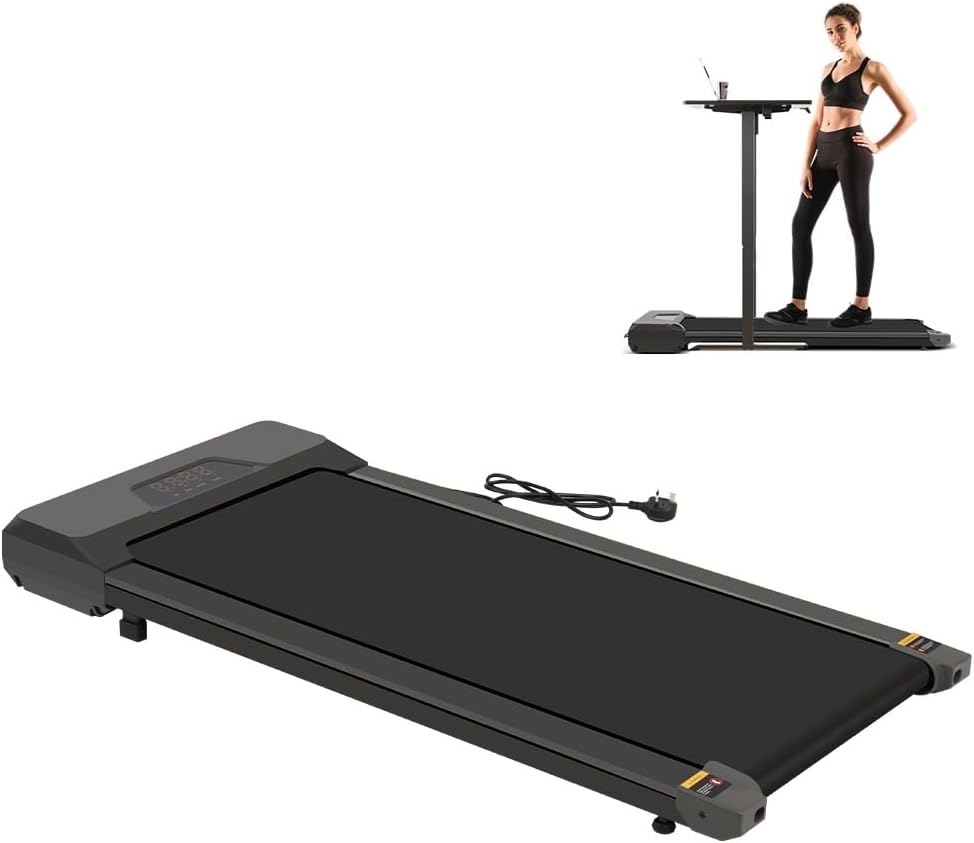
I chose this Panana model as the budget pick because it felt simple in the right way. It does not try to be a premium smart treadmill, nor does it pretend to be a serious running machine. It is a straightforward walking pad for light indoor use, which is exactly what I want from a budget option.
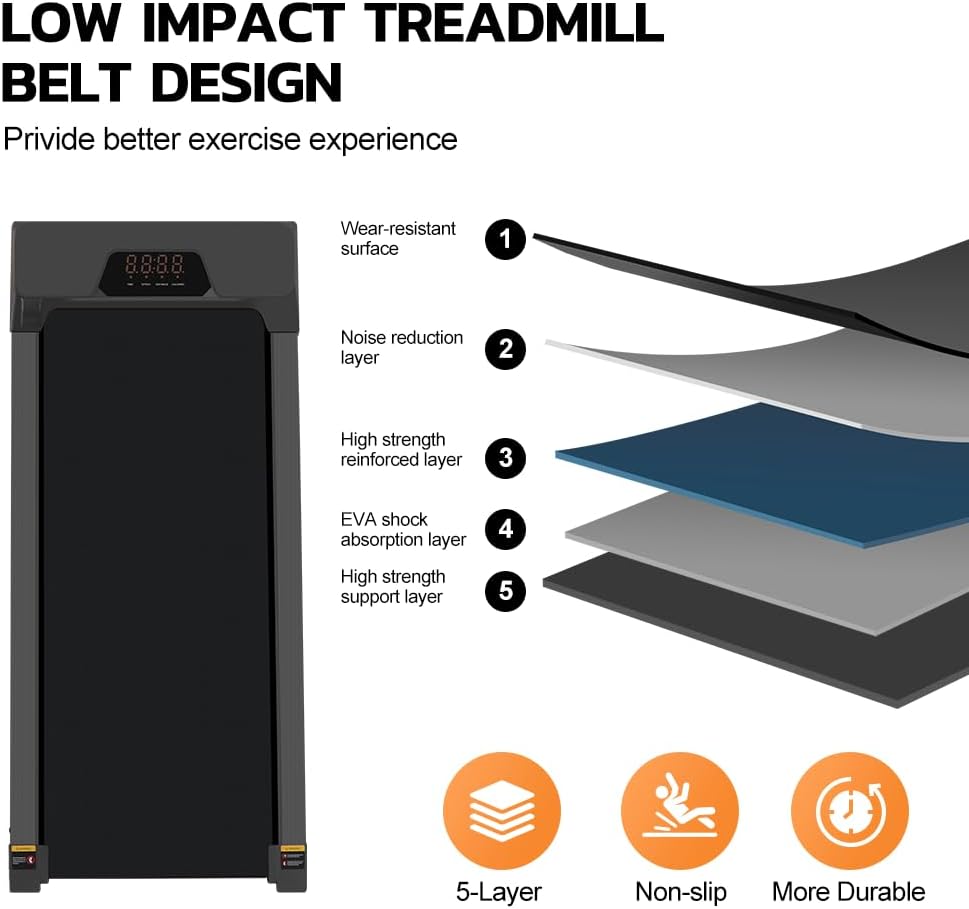
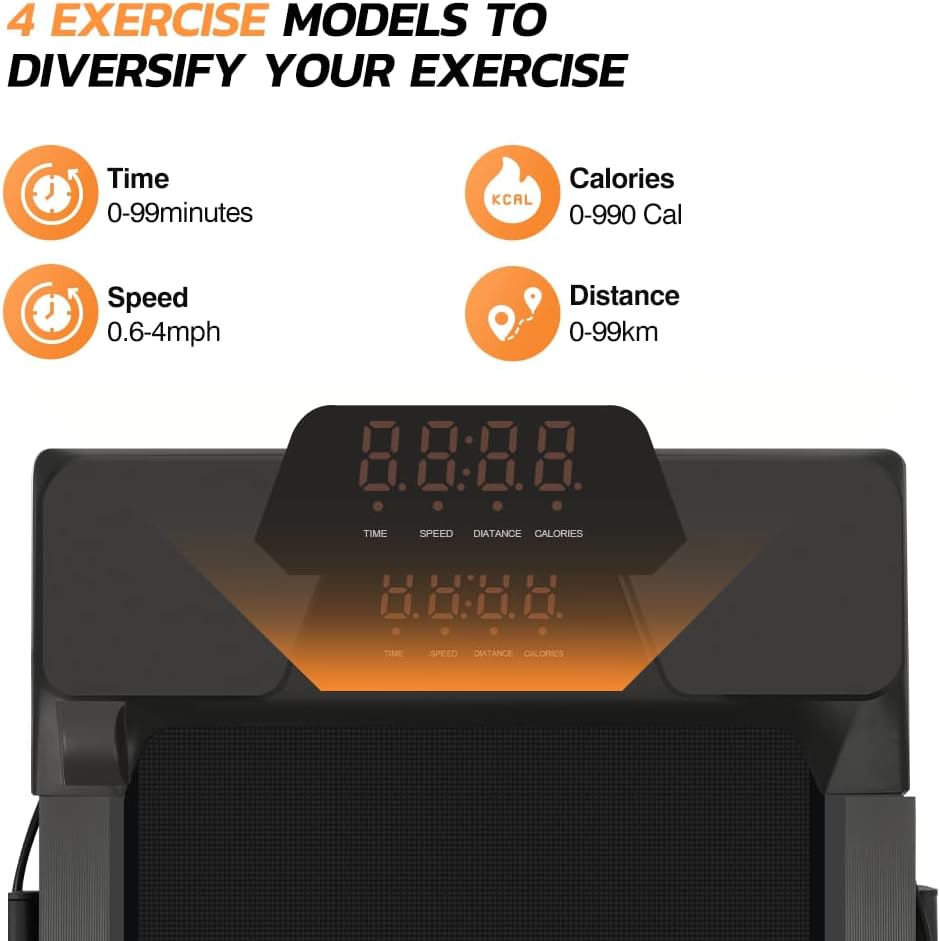
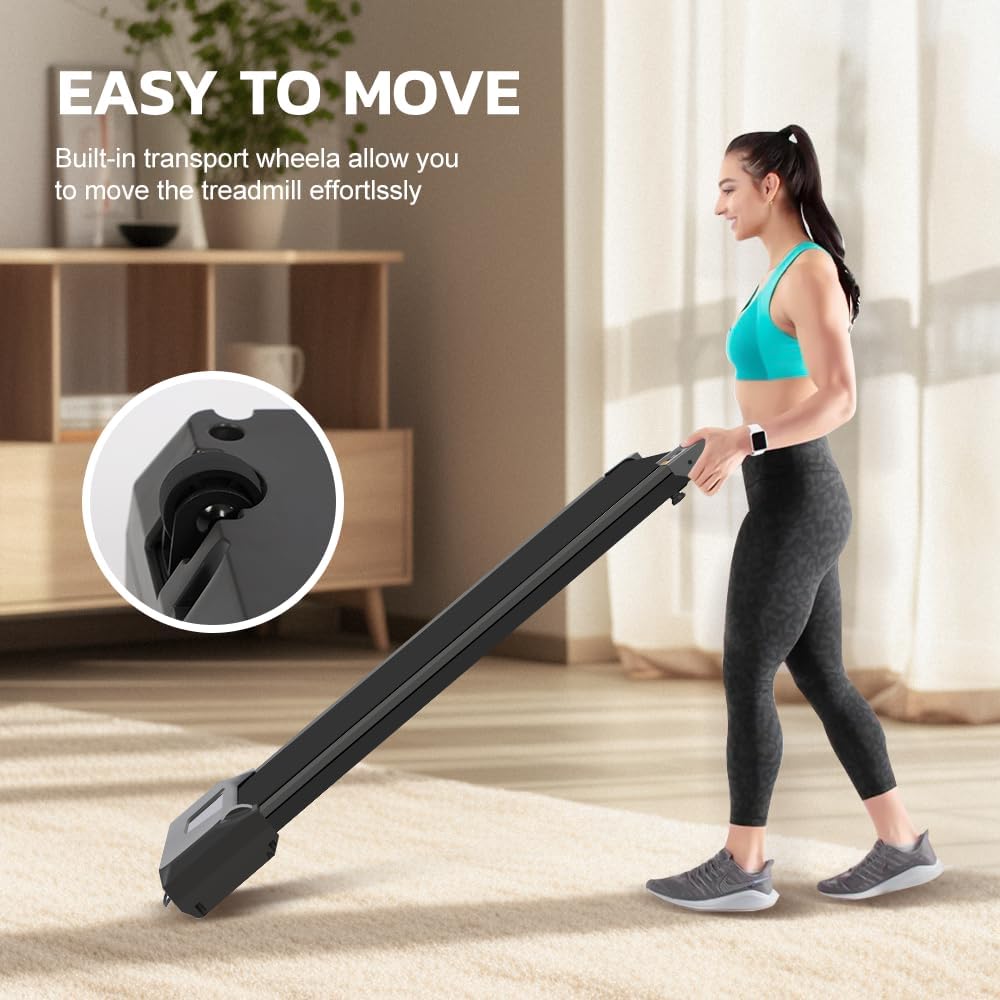
What I liked was that the core features are there: slim design, transport wheels, remote control, LED display and a speed range suitable for gentle walking. I did not feel I was paying for gimmicks. It felt more like a basic habit-building tool for short sessions.
For me, this works best in small, repeatable chunks: 10 minutes during TV, a short walk after dinner, or a steady stroll while listening to a podcast. That is where a simple budget pad works well. You are not setting up a workout; you are making movement easy to fit into normal time at home.
As it is a budget option, I would keep your expectations realistic. It does not feel as planted or refined as a heavier, higher-capacity incline model, and I would not choose it for long, fast sessions or jogging. But as a first walking pad, I thought it did the job with minimal fuss and offered a sensible way to find out whether indoor walking is a good fit for you and your home.
Quick verdict: A flexible folding option for households that want under-desk walking, plus the confidence of a raised handle for brisker sessions or for those with less-than-great balance.
|
|



Features and specs:
Pros:
Cons:
Avoid if: you only want the slimmest under-sofa pad or expect a gym-style running deck.
Why we chose it:
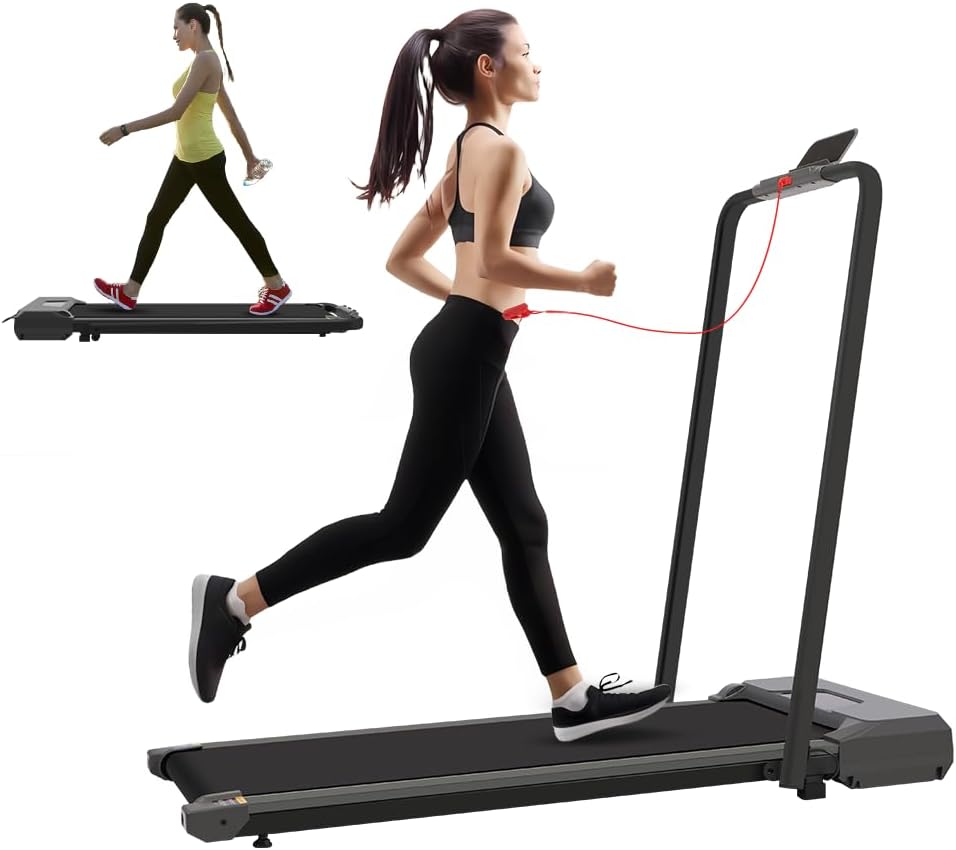
The Panana 2-in-1 folding model felt more versatile than a flat, walking-only pad. With the handle lowered, it works for slow indoor walking. With the handle raised, it feels more secure when you want to walk faster or push towards light jogging. I liked that it gives you more options without needing a full-size treadmill.
On flat pads, I usually feel happiest at slower speeds. Once the pace picks up, a handle gives the whole setup a more stable feel, especially if you are still getting used to a moving belt indoors.
I also liked that the higher top speed gives the pad more room to grow with you. Most of the time, I would still use it at a walking pace, but having extra range means it does not feel as limiting as your confidence improves. That makes it a better choice for a household where different people may want different levels of intensity.
The compromise is that it is heavier and bulkier than the lightest flat pads. At around 26 kg, you may not want to lift it often. I would use the wheels and give it a dedicated storage place. For walking plus occasional faster sessions, though, I felt the extra size was a worthwhile trade-off.
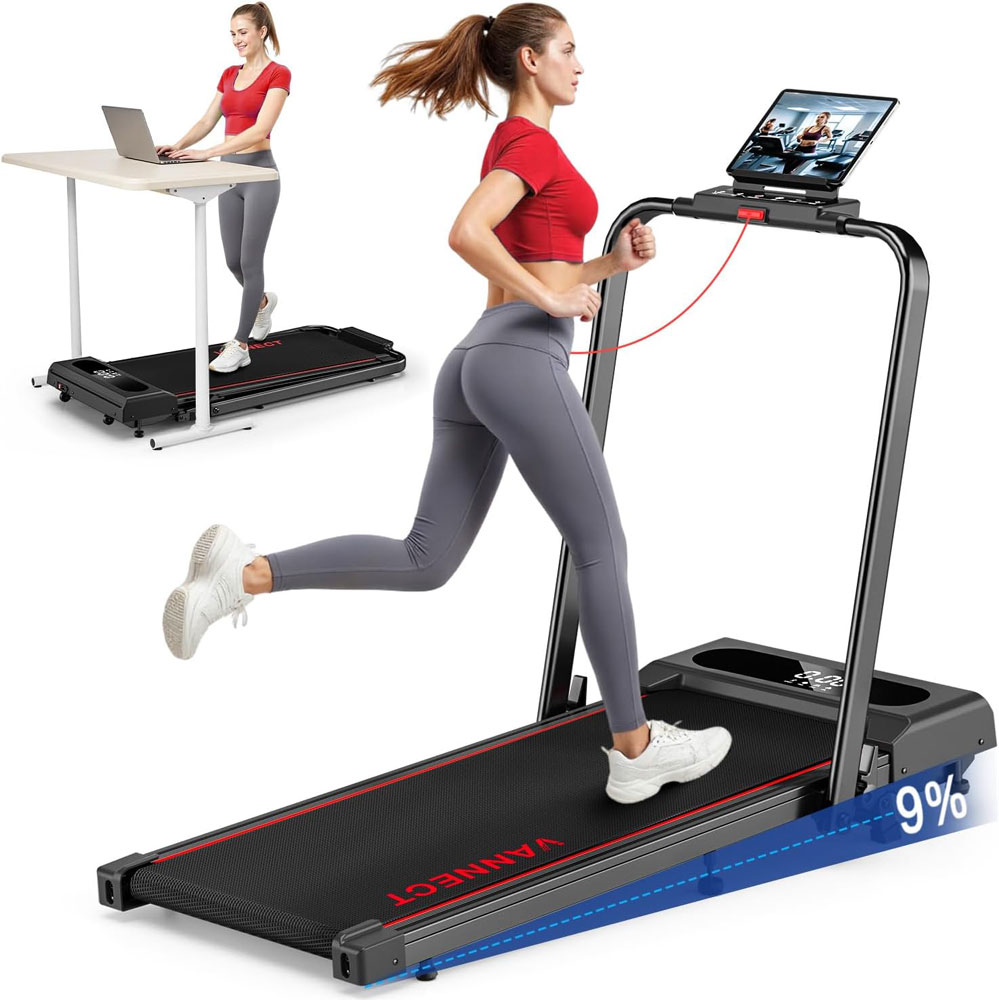
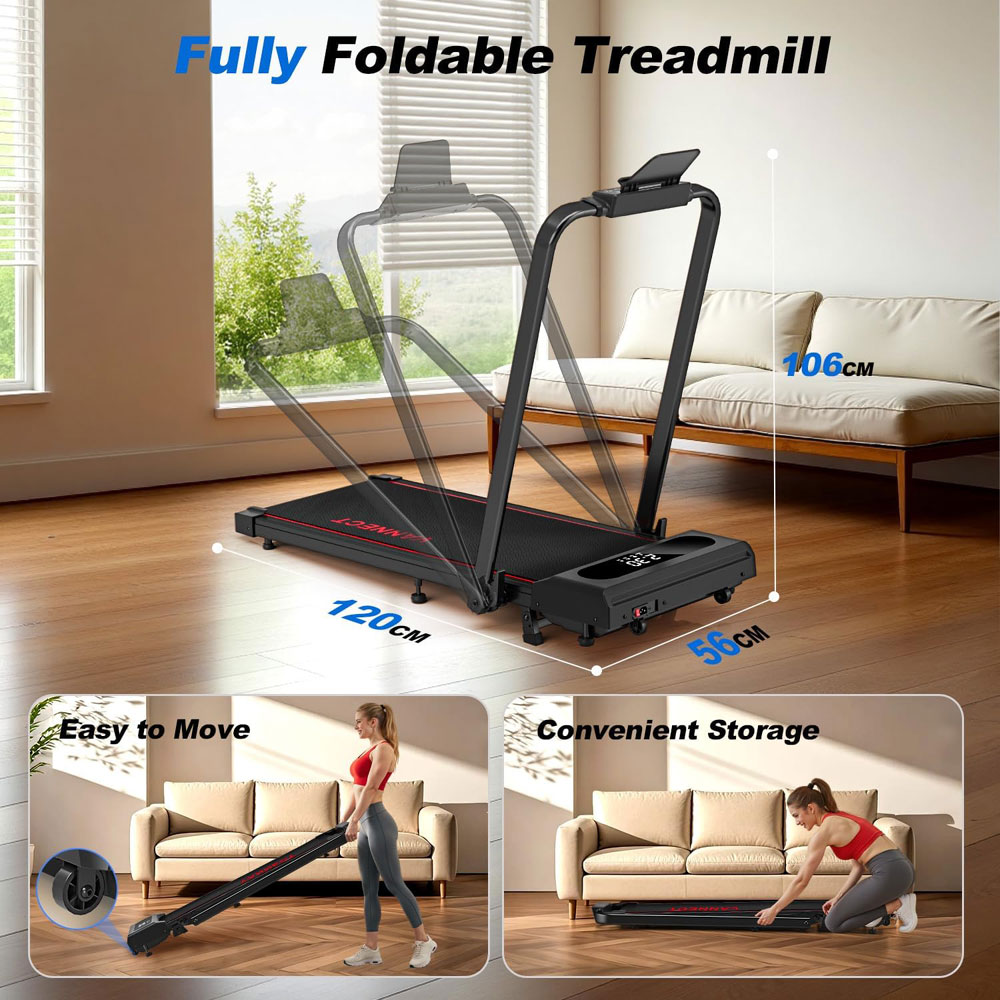
Quick verdict: The best heavier-user option if you want a walking pad with a higher weight limit with a slightly larger belt, 9% incline, handlebar mode and enough speed range for walking, brisk walking and jogging.
|
|
Features and specs:
Pros:
Cons:
Avoid if: you want the thinnest possible under-desk pad, dislike app-led features, need a full-size running deck, or want a very light walking pad to move several times a day.
Why we chose it:
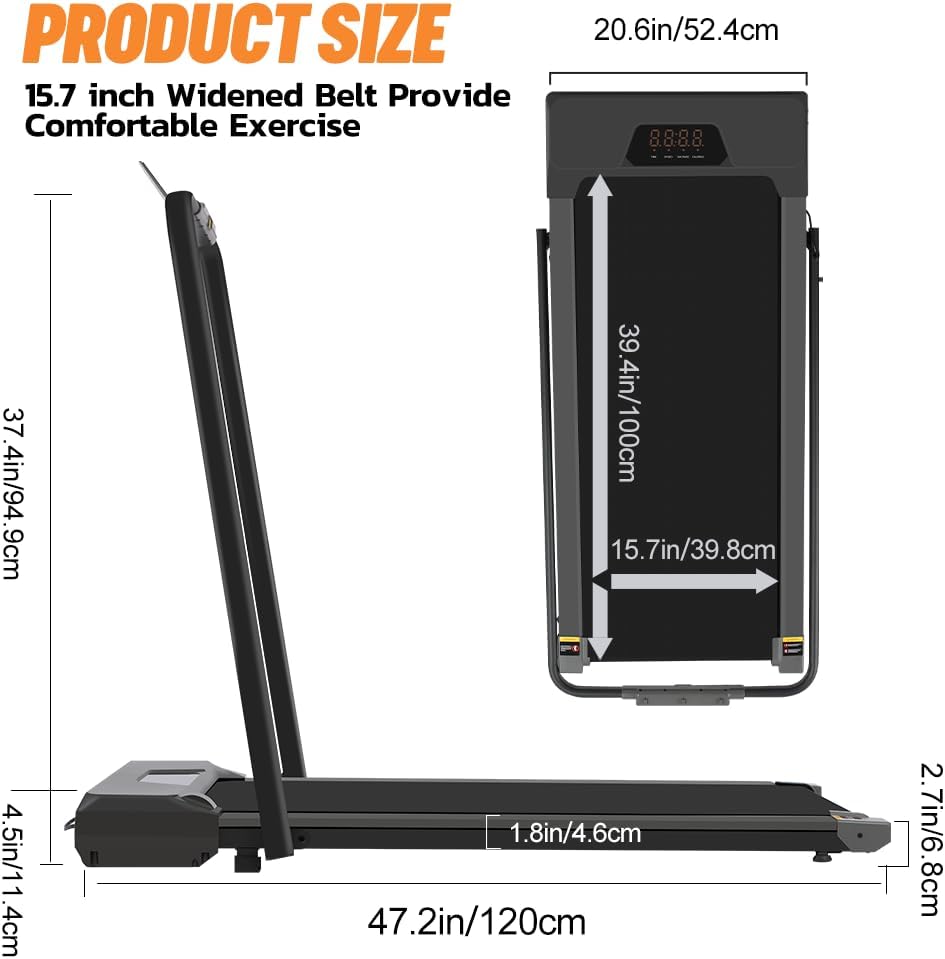
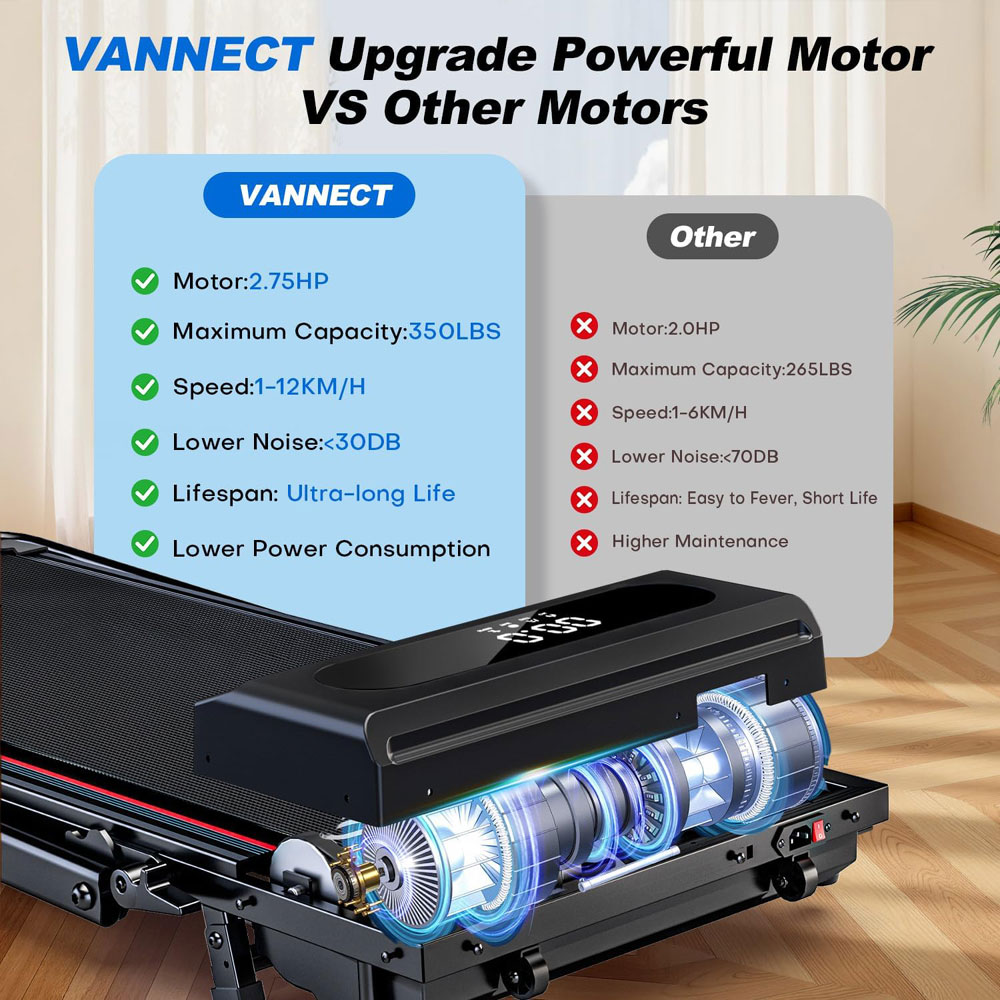
For me, the VANNECT 6-in-1 Folding Walking Pad is the best fit for heavier users because it offers a much more robust overall build than most slim, flat walking pads. The 159 kg (350 lb) maximum user weight is the key starting point, but I also liked that it combines that higher capacity with a 100 × 40 cm belt, handlebar mode and a more substantial treadmill-style design.
The belt measures 100 cm in length and 40 cm in width, giving this one a more confidence-inspiring feel than smaller desk-only pads, while still keeping it compact enough for normal home use. That said, if you are used to a gym treadmill, you will find the belt is narrower and shorter than those. But if you are using it solely for walking, it is fine for that. While I’m nowhere near the 159 kg, at 95 kg I did feel some wobbling in the machine when I used it at higher speeds.
The 9% manual incline lets you make the session feel more purposeful without immediately increasing speed. For heavier users, this can be a better way to build effort gradually, provided you start slowly and use the handles if needed. It also gives the machine more range than a flat-only pad, especially for TV walking or focused home walking sessions.
With the armrests folded, the 1-6 km/h range is suitable for under-desk walking and light movement. With the armrests raised, the 1-12 km/h range offers more scope for brisk walking or light jogging. I would still treat it as a compact walking treadmill rather than a serious running machine, but the raised-handle mode makes it more versatile than a basic remote-only pad. The armrests are also useful for those who feel a little less stable while walking.
The magnetic remote and LED display are practical touches. Walking pads are much easier to live with when the controls are simple, and the remote has a proper place to live. The app features are not essential, but if you like programmes, tracked sessions and a bit more structure, they add useful functionality beyond just starting and stopping the belt.
The main trade-off is that this is not the neatest small-space option. I would not choose it if I wanted the lightest possible pad to pull out for 10 minutes of emails and then slide away again. However, it is a higher-capacity walking treadmill that feels more stable than most in this price range, offers a wider range of training options, and provides sufficient support for regular home walking sessions.
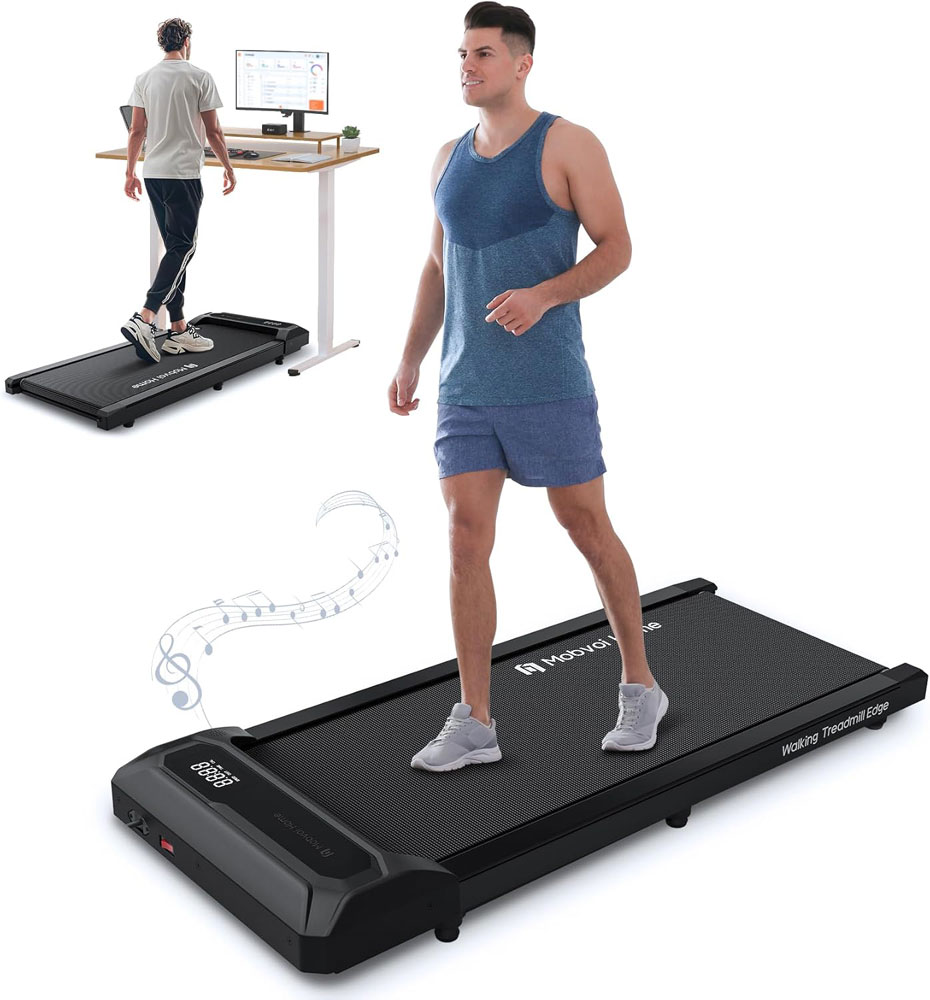
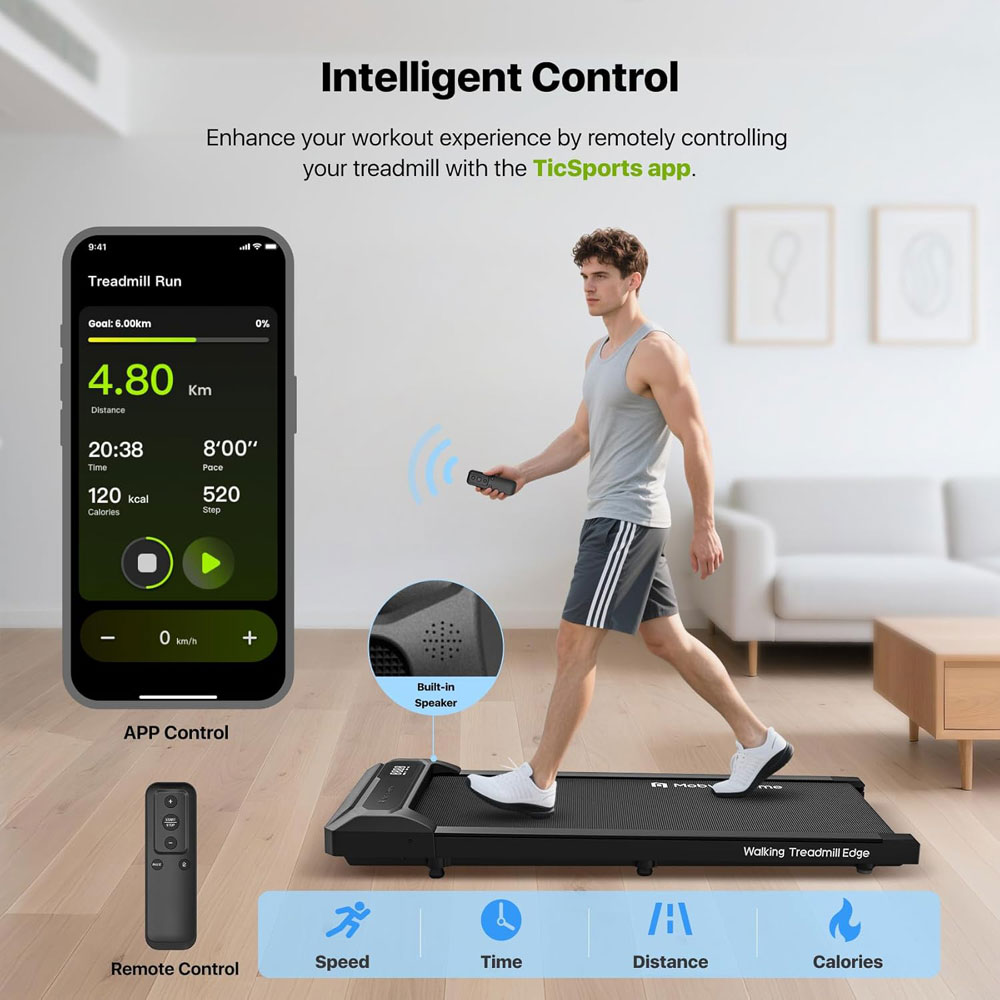
Quick verdict: A smart, lightweight, good-value walking pad for people genuinely motivated by tracking, streaks and app-led routines.
|
|
Features and specs:
Pros:
Cons:
Avoid if: you want very slow 0.5-1 km/h desk walking, dislike app accounts, or need a larger belt.
Why we chose it:
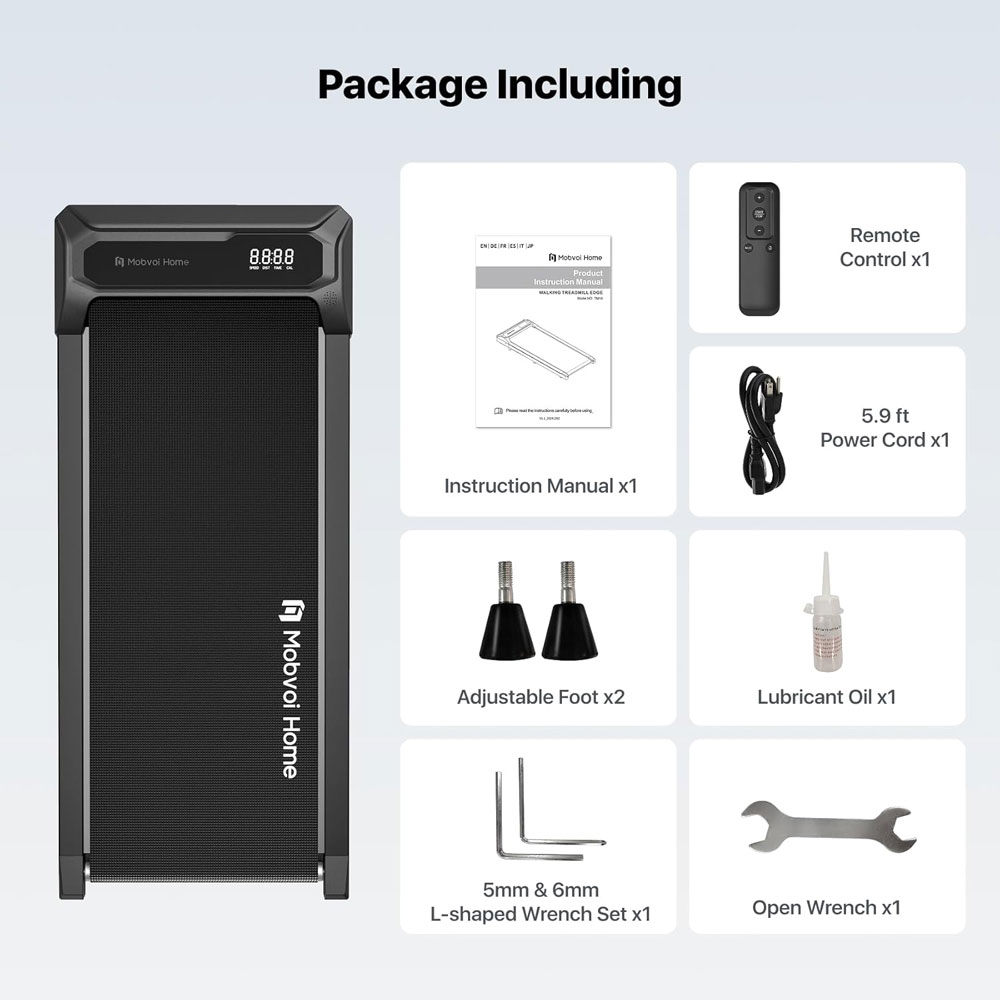
The Mobvoi Smart AI stood out as one of the more convincing app-led walking pads. The TicSports app, virtual training features, and strong review base set it apart from other anonymous smart pads. If you like tracking progress, this one has a clearer purpose. This was their smallest and cheapest machine, so if you like the app but prefer handles or inclines, they offer other Mobvoi models.
For me, the appeal is that it makes walking measurable. Weekly totals, session history and targets can turn short indoor walks into something you can build around. I do not think an app is essential, but it helps if you already enjoy tracking activity.
At around 13 kg, it is much easier to move than many walking pads. That makes a difference if you want to switch between a desk setup and TV use rather than leaving it in one place.
There are two things I would watch for. First, the 2 km/h lower speed may feel a little quick if you want a very cautious first-week desk pace. Second, the compact walking area means I would not choose it for tall users or for long-stride, brisk sessions. I would choose it if app tracking and easy movement around the home matter more than deck size or incline.
Quick verdict: A premium-looking, quiet, stable walking pad for people who want a machine they are happy to leave out and use hard during walking sessions.
|
|
Features and specs:
Pros:
Cons:
Avoid if: you need a light pad for daily use, are budget-limited, or want a proven, high-review-count mainstream option.
Why we chose it:
The UREVO CyberPad feels different from most walking pads. Most are designed to be hidden away, but this one feels more like something you could leave out in a living room without it looking like a leftover bit of gym kit, especially if you like the accompanying light show!
The auto incline is what gives it real substance beyond the looks. A 14% incline makes walking feel much more purposeful without needing to go fast. I liked that because, for many indoor sessions, an incline is a better upgrade than speed. It keeps the movement controlled while still making the session feel worthwhile.
The fuller track design and heavier build also gave it a more planted feel than many slim pads, and it felt steadier at higher speeds. I would rather have that for longer walking sessions than a very light pad that moves around too easily. It feels more like a premium walking machine than an under-sofa starter model.
It has a decent app and could quite easily have been included in that category, if it wasn't for the price - being expensive ruled it out for me.
It is quite heavy, so I would not choose it if I wanted something light to move around every day. It is expensive compared with most, as you appear to be paying for design, incline and a more substantial feel.
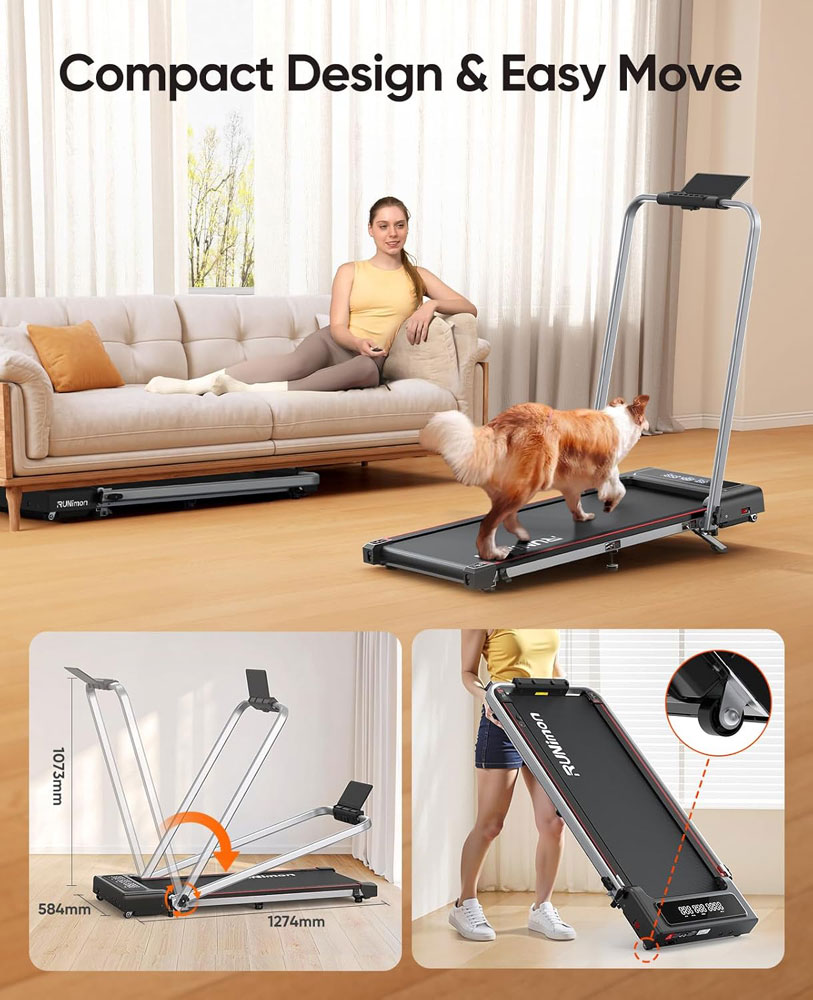
Quick verdict: This is the one if you want a single, compact, good-value machine for walking most days and occasional light jogging, with the handle raised.
|
|

Features and specs:
Pros:
Cons:
Avoid if: running is your main goal. Choose a full treadmill if you want regular runs, intervals, sprinting or a long deck.
Why we chose it:
The RUNIMON feels like one of the few machines here that genuinely bridges the gap between a walking pad and a compact treadmill. With the handle down, it is suitable for steady walking. With the handle up, its top speed of 12 km/h makes it suitable for jogging and light running, something most walking pads are not.
Many products are described as walking/running hybrids, but they do not always feel convincing once you look at the deck, controls and speed range. This one felt more rounded because the handle-up format, dual displays and higher speed range give it a proper second mode.
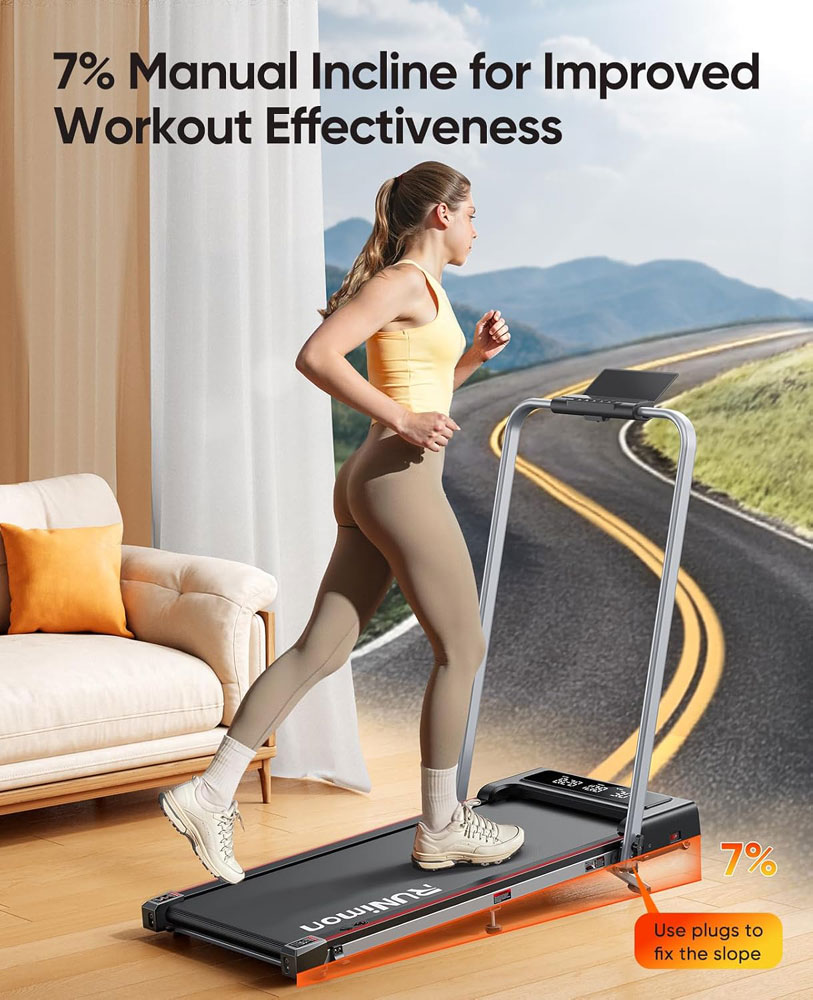
The incline gives you another way to increase intensity without always increasing pace, which can be useful if you want a harder session while keeping things under control. Combined with the higher-speed mode, it offers more built-in progression than a flat 6 km/h walking pad.
In terms of features, it is a great value walking pad. For me, being slightly heavier than average, I could feel a bit more wobble when running at higher speeds, but walking felt reasonably stable, as stable as you would expect from a walking pad at this price. You can get faster, more stable ones, but those are much more expensive.
I would still not treat it as a replacement for a full-size running treadmill. Sprinting, long-stride running, and heavy daily running are better suited to a larger deck. But if I wanted everyday walking with the option of occasional jogging or light running, this is the hybrid I would choose from our list.
The best walking pad is not the one with the biggest motor claim or the fastest top speed. The best walking pad is the one that fits your room, stride, desk, floor, body weight, storage plan and daily routine.
| Reader question | Best answer |
| What is the best walking pad for most people? | A stable, 1-6 km/h walking-first pad with wheels, a sensible belt size, clear controls, and sufficient load margin. In this guide, that is the Superun Raceable if final checks confirm the spec. |
| What is the best walking pad for a standing desk? | Choose a low-deck under-desk model with a slow start speed and a remote. Add the deck height to your standing desk height. |
| What is the best walking pad for flats? | Choose a quiet model, use a mat, keep speeds moderate, and prioritise smooth footfall over top speed. |
| Which walking pad is best for heavier users? | Choose the VANNECT 6-in-1 Folding Walking Pad if you want a higher-capacity walking treadmill with a listed maximum user weight of 159 kg and a more stable treadmill-style setup than a slim flat pad. |
| Is incline worth it on a walking pad? | Yes, if you want a more intense walk without jogging. Incline increases effort while keeping speed lower. |
| Do I need a handrail? | Choose a handrail if balance, confidence, or occasional jogging is important. A rail-free pad is best for under-desk use and compact storage. |
| Can a walking pad replace outdoor walking? | No. It can provide convenient indoor movement, but outdoor walking still offers terrain variation, fresh air, daylight and a mental reset. |
| What should beginners avoid? | Avoid starting too fast, buying too close to maximum weight, ignoring belt size, forgetting desk height, and wearing slippers or loose footwear. |
A walking pad is a compact motorised treadmill designed primarily for walking rather than running. Most models are low to the ground, easy to move on wheels, and slim enough to slide under a desk, bed or sofa.
In UK product listings, you will also see walking pads referred to as under-desk treadmills, walking treadmills, compact treadmills, desk treadmills and slim treadmills. These terms often overlap, so check the dimensions, speed range, belt size and handrail design before assuming they mean the same thing. The desks here are standing desks, with heights that can be adjusted depending on whether you are standing or sitting.
| Option | Best for | Main advantage | Main limitation |
| Walking pad | Compact indoor walking, desk walking, TV walking, small homes | Easy to store, lower speed, lower disruption | Usually not suitable for proper running |
| Traditional treadmill | Running, structured workouts, interval training | Longer deck, handrails, higher speed and stronger frame | Large, noisy, expensive and harder to fit into daily life |
| Standing desk | Posture variation and reducing sitting time | Lets you alternate between sitting and standing | Standing still adds little movement and can become static standing |
| Walking pad + standing desk | Light movement while working | Adds walking to suitable tasks | Requires careful adjustment of desk and monitor height, and speed control |
Walks4all takeaway: use sitting for focused or precise work, standing for short posture changes, and walking for light-to-moderate tasks. A walking pad is not a reason to stand or walk all day. It is a way to break up long periods of sedentary work.[7] [8]
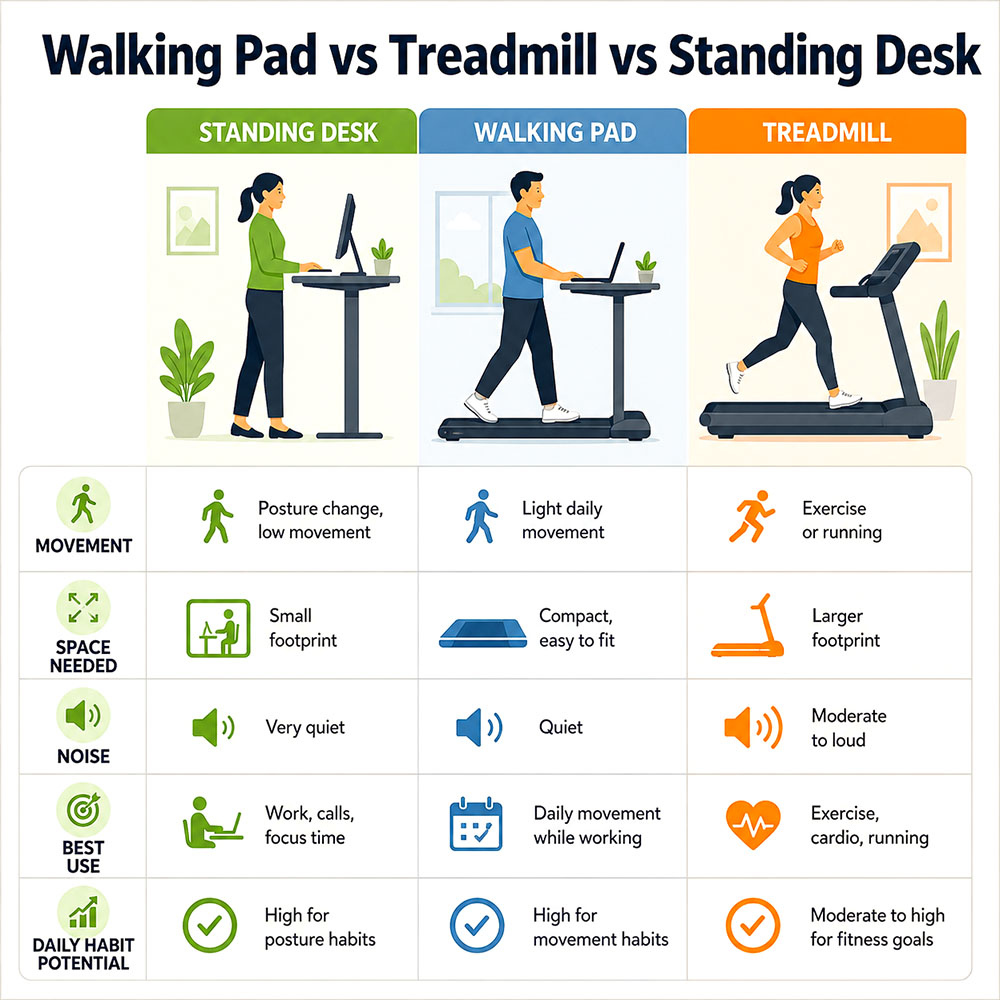
Walking pads sit between standing desks and full treadmills: more movement than standing, with less disruption and less space than a running treadmill.
| Use case | Minimum to look for | Useful upgrade | Avoid |
| Desk walking | 1-6 km/h, low deck, remote, stable belt | Pause function, good display, quiet motor claim | High top speed with tiny belt |
| TV walking | Stable belt, easy remote, wheels | Incline, larger deck, soft motor hum | Very narrow deck if you drift while watching |
| Flat/upstairs room | Mat, moderate speeds, smooth belt | Brushless motor, heavier frame, rubber feet | Hard heel striking on bare floor |
| Older adult/stability | Handrail or stable frame, very low starting speed | Wider belt, safety key, clear controls | Ultra-light rail-free pad if balance is uncertain |
| Higher user weight | Capacity with margin, sturdier frame | Wider full-deck design | Buying right at the maximum weight |
| Occasional jogging | 2-in-1 with handrail, safety key and higher speed | Longer belt, stronger frame | Walking-only pad marketed as a runner |
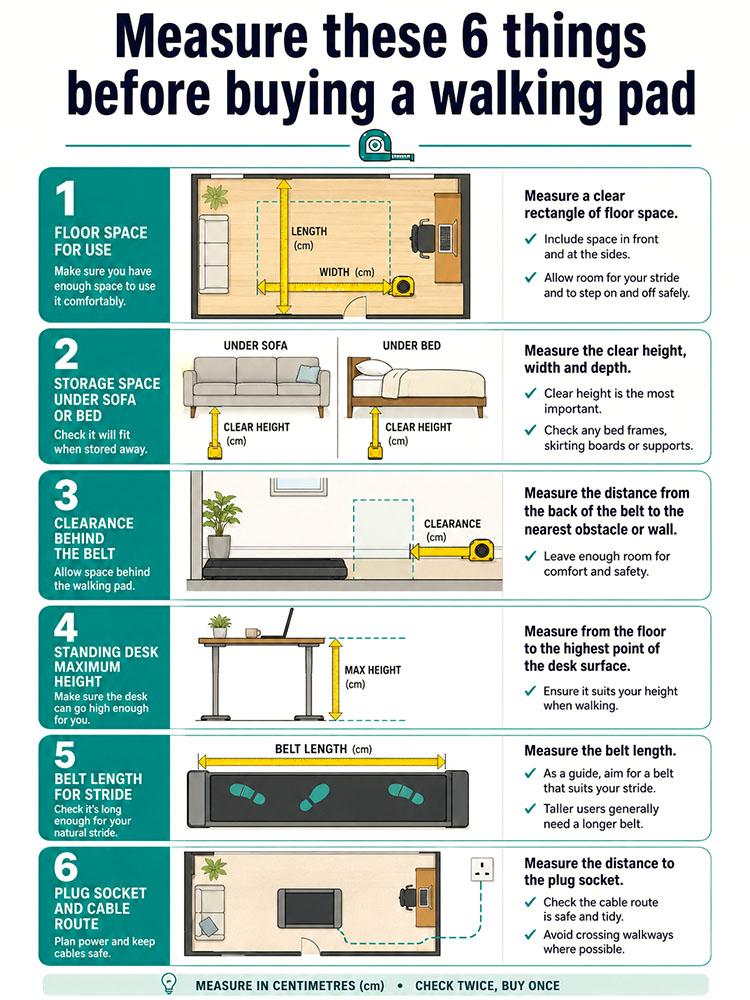
Measuring before you buy helps avoid common problems such as too little step-off space, poor storage fit or a desk that will not raise high enough.
Walks4all takeaway: Measure first, buy second. A walking pad that does not fit the room or storage gap will become clutter, even if the spec sheet looks excellent.
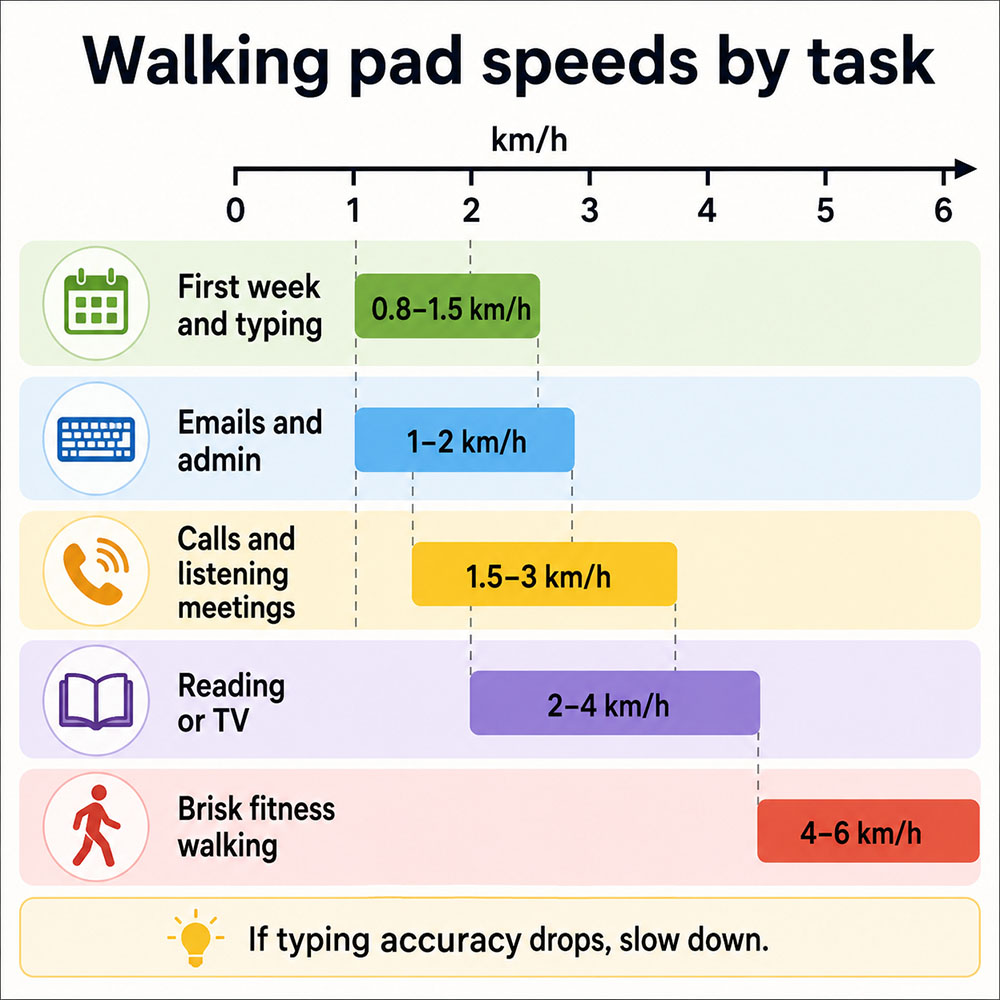
Most desk walking should stay slow; if typing accuracy drops or shoulders tense, reduce the speed rather than pushing through.
| Task | Sensible starting speed | Why |
| First week / acclimatisation | 0.8-1.5 km/h | Less balance, calves and feet adapt. |
| Emails and admin | 1-2 km/h | Slow enough to keep hands steady. |
| Calls and listening meetings | 1.5-3 km/h | Less typing, less fine-motor demand. |
| Reading, webinars and TV | 2-4 km/h | Easier to walk naturally when you are not typing. |
| Brisk fitness walking | 4-6 km/h | More effort, less suitable for typing. |
| Jogging | Only on a suitable 2-in-1 or treadmill | Most walking pads are not designed for running. |
Research on walking while working is mixed but practical: slow walking is often compatible with many work tasks, whereas typing, mouse precision, and learning tasks may be affected, especially at higher speeds or before you adapt. That said, there are many benefits to using a standing desk.[9] [10] [11] [14]
Belt size affects confidence more than many buyers expect. A compact belt may be fine for slow walking if you are short to average height, but it can feel cramped if you are tall, have a long stride, or drift while watching TV.
| Belt length | What it usually means | Best fit |
| Under 90 cm belt length | Very compact storage | Only for slow, careful walking and shorter strides |
| 90-105 cm belt length | Typical compact walking pads | Desk and TV walking for many users |
| 105-120 cm belt length | More forgiving walking | Taller users, brisk walking and TV use |
| 120 cm+ belt length | Hybrid / compact treadmill territory | Brisk walking and occasional light jogging, if the frame supports it |
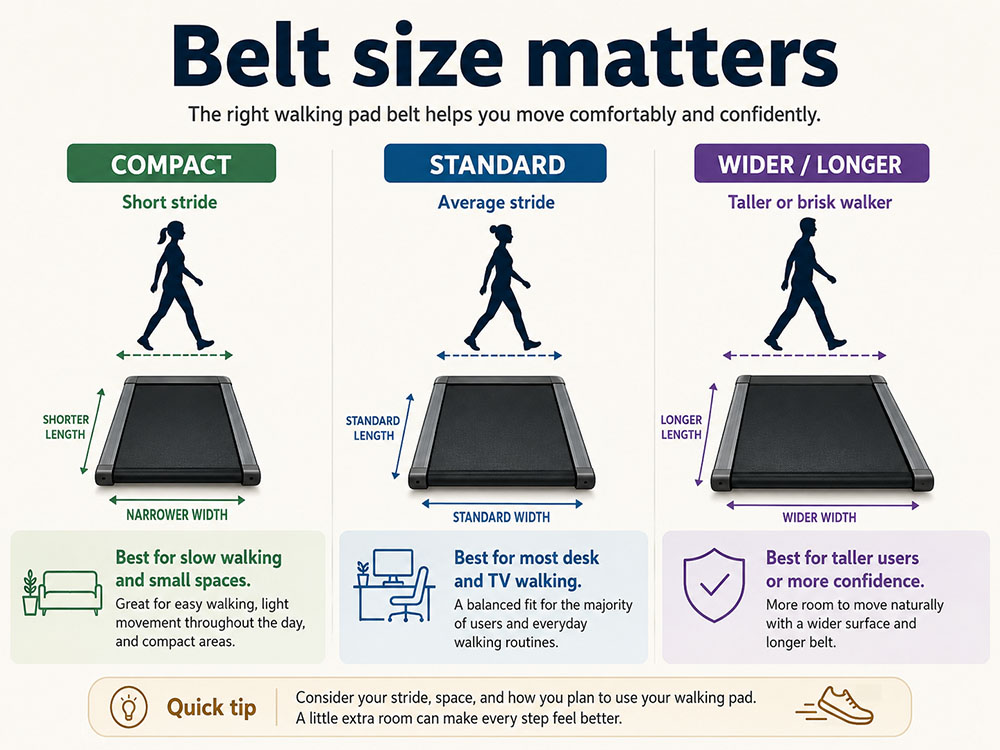
Belt size affects comfort, confidence and suitability for taller users; a slightly larger deck can make daily walking feel more natural.
A walking pad raises your body above the floor, so a standing desk that feels right without the pad may be too low once you step onto the belt. The simple formula is: walking desk height = normal standing desk height + walking pad deck height.

The desk needs to be set for your hands while you are standing on the walking pad, not while you are standing on the floor.
For display screen equipment, HSE guidance recommends placing the keyboard just below elbow height, the top of the screen at eye level, the screen and keyboard centred, and using a separate keyboard and mouse for prolonged laptop use. That advice becomes even more important when you are walking, because reaching, hunching and looking down are more noticeable on a moving belt.[2] [3]
For further guidance, check out our article on setting up a walking pad with a standing desk.
Walking pads are usually quieter than full treadmills, but they are not silent. In flats, the most annoying sounds may be footfall and vibration through the floor rather than the motor.
| Noise source | What it is | How to reduce it |
| Motor hum | Low mechanical sound from the motor and belt | Use moderate speeds, lubricate the belt and keep the pad clean |
| Footfall | Sound of each step on the deck | Wear stable trainers, shorten stride slightly, avoid heavy heel striking |
| Floor vibration | Vibration through boards or hard floors | Use a treadmill mat, place on a stable surface and avoid late-night fast sessions |
| Beeps/controls | Start, stop and speed-change sounds | Check mute function or low-beep modes where available |
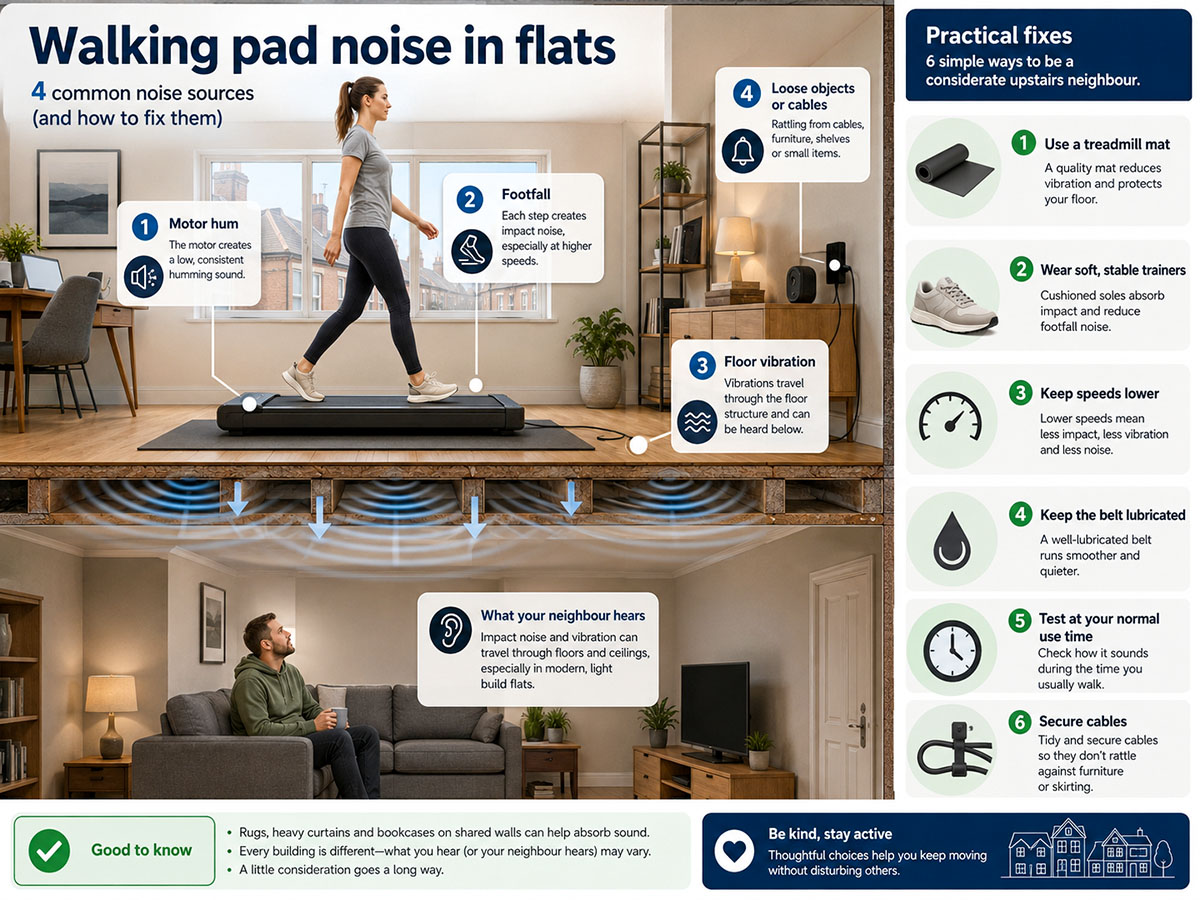
In flats, footfall and vibration often matter more than motor noise, so a mat, a slower pace, and tidy cable setup can make a noticeable difference.
Walks4all takeaway: A quiet motor claim is useful, but your floor decides how quiet the setup feels in real life.
There are many walking pad accessories available, with a mat being just one. Similarly, to help with monitor shake and keep wires tidy and out of the way, many standing desk accessories are available, making working much easier and safer.
Incline is often more useful than extra speed on a walking pad. It increases effort while keeping the pace lower, which is helpful if you want a more intense walk without turning the session into a jog.

Incline can increase challenge without chasing top speed, but desk walking still works best at a slower pace.
Manual incline is cheaper and simpler, but you usually need to stop and adjust it before the session. Auto incline costs more, but it lets you adjust effort during the walk. Choose manual incline for value; choose auto incline if you will use it regularly.
A handrail is useful if you want to jog occasionally, want to feel more confident holding a rail, or are buying for an older or less stable user. A rail-free walking pad is better if under-desk use and low-profile storage are the priorities.
Do not use a handrail to lean your body weight forward while walking. If you need significant support to maintain your balance, pause and reconsider whether the walking pad setup is appropriate for you.
Do not treat the maximum user weight as the ideal daily-use weight. It is better to leave a margin, especially if you plan to use the walking pad most days or for longer sessions.
App features are useful if they help you maintain the habit. They are less useful if the walking pad is annoying without the app, has a poor-quality account setup, or loses basic controls when your phone is out of range.
Most of the evidence concerns treadmill desks and active workstations rather than specific walking pads. The overall pattern is useful: walking workstations can help people sit less, increase energy expenditure and add light activity, but long-term health outcomes depend on adherence, context and the rest of a person's lifestyle.[4] [6] [8]
| Evidence area | What the research suggests | Walks4all practical takeaway |
| Sitting less | Active workstations can reduce occupational sitting time, especially when prompted or promoted. | Use a walking pad as part of a routine, not as a one-off gadget.[6] |
| Energy expenditure | A treadmill desk meta-analysis found higher energy expenditure compared than sitting in lab settings. | Walking pads can increase energy expenditure, but do not promise dramatic weight loss.[4] |
| Blood sugar after meals | Short, light walking breaks reduced post-meal glucose and insulin more than standing breaks in acute studies. | A short post-meal walk can be a practical routine, with medical caveats.[5] |
| Standing vs walking | Large device-measured data suggest that standing alone is not a simple cardiovascular fix. | Rotate between sitting, standing and walking rather than standing all day.[7] |
| Typing and work tasks | Slow walking can be compatible with work, but typing and mouse precision can suffer at higher speeds. | Keep desk walking slow and save precision tasks for sitting or standing.[9] [10] [11] [14] |
| Work-from-home adherence | Qualitative treadmill desk research on working from home found benefits but also barriers, including routine fit, task type, and space. | Buy for your actual day, not an idealised routine.[12] |
| Daily steps | A 2025 dose-response meta-analysis found that 7,000 steps/day was associated with meaningful health benefits compared with 2,000 steps/day. | Use a walking pad to gradually raise your baseline; 10,000 steps is not the only useful target.[15] |

The evidence is strongest for sitting less and moving more; walking pads should be framed as a movement habit tool, not a medical treatment.
A walking pad usually burns more energy than sitting because you move more of your body mass, but calorie counts vary with body weight, speed, incline, and walking style. A 2021 meta-analysis of treadmill desks found a pooled increase of around 105 kcal per hour in laboratory settings compared with sitting, but that does not mean every home user will see the same number, as a user's weight will have a large bearing on that.[4]
The better way to think about calories is in terms of consistency. Ten short walking blocks over a week are more realistic for many people than one ambitious session that leaves the pad folded away for the next month.
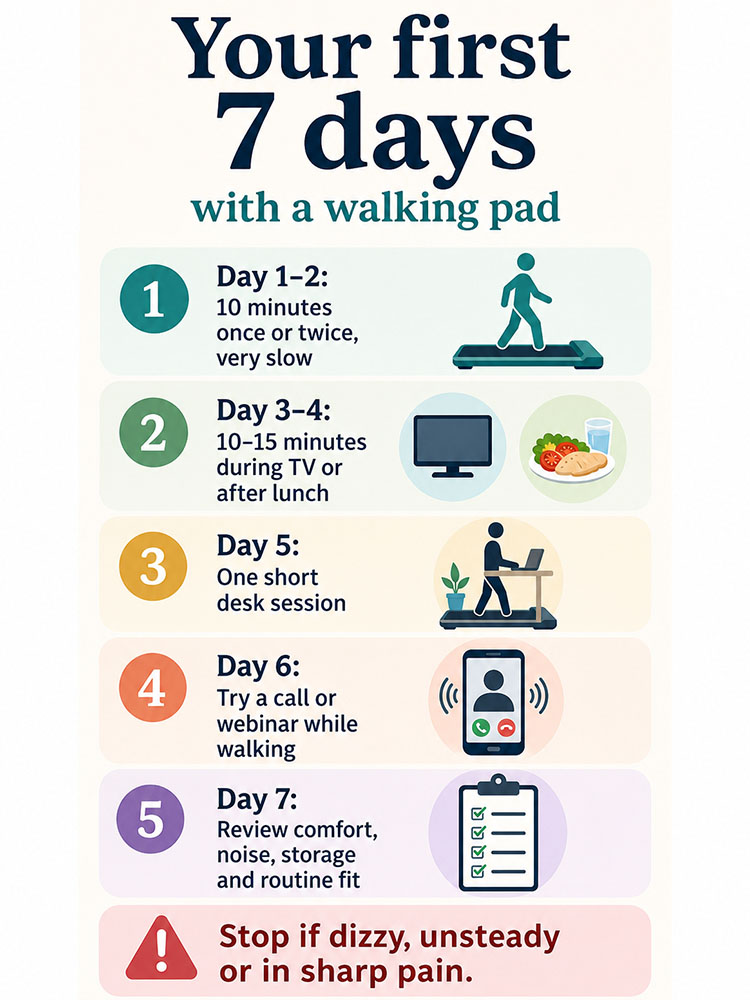
The first week should be an acclimatisation week: short, slow sessions help your feet, calves and balance adapt.
| Day | Routine | What to check |
| Day 1 | 10 minutes once, very slow | Check balance, foot comfort, remote, step-off space and cable routing. |
| Day 2 | 10 minutes once or twice | Try TV walking before desk walking if you are nervous. |
| Day 3 | 10-15 minutes after lunch or dinner | Notice calves, feet and any rubbing from footwear. |
| Day 4 | One short desk session | Use email or a listening call, not detailed spreadsheet work. |
| Day 5 | Two short sessions | Try one work block and one TV block. |
| Day 6 | One 20-minute easy session | Keep pace steady; do not chase speed. |
| Day 7 | Review the setup | Ask: is it quiet enough, easy to store, comfortable and safe enough to repeat? |
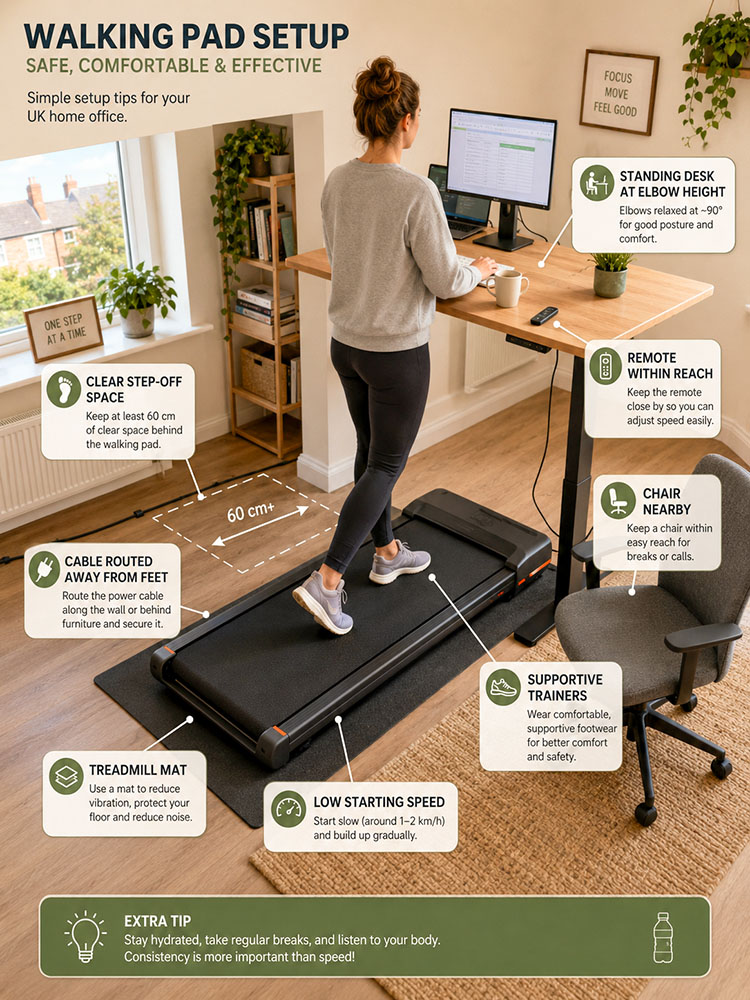
A safe walking pad setup is about the surrounding space as much as the machine: cables, step-off space, footwear and a nearby chair all matter.
| Task type | Examples |
| Best for walking | Emails, reading, phone calls, listening meetings, webinars, light admin, planning and TV walking. |
| Better sitting or standing | Detailed spreadsheets, design work, coding, long writing before you adapt, and precision mouse work. |
| Try after you adapt | Light editing, brainstorming, training videos, recurring meetings, and short writing blocks at very low speed. |
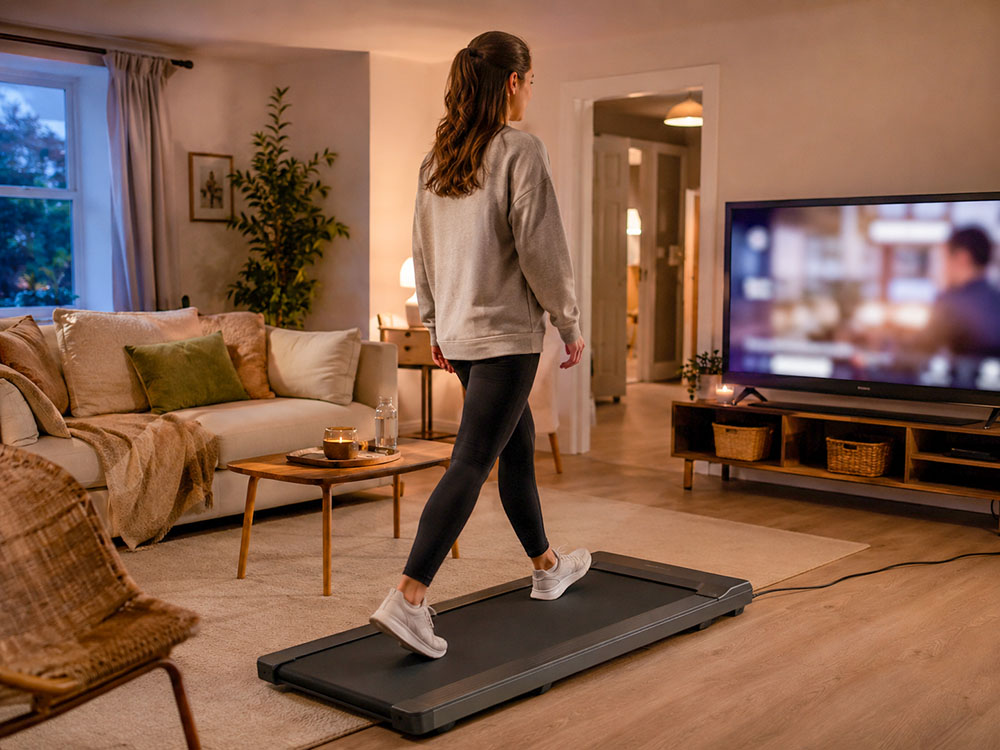
TV walking is often the easiest way to build a walking pad habit because there is no typing or desk setup to manage.
Older adults and anyone concerned about balance should prioritise confidence over compactness. A handrail, very low starting speed, a wider belt, clear controls and a stable frame may matter more than under-sofa storage.
Start with the machine switched off to practise stepping on and off. Then use very short, slow sessions. If there has been a recent fall, dizziness, an unstable gait, or medical advice to limit activity, consult a clinician before using a walking pad.
Your feet carry you with every step. As you age, small changes in foot strength, structure, circulation, and sensation can gradually impact balance, confidence, walking speed, joint health, and long-term independence. While foot problems aren't inevitable, neglecting foot health raises the risk of age-related decline, especially for those aiming to stay active and walk regularly into later years.
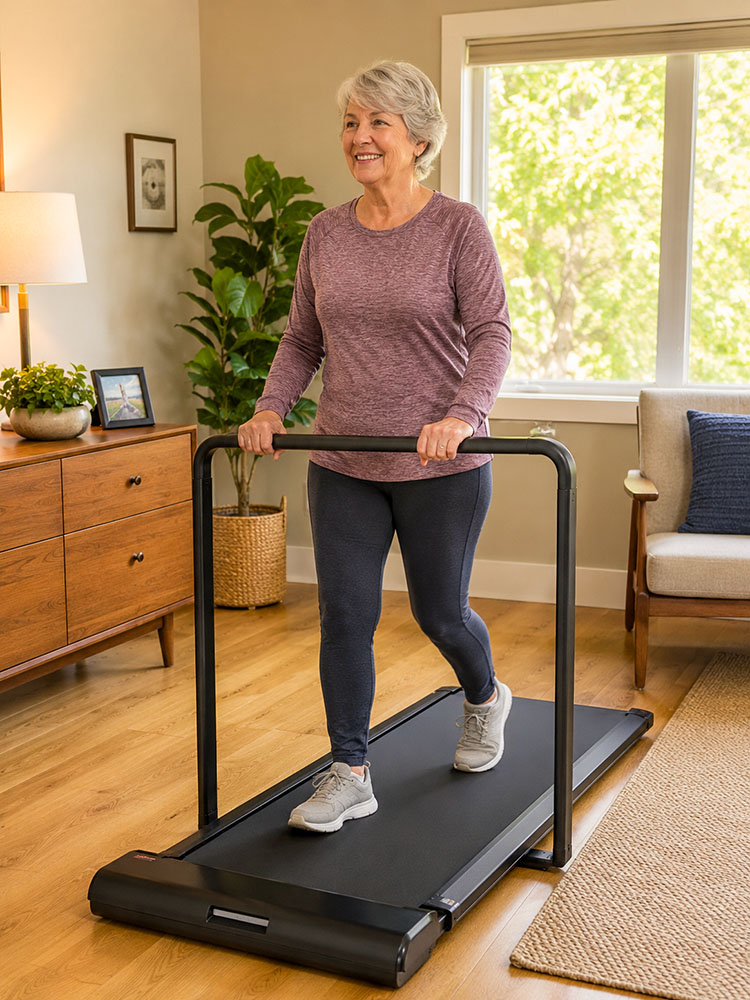
A handrail can improve confidence for older adults or anyone who wants more stability, especially when starting at low speeds.
A walking pad is a simple kit, but it still needs maintenance. Many complaints about noise, belt drag, and heat stem from dust, poor lubrication, unsuitable floor surfaces, or belt misalignment rather than a broken motor.
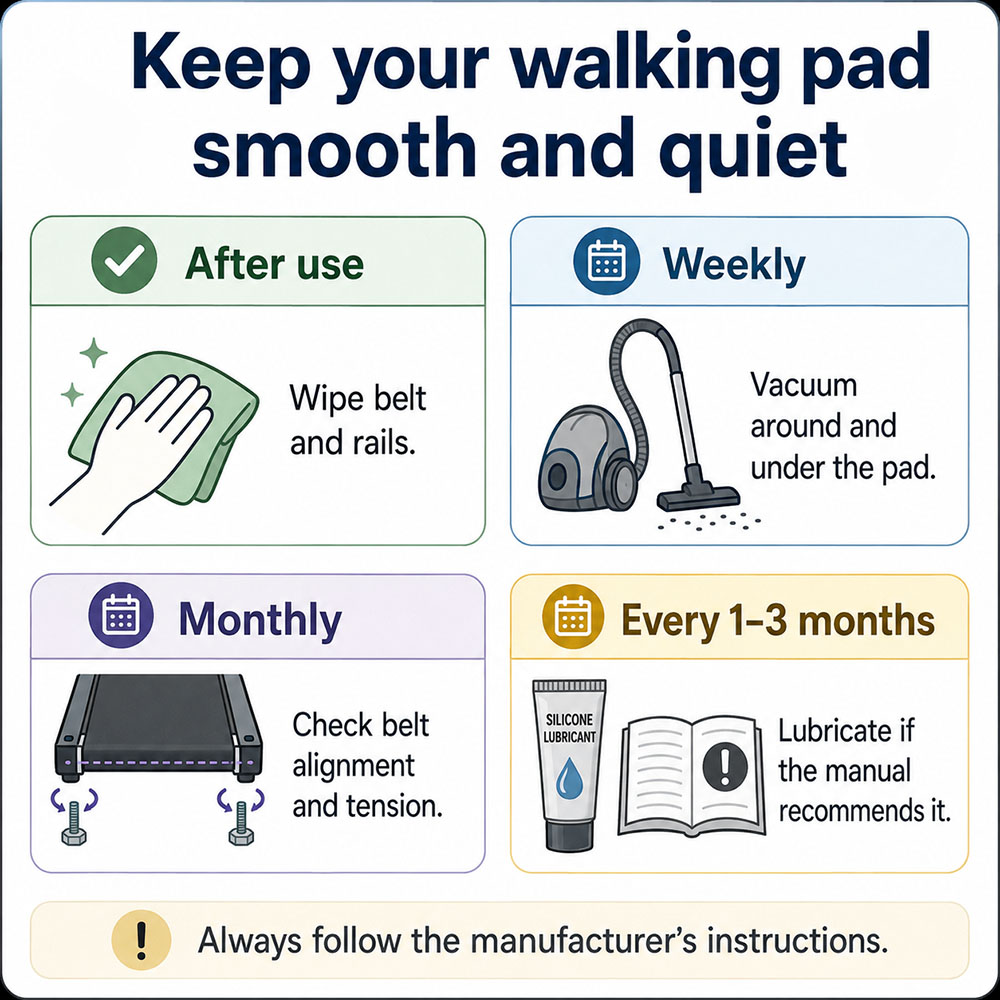
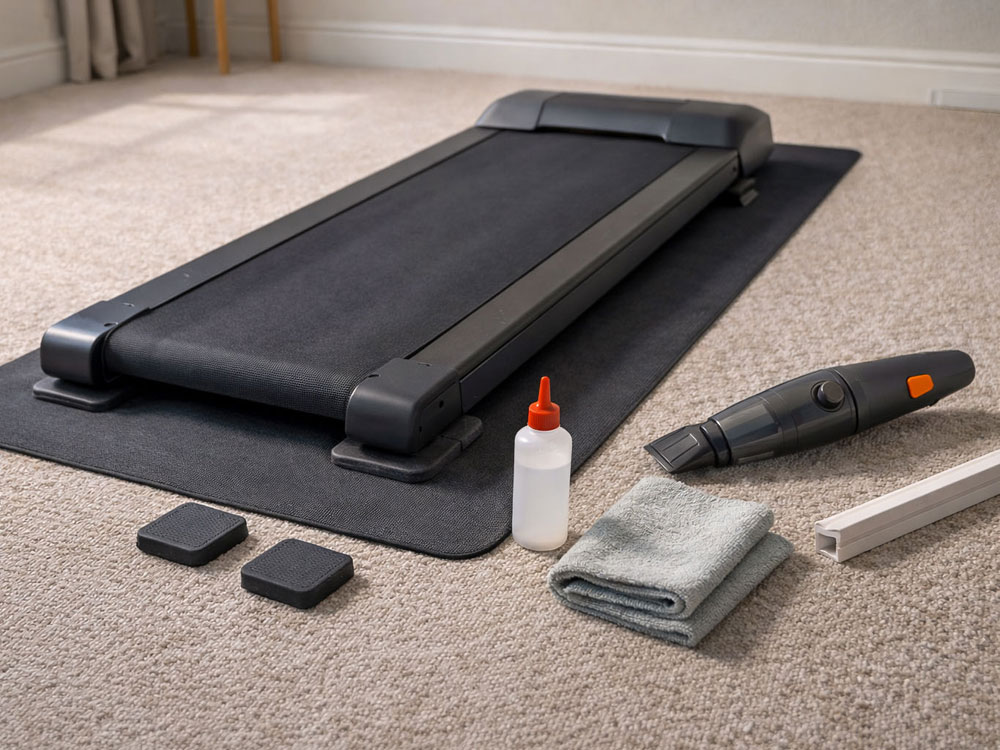
Regular wiping, vacuuming, belt checks, and lubrication help keep a walking pad smoother, quieter, and easier to use over the long term.
Most walking pads require silicone treadmill lubricant to be applied under the belt. Follow the manual for your exact model, as lubrication points and quantities vary.
| Use level | Typical lubrication check |
| Light use: 2-3 short sessions per week | Every 2-3 months, or as the manual states |
| Regular use: most days | Every 4-8 weeks |
| Heavy use: 1-2 hours most days | Every 3-4 weeks |
| Warning signs | More friction noise, belt drag, heat smell, or a belt that feels less smooth |
If the belt drifts left or right, most walking pads have rear adjustment bolts. Make small adjustments, test at a slow speed, and follow the manual. If the belt slips, lubricate first, then check the tension if needed.
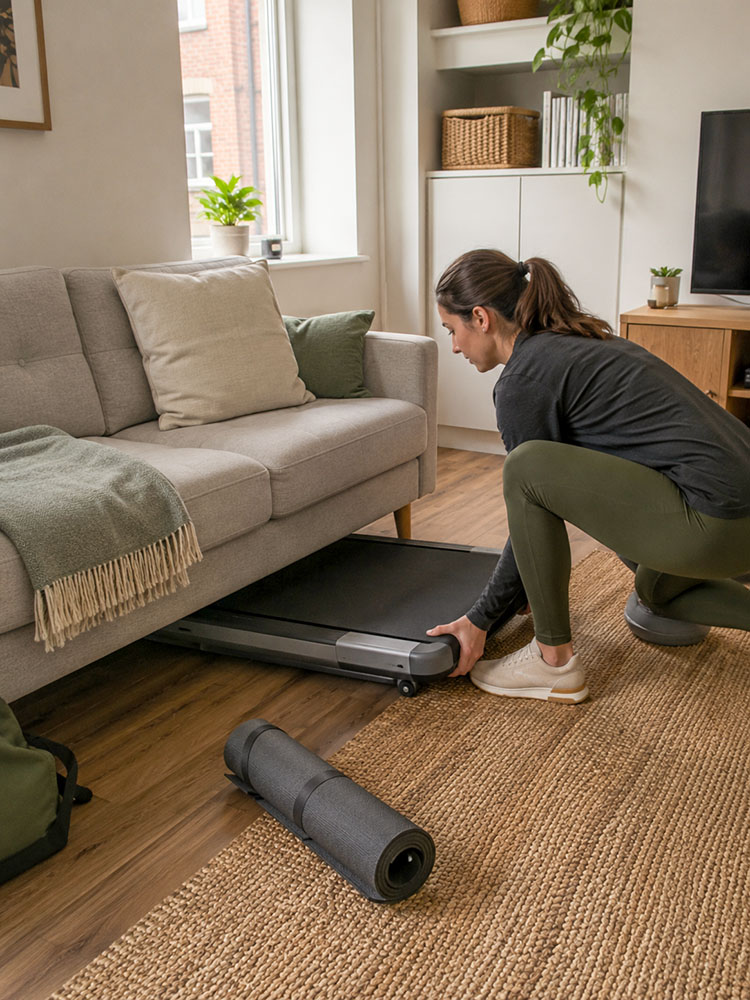
Storage friction matters: if the pad is easy to slide out and put away, it is much more likely to become part of daily life.
| Accessory | Verdict | Why it matters |
| Treadmill mat | Usually worth it | Protects flooring, reduces vibration, and often improves stability. |
| Silicone treadmill lubricant | Essential if the manual requires lubrication | Keeps the belt smooth and reduces friction and motor strain. |
| Cable clips/cord cover | Worth it for desk setups | Keeps power cables out of the walking and step-off area. |
| Supportive indoor trainers | Worth it for longer sessions | Improves grip and comfort; avoid slippers. |
| Standing desk/monitor arm | Useful for desk walking | Helps set keyboard and screen height separately. |
| Handheld vacuum/microfibre cloth | Useful maintenance items | Keeps dust and grit away from belt and motor areas. |

The biggest walking pad mistakes are usually practical: buying for speed rather than routine, overlooking storage and ignoring setup safety.
Walking pads work best when chosen with real-world use in mind rather than headline specifications. The right under-desk treadmill is the one that fits your space, feels stable underfoot, stays quiet enough for your home, has a belt size that suits your stride, and is easy to use regularly. For most people, that means prioritising comfort, storage, noise control, safe controls and a sensible walking speed over maximum pace or flashy extras.
Used well, a walking pad can turn sitting time into gentle daily movement without needing a full workout setup. Start slowly, wear supportive footwear, keep the area clear, add a mat if you are on hard floors or in a flat, and build up in short sessions. The aim is not to walk fast all day; it is to make light movement easier to repeat, whether that is during emails, calls, TV time or a few short breaks throughout the day.
Remember our STRIDE rule when buying: check space, task, rated load, incline, desk fit and everyday noise. A walking pad succeeds when it fits your daily routine so well that using it becomes easier than avoiding it.
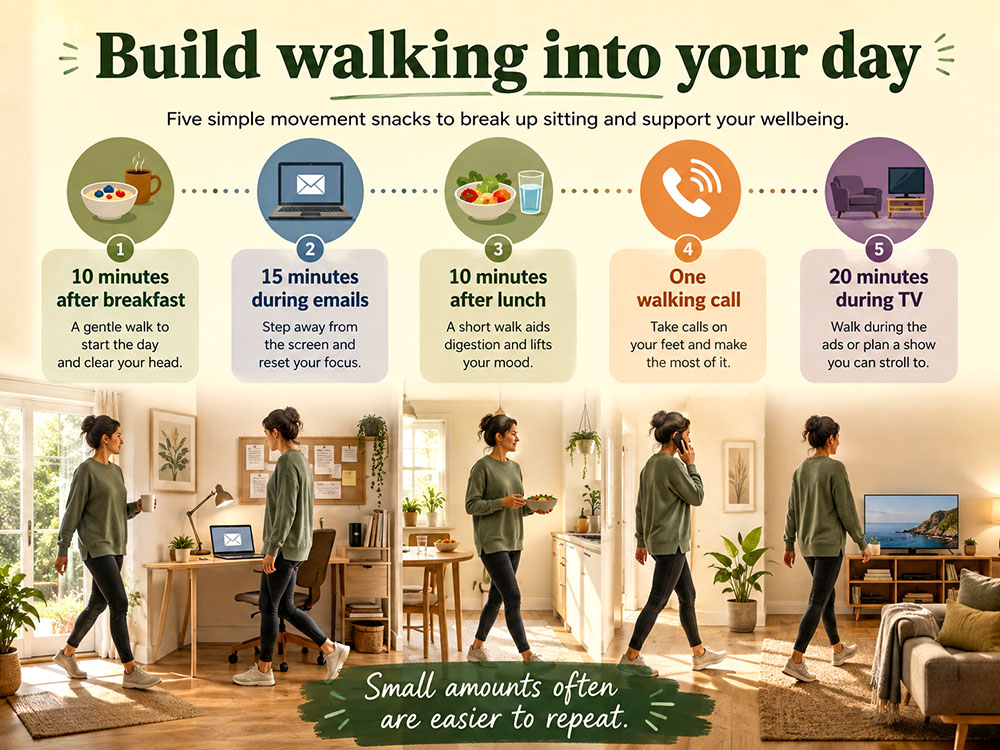
Short movement snacks are easier to repeat than one ambitious session, which is why walking pads work best as part of a daily routine.
Shop the Walks4all Amazon kit list
We've grouped some of the products mentioned in this article into our Amazon Storefront for convenience. As an Amazon Associate, we earn from qualifying purchases at no additional cost to you.
Yes, if they help you walk more on days when you would otherwise sit for long periods. They are most worthwhile for people who will use them for calls, TV, email, webinars, or short movement breaks at least a few times a week.
For most people, the best walking pad is a stable 1-6 km/h model with sufficient belt length for your stride, a clear remote, transport wheels, and a weight limit with a comfortable margin.
A walking pad can support weight management by increasing daily movement and energy expenditure, but it does not guarantee weight loss. Diet, total activity, sleep, consistency and health status all matter.
Most people should start at 1-2 km/h for desk work. If your typing accuracy drops, your shoulders tense, or you start reaching for the desk, slow down.
Yes. Many people find walking while watching TV easier to stick to than desk walking because there is no typing and no need to adjust desk height or monitor position.
They can be suitable for some older adults if their balance is good and speeds remain low, but a handrail model is usually safer and more confidence-inspiring. Anyone with dizziness, recent falls or medical concerns should seek professional advice first.
Walking pads are usually quieter than full treadmills, but they are not silent. In flats, footfall and floor vibration are often the bigger issues, so use a mat, walk softly and keep speeds moderate.
Flat, supportive trainers are the safest option for most people. Avoid slippers, loose slides and anything that could catch on the belt.
Some people do, but it is usually less secure than wearing trainers. If you walk in socks or barefoot, walk very slowly, keep sessions short, and stop if the belt feels hot, slippery, or irritating. My advice is to wear supportive trainers.
Start with 10-20 minutes at a time and build gradually. Many users do best with short, repeated blocks rather than a single long session.
Not on most walking pads. Choose a suitable 2-in-1 treadmill or a full treadmill with a handrail, safety key, and a suitable deck if you want to jog or run occasionally.
Incline is often more useful than speed because it makes walking harder without needing to jog. It is especially useful for people who want to increase effort while keeping impact low.
A mat is strongly recommended on hard floors, especially in upstairs rooms and flats. It protects the flooring, reduces vibration and often makes the machine feel more stable.
Sometimes, but thick carpet can reduce stability or block ventilation. Check the manual and consider a firm treadmill mat if the pad rocks, sinks, or feels unstable.
Taller users should prioritise a longer belt, especially for brisk walking. Compact pads can work at low speeds, but a short belt may feel cramped if you have a long stride.
Choose a handrail if you want extra confidence, occasional jogging, or support at brisk speeds. Choose rail-free if under-desk use and compact storage are more important.
They are worth it if tracking, streaks and session history motivate you. They are not worth paying extra for if the pad is awkward to use without the app.
Check the belt alignment, remote, safety key (if included), power cable routing, manual, lubrication instructions, deck height, storage fit, and whether you can step off safely.
The belt may need to be aligned using the rear adjustment bolts. Follow the manual, make very small adjustments, and test at a low speed.
Not always. A cheap walking pad can be a good way to start a habit if you use it gently. It becomes a false economy if you need higher capacity, longer sessions, incline, better stability or a better warranty.
June 2026